A:AnswerThanks for asking. Yes, the Nest Hub Max can connect to your Nest Doorbell to show you who’s at your front door and ring when the doorbell is pressed. Here’s a link with more information: https://support.google.com/googlenest/answer/9136995
A:AnswerGreat question, Macos. Yes, the Nest Hub Max uses the Google Home app and will work on an iPhone or iPad with iOS 16.1. Check out this article with more information: https://support.google.com/googlenest/answer/7035987
A:AnswerThanks for the inquiry, Mysterylady. The Nest Hub Max supports controlling Matter-enabled devices. Here’s a guide with more information regarding setting up Matter-enabled devices: https://support.google.com/googlenest/answer/13127223?
A:AnswerThanks for asking, Eliz. The Nest Hub Max uses Google Photos to share your pictures. Here’s a link with more information: https://support.google.com/googlenest/answer/9136992?hl=en
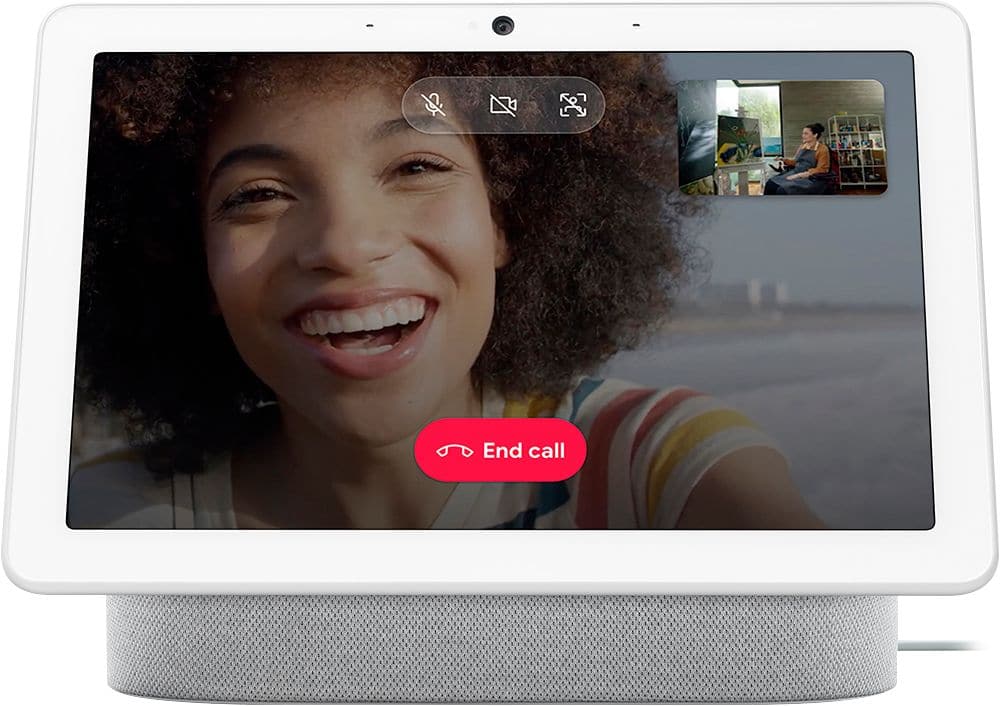
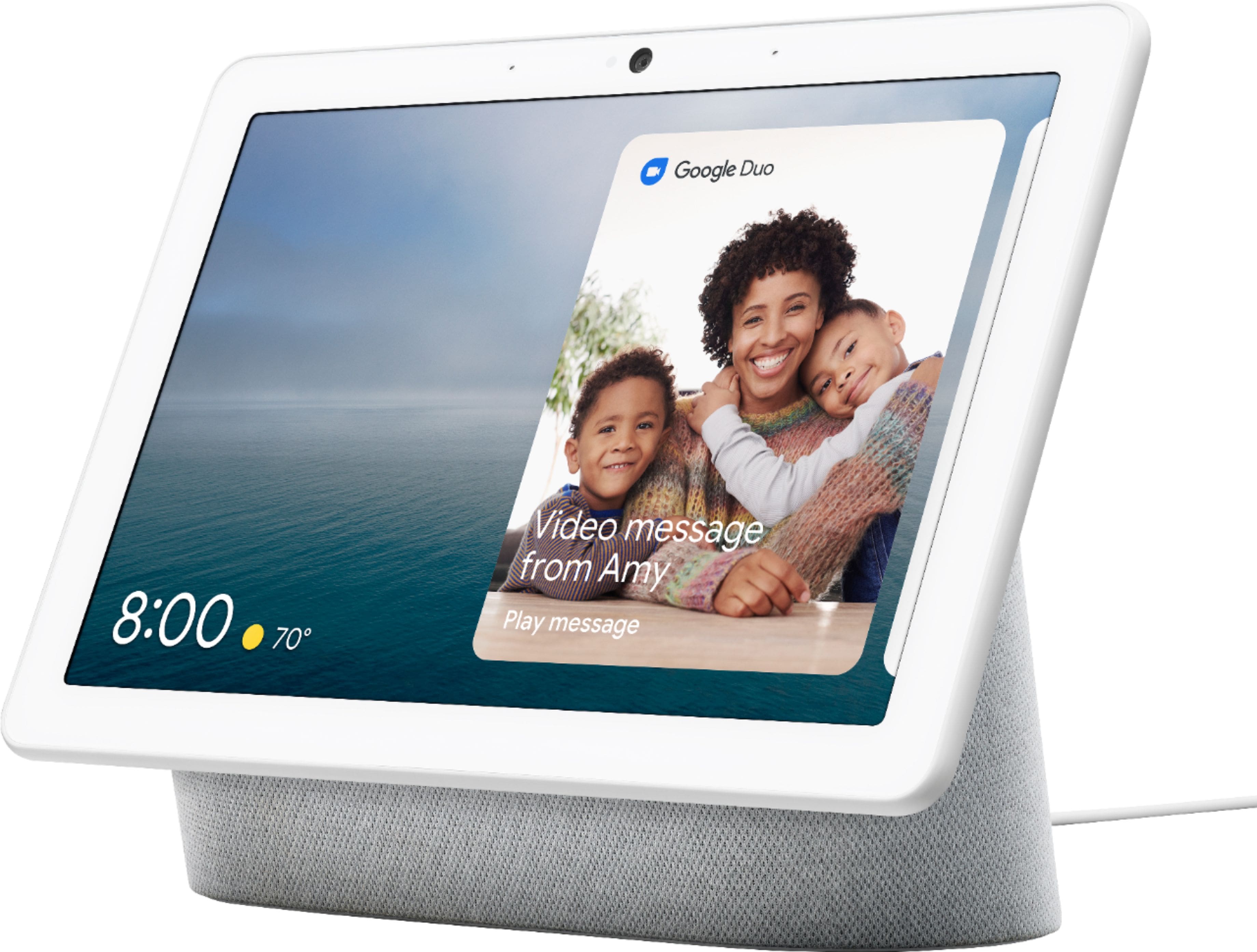
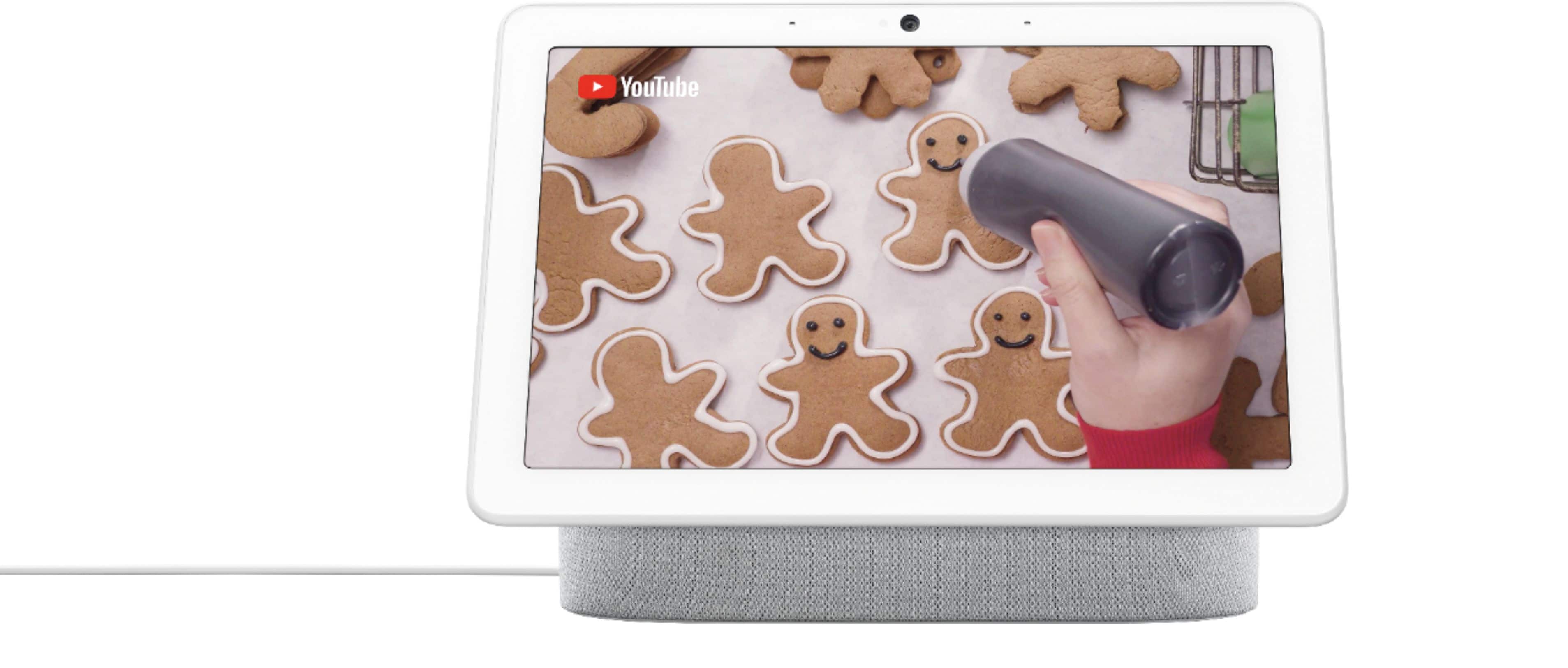
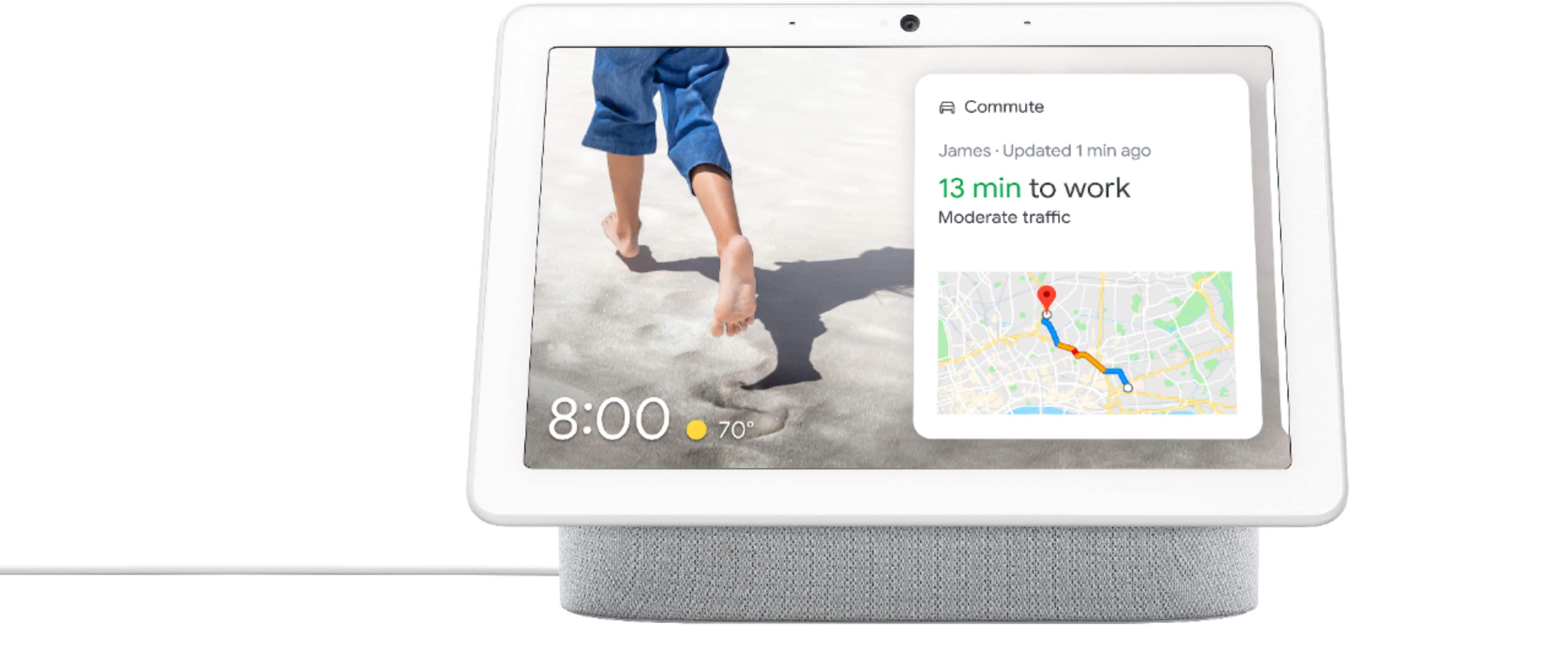
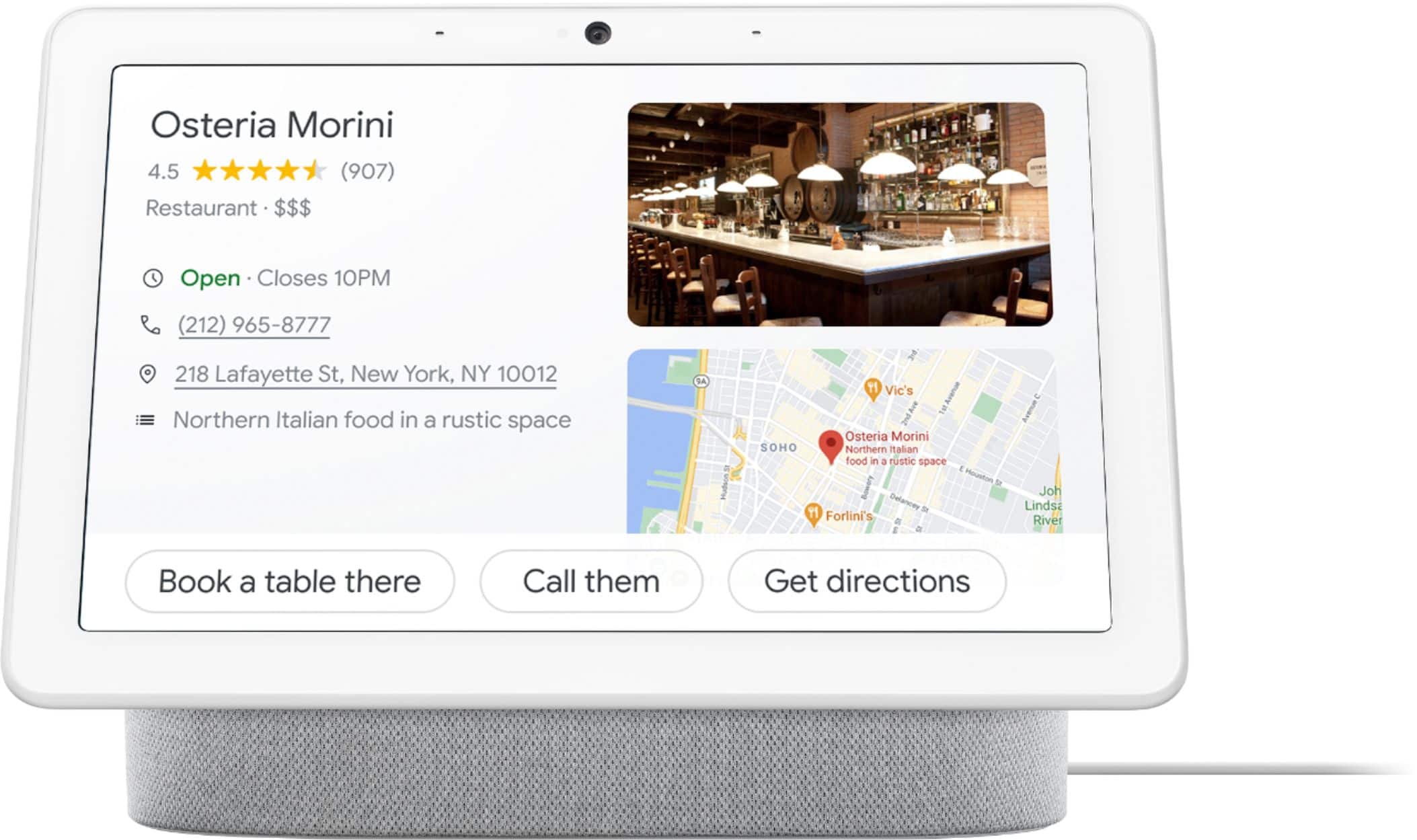
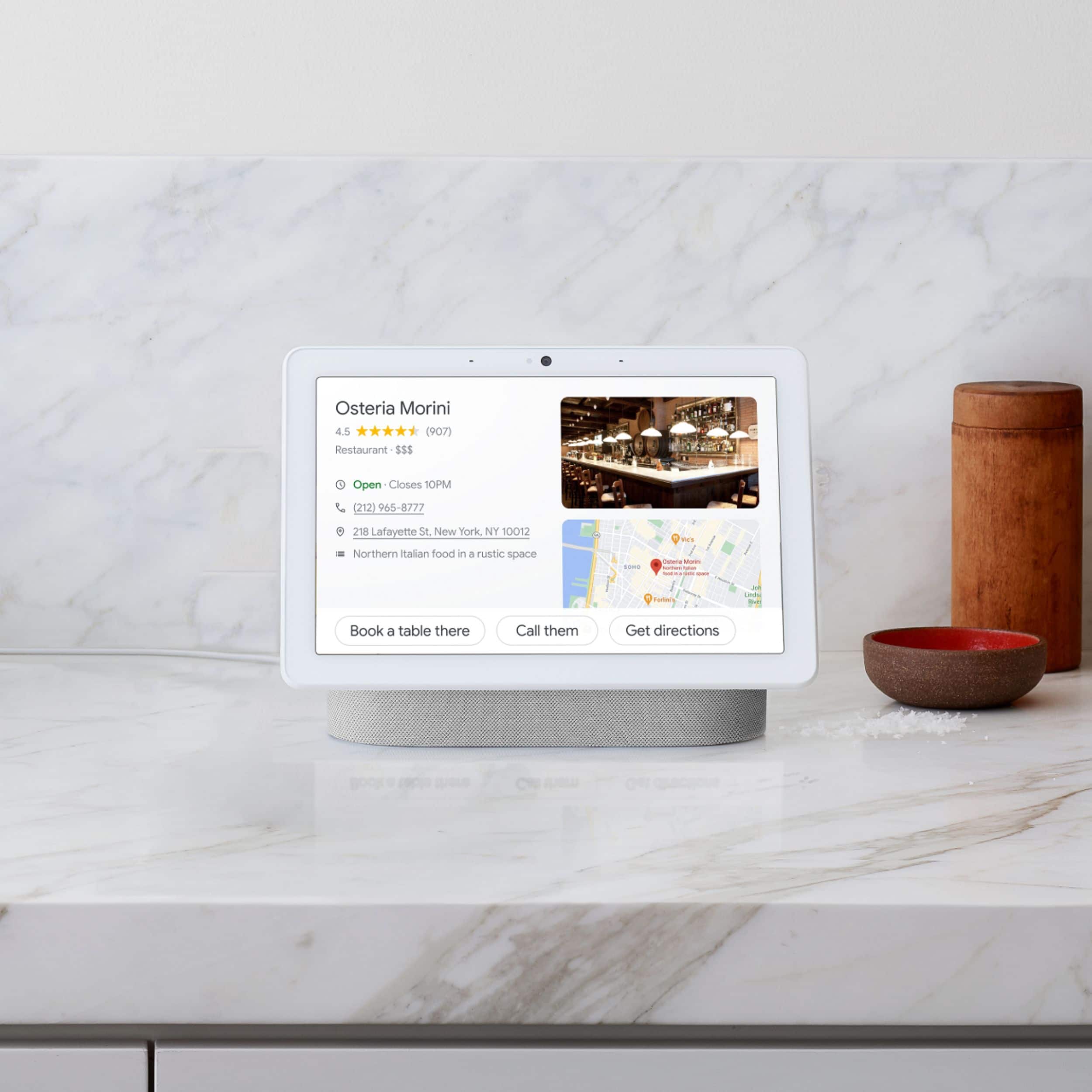
A:AnswerHey there. The Nest Hub Max is capable of making video calls, controlling compatible TVs, speakers, and more with your voice, and getting the information you need, right when you need it. Here’s a guide with more information: https://support.google.com/googlenest/answer/9334359?hl=en
A:AnswerHey there. Unfortunately, the Nest Hub Max doesn’t support the Korean language. Here’s a guide with more details: https://support.google.com/googlenest/answer/7550584
A:AnswerYes! The Nest Hub Max works seamlessly with the Nest Video Doorbell and will display a live feed whenever someone rings your doorbell. It’s really convenient and makes seeing who’s at the door quick and easy.
A:AnswerActually, the Google hub works wonderfully, with eufy security. I have it myself and they both work hand-in-hand on the Google Home app as well as eufy security app.