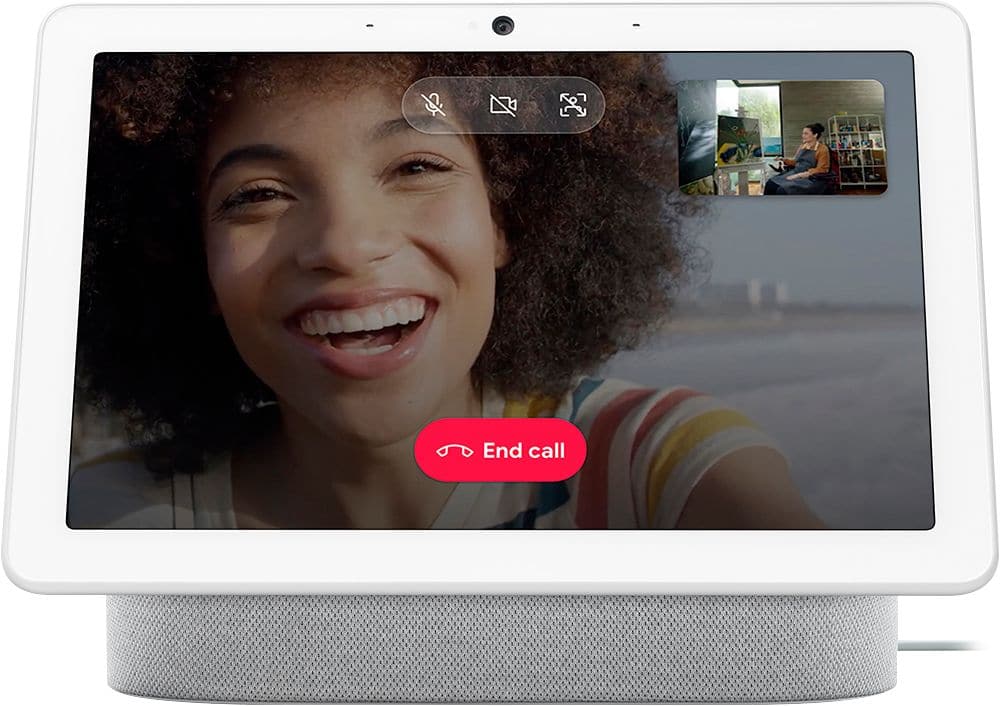
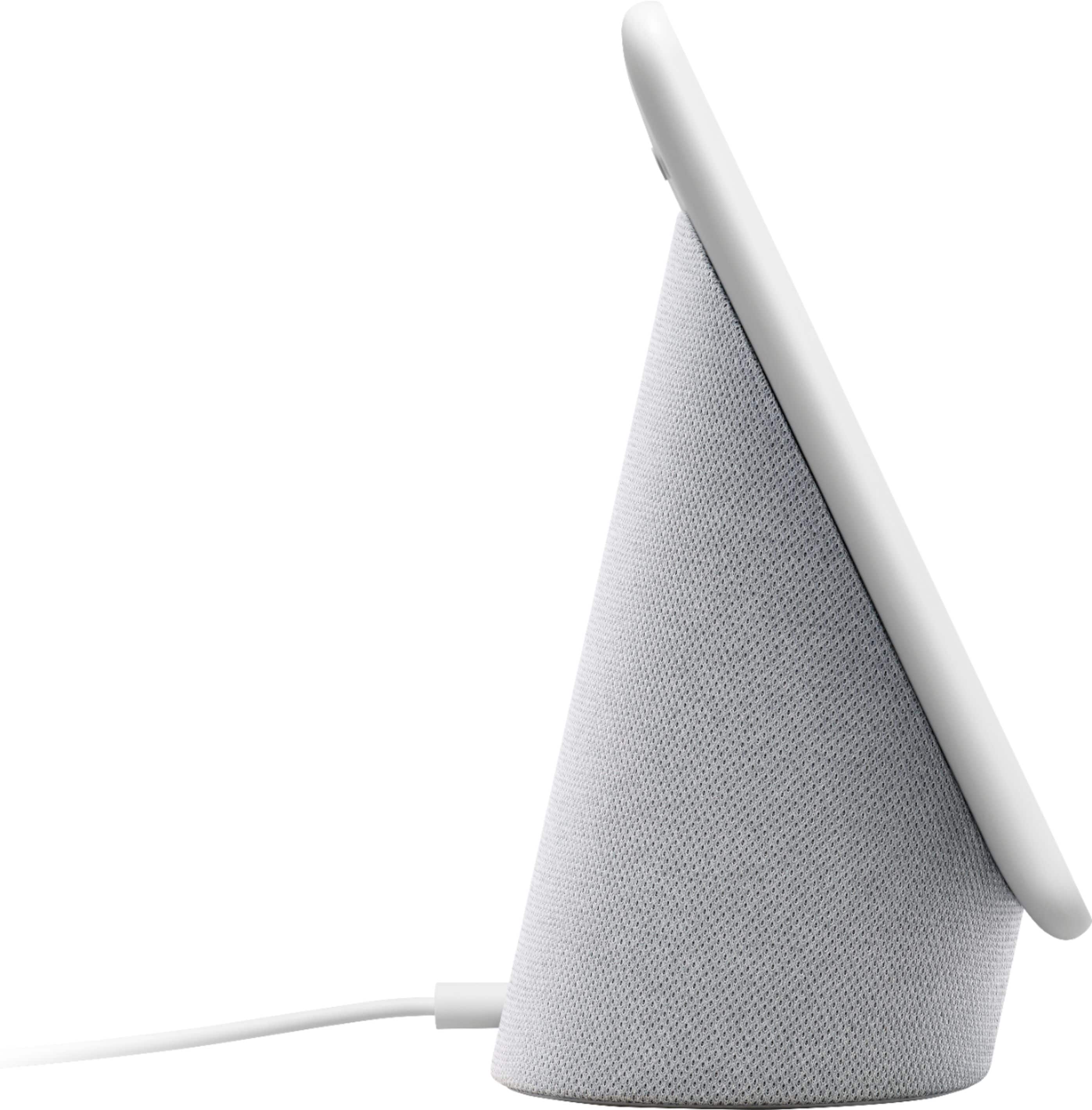
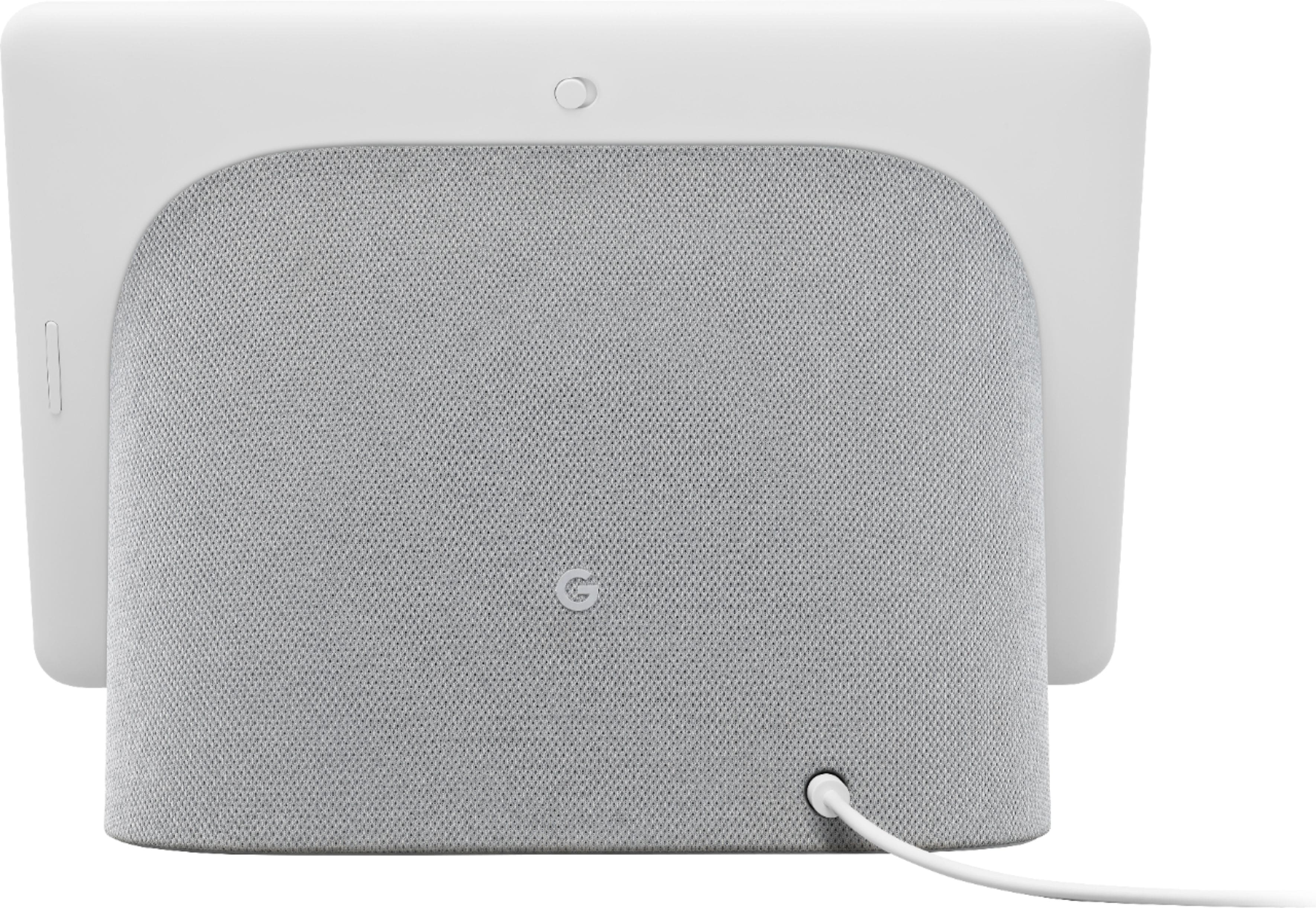
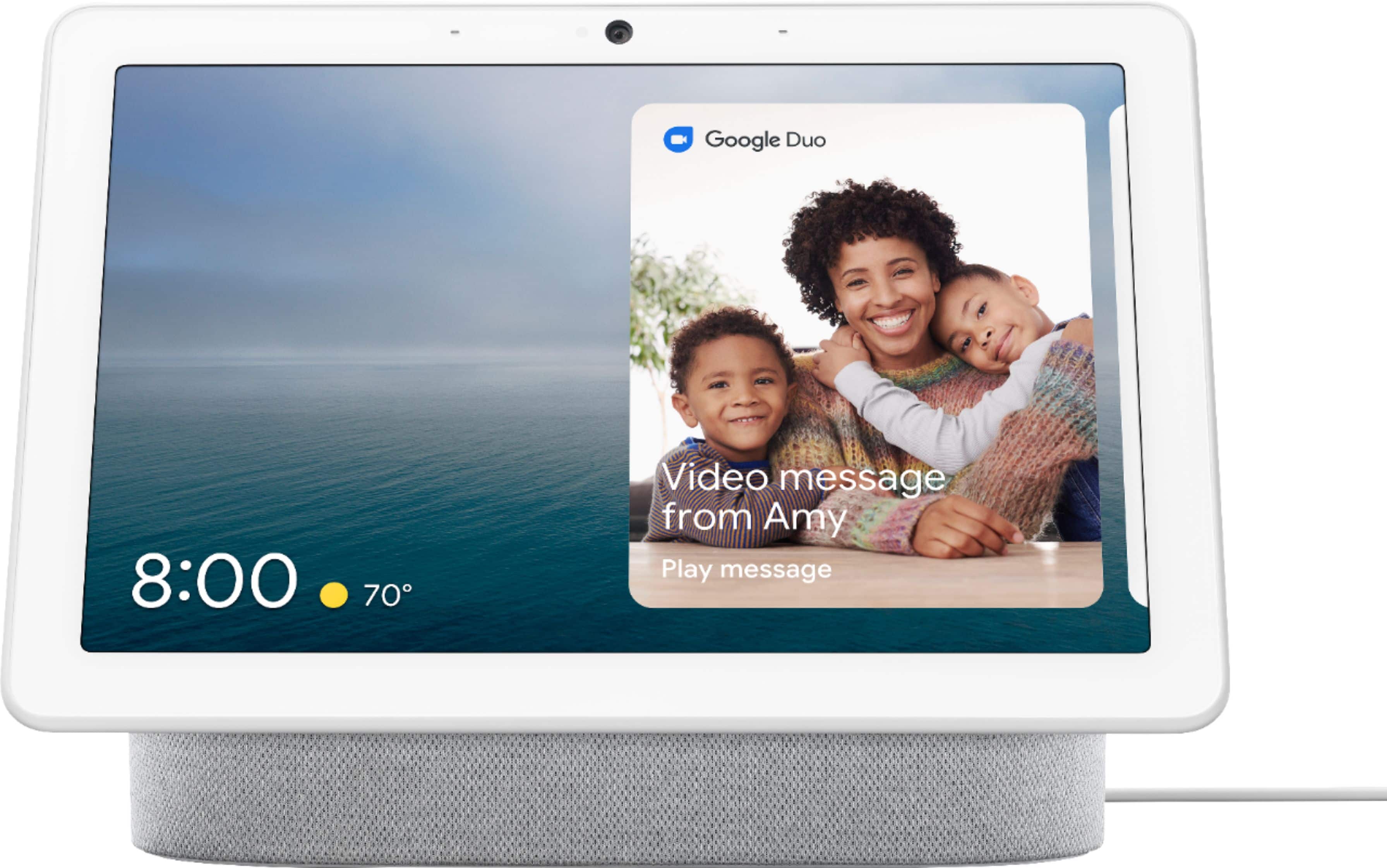
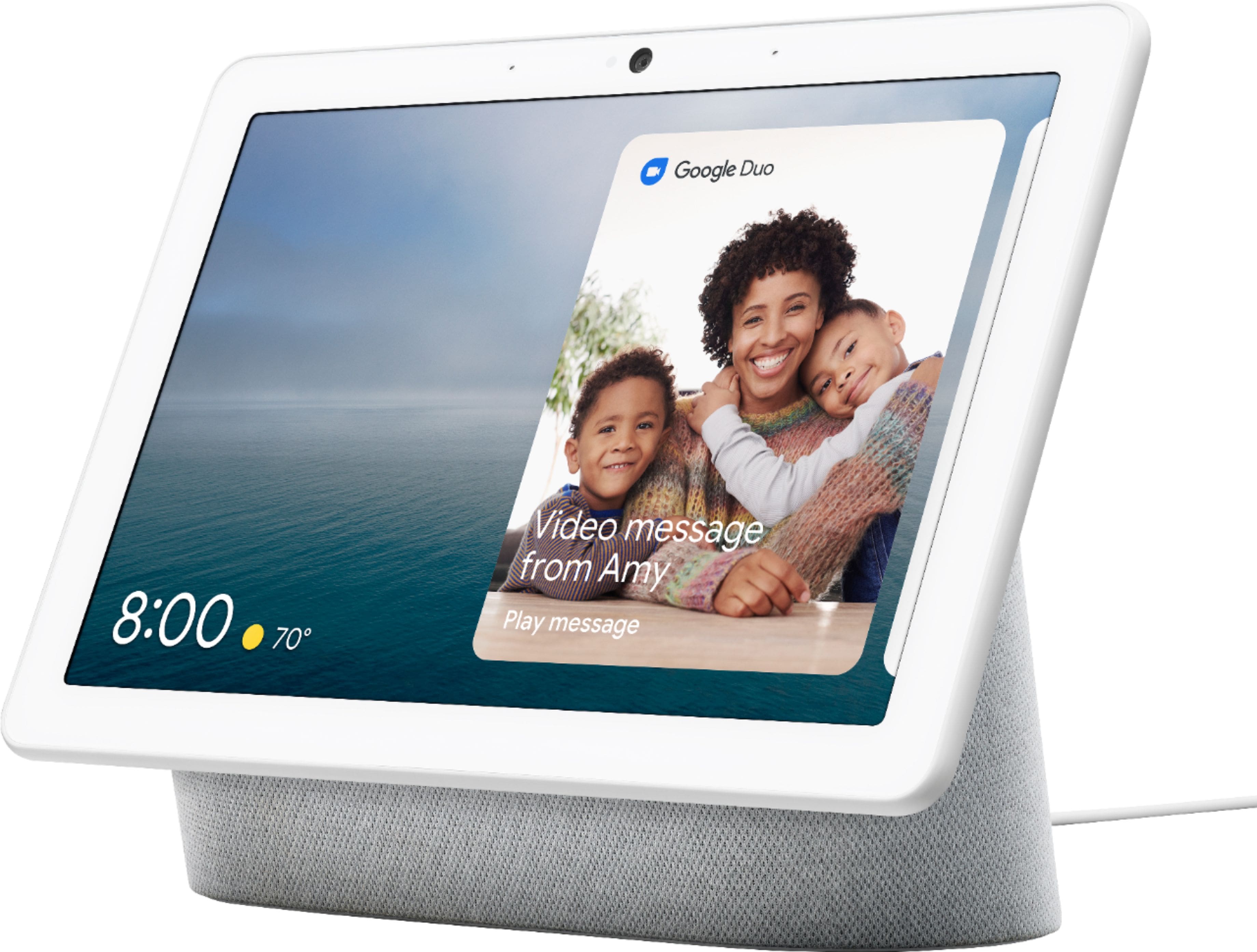
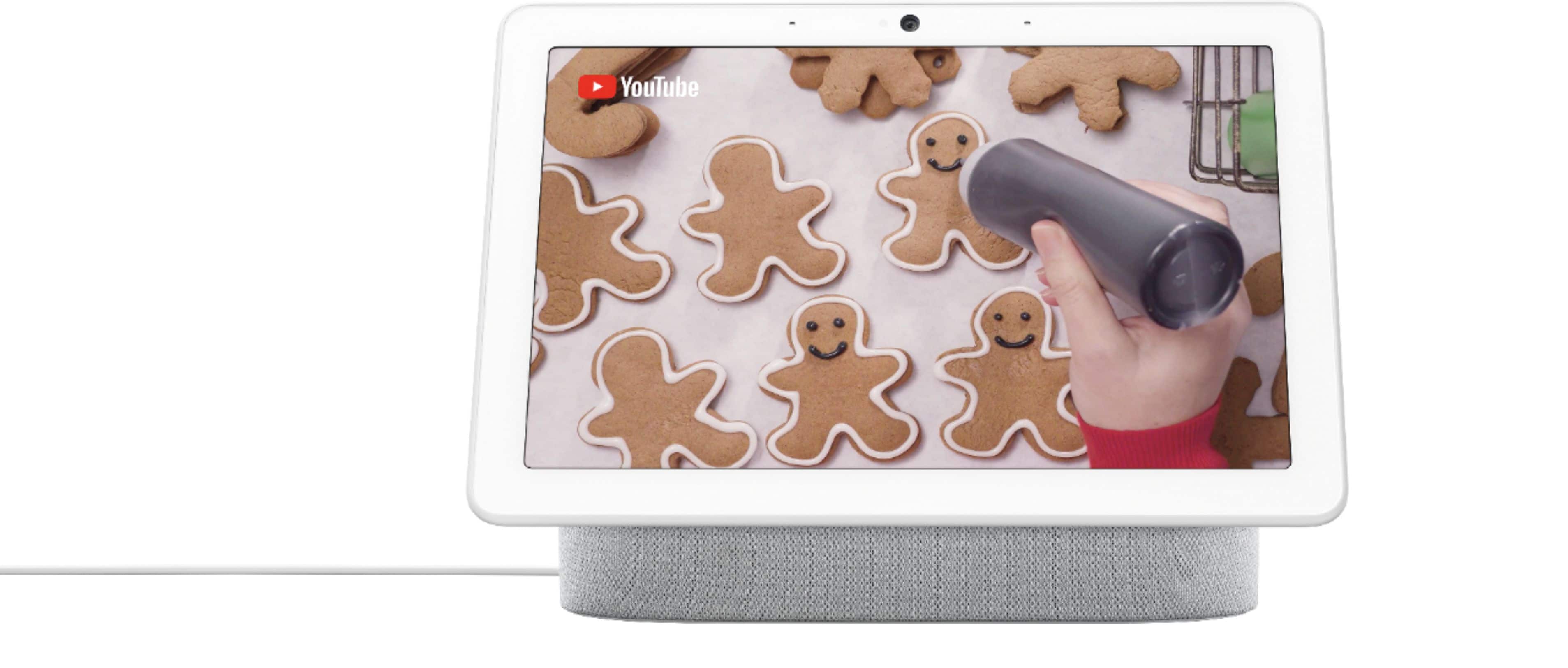
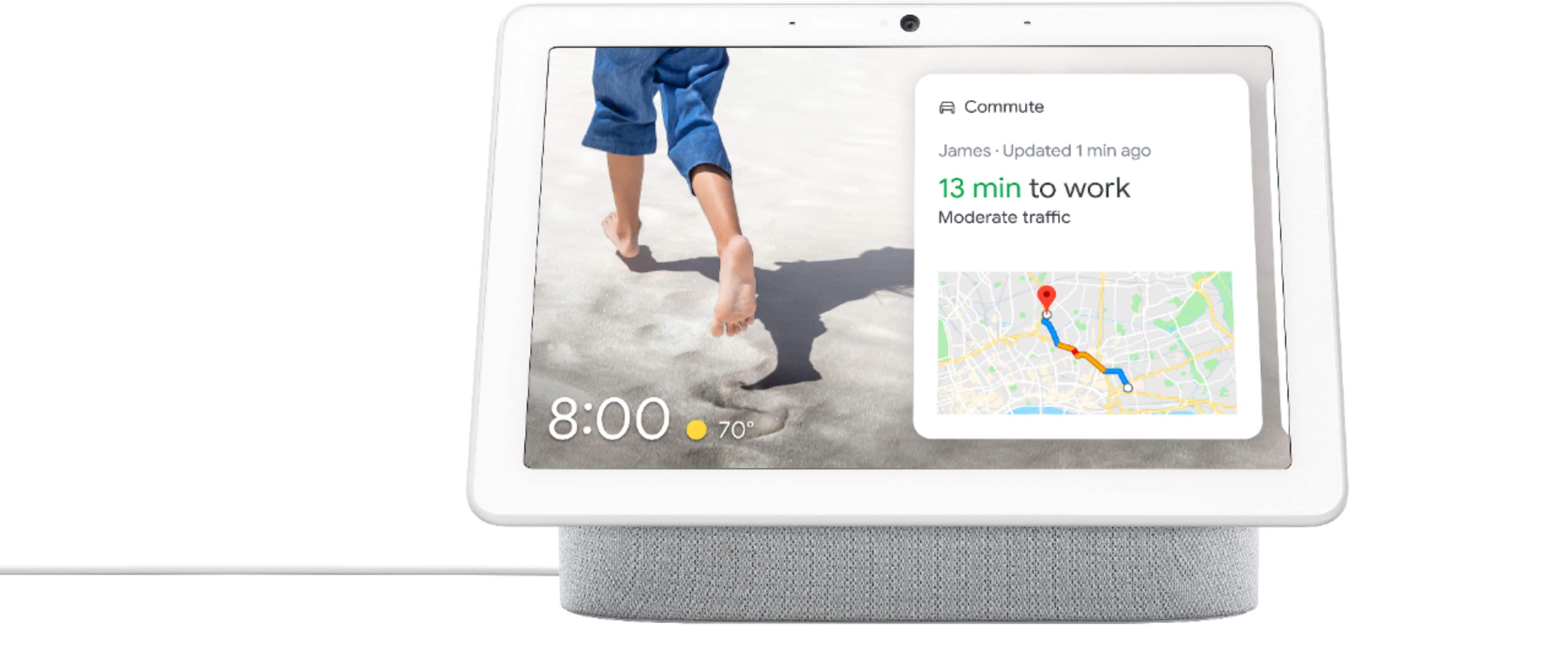
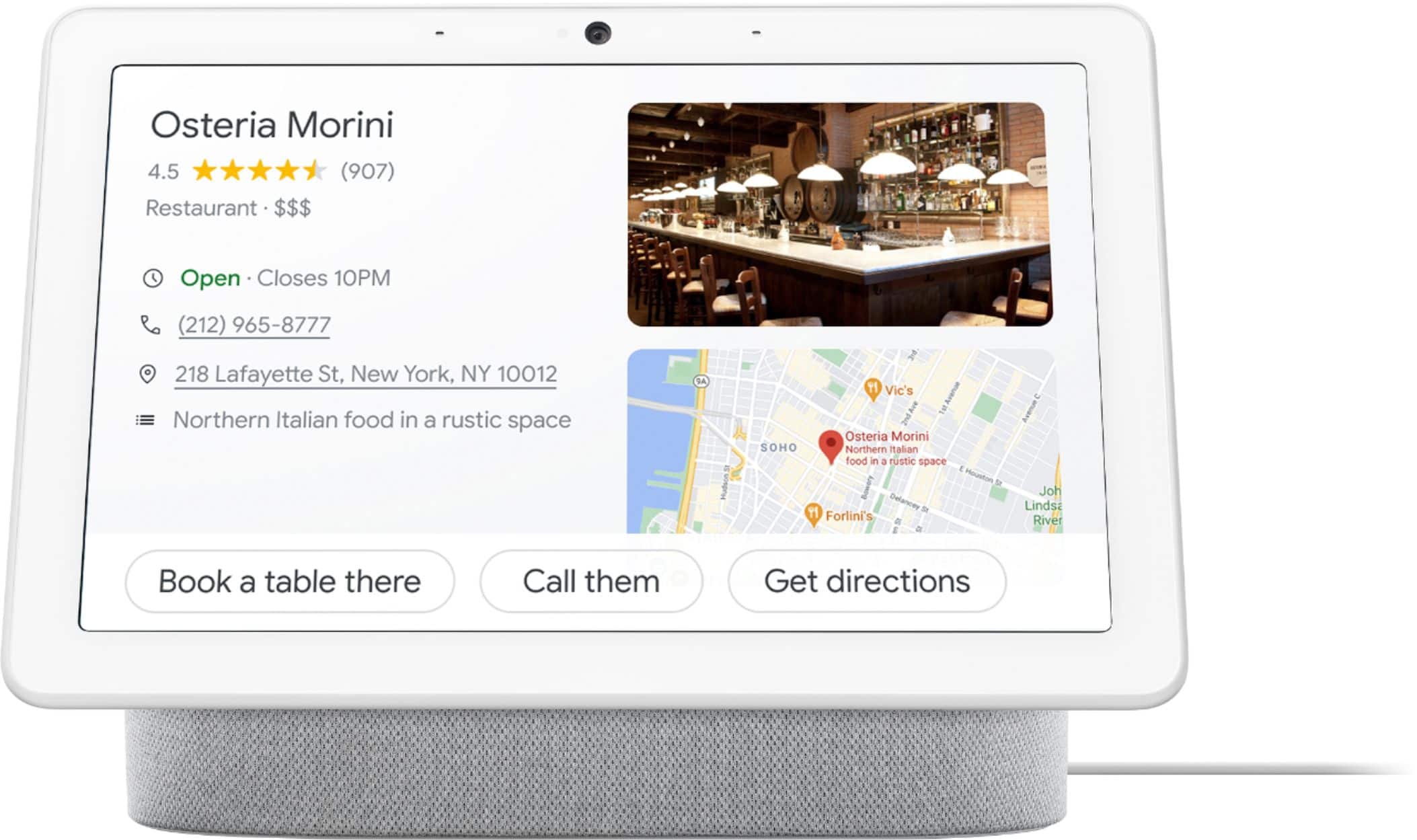
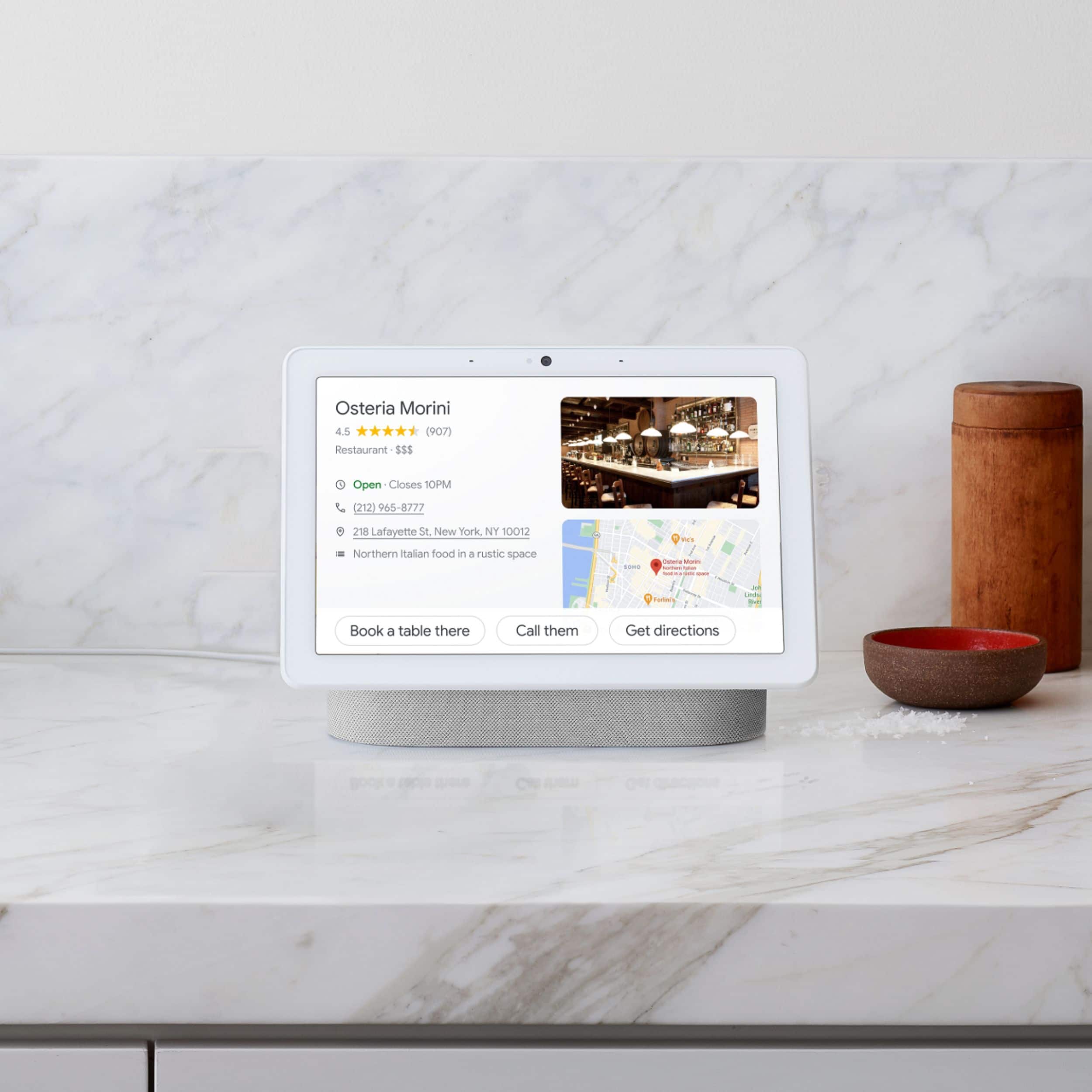
A:AnswerNest Hub Max works with thousands of smart home devices, and you can easily control them all from one place. You can also control compatible TVs, speakers, and game consoles, and a lot more from Nest Hub Max with your voice or from one dashboard. Turn them on and off, control the volume, play, pause, and search.
You might find this link helpful for your inquiry: https://assistant.google.com/services/a/uid/0000006d36778e92
A:AnswerYes. You can listen to your favorite music using the Nest Hub Max. You'll get different music based on the content partner (e.g. Apple Music, Spotify, etc) and your subscription. Check this link for more info: https://support.google.com/googlenest/answer/7030379
A:AnswerSo you can access any device in the house with the Google Home app for your phone. This is what actually lets you connect and control all the different Google Home compatible devices. Once they are added to you "home" then you can control any device from any location in your home.