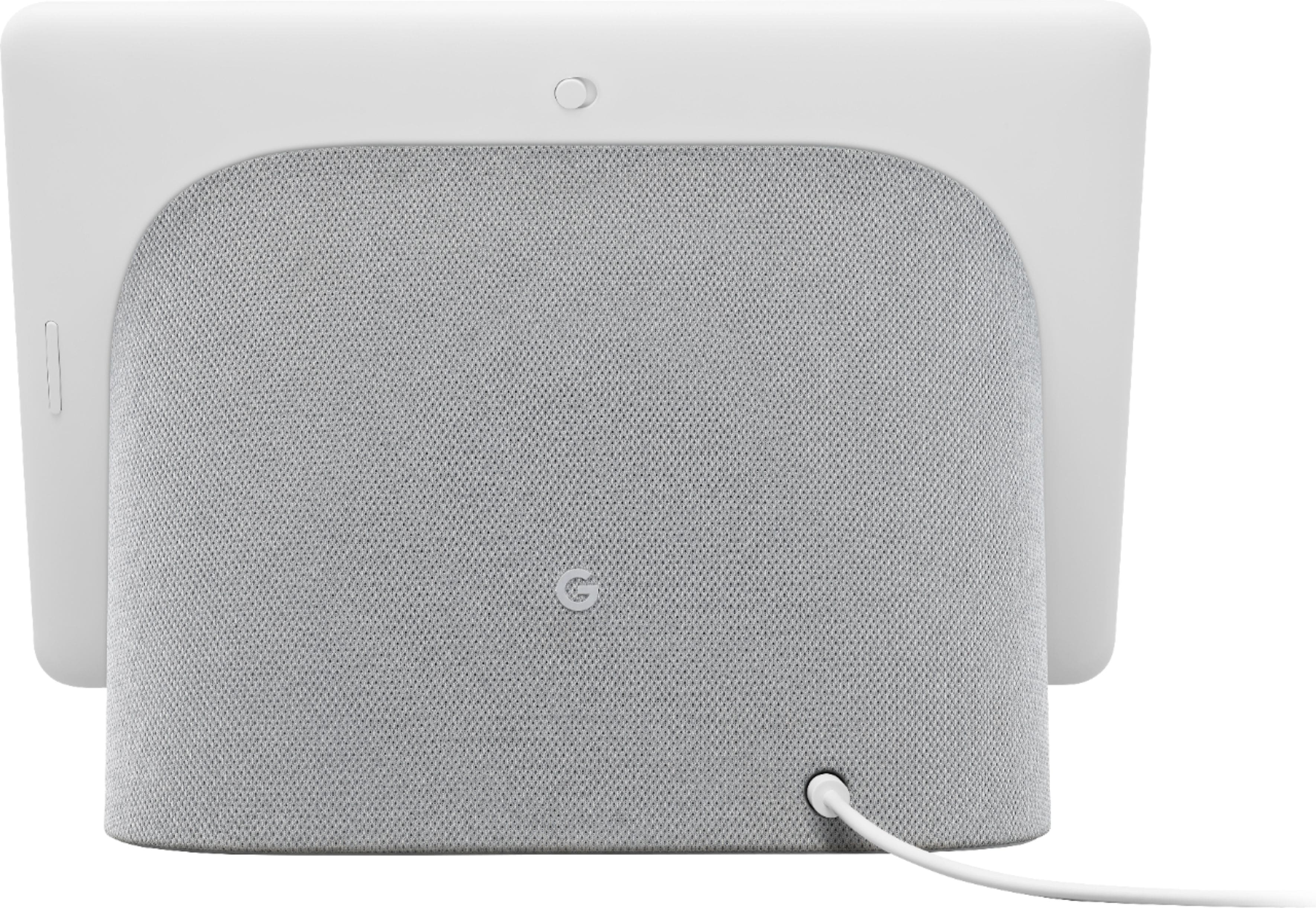
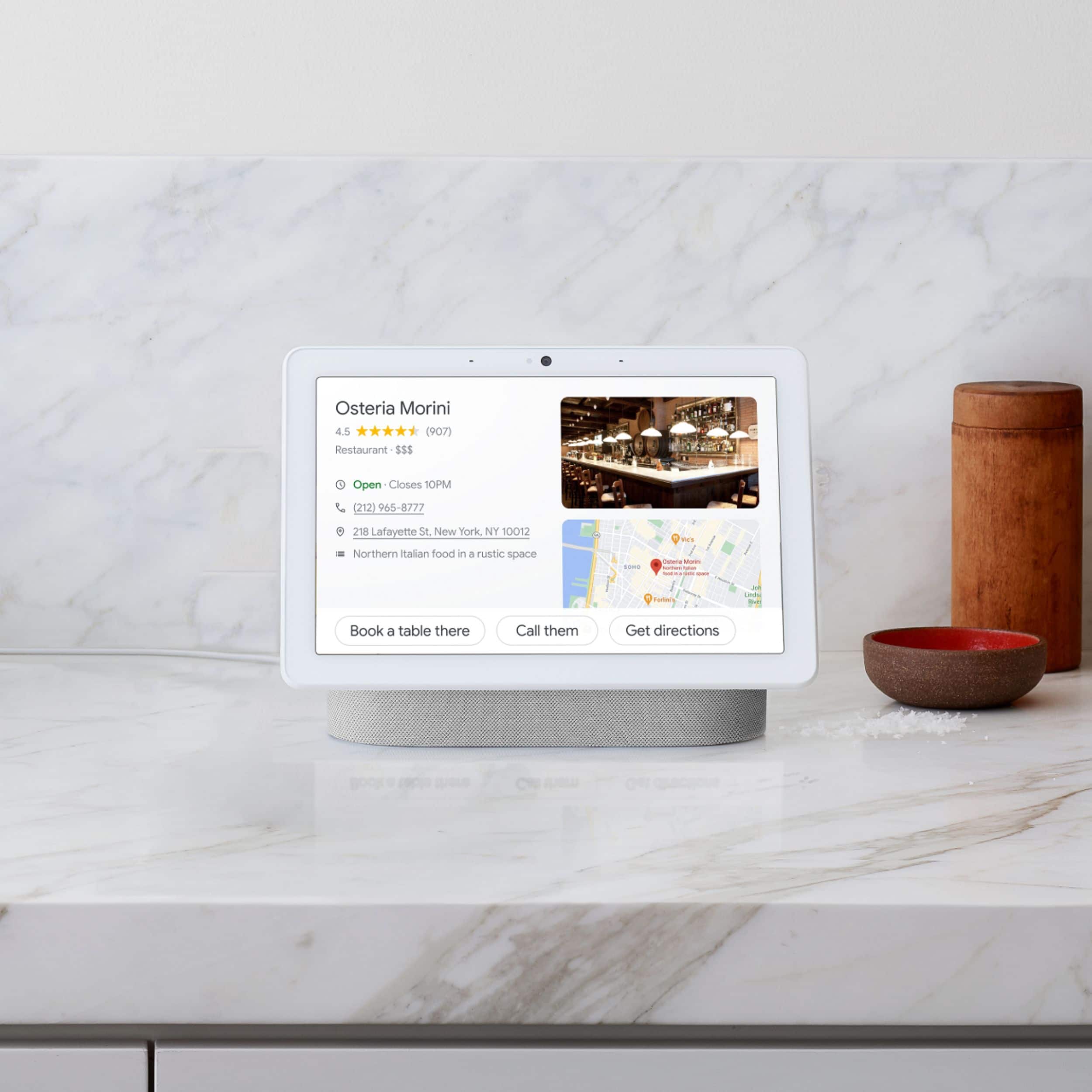
A:AnswerNest speakers and displays, including Nest Hub Max requires to be connected to a power outlet. Using USB for power isn't recommended. The power input range for Nest Hub Max is 100V - 240V, 50/60 Hz. Any input level within this range should work. Take a look at this link to see device specifications: https://support.google.com/googlenest/answer/7072284
A:AnswerIf you're referring to photo frame feature, only photos from Google Photos can be viewed on your Nest Hub Max. You can check this link for more info: https://support.google.com/googlenest/answer/9136992
For casting photos and videos from Google Photos to the Nest Hub Max, you can check this link: https://support.google.com/googlenest/answer/7181830
A:AnswerNest Hub Max and Nest Hub both has a power input range of 100V - 240V, 50/60 Hz. Any input level within this range should work. However, the Nest Hub Max uses 30 W power adapter while the Nest Hub uses a 15 W power adapter. Take a look at this link to see Google Nest and Home device specifications: https://support.google.com/googlenest/answer/7072284
A:AnswerYou can connect Ring doorbell to the Nest Hub Max. However, it has limited support which are basic features such as starting a new recording and asking the last time the doorbell rang.
A:AnswerUnfortunately, this feature is not supported. You can visit this link to learn what you can do with the Nest display: https://support.google.com/googlenest/answer/7552173
A:AnswerWe're not really experts at using Alexa. However, we can say that Nest Hub Max has the best audio quality among all the smart speaker and display ranges that we have.
A:AnswerIf you’re referring to displaying photos, you can use the Nest Hub Max as your digital photo frame. Unfortunately, displaying videos is not supported. But you can create photo albums in Google Photos and display them on Nest Hub Max. With Google Photos, you can enjoy the photos that mean the most to you on your Nest display. In order to enjoy your personal photos, you need to have a Google Photos account. When your Google Nest Hub or Google Nest Max display is not being used, it can quietly keep you entertained. You can add your favorite photos to Google Photos and display them in your Google Nest photo frame. Check out this link for more details: https://support.google.com/googlenest/answer/9136992
A:AnswerUnfortunately, Google Nest devices don't directly support Z-wave. However, it can work and control smart devices using either of the two protocols. You may need a brand specific hub or a universal hub that has a Google Assistant integration.
A:AnswerWe recommend contacting our support team for further help with the issue. You may reach out to any of our support specialists here: https://support.google.com/googlenest/gethelp
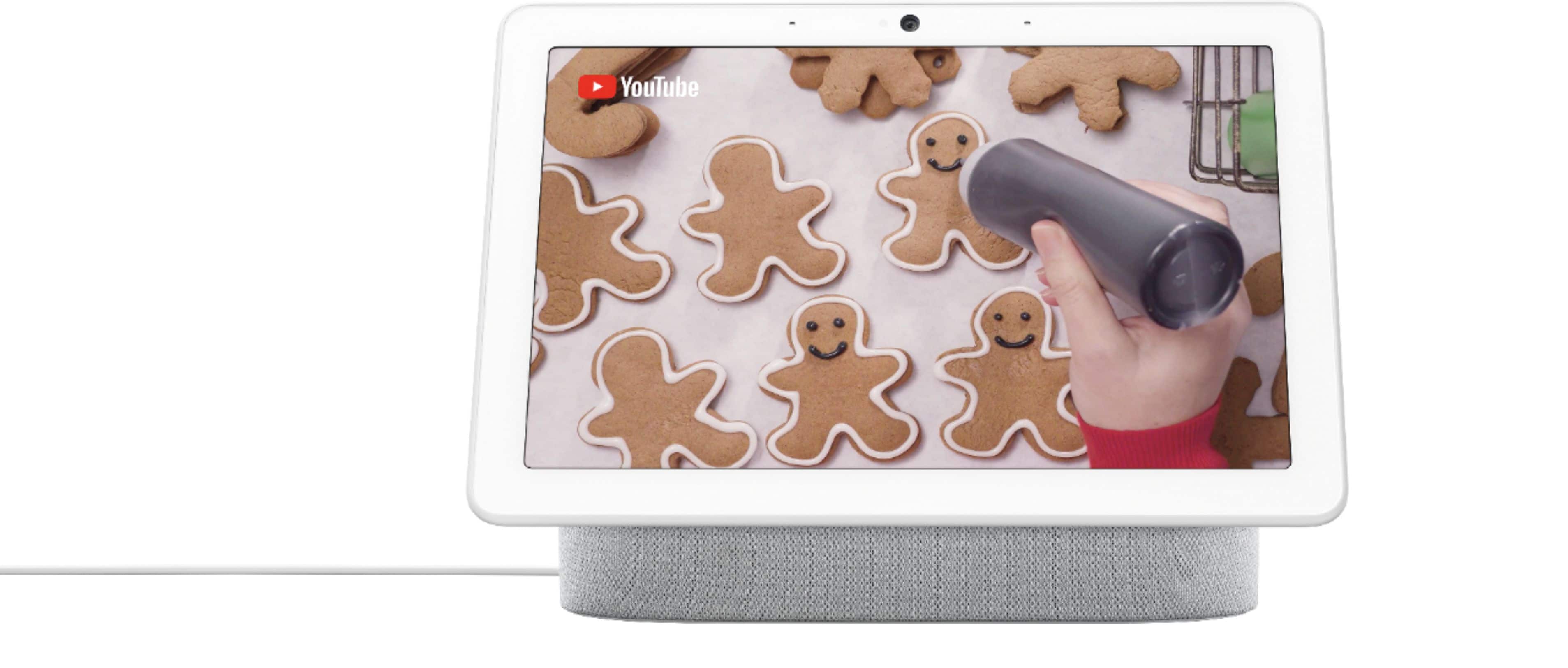
A:AnswerDefinitely! You can now play TV shows and movies with your Google Nest speaker or display. Check out this link for more information: https://support.google.com/googlenest/answer/7214982
A:AnswerYes, you can. However, Nest Hub Max doesn´t really work well with captive portal networks or any other enterprise networks, including public or open networks. Check out this link for more information: https://support.google.com/googlenest/answer/9249905
A:AnswerDefinitely! Check out this help link on available commands that you can use with Blurams security camera and Nest Hub Max: https://assistant.google.com/services/a/uid/00000061918141cc
A:AnswerAbsolutely! Vivint is supported on Nest Hub. You can take a look at the following link to learn more about Vivint features on Nest Hub: https://assistant.google.com/services/a/uid/000000e1828451d2
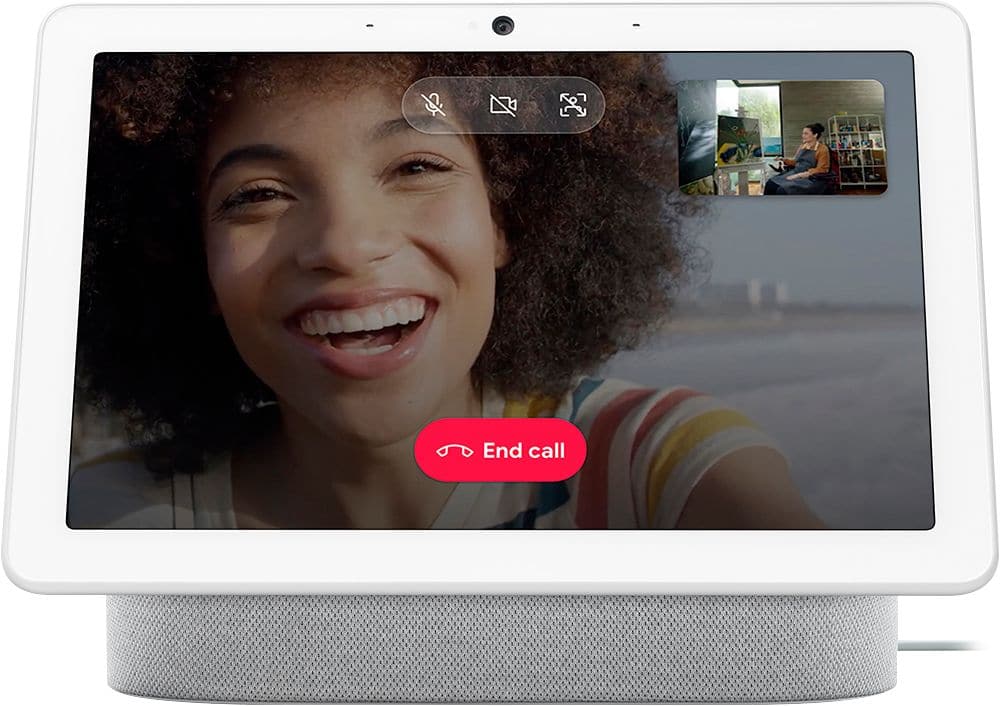
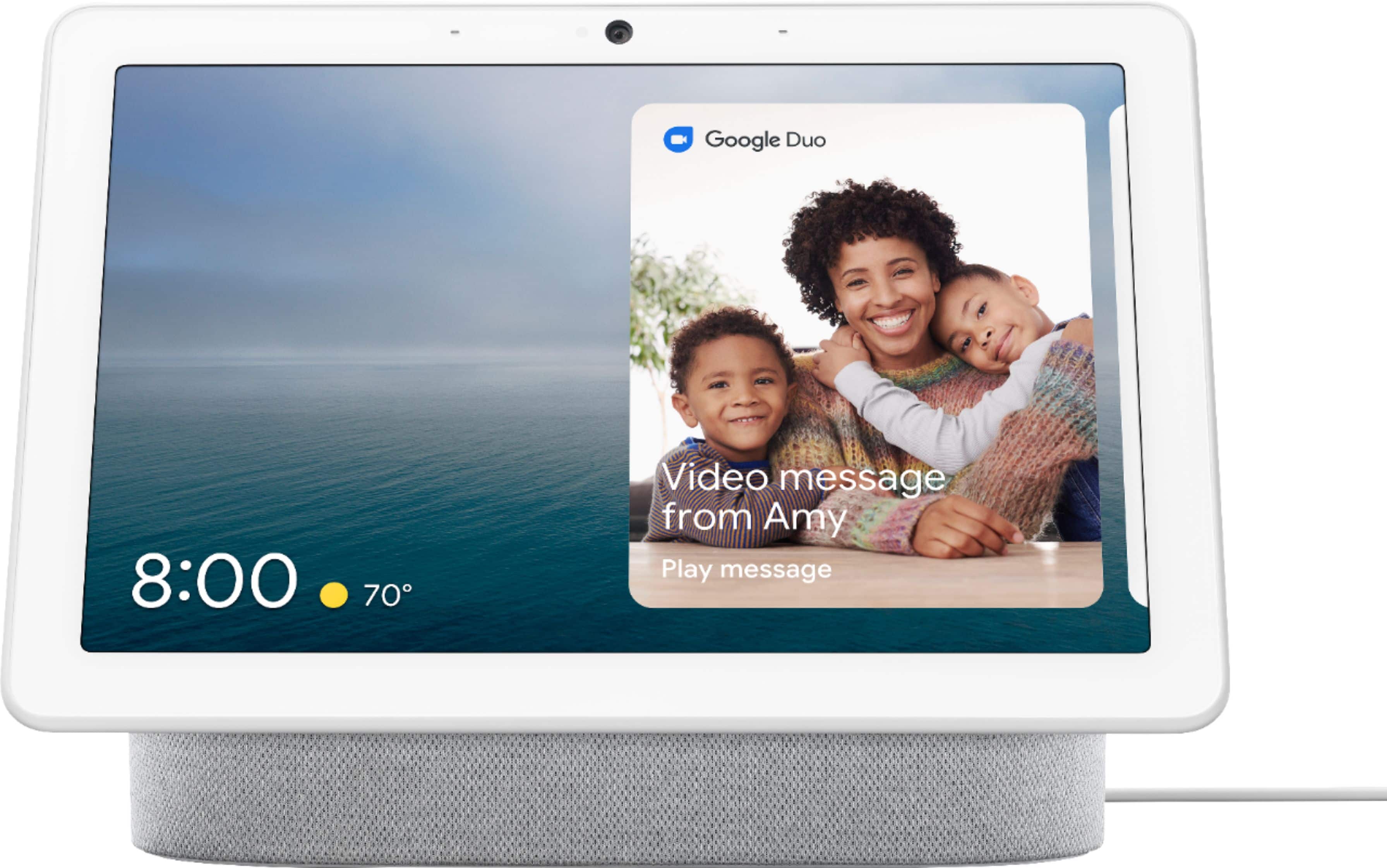
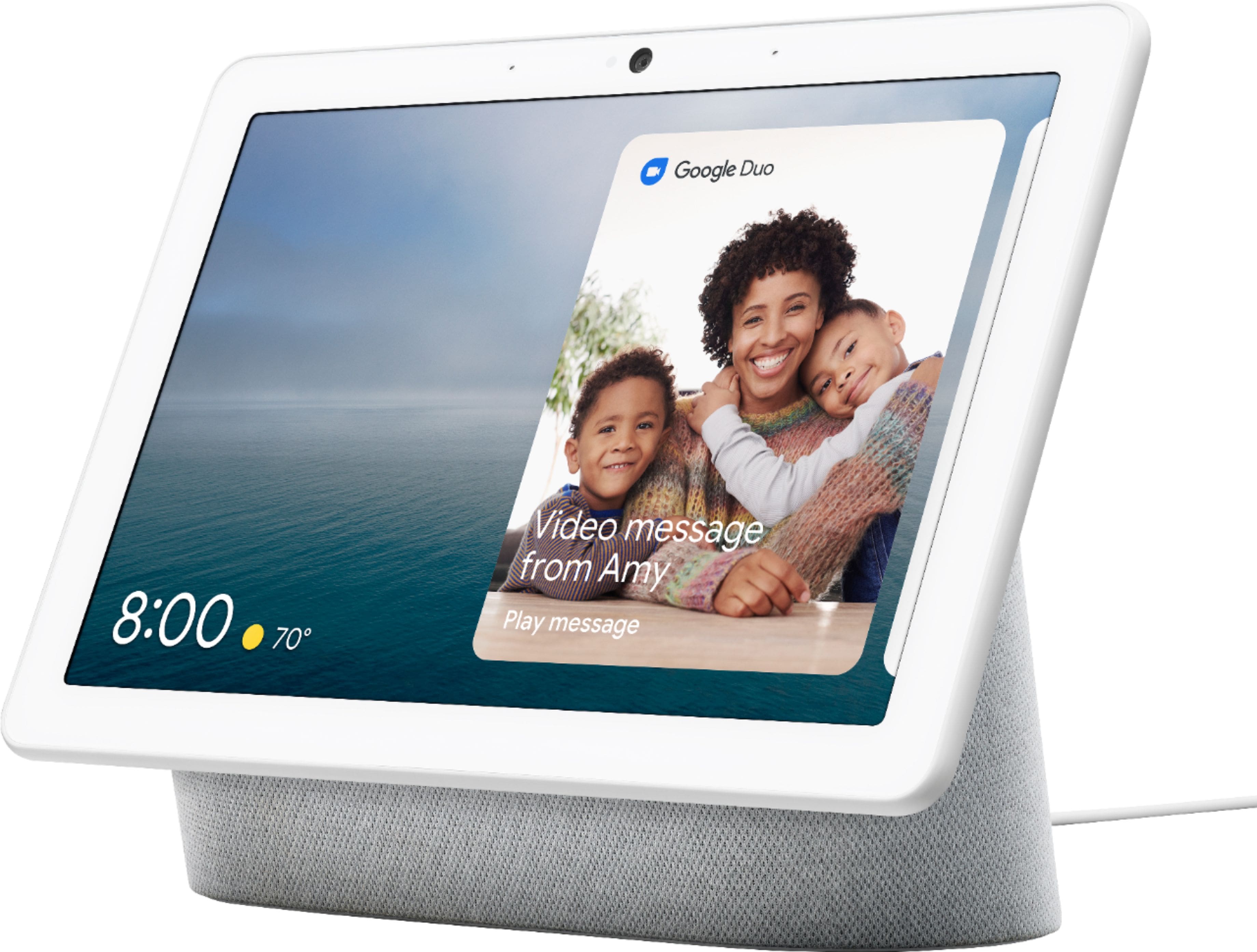
A:AnswerAbsolutely. With Duo calling, you can make and receive video calls with other Duo users on your Nest Hub Max. For as long as the device that you call or that calls you has a camera. Please see this link for more information about making Duo calls: https://support.google.com/googlenest/answer/9165631
A:AnswerCurrently, Nest Hub Max is supported in Australia, Canada, France, Japan. United Kingdom and United States. For other countries not included, Nest Hub Max may work, however, some features might not be available.