A:AnswerYou can set pictures from your Google account as wallpapers if they are in your library favorites. Other than that, you cannot simply view your photos.
A:AnswerDownload the google assistant on your your phone. Any reminders you have added to your calendar will be automatically uploaded to your google hub, that’s of course after setting up your account and what not
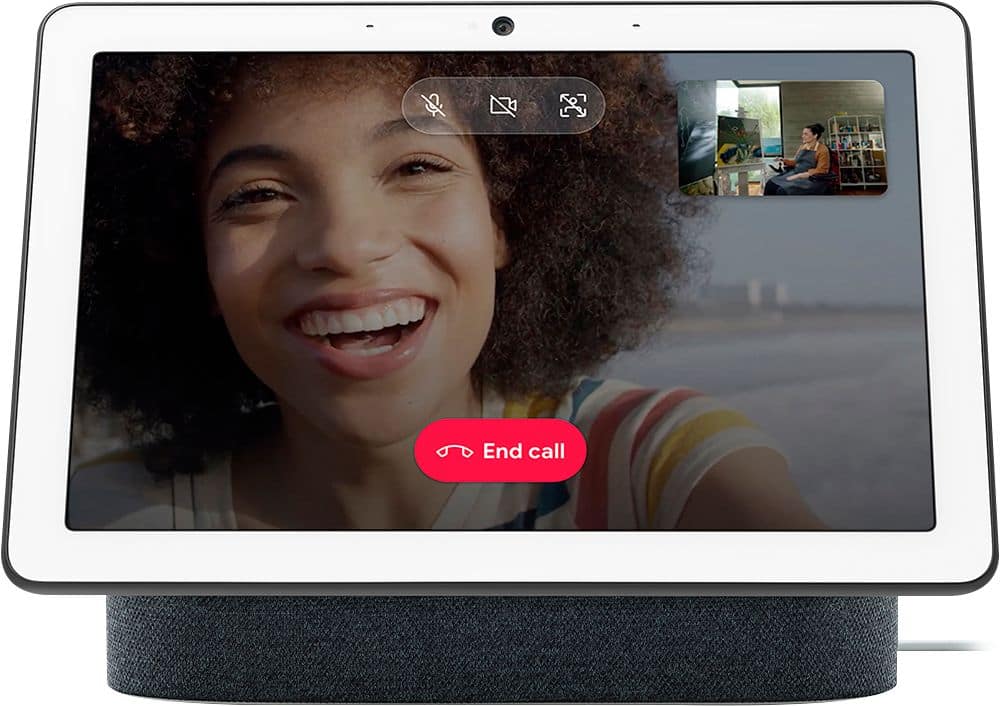
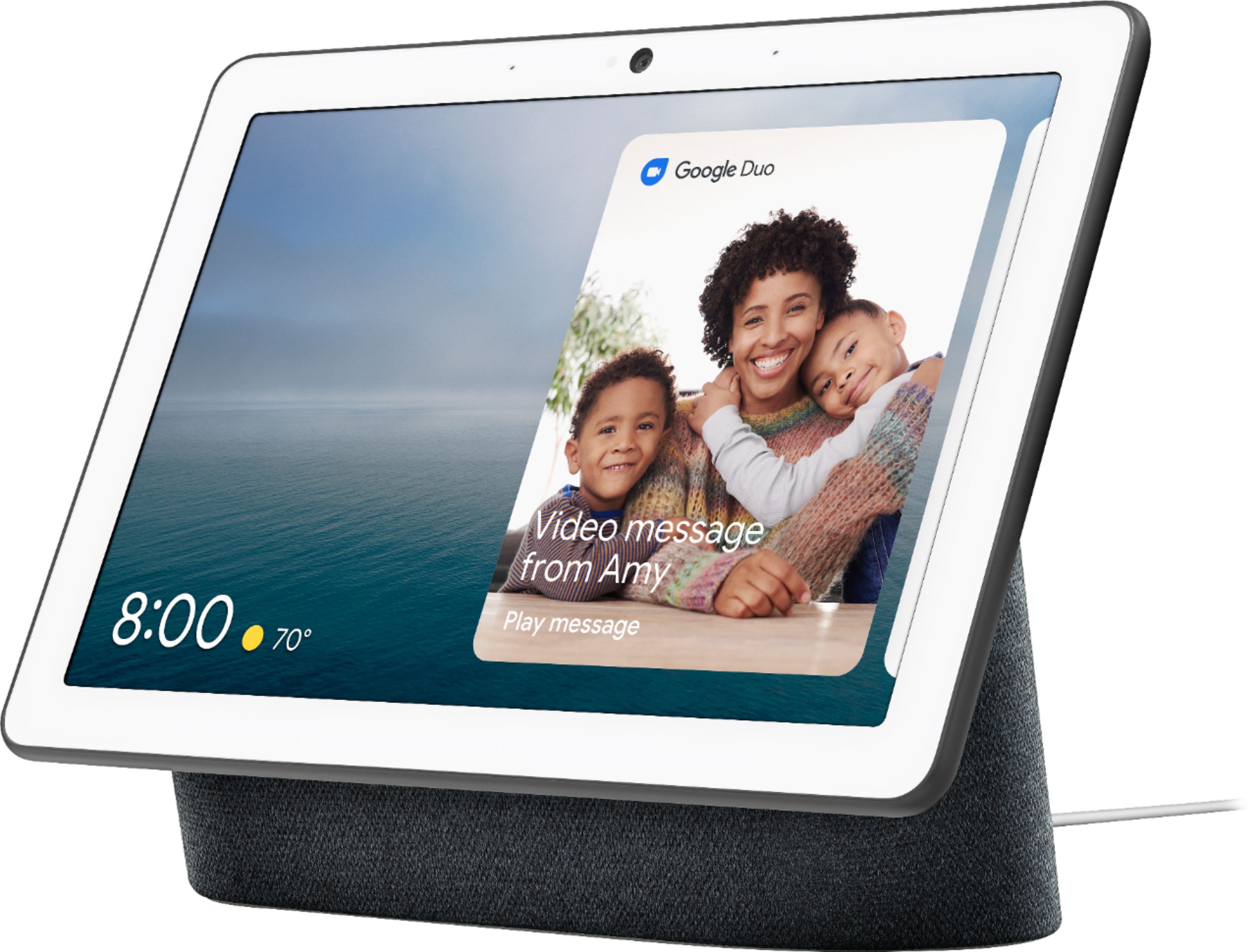
A:AnswerYes, you can make calls to a cellphone with Nest Hub Max. There are 3 different ways to make a call with Nest Hub Max; Duo calling, Google supported calls, and Mobile calling. Please take note that Nest Hub Max will require a Wi-Fi connection to perform its functionalities. You can find more details on making calls with Nest Hub Max here: https://support.google.com/googlenest/answer/9849261
A:AnswerGoogle Nest Hub Max comes with 1-year limited warranty from the date of original purchase. You can find more warranty related info here: https://support.google.com/googlenest/answer/7072892
A:AnswerGoogle Home speakers and displays are only compatible with Wi-Fi Smart plugs. Unfortunately, these smart plugs would need to be initially set up on their native apps which would always require the Wi-Fi name (SSID) and password.
A:AnswerYou can watch your favorite channels through YouTube TV subscription on Nest Hub Max by saying “Hey Google, watch [channel]” (US only). You can also watch Sling TV by linking your service account in the Google Home app. You can then say “Hey Google, watch (pick your favorite channel) on Sling”, and instantly start watching (US only).
A:AnswerIf you go into your google photos you can create an album and add photo(s) you want displayed on your google home screen. It will show them as a slide show, although maybe if you just put one image in, it may only show that one image.
A:Answermy nest hub was also stolen and im so mad we can't track it. I have been checking the view nest camera in case it works but no luck. they can't use without my face or voice since it's set to my Google account info. I have since bought a new nest hub, bought a tile tracker and have stuck it on the device. would be nice if we could track it since it can be used to find my phone.
A:AnswerThe only way to make it control Z-wave or Zigbee devices is to attach them to a hub that is supported by Google Home. I have mine connected to a Samsung Smartthings hub, and the hub connected to my Google Home so I'm able to control it with voice commands. IFTTT is another program you can use to set up specific controls with the devices. It's hard to go into detail here, but if you search IFTTT on youtube, you will find many videos showing how to set up commands.
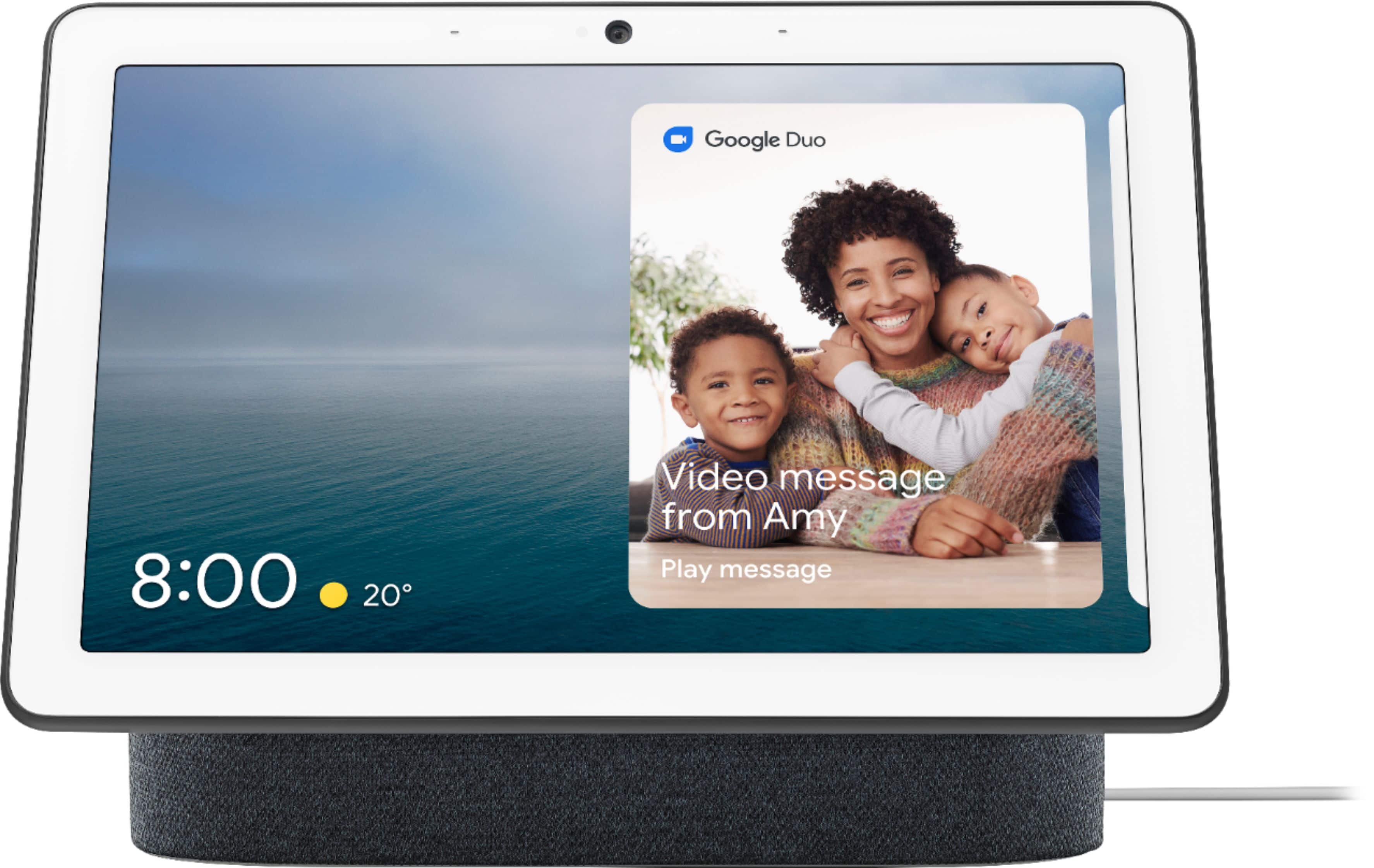
A:AnswerIf you use Google Duo on your phone, then absolutely; you can call your Hub Max or anyone else's practically. The zoom-in feature of the Hub Max is incredible and worth buying for that alone. I own five of these and I am also giving them to my family. Their price is a strong value.
A:AnswerBoth you and your daughter will need to have Google Home app on your smart devices and a W-Fi network in your homes in order to set up Google Nest Hub Max. You can take a look at this support article for more details: https://support.google.com/googlenest/answer/7029485
A:AnswerYou can control Nest × Yale Lock and Nest Thermostat using Nest Hub Max while Ring has limited support, such as starting a new recording, get a health update on your devices and review your last Ring notification.
A:AnswerPhone is required just for the Initial step but you do not need phone afterwards. Google hub Max will work great for a room in assisted living as it has a camera where you can watch your parent along with video/voice calling via google duo. It will be a great addition to a senior citizen assisted living.