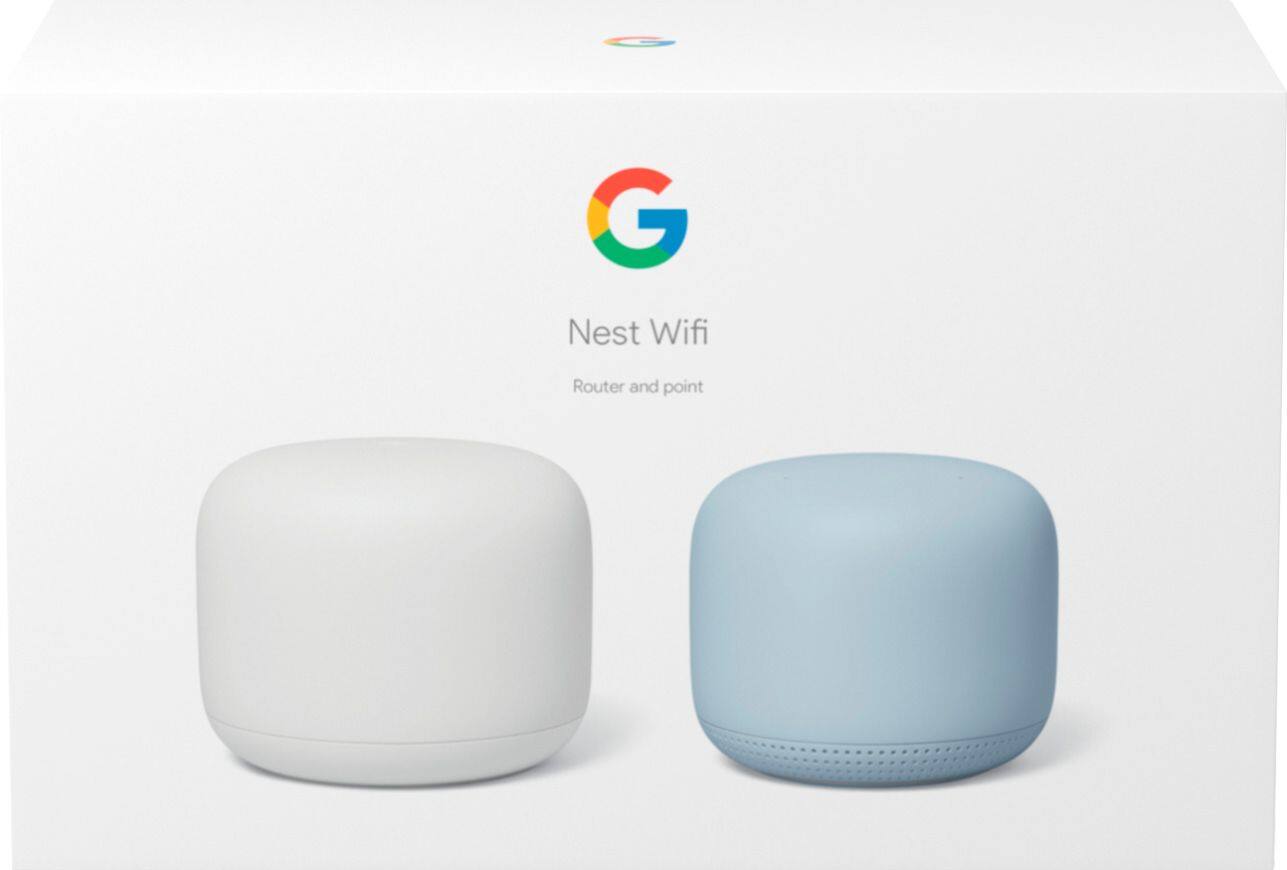
A:AnswerNest WiFi 3-Pack consists of 1 Nest WiFi router and 2 Nest WiFi points. While Nest WiFi router has 2 Gigabit Ethernet ports, Nest WiFi points don't have Ethernet ports. But you can get another Nest WiFi router which has 2 Gigabit Ethernet ports and connect it wirelessly to the primary Nest WiFi router and place it upstairs.
A:AnswerOnHub isn't compatible with Google Nest WiFi to be used as a mesh point, but you can put OnHub in bridge mode and then wire Nest WiFi router to it via Ethernet and then connect your wireless Nest WiFi points to Nest WiFi router to form your mesh Wi-Fi network. You setup should look like below:
Modem --> OnHub (In Bridge Mode) --> Nest WiFi router --> Nest WiFi points
A:AnswerNest WiFi router requires to be connected to a modem with working internet and your Google Fiber Network Box is a modem/router combo. We recommend setting up Nest WiFi router as your primary router for strong and reliable Wi-Fi distribution. If you just hard-wire Nest WiFi router to the Network Box, you will have 2 routers with each distributing its own private network which can be an issue for online gaming and port forwarding. This is called Double NAT and you can avoid it by turning off the Wi-Fi functionality of Network Box or putting in it in bridge mode. You can learn more about bridge mode here: https://support.google.com/wifi/answer/6240987
A:AnswerGoogle Nest WiFi requires to be connected to a modem via Ethernet to function as your primary router. Since you have a modem/router combo, you would need to put your combo in bridge mode or disable its Wi-Fi functionality.
A:AnswerIdeally, 1 Nest WiFi router and 2 Nest WiFi points can cover up to 5,400 sq.ft. which should be enough to cover your home. But, keep in mind that the layout of your home and other obstructions like furniture may affect the total coverage.
A:AnswerNest WiFi router would not work as a point since connecting it to your existing router (3rd party router) would cause it to create its own private network within your Wi-Fi network which may be an issue with online gaming and port forwarding. We recommend setting up Nest WiFi router as your primary router wired to your modem, then connect Nest WiFi points if you'd like to extend your Wi-Fi coverage and enjoy the Google Assistant-enabled speakers. You can also keep your current router and use it as a switch in a downstream from Nest WiFi router.
A:AnswerGenerally, 1 Nest WiFi router and 1 Nest WiFi point can cover up to 3,800 sq.ft. which should be enough to cover your home. However, the layout of your home and other obstructions like furniture may affect the total coverage. We recommend placing Nest WiFi point no more than 2 rooms away from Nest WiFi router.
A:AnswerGoogle Nest WiFi can help deliver faster and larger Wi-Fi coverage throughout your home depending on the capacity of your network plan with your service provider. Google Nest WiFi router is capable of delivering up to 1 Gigabit internet, and you can set it up as your primary router by connecting it directly to your modem via the Ethernet port.
A:AnswerEach Google Nest WiFi router or point can handle up to 100 connected devices. However, the Wi-Fi strength and reliability may vary depending on your internet package and usage.
A:AnswerGoogle Nest WiFi works with most ISP provided internet options including fiber internet and it works with most modems or router/modem combos. Google Nest WiFi router has 2 Gigabit Ethernet ports (WAN and LAN) to support speeds up to 1 Gigabit.
A:AnswerGoogle Nest WiFi is compatible with Circle by Disney. Google Nest WiFi also has the feature Family Wi-Fi that helps you manage your family's screen time. You can find further details here : https://support.google.com/wifi/answer/7506043
A:AnswerAssuming your fiber connects to a router i.e. cable, that connects your home with RG6 you can connect the Nest Mesh wifi router. It's a good choice as it is a fast wifi.
A:AnswerYes you need a modem with this system. But you will need to turn the Wifi part of your modem combo off. It may create issues with the Nest wifi
A:AnswerYes, you can. Once you set up your Nest Wifi router and points correctly, you can follow the instructions in the following support article to set up your TV's Google Assistant : https://support.google.com/assistant/answer/7541014