A:AnswerKD - No, NETGEAR is not an ISP and does not provider you with an internet connection or WiFi. NETGEAR supplies hardware and services that greatly enhance the usefulness of your Internet connection, but you have to arrange with your preferred ISP. - NETGEAR
A:AnswerThere are a few variables the router is important to maintain the speed the actual internet is putting out but at a collage for example is a shared network so everybody is trying to be on the internet (WiFi) at the same time causes congestion almost like being stuck in a traffic jam at 5 o’clock rush hour it’s slow but you will get there but when it’s midnight and no ones on the road it’s super fast with no red lights so yes a better router is always good but keep in mind how many users are on the actual internet source
A:AnswerRouters will give you wireless connection yes but you need to have access to a internet service provider to have the internet a router is only a way to connect your wireless devices to the internet a router alone is not the internet you need service and router always
A:AnswerThis won’t. If you already have TVs on the internet you will need an interface box on the tv with no Ethernet. Apple TV, roku, chrome cast, etc. plug them into tv and connect them to internet.
A:AnswerYes, but the wireless network (SSID) on the Spectrum modem/gateway is different from your Wifi router, so devices will not be able to talk between the two. All devices will get the Internet from the same source (Spectrum), but they'll be on different networks.
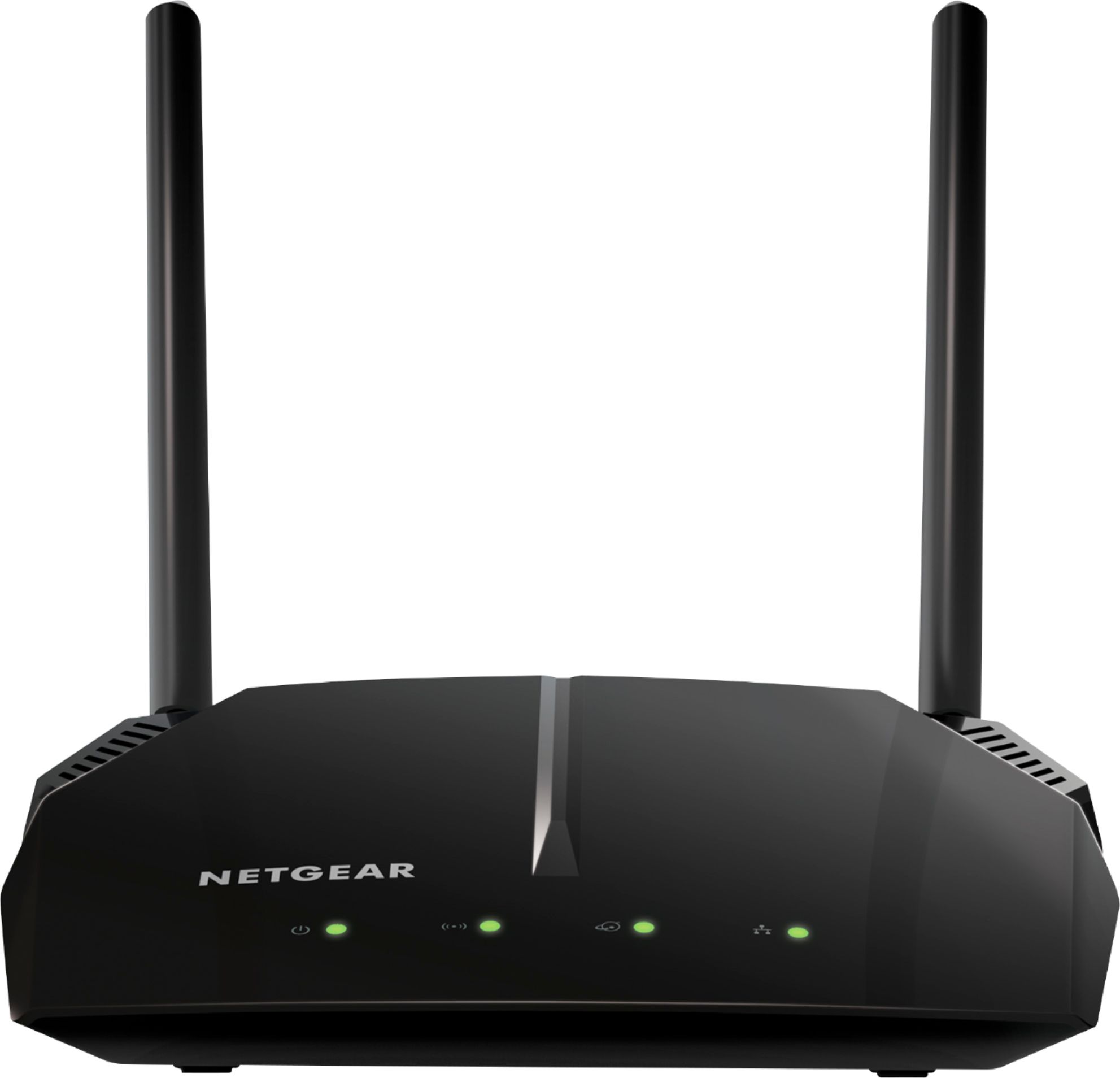
A:AnswerThat's not exactly correct. If you have a modem/gateway from Comcast/Spectrum/Etc. which broadcasts its own wireless network, then you can connect WiFi devices to that network and get Internet access. -- If you have a home router and you manage your own wireless network, then you will need to connect that router to the modem from Comcast/Spectrum/Etc. in order to get Internet access. -- The modem/gateway from Comcast/Spectrum/Etc. can do both jobs (modem and router).