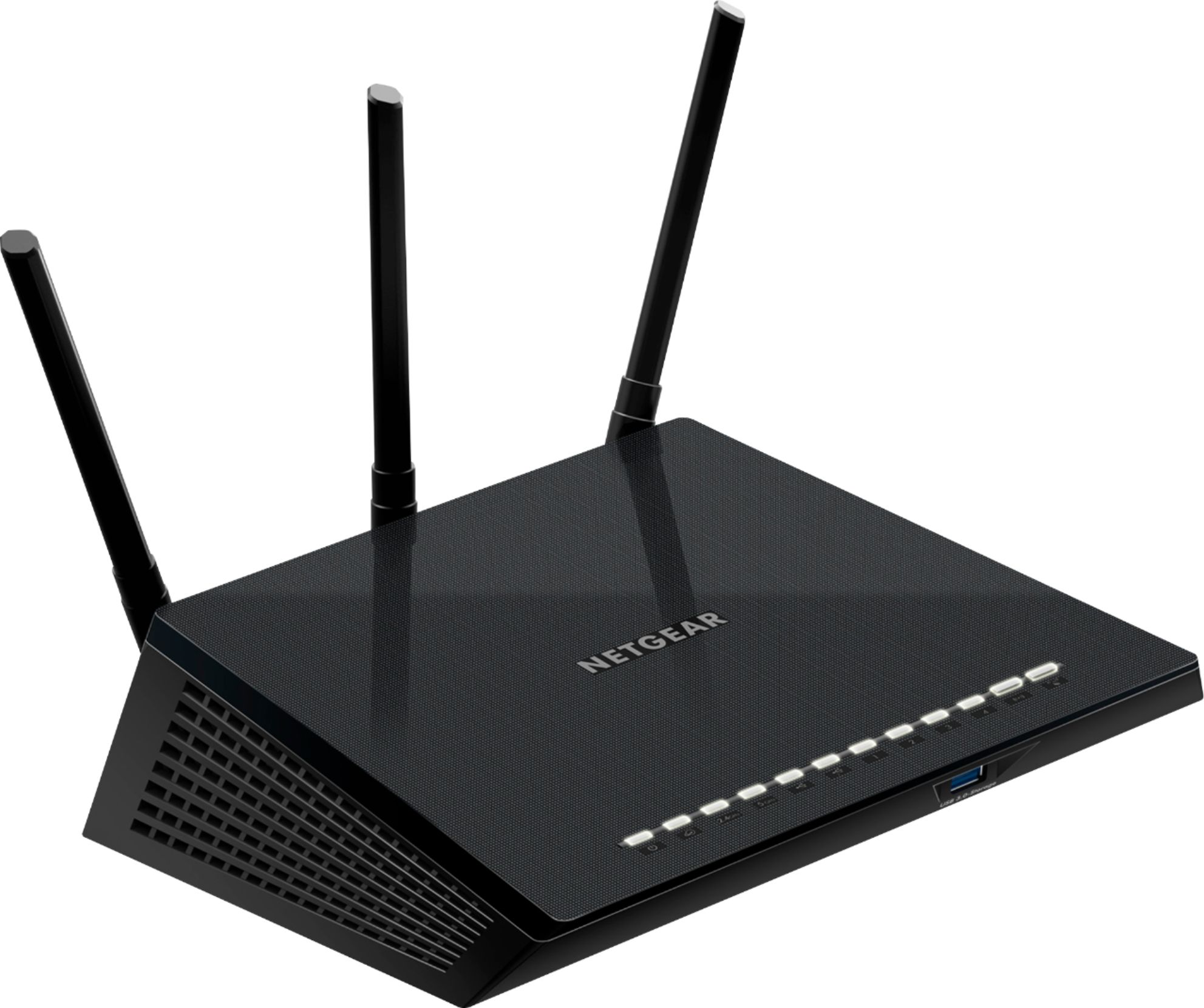
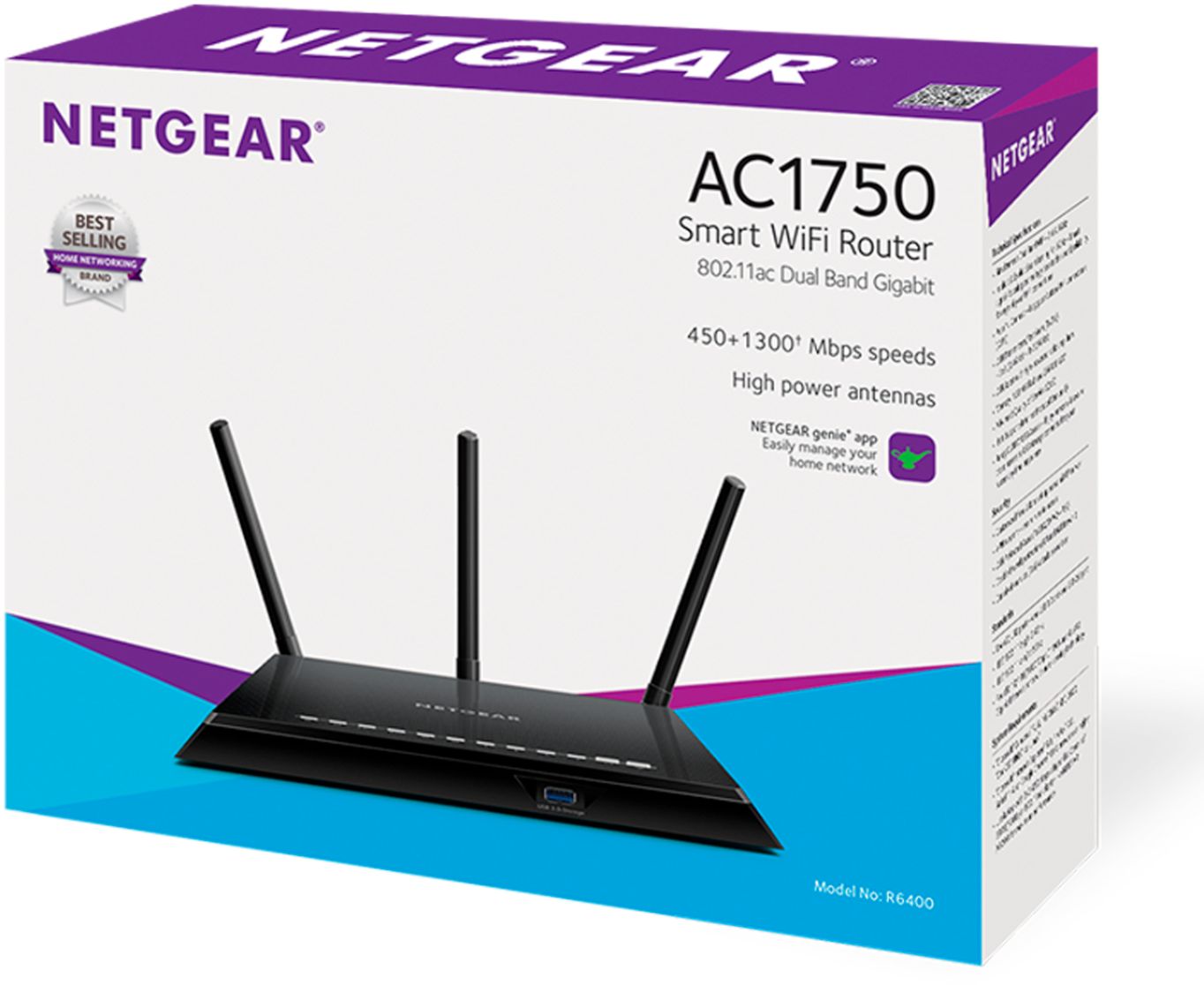
A:AnswerTo send wifi signal from your modem there must be awifi router physically connected to your modem UNLESS your modem has built-in wifi. A wifi router is intended to distribute the internet connection from your modem over WiFi.
A:AnswerYou can use this as only a wired router but will be limited to only 4 wired ports. You may be able to find a wired router with more ports if you need that for less than a wifi router.
A:AnswerIt can be assuming you need to have it reach across your property or penetrate through parts of your house. I bought this for myself on my Comcast service but friend of mine with FiOS connects this right to the Ethernet port of his fiber optic onboard network terminal in his basement and runs ether to his main floor. This router works great and he previously thought he’d need range extenders but with this router alone and the external antennas his internet now gets everywhere he needs with just this router. This is also a modern router so it is compatible with all the new wireless devices that take advance of the new speeds.
A:AnswerYes. This works with Verizon FIOS internet only. You use the included Ethernet cable to attach to the FIOS receiver (not the provided router, the device that translates the light signals).
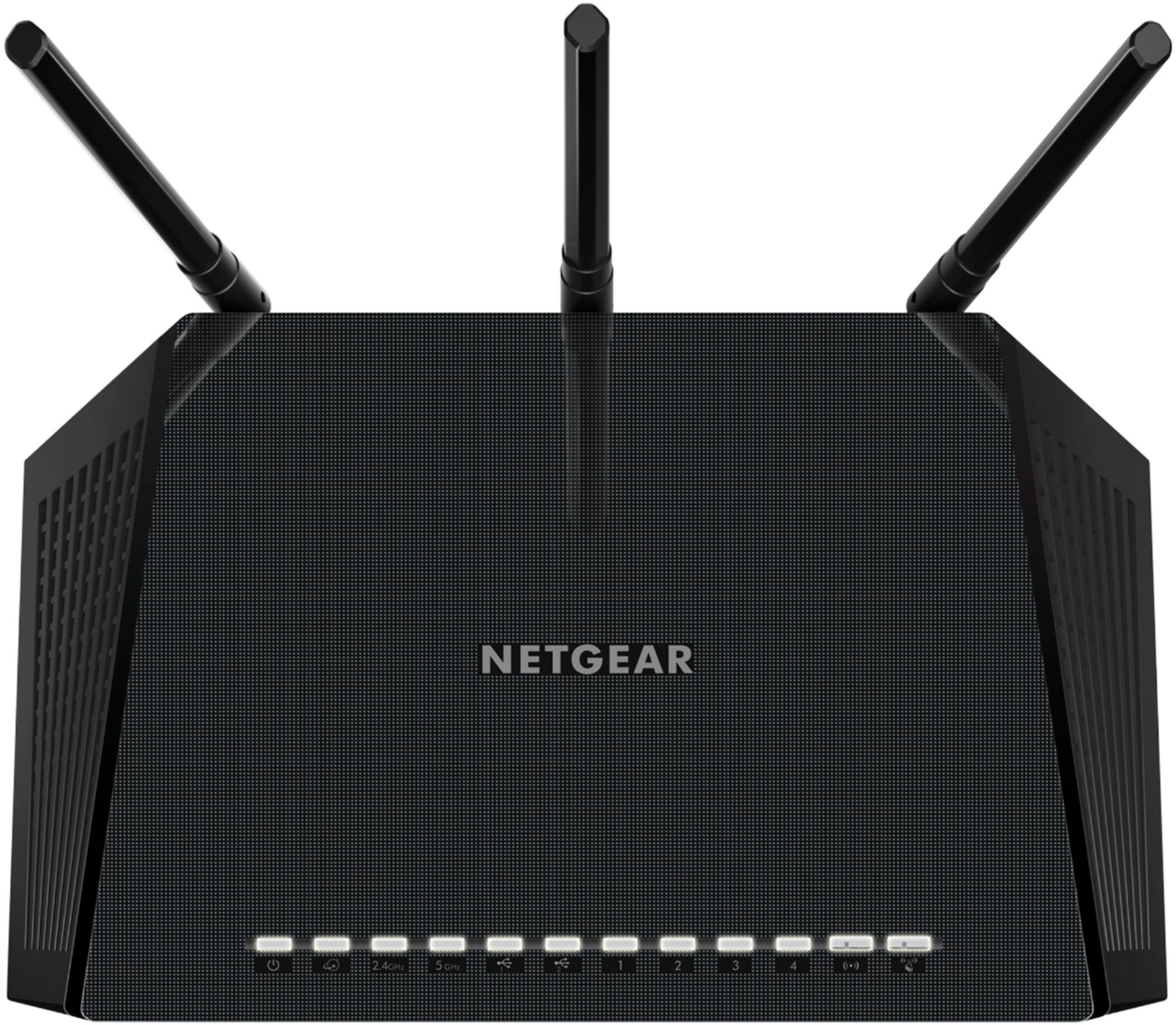
A:AnswerNone. That is typically found on the cable modem/wireless router combo units. This is just a wireless router so it connects to the Ethernet output port on a modem or broadband network terminal and wireless connects to your Wi-Fi capable devices. Netgear makes the all-in-on type of devices where one device serves as your cable modem, wireless router, and voice line source. However, this router will not do voice or connect to a landline phone. However it does have 4 Ethernet ports that you can connect things such as your PlayStation, Xbox, smart home theater system, Apple TV etc through Ethernet.
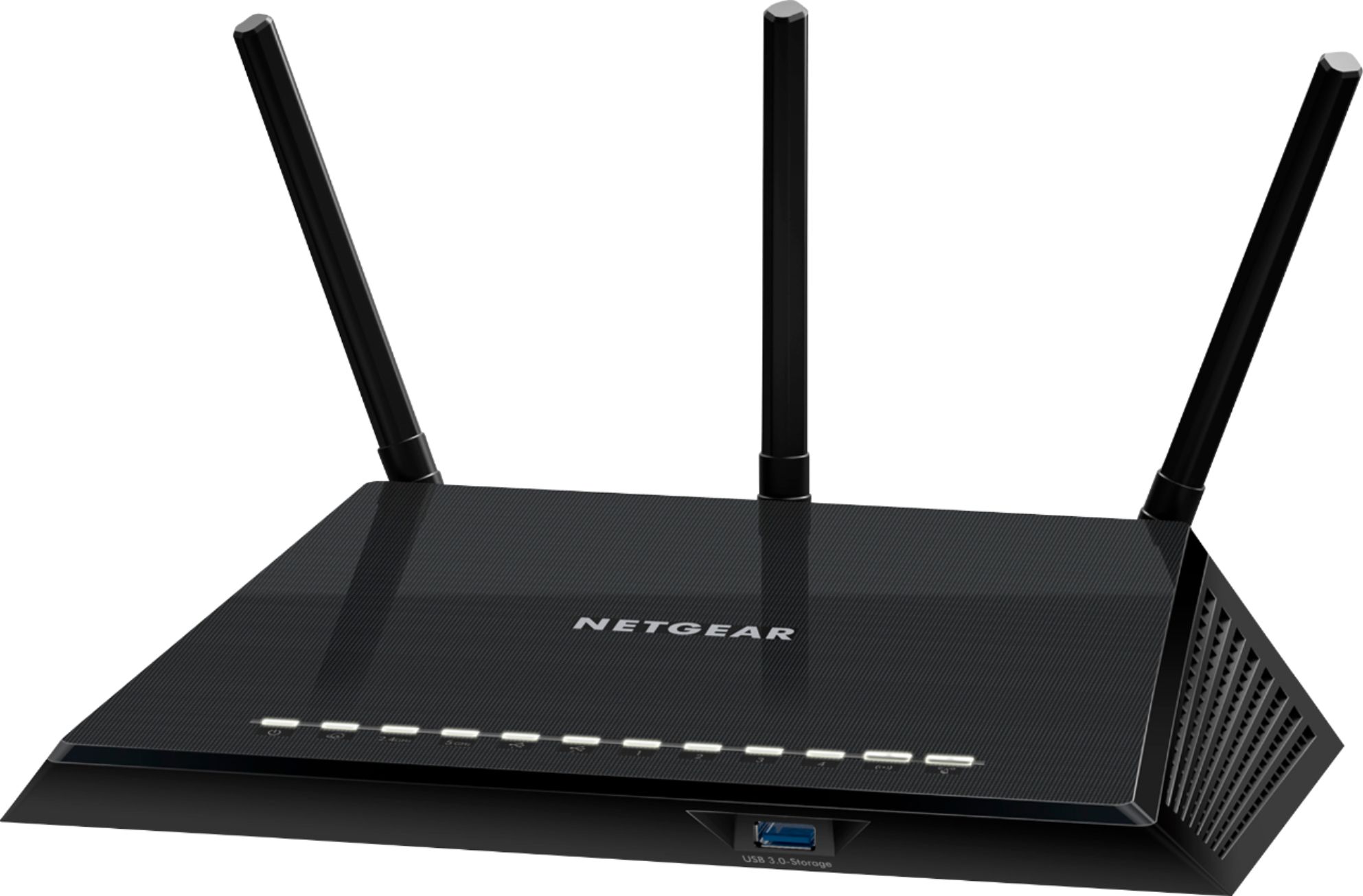
A:AnswerThis wireless router is connected to your modem (the device connected to your cable) and allows multiple devices to connect to the internet via WiFi and Ethernet cables.
Most people purchase this as an upgrade or replacement to their internet service provider’s provided router.
Depending on what you mean by “pay for WiFi” the answer could be yes or no. Yes, most people have to pay for internet service. No, you won’t be paying for WiFi, just for internet service.