A:AnswerMaybe. Take your Smartphone so you are close to your router and look at signal strength. In this area it should be strong and you should have no connection problems. Then go to where you have problems and look at signal strength. If there is a difference and you only have the connection problems in the distant area, this may work and would be worth a try. If you have connection problems all over, it is likely you have some other problem.
A:AnswerIt should work with any router. You can use the WPS to connect automatically if the Apple Airport Router has WPS. If not you would have to do it manually.
A:AnswerWe have a large home and the internet box is located in the master bedroom. The internet signal doesn’t reach the opposite side of the house very well at all upstairs. I bought this internet extension box and it helps the internet better on that end of the upstairs. I do not see where it really speeds up anything just helps it pull the signal to that side of the house.
A:AnswerIt is relatively easy to set up if you are not color blind. Just follow the directions. You have to plug it into an electrical outlet where it will be able to receive your router WiFi signal. No outside internet provider is needed to help. I don't even know what a ps5 is, so I can't help there. It extends the WiFi signal to greater distances than your router alone can reach. We were told by our internet provide that it is better to have routers upstairs in homes because the signal goes out like an open umbrella. That is, the signal goes out and also drops to what is below the router.
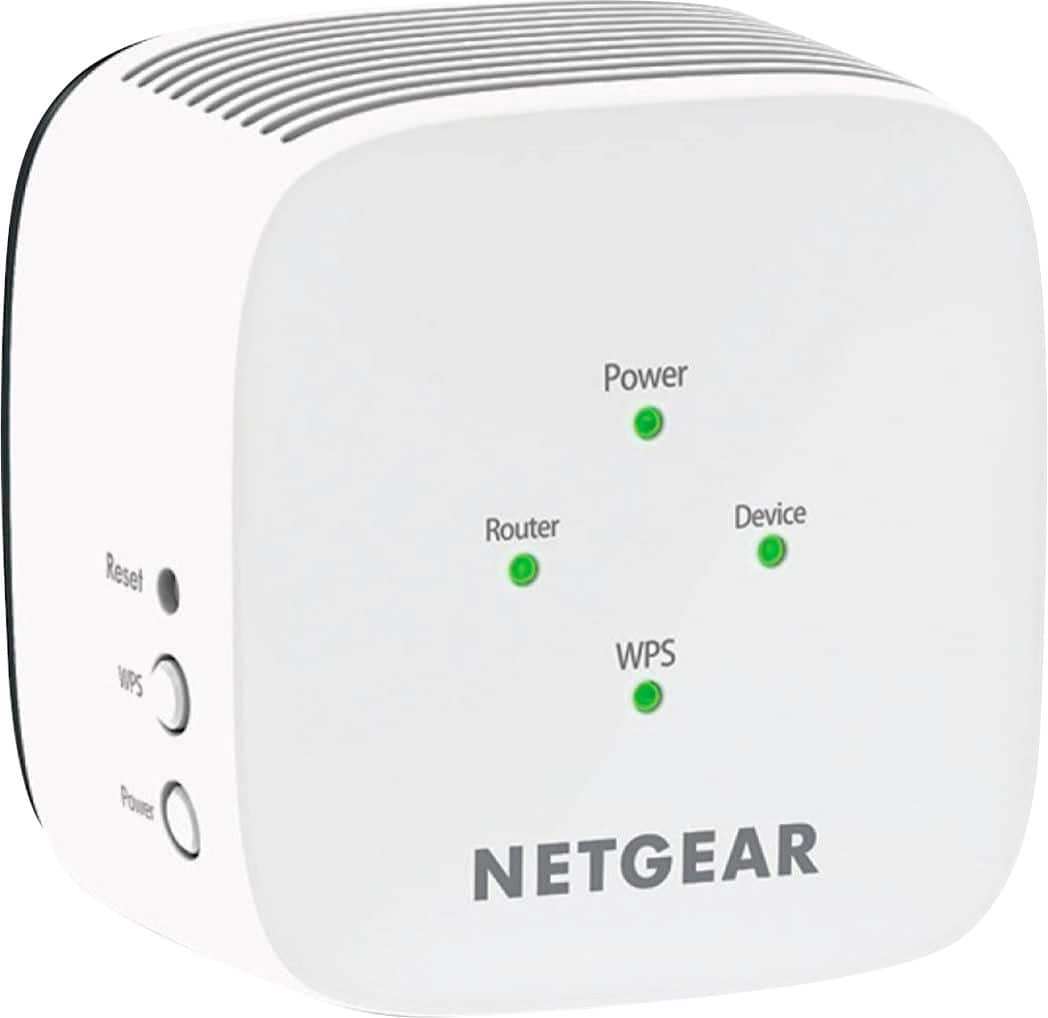
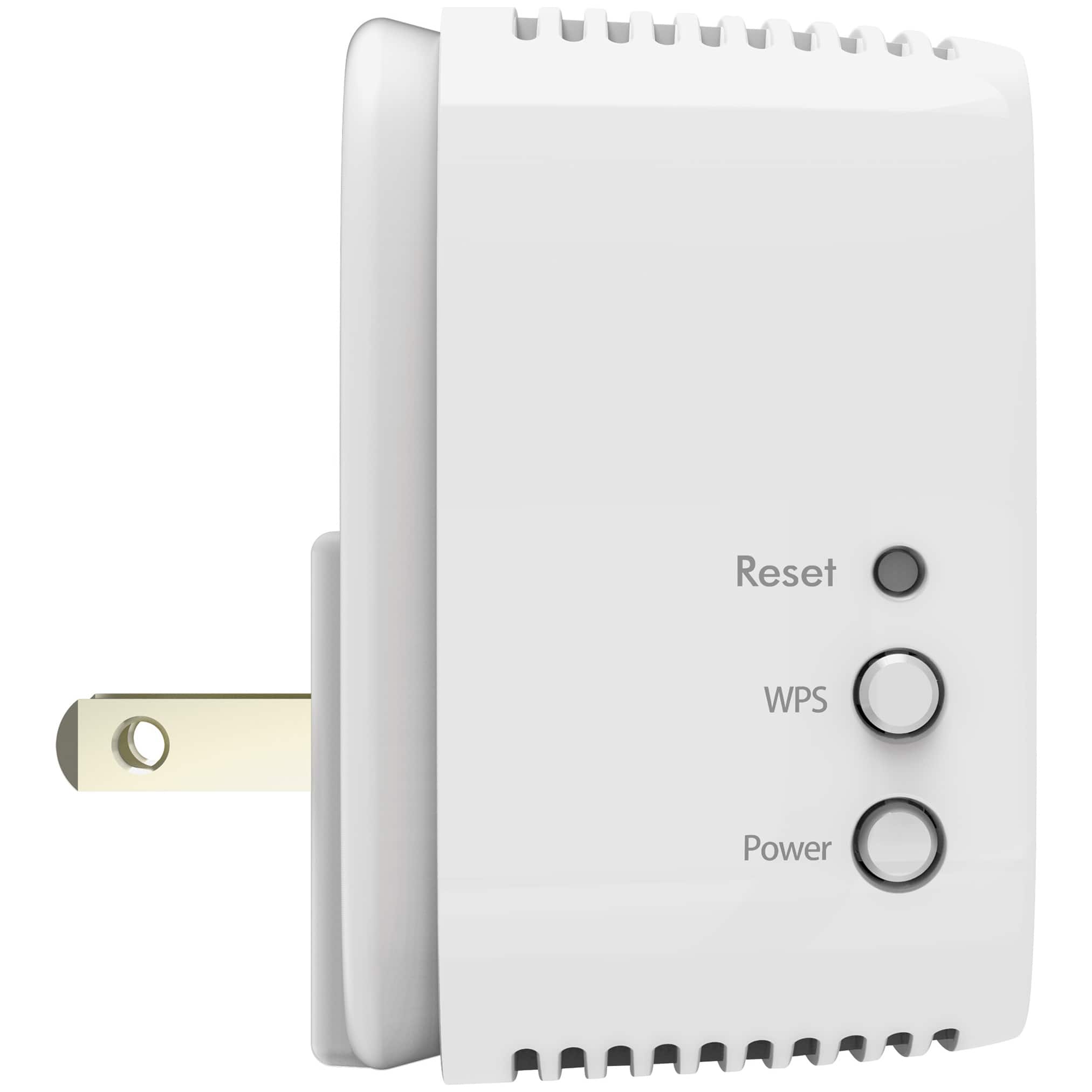
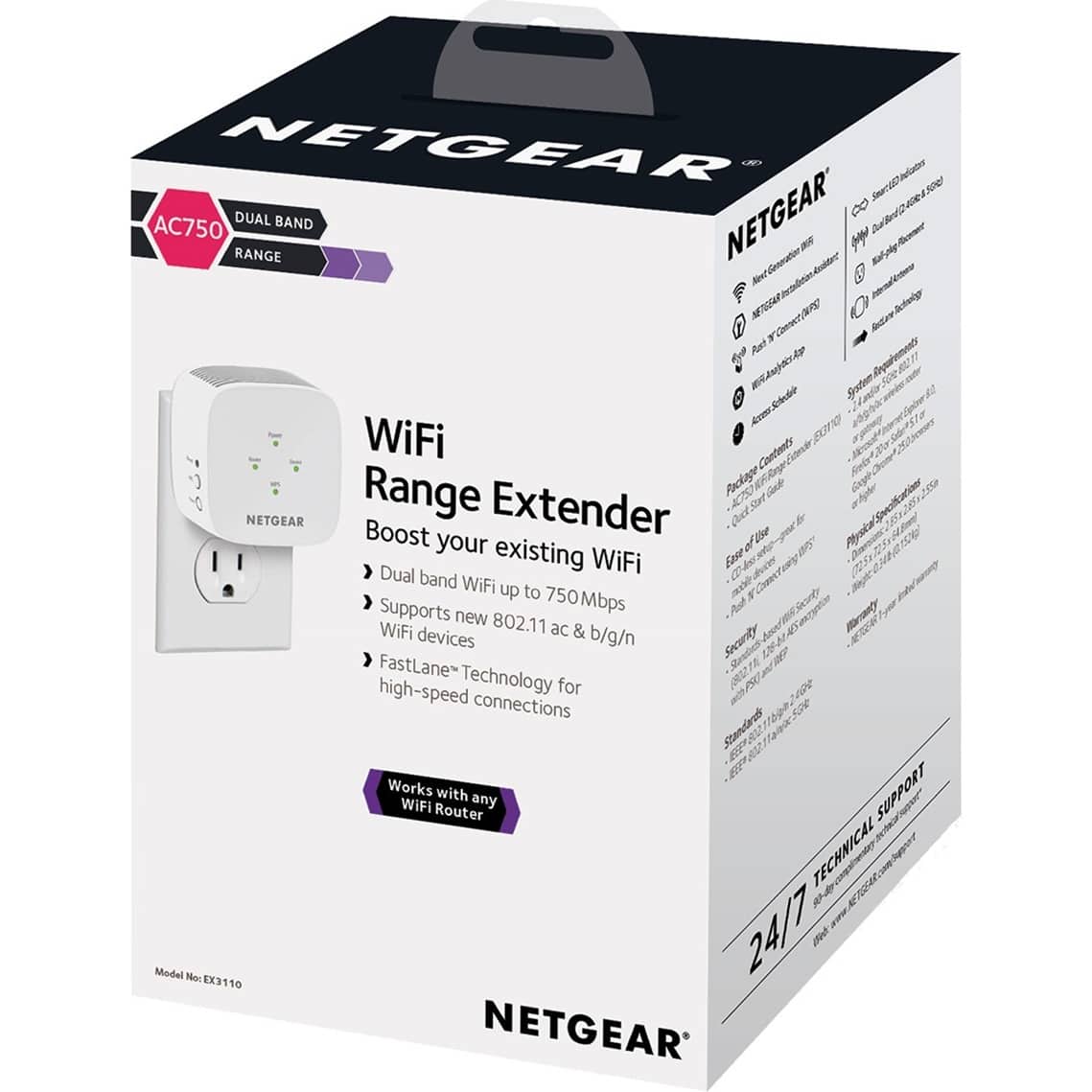
A:AnswerI just know it boosts the WiFi signal that comes from our router. It boosts the 2.4 and the 5 GHz signals at the same time. (I think those are the proper numbers.) It boosts the 5 to our phones and three computers and the 2.4 to another computer that isn't set up for 5. Your device surely uses 2.4 or 5, I would think. I don't know if you have a phone or a computer from reading your question information. It boosts the signal for better reception in part of our downstairs of our house. Routers are better set up in the upstairs, we were told, because the router signal goes out similar to an open umbrella. You plug the WiFi Range Extender into a wall electrical socket so that it is in range to receive the router signal. It then boosts the WiFi signal out from it into the area where the router signal has been weak or not previously able to reach. Instructions come with it which you need to follow to set it up properly within reach of your WiFi signal from your router. I am color blind, so my wife and son were able to tell me when the indicator lights were red or green.
A:AnswerI would think that if you are currently able to receive the motel WiFi signal in your room, then it could boost the range of that signal inside your room. I think the main thing is that it boosts the range rather than the strength, but I am far from being able to tell you. The sales force at Best Buy could tell you better than I can. Remember to take it with you when you leave!
A:AnswerThis will not boost signal strength. Think of it as the wifi equivalent of signal repeaters on phone poles. You place this near the end range of an existing wifi network. You can then connect to this device as a different wifi network and let it relay the signal.
The limitations are it's signal strength with the main wifi network and an available power outlet between your devices and that network. Beyond that once you set it up there's no other interaction.
A:AnswerLook at the labeling on your current Ethernet-connected router and find the MODEL NUMBER and BRAND. (The ethernet router is your main router that is connected by wire to your internet service provider.) Then google the brand and model number to find the User's Manual on-line for your router. Nearly all user's manuals are now found on-line. From there, look at the SPECIFICATIONS ("Specs") in the User's Manual. What you are looking for are TWO (2) things: 1) DOCSIS 3.0 or higher and 2) Dual-band concurrent 802.11ac Wireless Access Point (WAP) with a minimum of eight Service Set Identifiers (SSIDs) compatible with 802.11b/g/n/ac or newer versions. Since the newest Wi-Fi Extenders are capable of accepting signals from older routers, the main thing is to make sure you see 802.11 as the WAP. So long as these two technical things are built into your router, it should work, regardless of brand. If you don't want to bother with a look-up of your current router's specs, then generally, if your router is less than 5 years old, you should have no problem connecting this Extender to your Ethernet-connected router. Nearly all of the modern routers conform to international uniform transmitting standards. Worse case scenario: if the Extender does not work, Best Buy gives you a couple of weeks to return the item for a full refund or exchange, so there really is no risk to try it out.
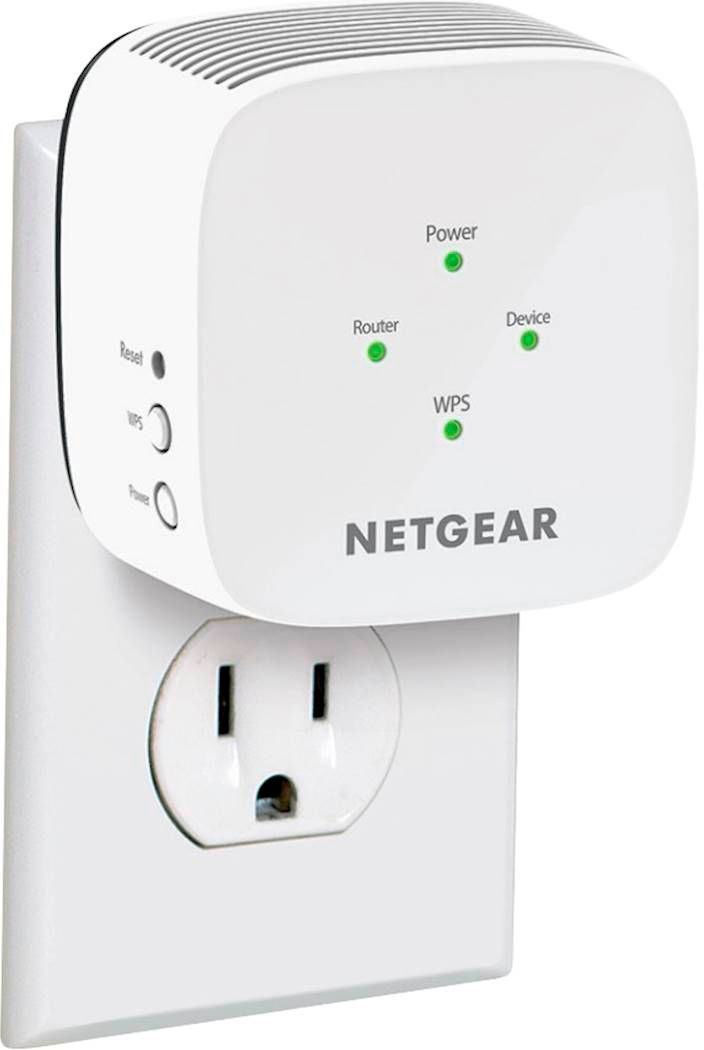
A:AnswerYou would have to setup the WiFi extender first when you are in the area if your current WiFi..then after you set it up there is a display light ( I think it says Range) where if it is Green that means that the WiFi externder is getting a good signal from the original WiFi and after that you can move it around towards you XBox keeping in mind that you want to be kinda at the halfway point between your original WiFi and your Xbox while making sure that Green light is on ( if it is Amber then it is still receiving a signal from the original WiFi but it’s not the best…hopefully I was able to give you some help.
A:AnswerNot really. The Extender is only so fast as your Modem/Router. If the problem is a slow Modem/Router, you need to look into an upgrade of that system first. The very first thing you should do is a speed test of your current service from your Internet Service Provider (ISPs such as X-Finity, Spectrum, etc.). Simply google "internet speed test" and follow the simple instructions to measure the download/upload speed coming into your home or office. Generally, any download speed of 100 mbps or lower is relatively slow. If you are streaming videos or games, you will want get at least 150 mbps or higher. If your speeds are slow, contact your ISP to see how they can increase the speed to your home or office. Generally, most ISPs can increase the speed, but they will charge you more for that convenience. If you live in a rural area, the problem could be the cable or fiber that feeds to your home. Some rural areas can now get faster download speeds through a new satellite system, but that can cost you more money to connect to that. Anyway, once your ISP has increased your speed (hopefully), and you still have slow internet, you might next consider an upgrade of your Modem/Router. Most Wi-Fi 5 and 6 version models can handle greatly increased download and upload speeds. If you have done all of that and you still have slow or dead spots in the house or office, then get this Extender for increased speeds and improved latency.
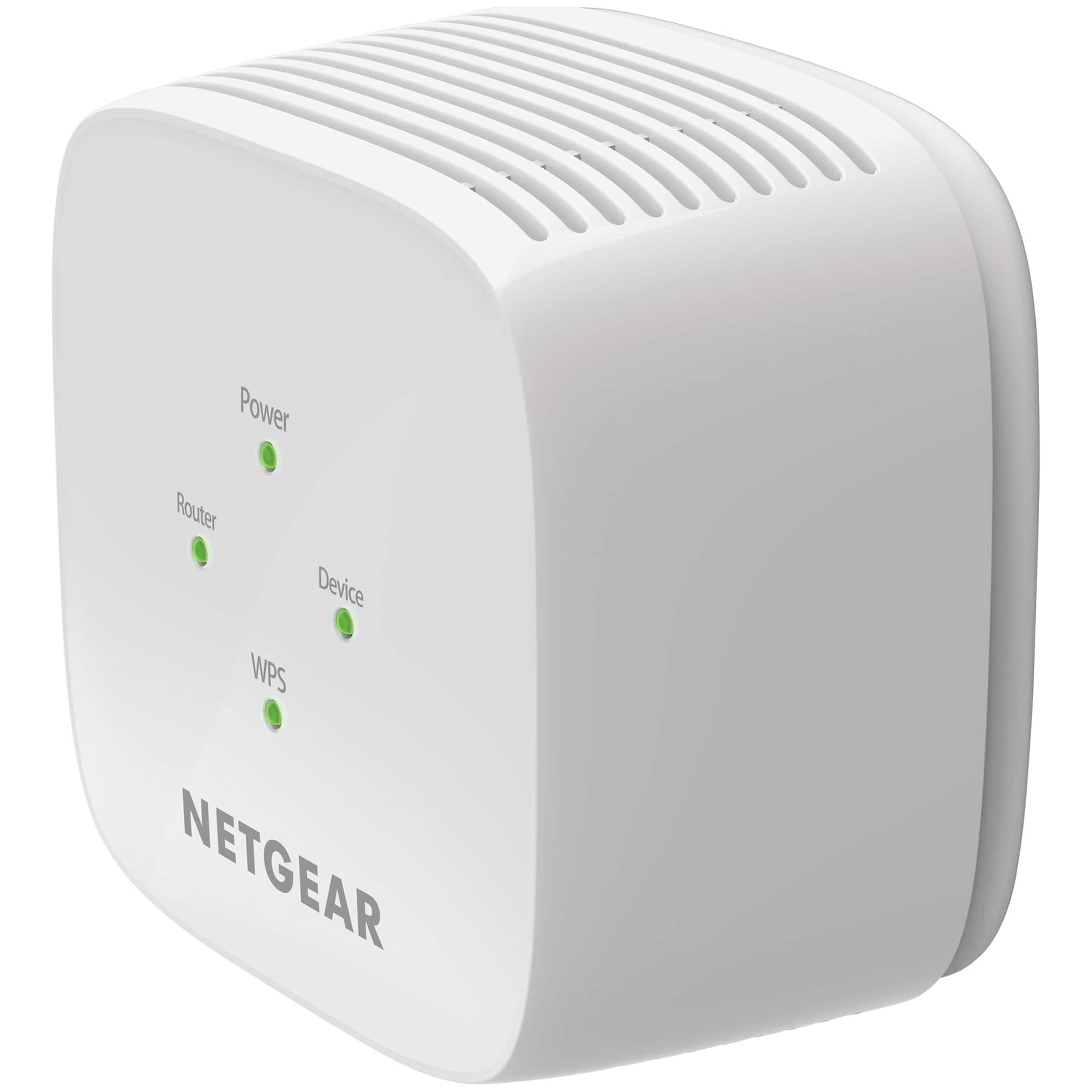
A:AnswerIt depends…there are 4 lights on the WiFi extender ..each one has a different meaning…One is the power light…another one is the range light ( you want all green lights ) an amber light means it’s working but not the best optimal setting…