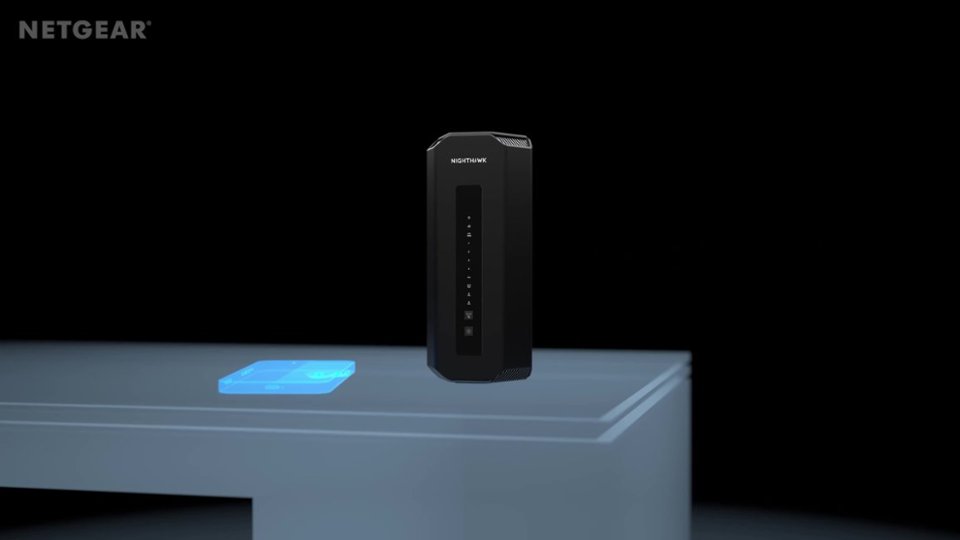
A:AnswerYes, power down your fios modem/ont/whatever else you have form verizon
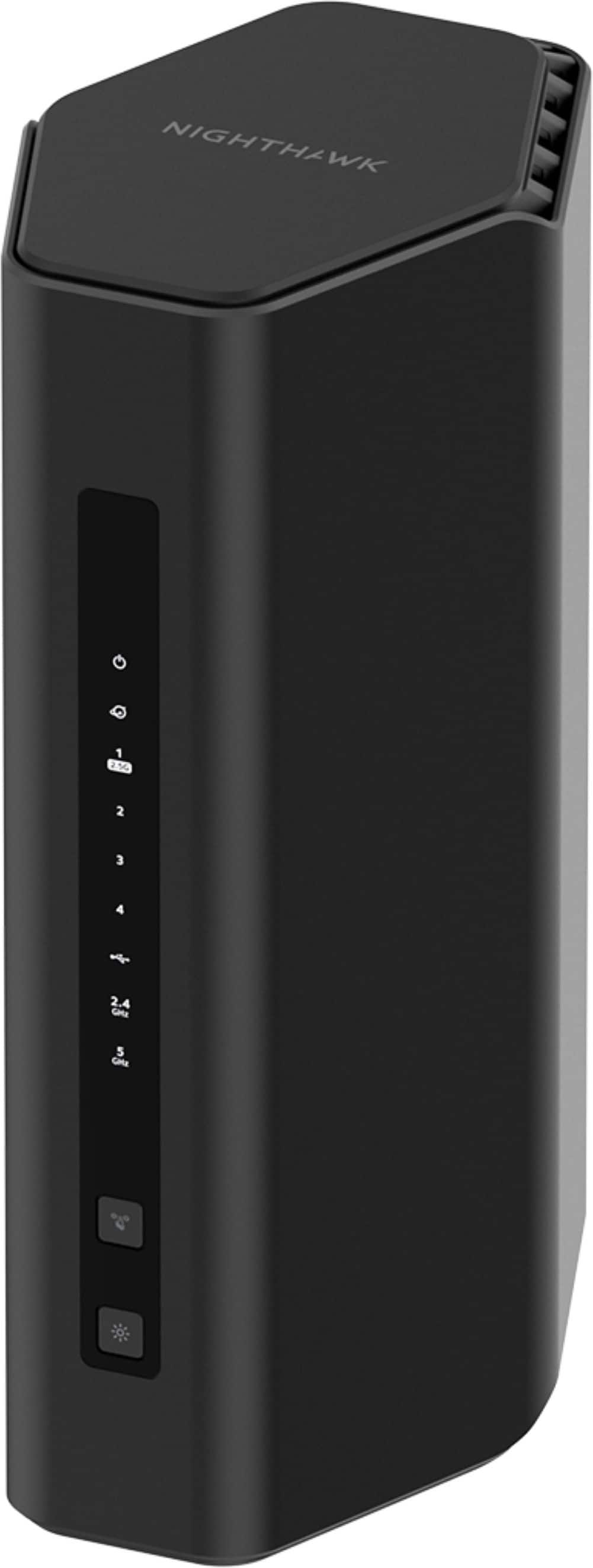
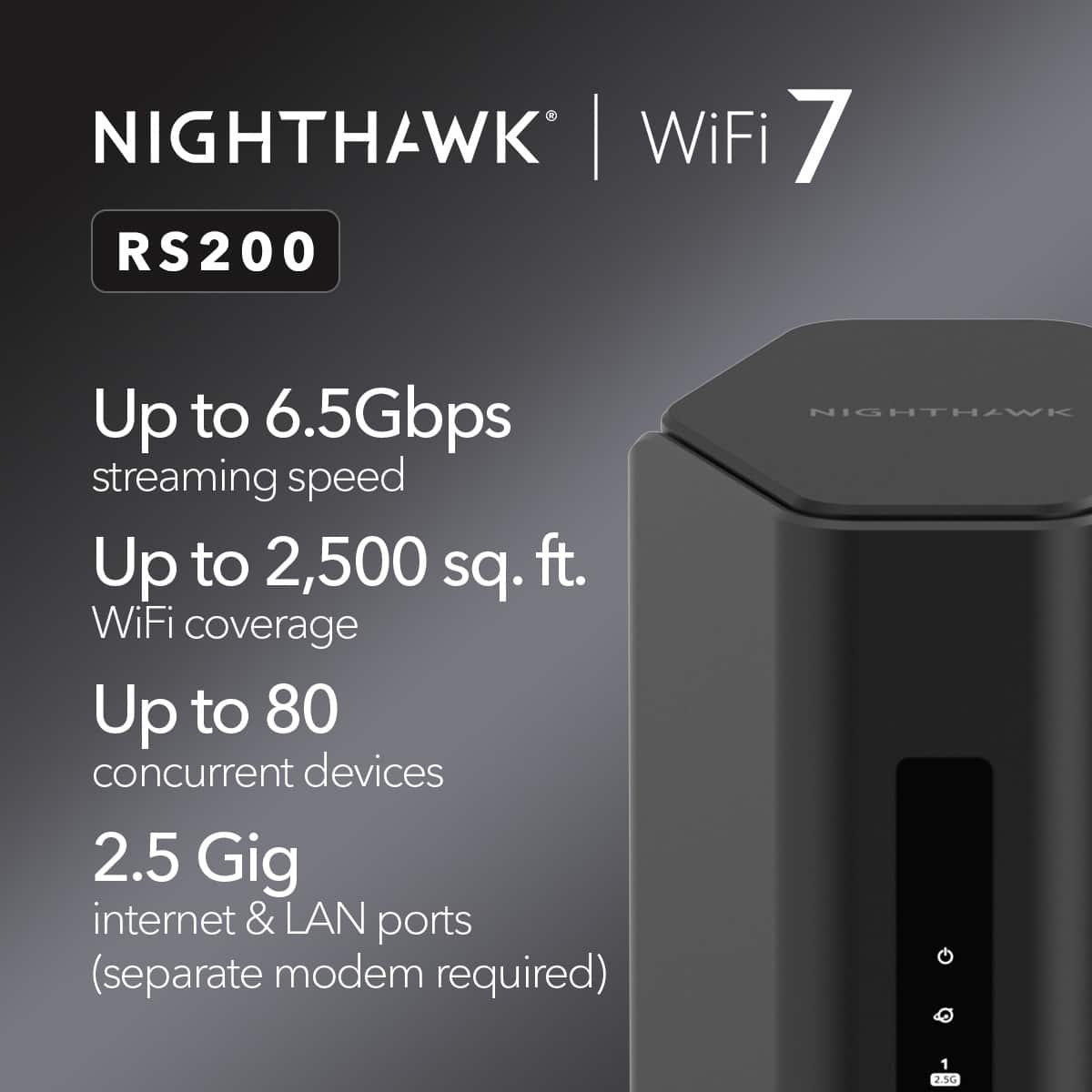
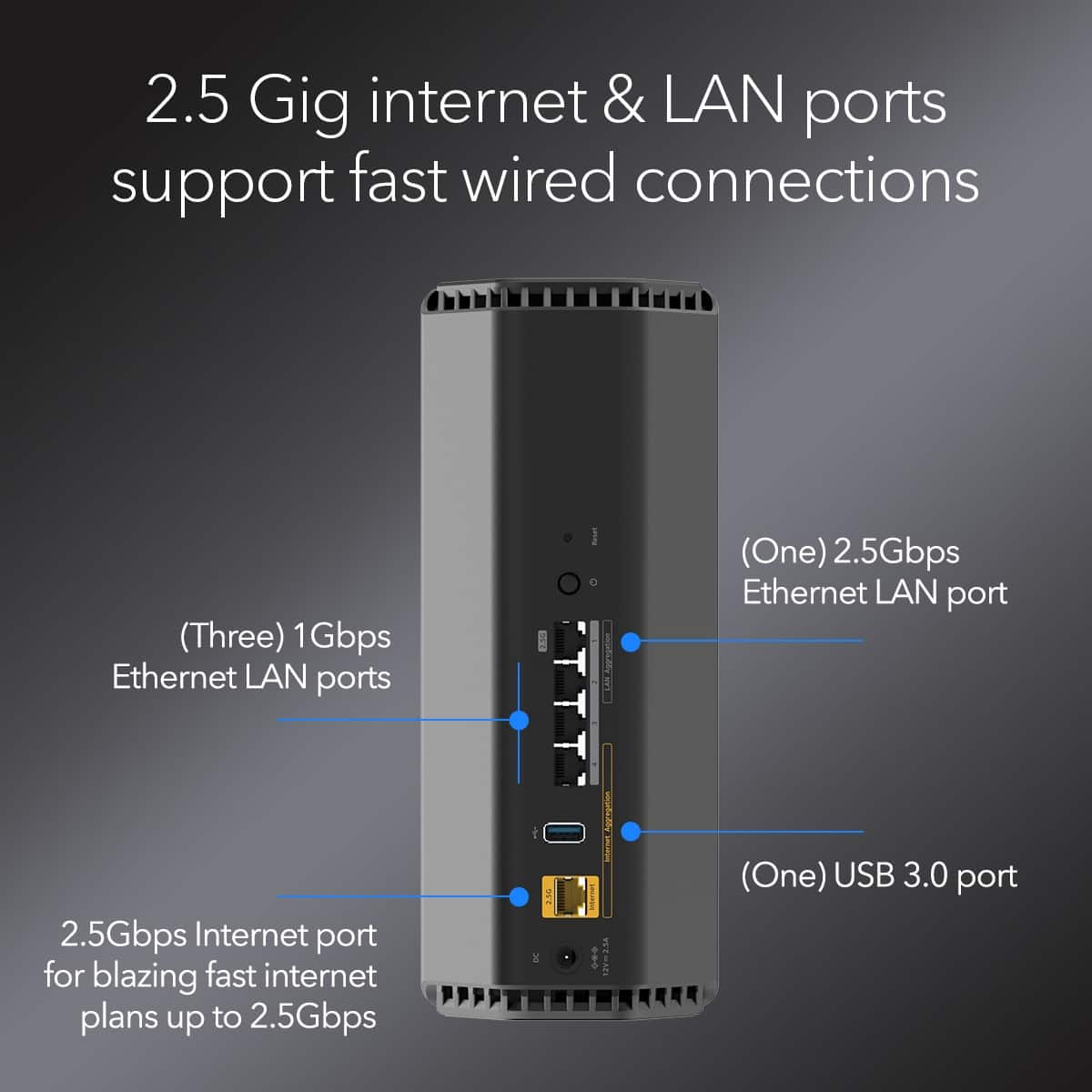
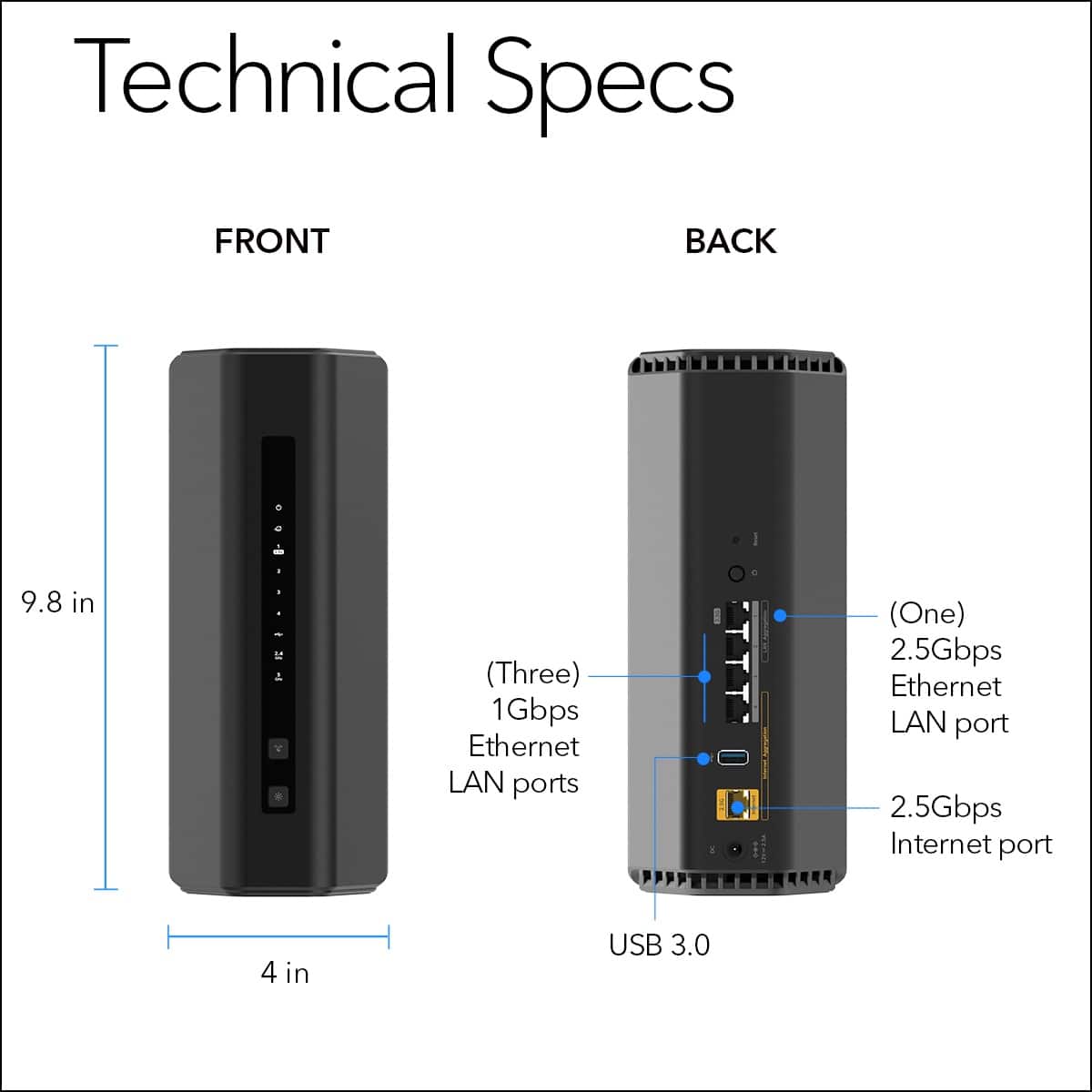
plug the WAN port of your nighthawk into the ETH jack on your verizon modem/ont
plug in the nighthawk power supply
*important that nighthawk is connected before next step*
now, plug in and turn all your FIOS gear (except the router, which you're no longer using)
FIOS should automatically assign the nighthawk a public IP address when tit powers back up. The nighthawk should now act as a local dhcp router.
A:AnswerThis is not a modem. You can use it on the same network as your orbi, though, for extended coverage. Make sure the nighthawk is in AP (Access Point) mode and NOT router mode
A:AnswerYes, but if you plan to do any file sharing between your computers, it's time to ditch the apple routers. They stopped upgrading the firmware years ago. Windows computers won't even let you share files over them, due to the security risk.