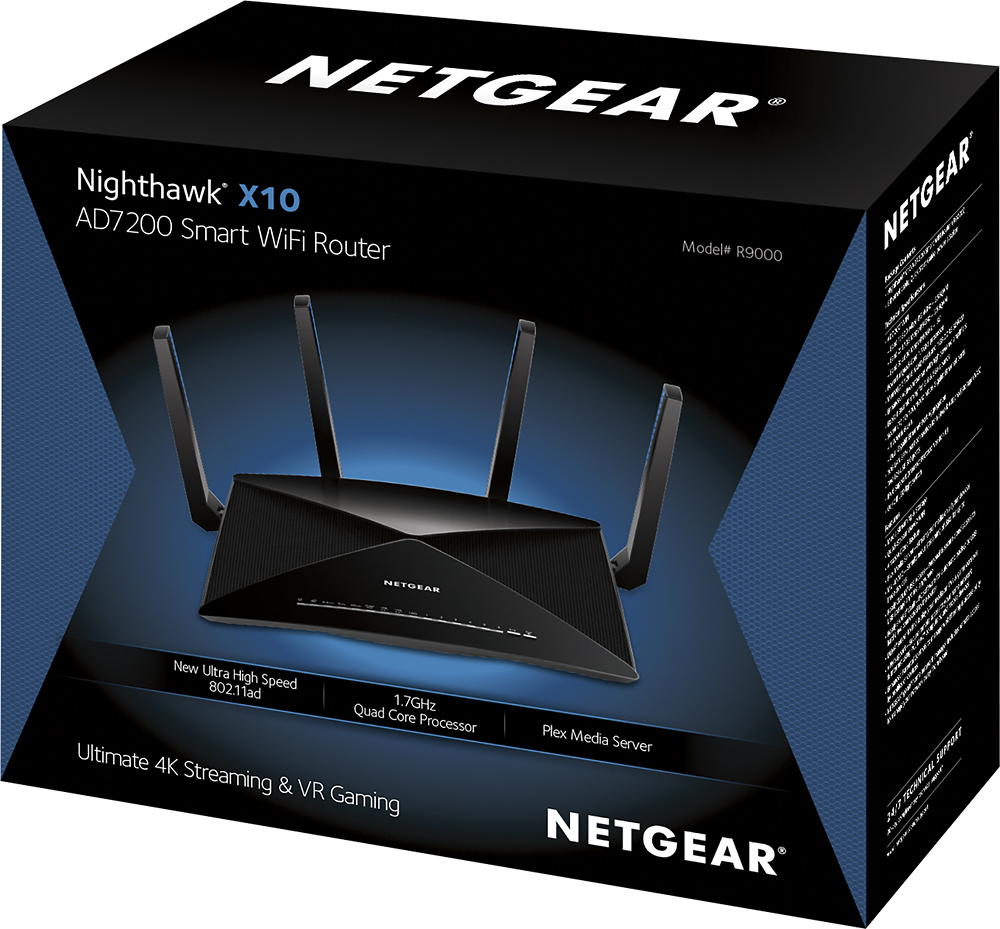
A:AnswerYes. It's overkill.
Nothing supports this yet and the range is nothing to be impressed about with the AD band.
This is only worth purchasing if you want to Future Proof.
Other than that, Get an AC 5300. Way better Coverage and Reliability.
A:AnswerThe Plex Media Server helps you manage your videos, photos, and audio files that are stored externally on an attached USB hard drive. Plex also allows you to stream media files to other WiFi or wired connected devices using the Plex app. Instructions for setting up the R9000 as a Plex Media Server can be located beginning on page 110 of the User Manual here: https://www.netgear.com/support/product/r9000.aspx?cid=wmt_netgear_organic#docs Instructions on connecting a NAS or Smart Switch (that supports LACP) can be located starting on page 17.
A:AnswerThe Nighthawk X10-AD7200 Smart WiFi Router (R9000) is strictly a high-powered router, It does not contain a modem, so you would still need to have one to connect your router to your Internet Service Provider.
A:AnswerThe physical dimensions for the R9000 are as follows: 8.81 x 6.61 x 2.91 in (224 x 168 x 74 mm). Weight: 4.11 lb (1865 g). A diagram and further technical information can be found here: http://www.netgear.com/home/products/networking/wifi-routers/R9000.aspx?cid=wmt_netgear_organic#tab-techspecs
A:AnswerThe AD band is not supported by any device as of yet. The range of the AD band is short range, meaning it will probably cover a large living room to a small house. It will mainly be for Data Streaming/Transfer, gaming, home Network Cloud.
The AC isn't super impressive. It does penetrate walls, but no where near the ASUS AC3100 or AC5300. Those covered a majority of my 3.5 Acre property...
A:AnswerIf you have a small home, this router may be overkill, but the good part is it will support many clients connected to it. So if you have 20 or more devices connected either wired or wirelessly, this will do fine and is ready for any future advancements in speed and capability
A:AnswerYes, the R9000 can connect to your Xfinity modem; the R9000 is a standalone router and does not provide routing functionality. The R9000 would replace your existing Wi-Fi router, or can be run as an access point.
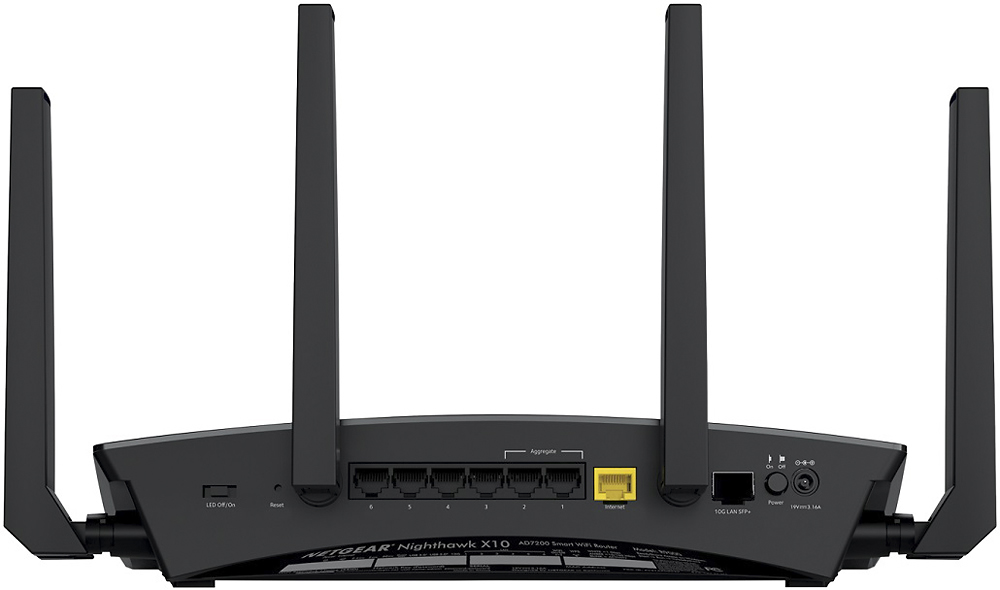
A:AnswerThe Arlo hub connects to one of the ethernet ports on the back of the router. The cameras themselves connect wirelessly to the Arlo hub. All you need is one open Ethernet port and you can connect the hub. I am using this with a 5 camera system with great results!
A:AnswerYes it works fine with FIOS and yes you use your Quantum router. Best solution is to use one of the ethernet outputs from Quantum to the Netgear Nighthawk X10 AD7200 Tri-Band Wi-Fi Router input ethernet port.
A:AnswerDisable the QoS feature on the router and reboot. Known issue from netgear and no actual fix yet. If you can live without this standard feature on other routers that are not $400 then this is the fix. Would recommend replacing with a asus.
A:AnswerMy Comcast service provider technician was at my house because of an issue I had and he recommended this unit. I bought it and installed it which was very easy and it certainly works great. My TV has a smart connection and it's in the basement with the router upstairs and I have no problem at all with its connection.
A:AnswerI have a 2550 square foot home. Router and cable modem in a room centrally located on the second floor. We live on the first floor with MBR and great room. We stream simultaneously to 2 tv's at one time but usually one is running at one time using Directvnow. I also have Arlo cameras located outside the home and they pick up a great picture. 2 desktops, ethernet connected, 2 laptops wireless, Service from Spectrum is 400 mps. Service from cable modem to router exceeds that 400 mps subscription. Cable modem is supplied by Spectrum. Laptop speed to first floor is 180, 000 mps and upload is 23.5 mps. In all we have 20 devices connected to this router either wired or wireless including 18 gigs of storage. First floor TV connected by a Netgear Powerline Adapter via ether net from Roku to Powerline Adapter is 86 to 100mps. Great, clear service. Don't know about being out in the backyard as we function in the house and cameras are attached to the house.. Hope this helps.
A:AnswerI thought my R8000 had good range. This router has even better range, my experience is that it is far superior to other home products available
A:AnswerYou can absolutely run both Plex and Live TV with the R9000 router. Instructions for setting up a Plex server begin on page 116 of the User Manual: http://www.netgear.com/support/product/r9000?cid=wmt_netgear_organic#docs
A:AnswerYou can only go as fast as the modem allows as far as the internet contention and working directly from the web, it's the LAN (your devices i.e. computer, TV and the like) transfer speed that can transfer at the higher rate, such as playing a movie from your computer/server hard-drive to TV or between each computer/laptop etc....
A:AnswerI would have to ask you if your looking to replace your existing Wi-Fi service from your MAIN Modem, and use the this one in its place to play games, stream movies ,etc.?
If that is the case, then yes you can certainly plug this into your main modem, and then follow the easy directions to set it up and your ready. I would certainly advise that you get into your main modem function settings and disable it's Wi-Fi- to eliminate any possibility of interference.
Hope this helps.
JKL
A:AnswerNo. The X8 is AC while the X10 is AD. They are two different bands.
The AC will most likely be the same as the X8, but you wont be able to use the AD band that the X10 offers until you have an adapter that can pick it up.
From what i heard, the AD band is good for short range data transfer. Meaning Wireless Streaming, Home Network Cloud, Gaming. Other than that, it's range is pretty poor.
If you want range and reliability, get an AC5300 or AC3100 router. Currently, Asus makes the best AC3100 and 5300 for those marks.