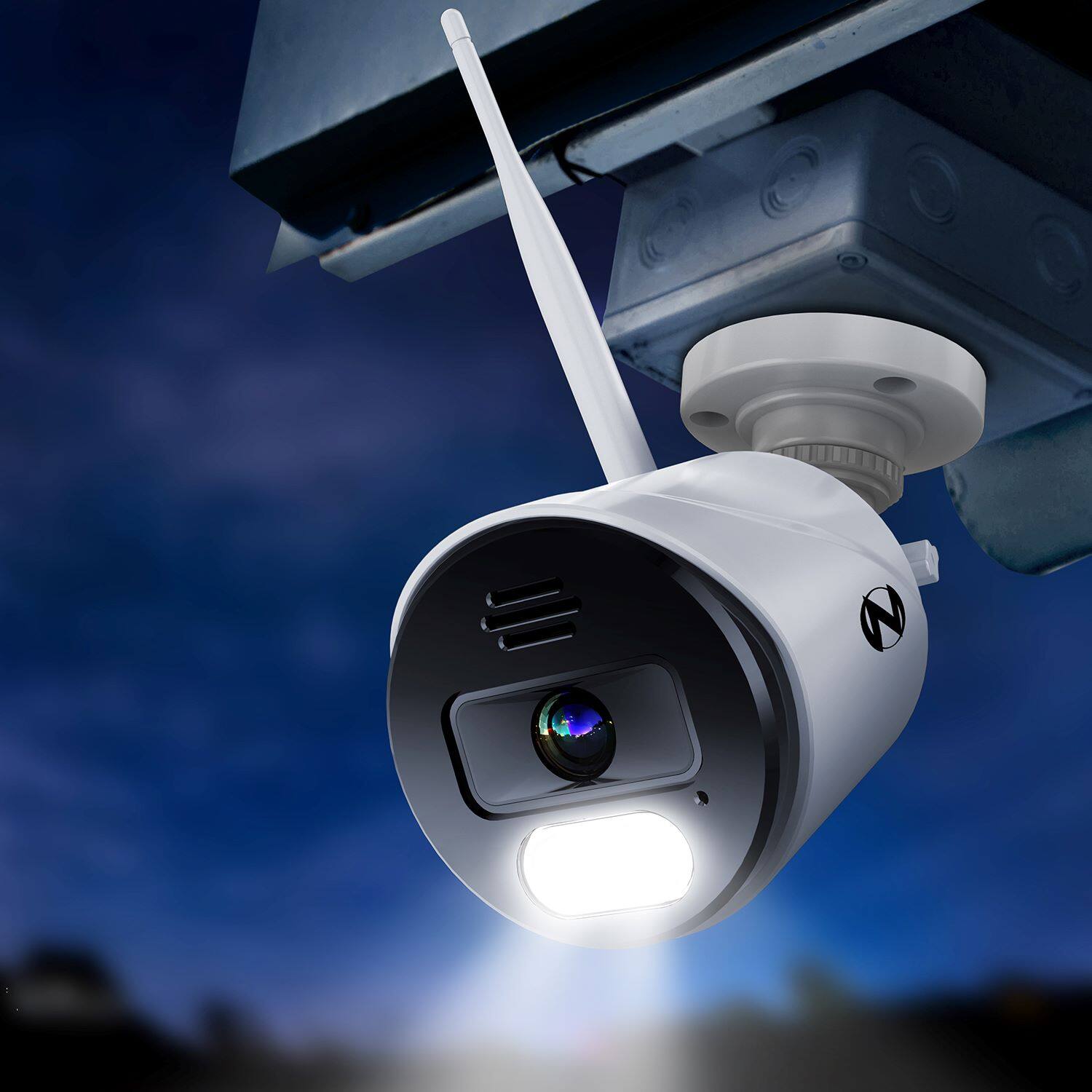
A:AnswerWe sell a Wi-Fi extender antenna that can be connected to help bypass obstacles that are affecting the camera signal. Please view the link below for more information. Thank you! https://nightowlsp.com/a-wnvr2-wfext.html
A:AnswerNope since these cameras are wireless through wifi ,but nightowl does have wired cameras that you can purchase to use with your system is believe,very good system
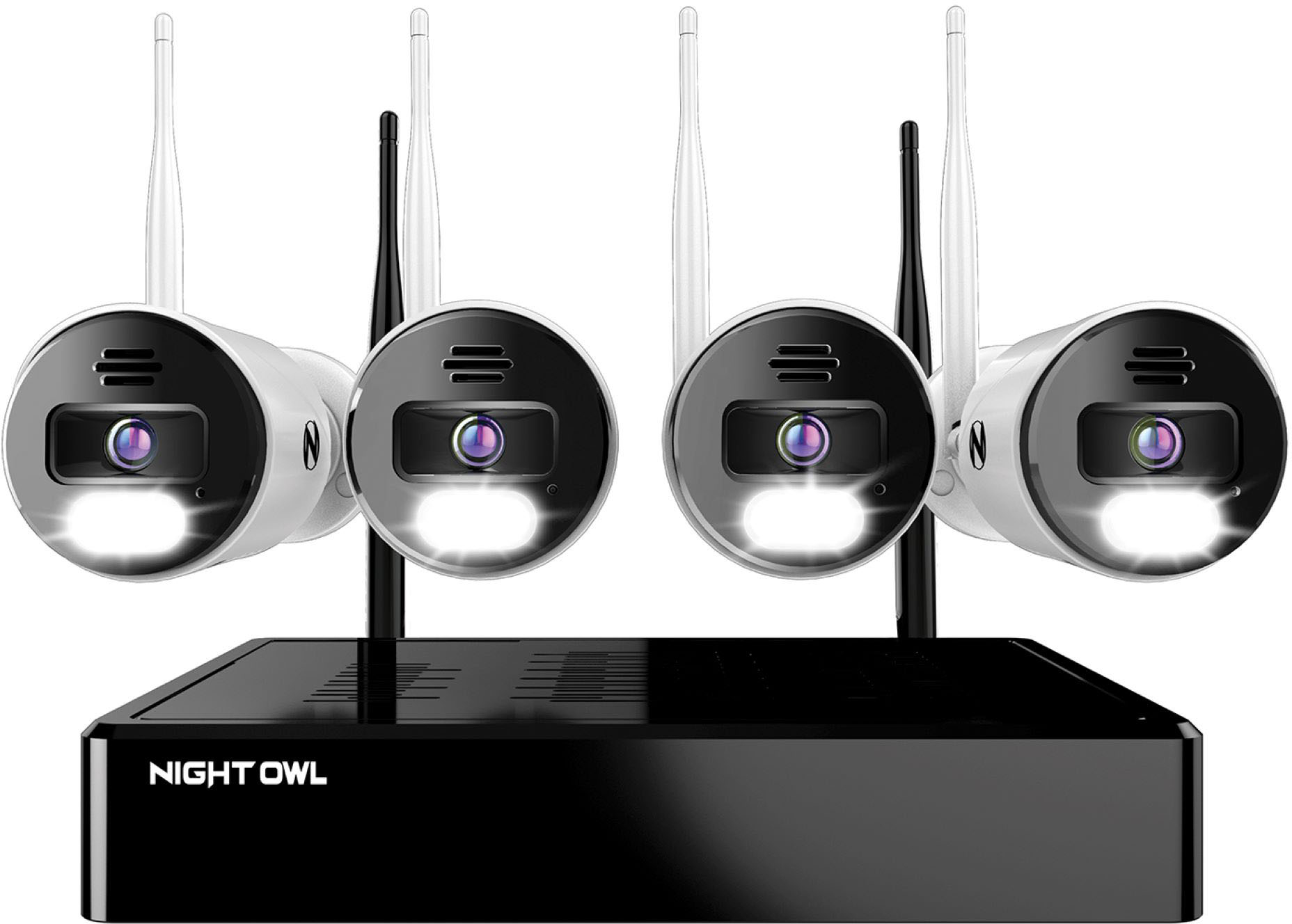
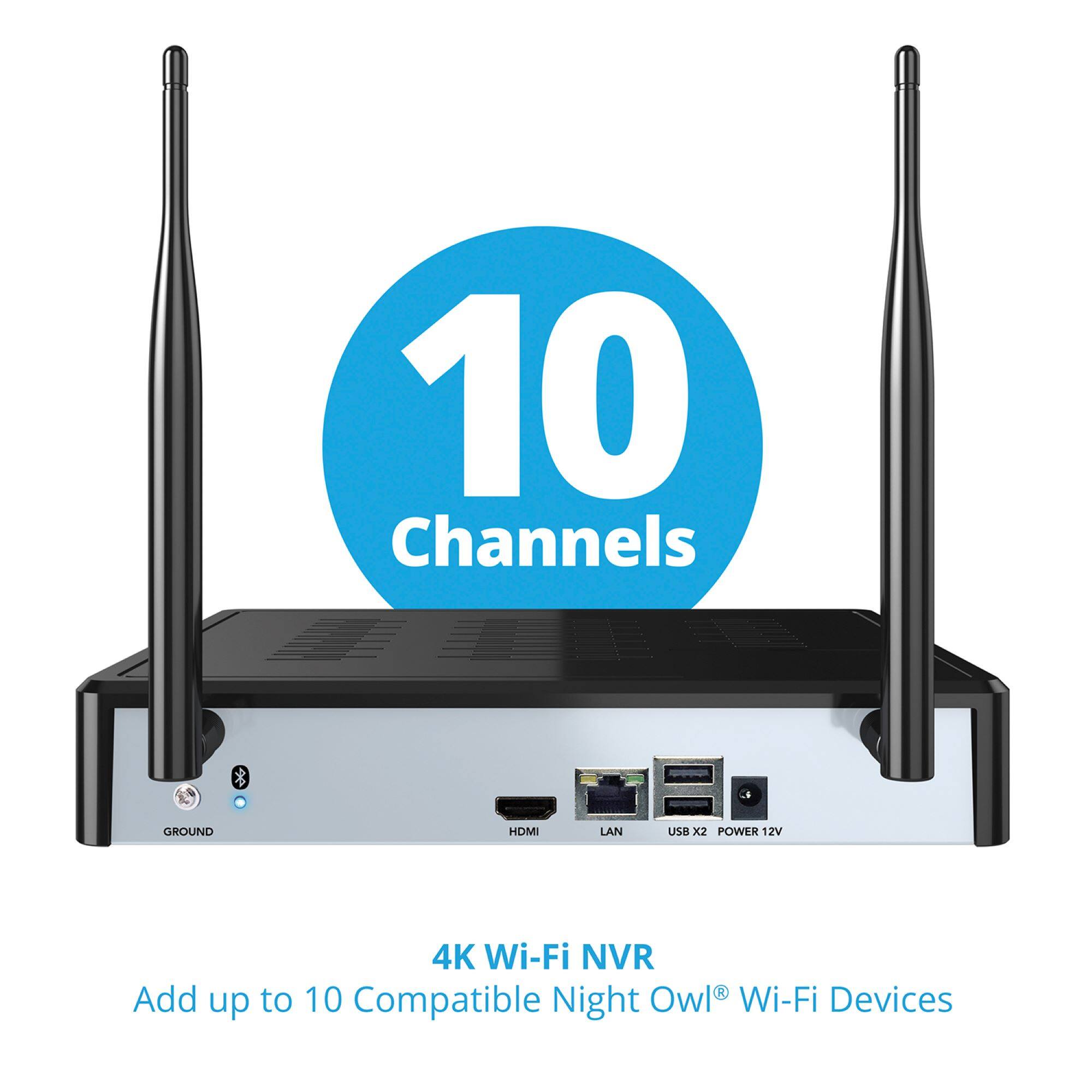
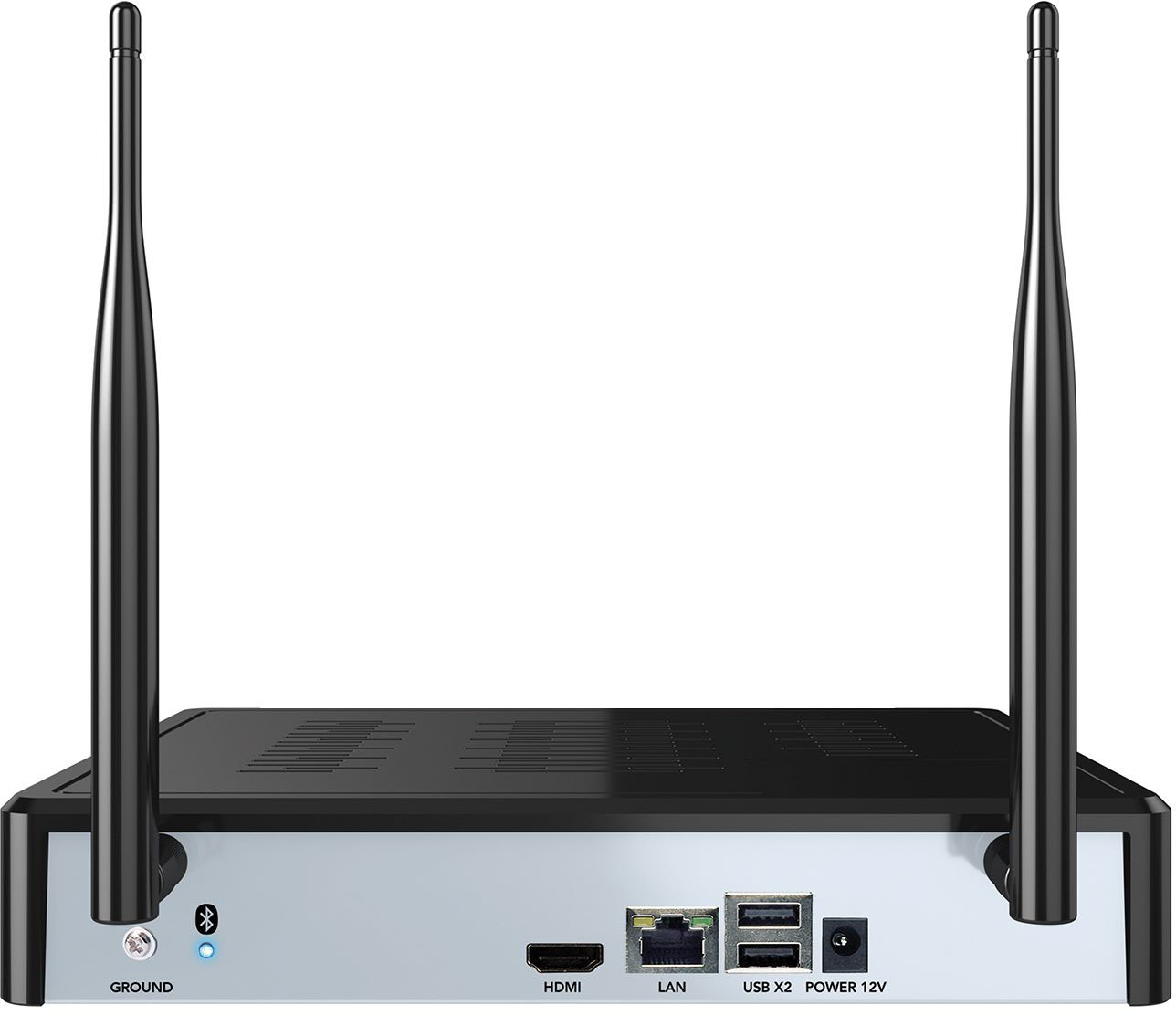
A:AnswerYes, there is an included HDMI cable that is plugged into the WNVR and to a TV or monitor.
Night Owl recommends that the WNVR is also connected to the internet router with the included ethernet cable for the best service, and to update the firmware and register the device.
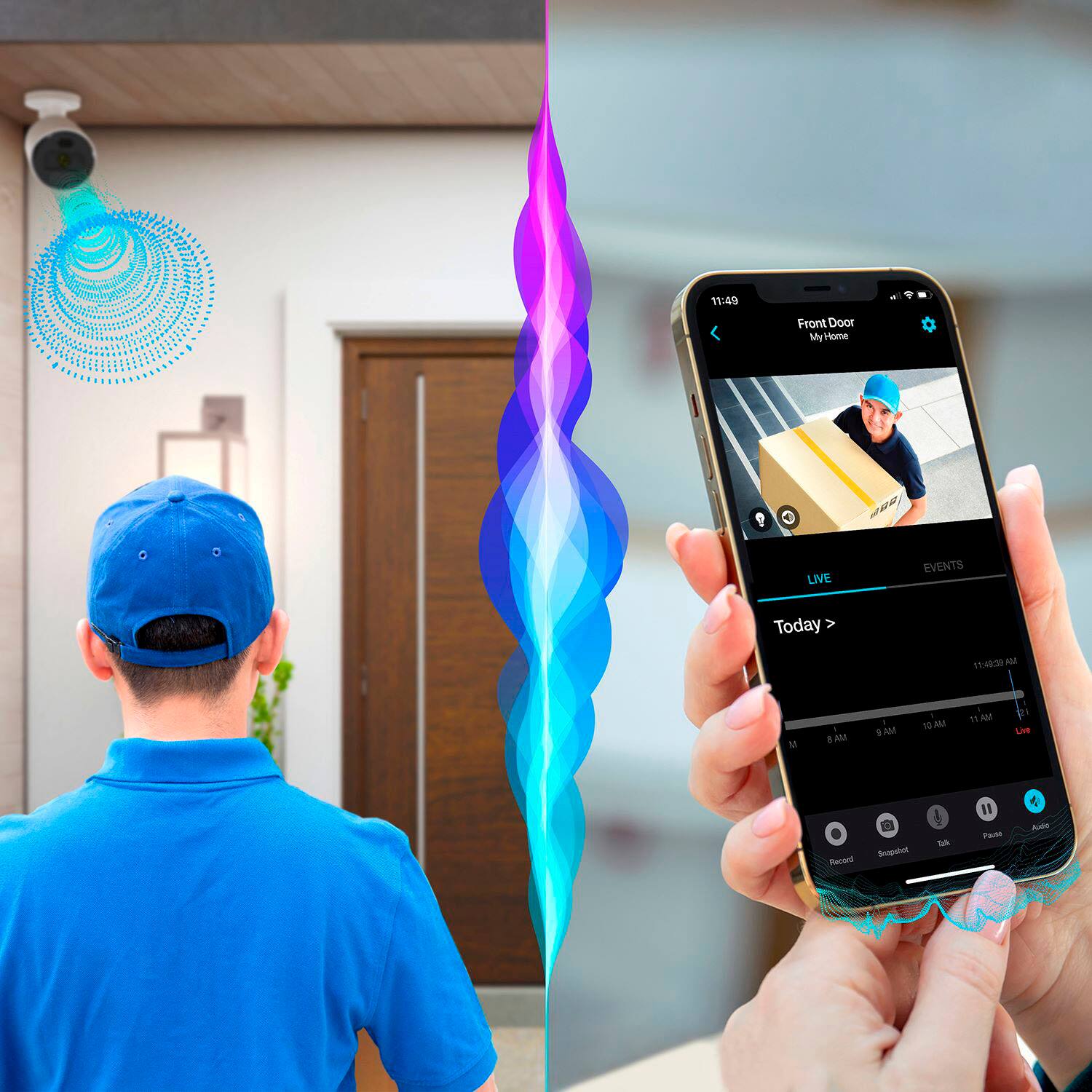
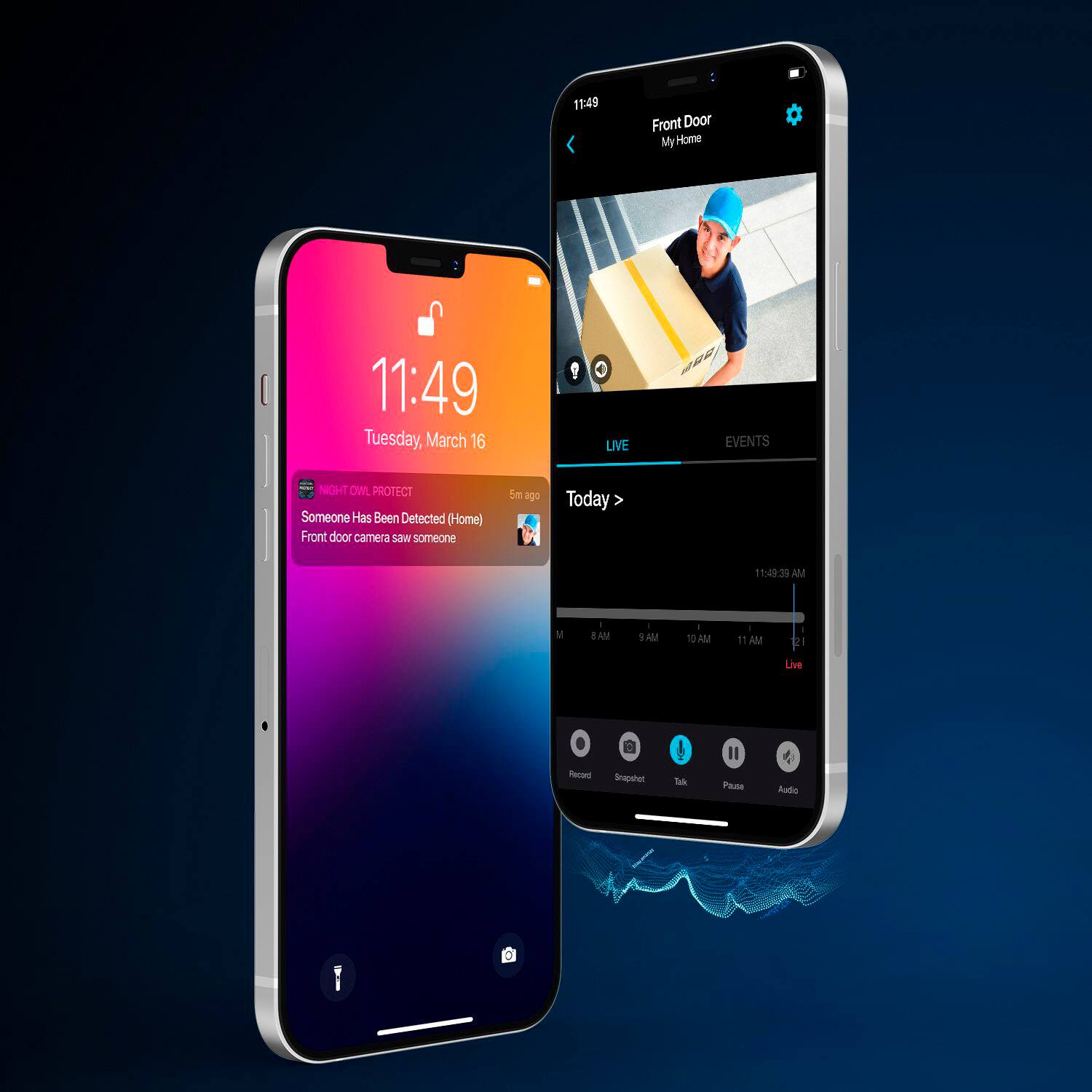
This will allow the cameras to be viewed from any of your network's access points (e.g. computers, WIFI TVs) as well as on a cellphone.
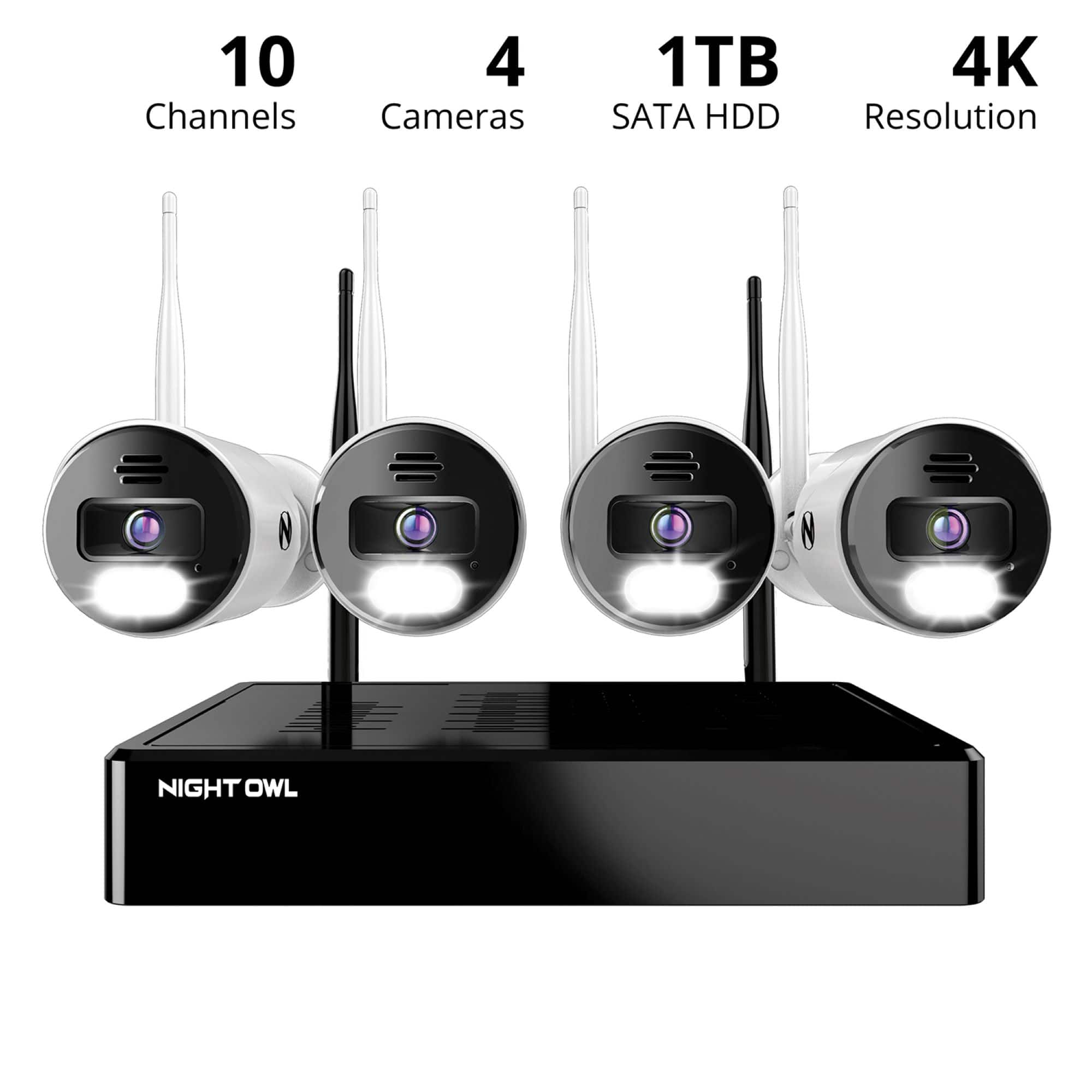
A:AnswerThe device is recommended for up to eight cameras.
This is probably related to the amount of signal traffic to the WNVR.
An overload of signals would reduce the system's clarity.
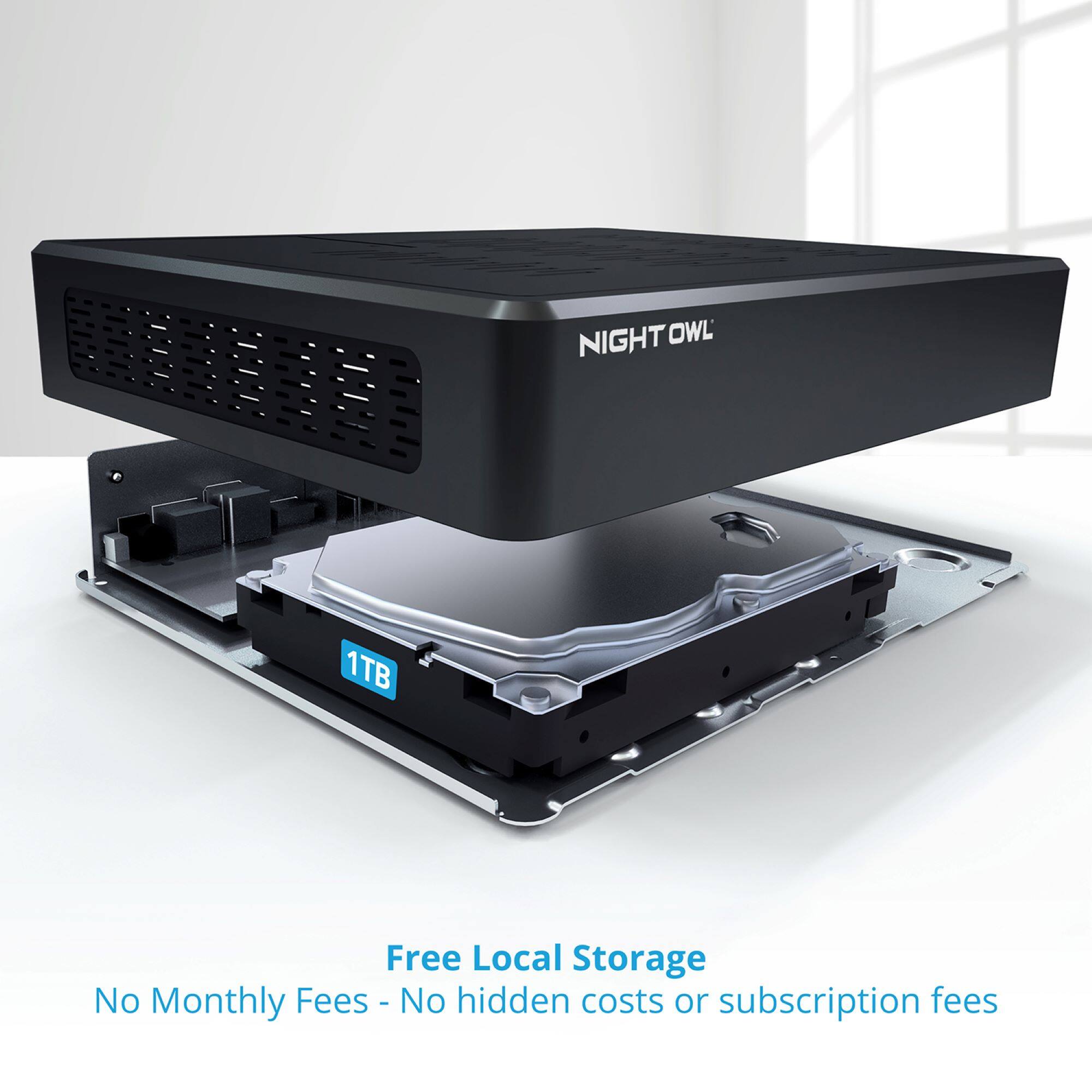
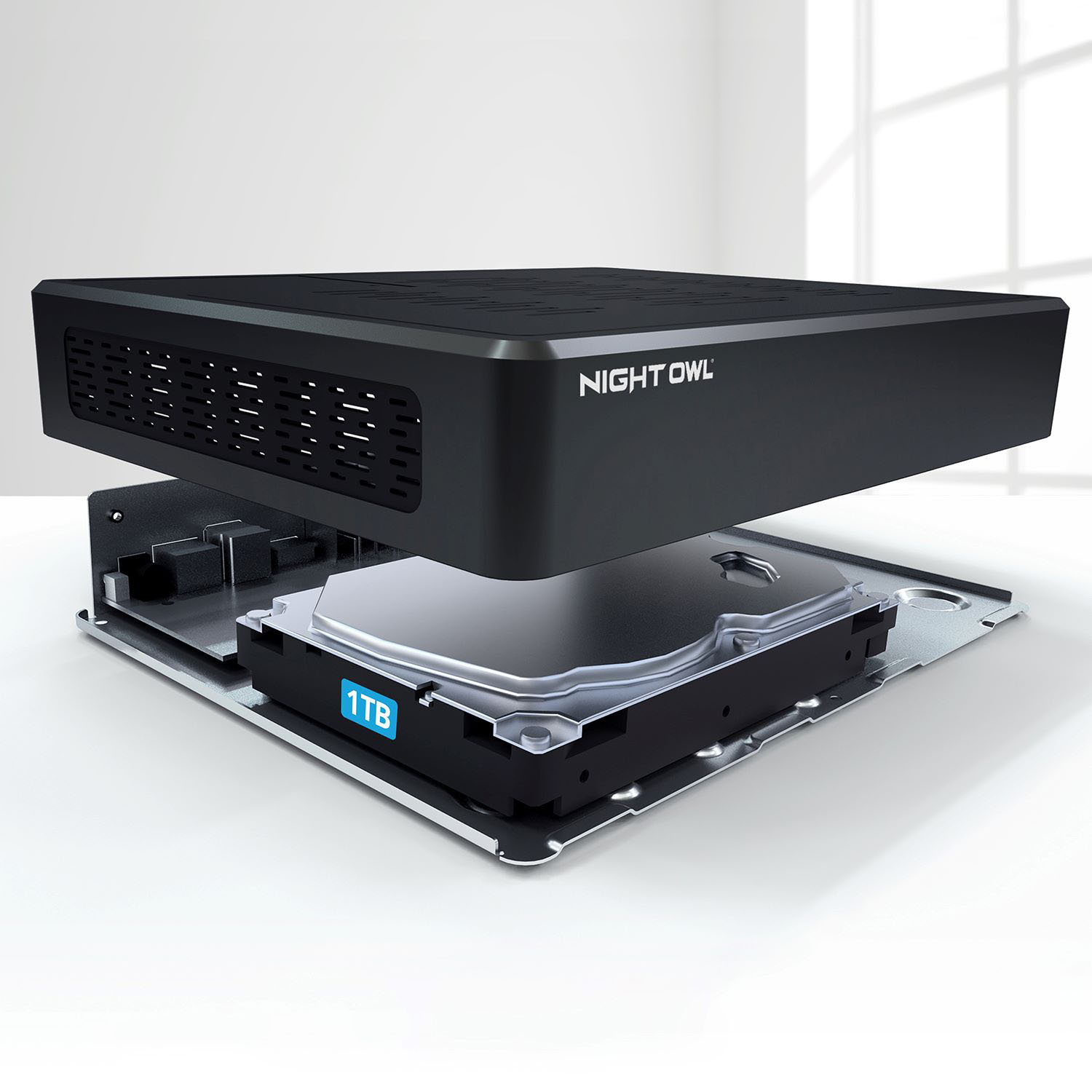
A:AnswerIt depends on many factors. By default, our products are set to motion record, meaning they will only record when the cameras sense motion within the detection area. How long it takes the hard drive to become full depends on: 1) the size of the hard drive, 2) how many cameras are connected, 3) the recording resolution the cameras are set to, 4) the environment where the cameras are installed (how much traffic they detect) and 5) the recording setting for each camera (motion, continuous, time schedule, etc...). Please view your products support page at the following link, should you need more information: https://support.nightowlsp.com/hc/en-us. Thanks for choosing Night Owl!
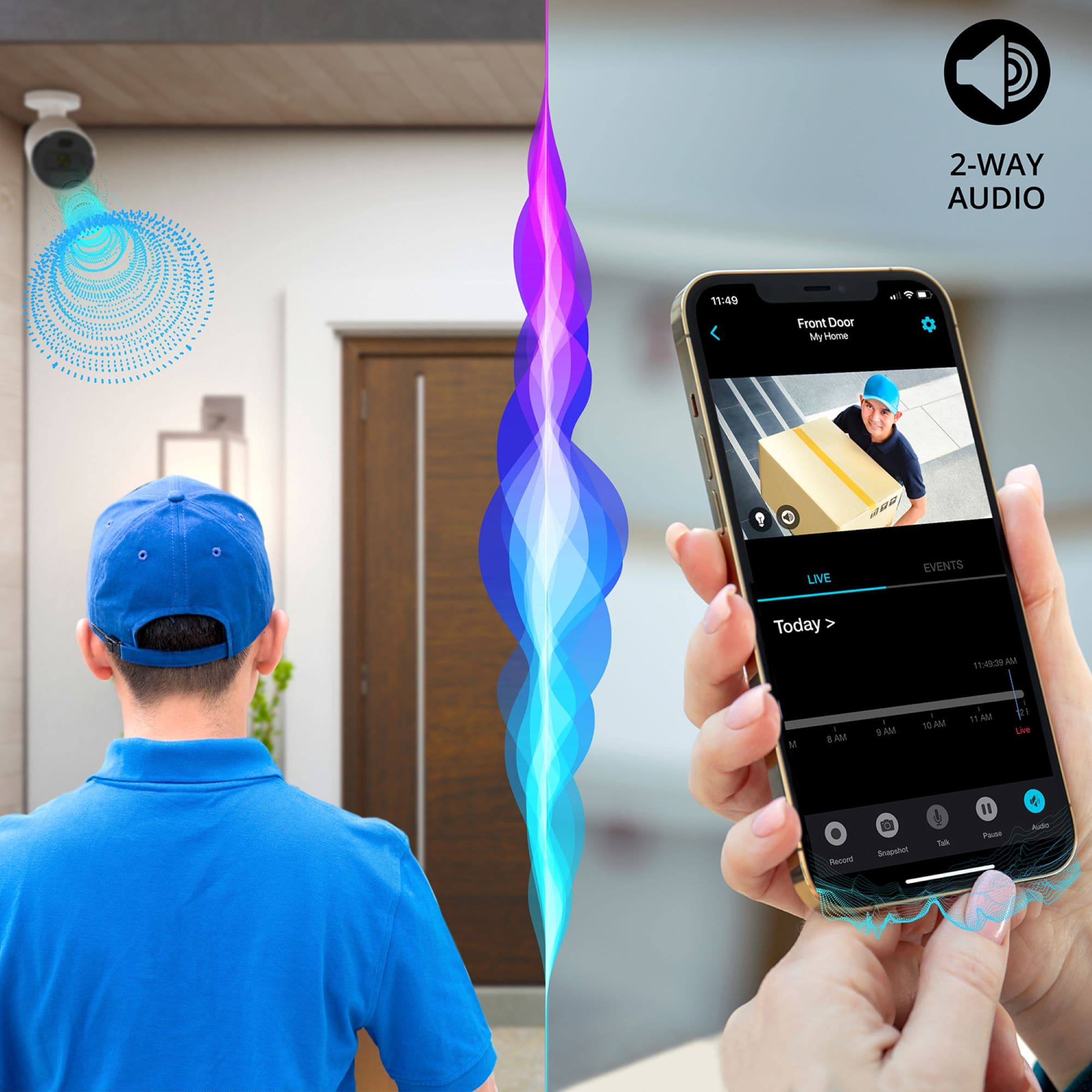
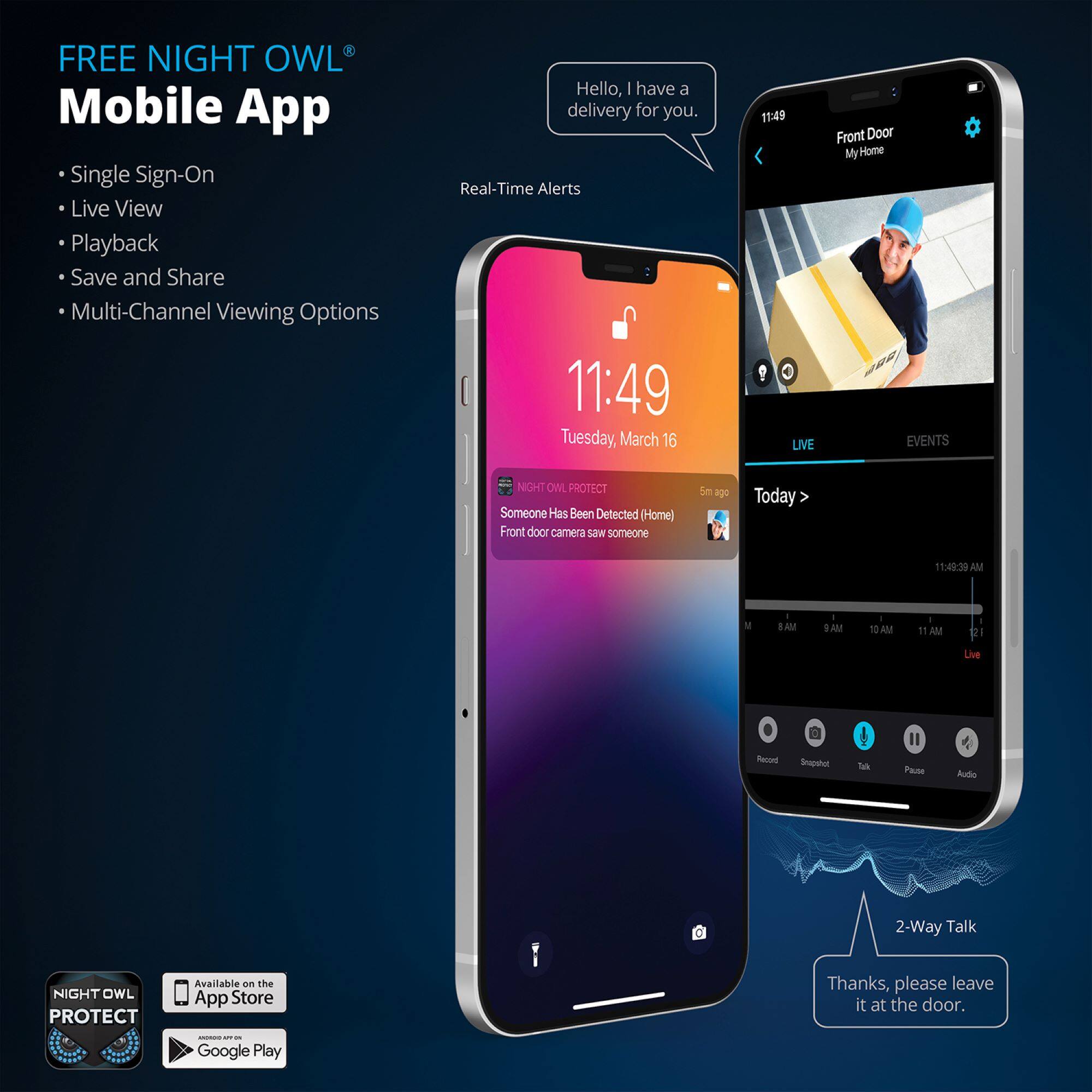
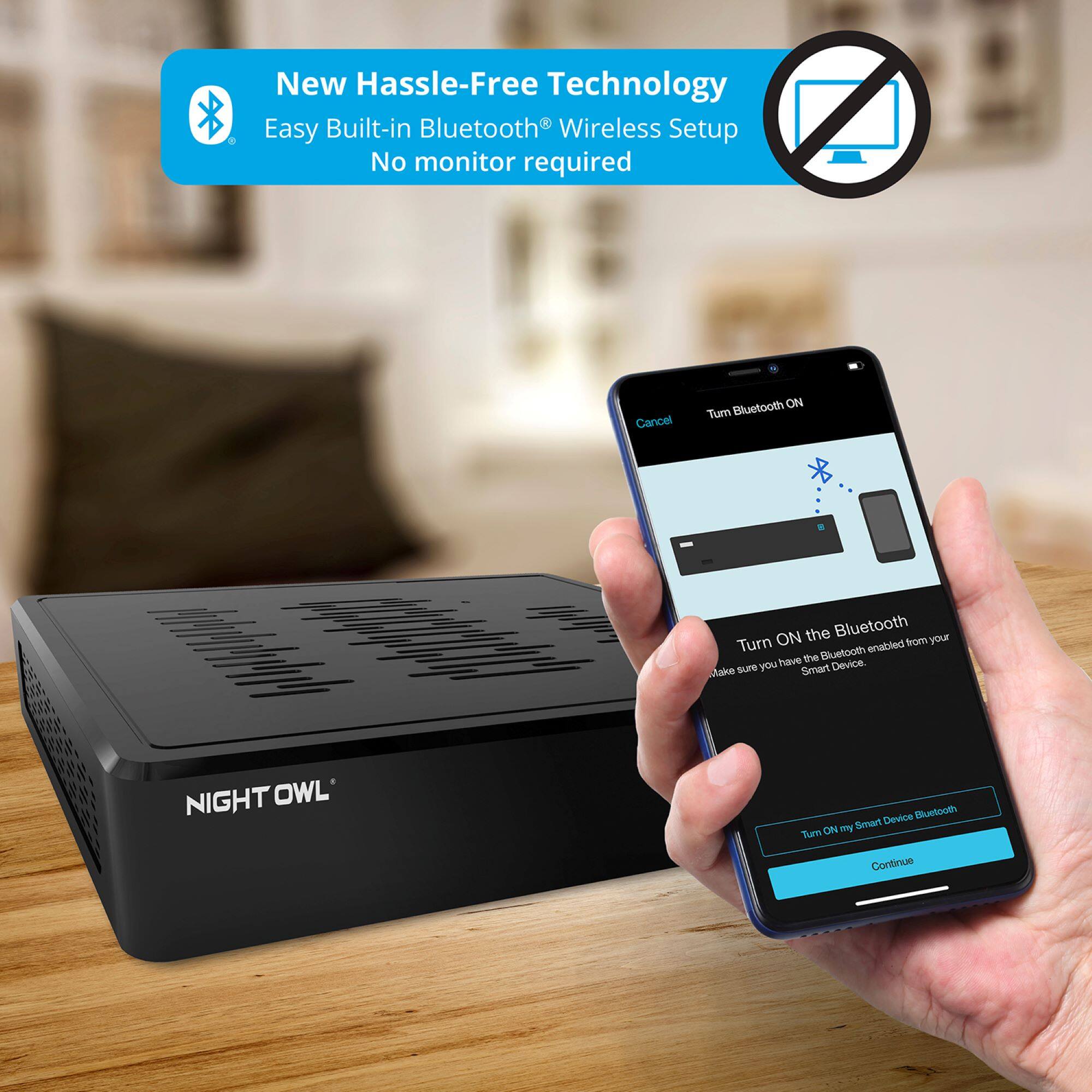
A:AnswerUnfortunately, we no longer include a remote with our systems. We include a wired USB mouse to navigate the menus from a TV or monitor. Alternatively, you can connect a wireless mouse using the USB dongle. Additionally, with the Bluetooth technology, most of the system's menus and features can be accessed right from your Smart Device without the need to connect a TV or monitor. Thank you for choosing Night Owl!
A:AnswerWe are sorry to hear you are experiencing an issue with your Night Owl product. Unfortunately, the issue you are having requires troubleshooting by our technical support team. We do provide easy to access troubleshooting material on your products support page at https://support.nightowlsp.com/hc/en-us. If you need additional assistance, simply use the Contact Us link to reach our technical support team. Please ensure your device is running the latest software version to access phone support. We thank you for choosing Night Owl.
A:AnswerYes, you can have multiple Wi-Fi NVRs. However, you may need to adjust the Wi-Fi channel for 1 of them. The default is channel 11, but to avoid interference you can adjust that within the NVR's settings. You can view multiple recorders and products within the Protect App. Thank you.
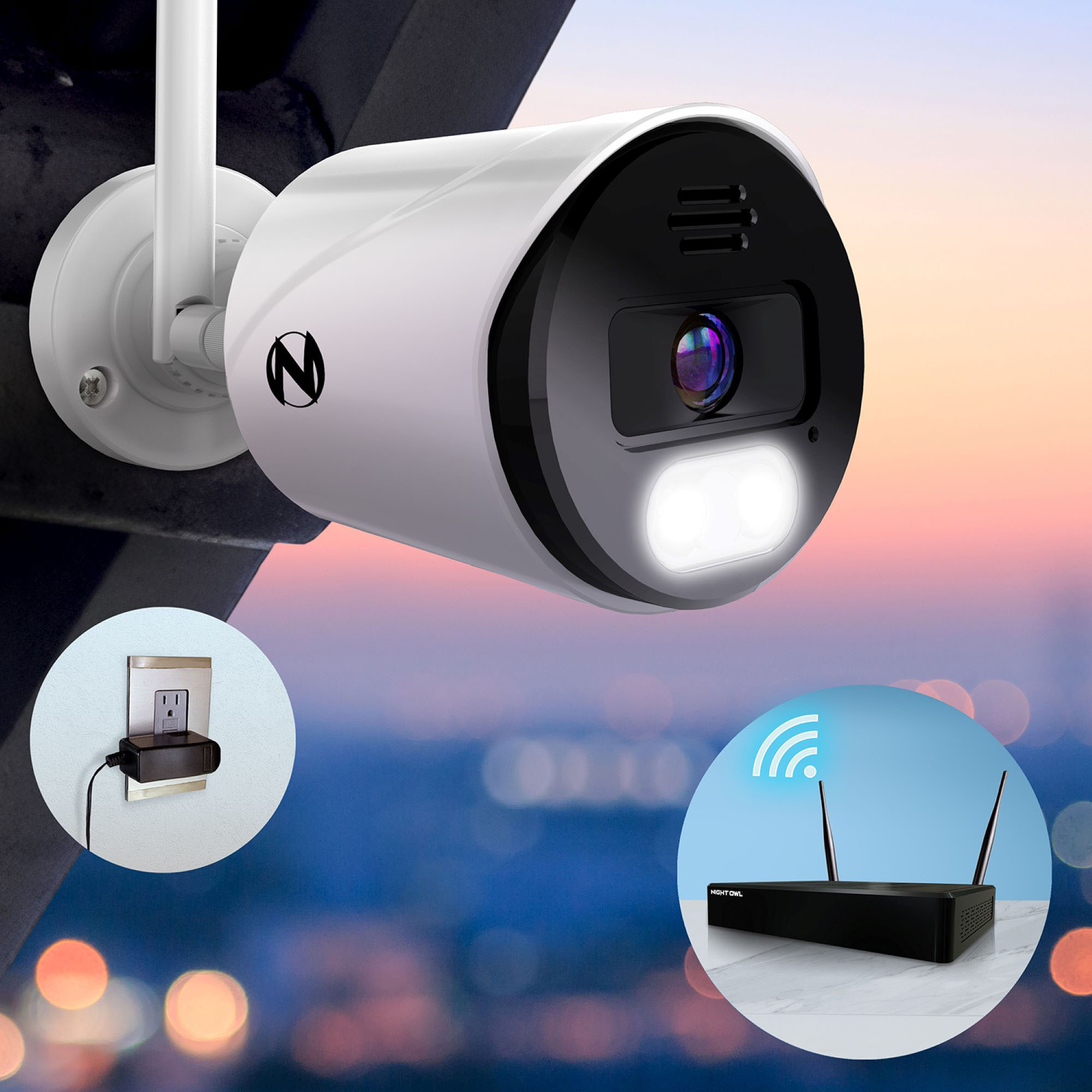
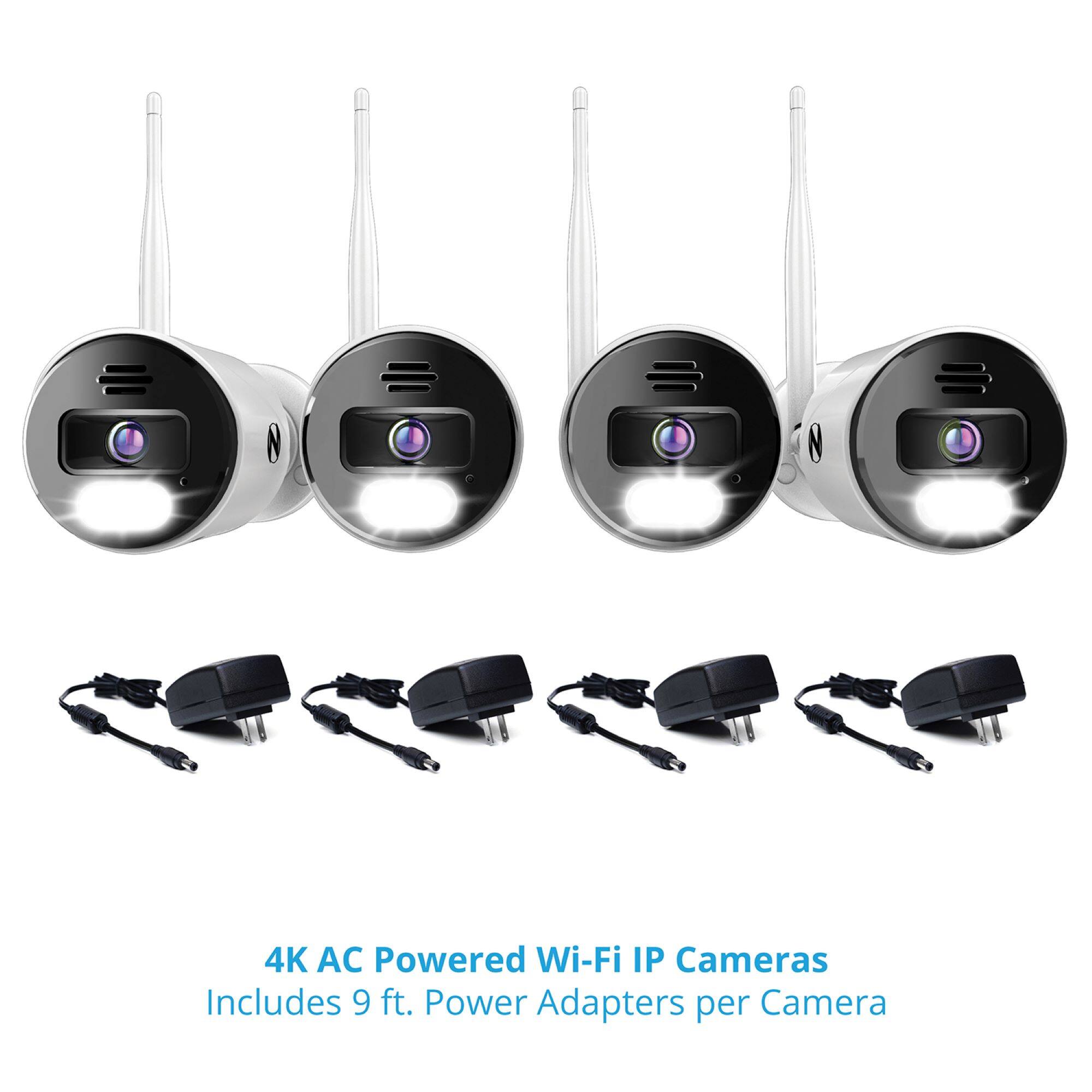
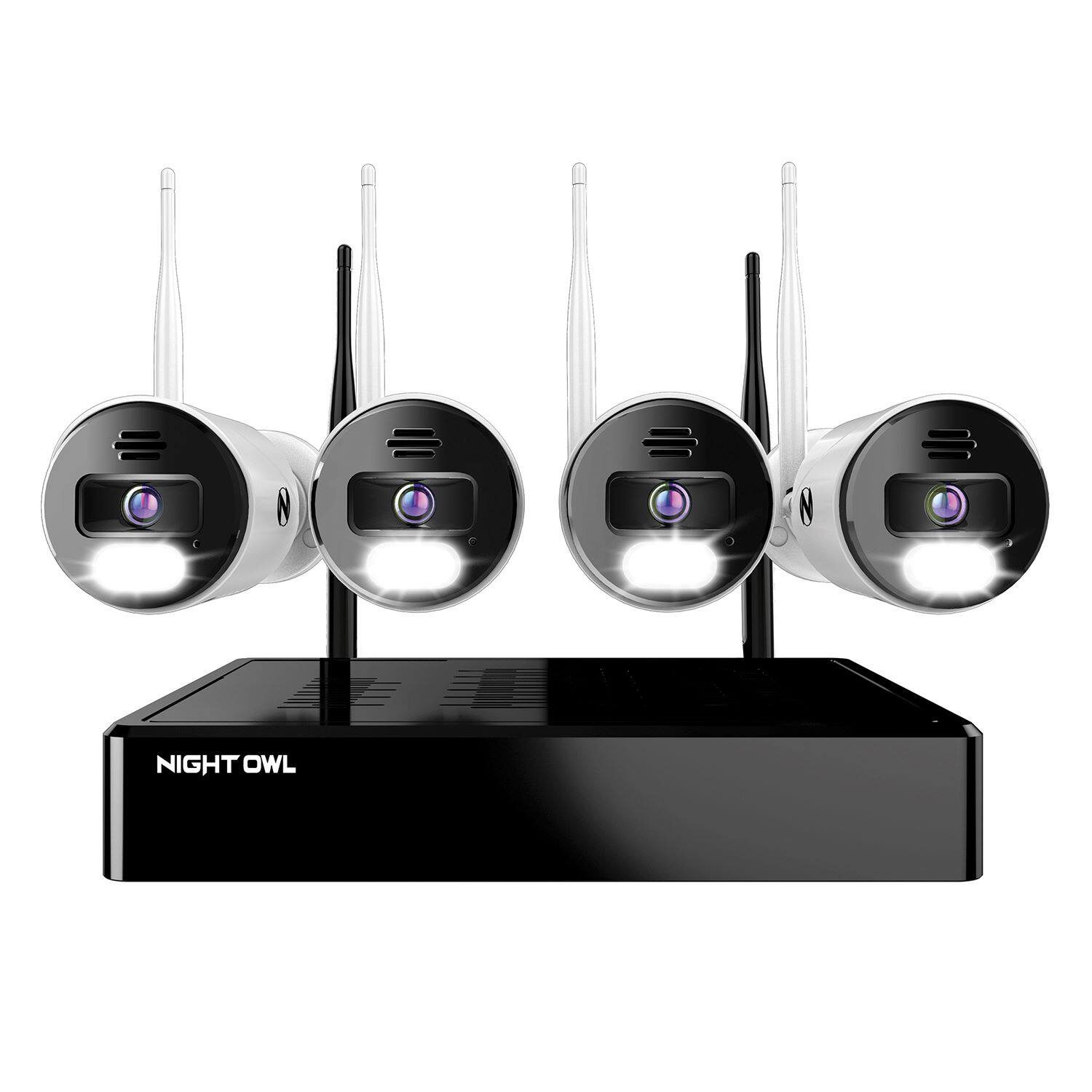
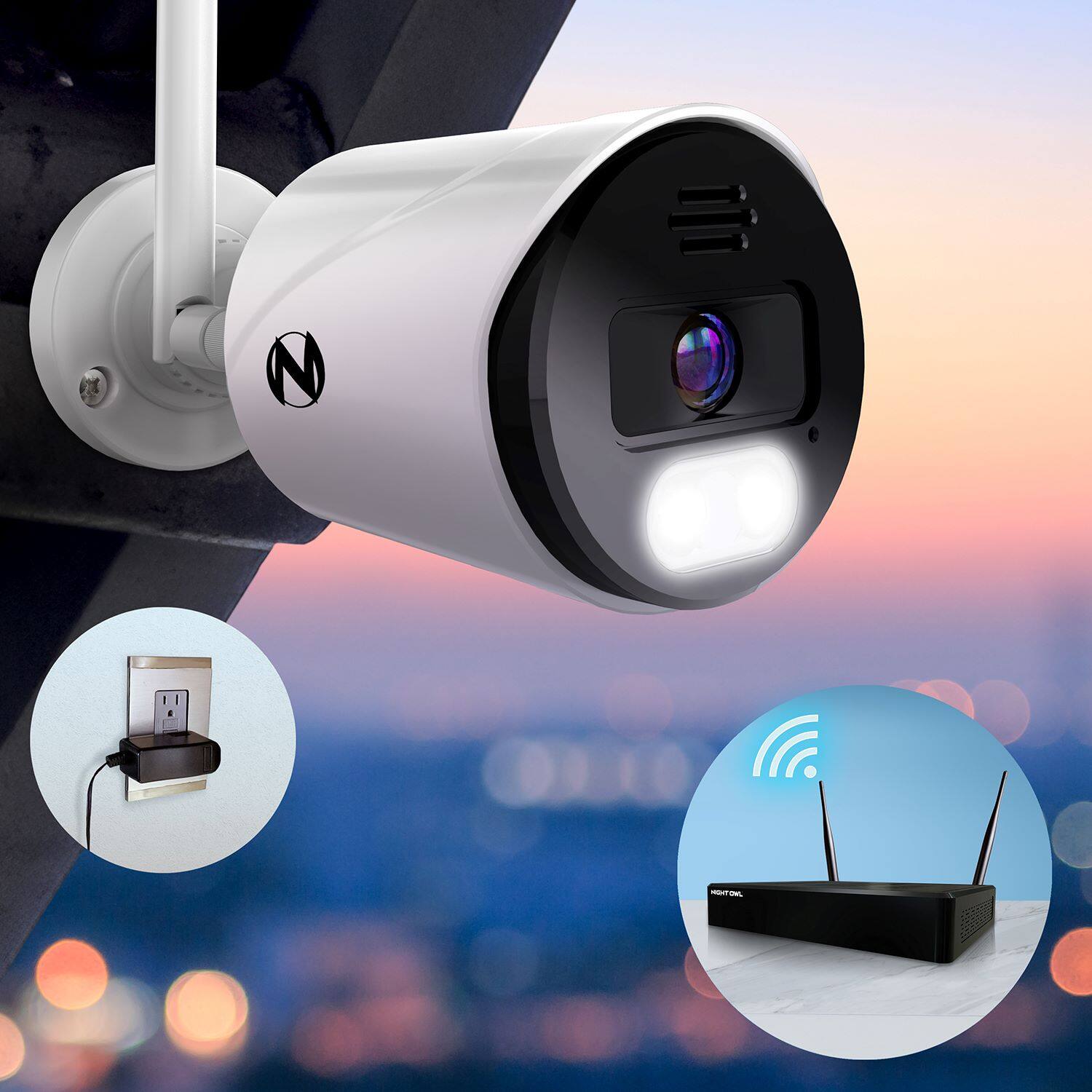
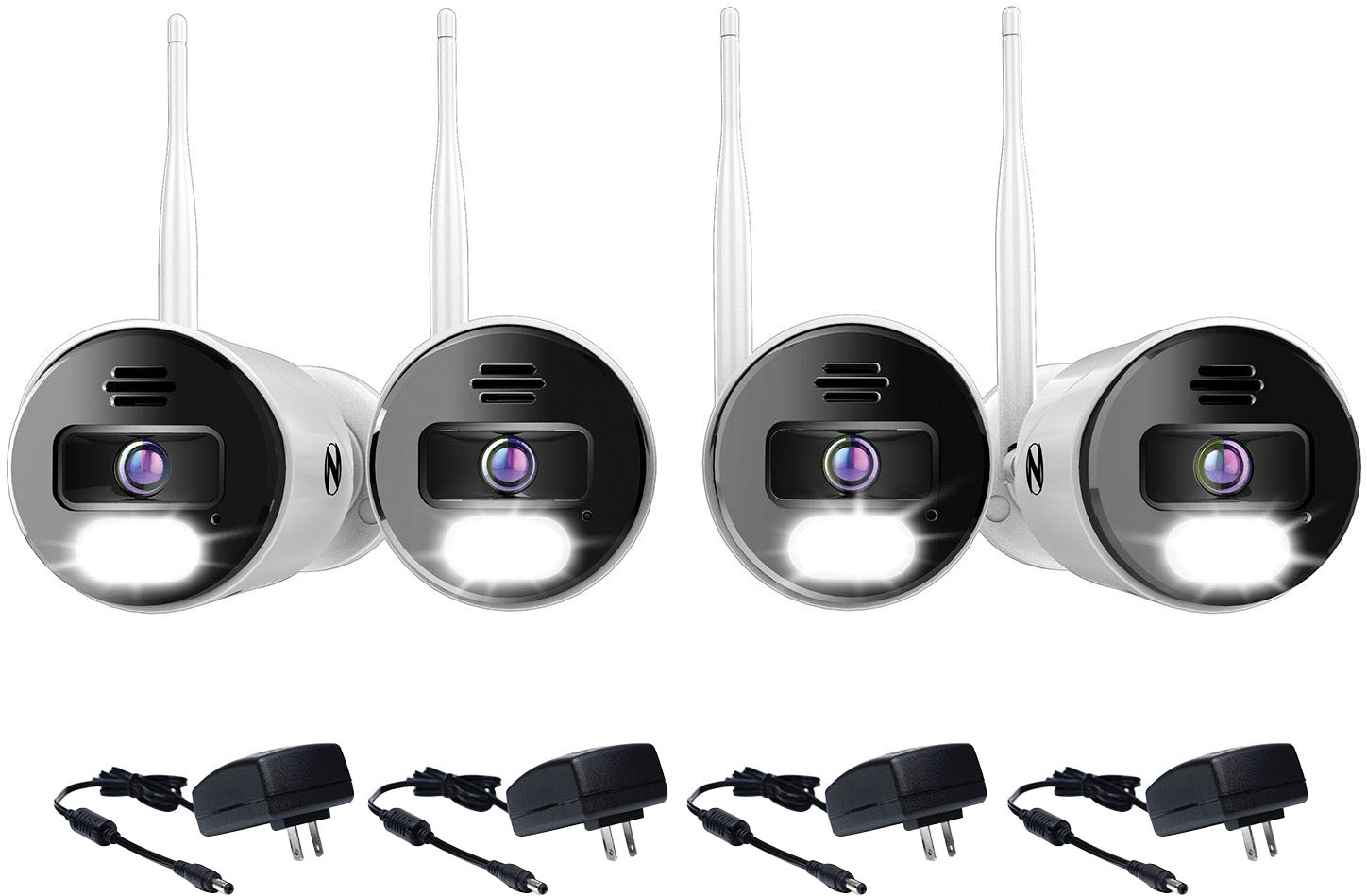
A:AnswerNo, these cameras wirelessly connect to the Wi-Fi NVR using the NVR's built-in Wi-Fi. They are powered using the provided camera power adapter. Thank you.
A:AnswerNo. To remotely view your cameras on our DVR/NVRs, you will need to hardwire the system to a working network access point (such as a router/modem) using an Ethernet cable. Thank you for choosing Night Owl!