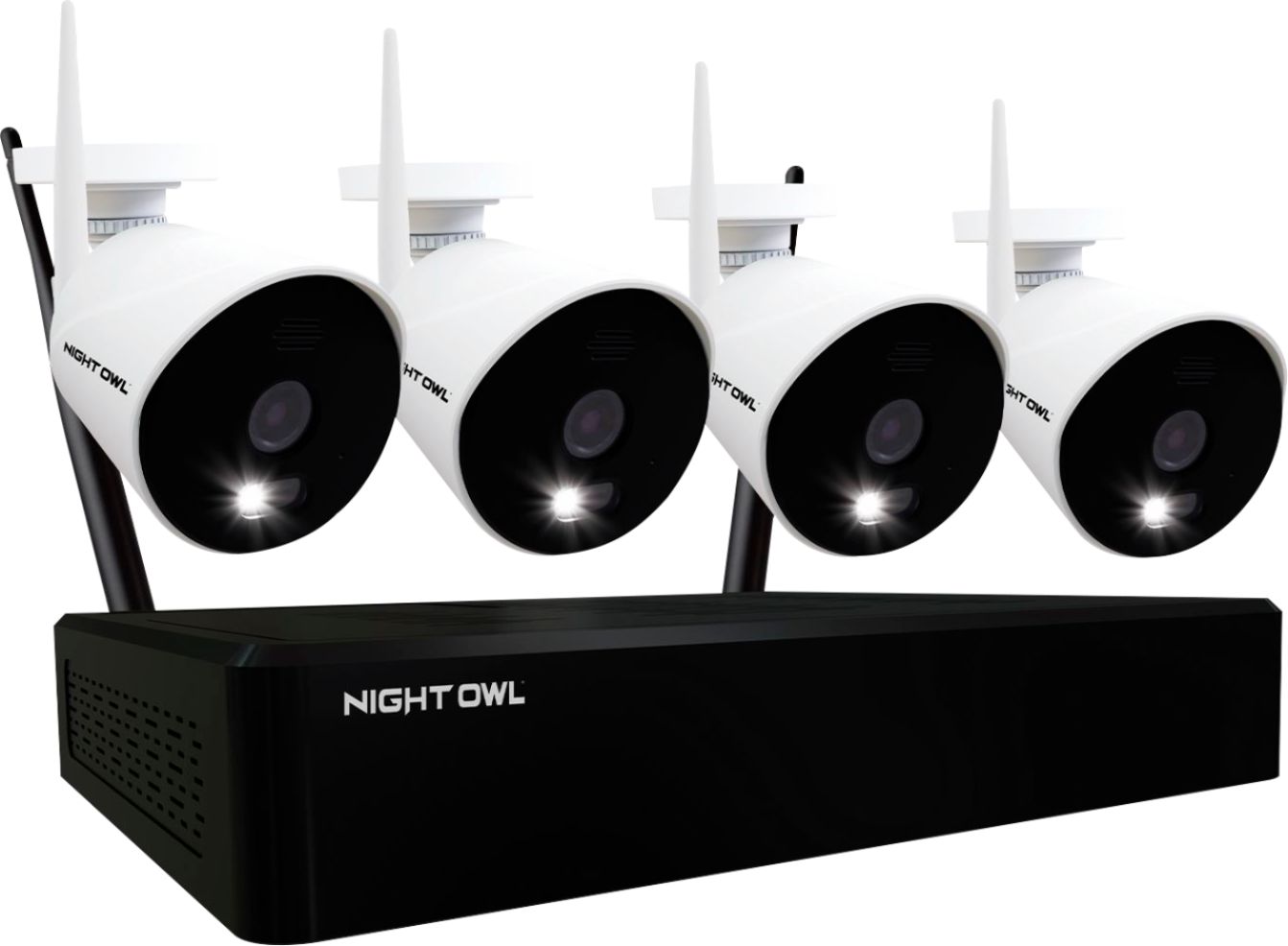
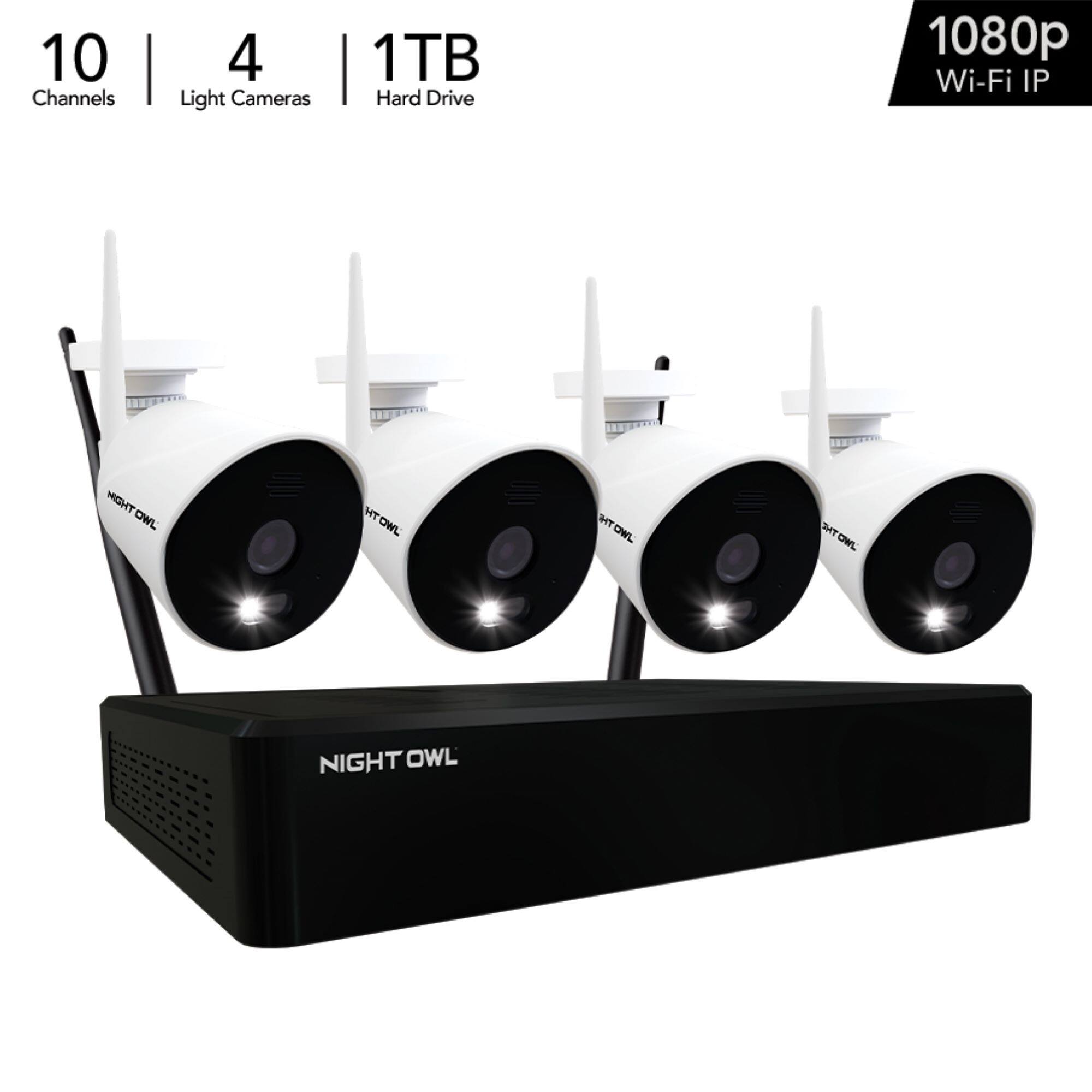
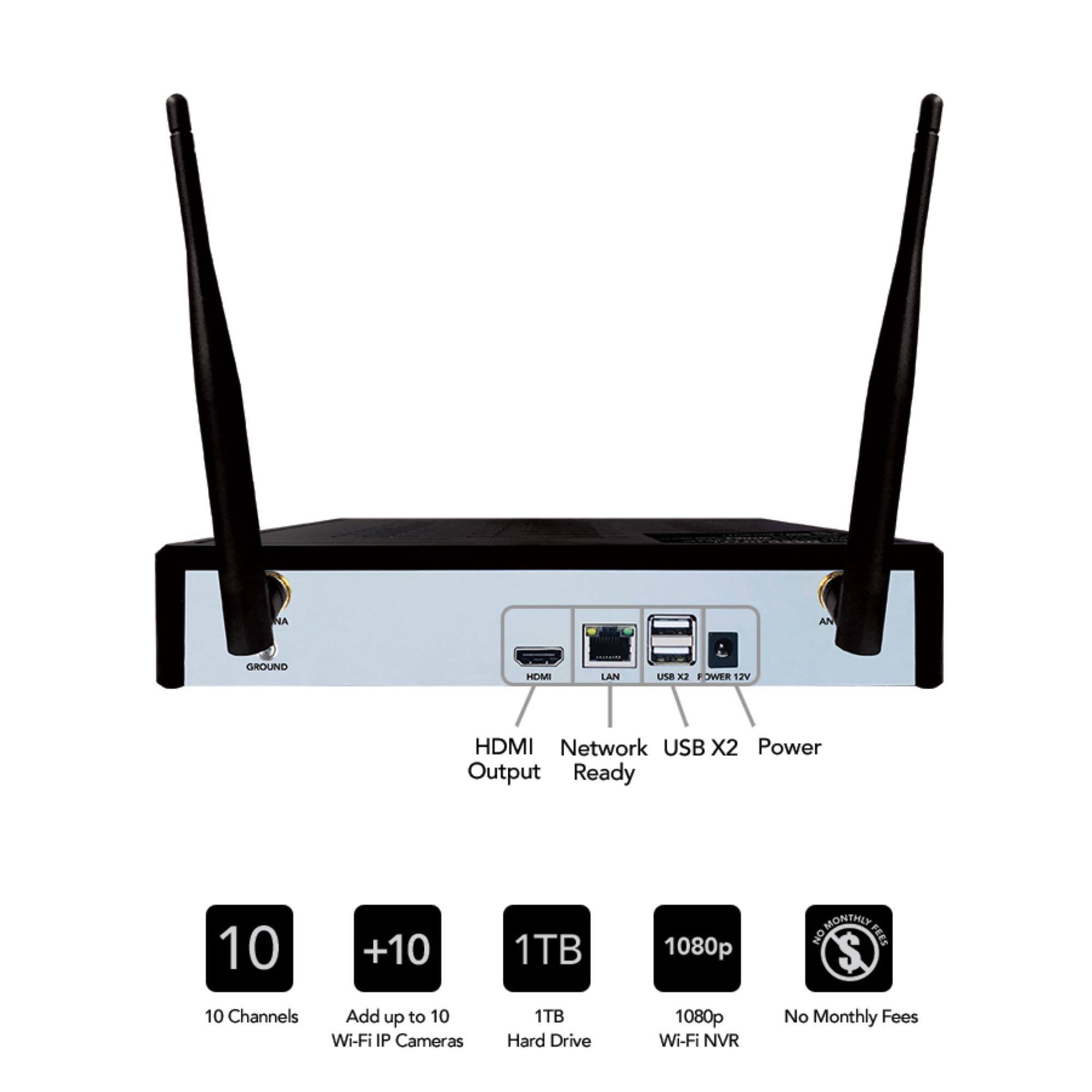
A:AnswerNo, there are no subscriptions or monthly fees. You can view and access your system from a TV / monitor or remotely via our free mobile app. Thank you for choosing Night Owl!
A:AnswerGood afternoon. No, the cameras included with this particular system do not have our audio alerts and siren. They do have 2-way audio (talk and listen). For an upgraded model that has 2-way audio, audio alerts and sirens, please view the link below and let us know if any questions. Thank you for choosing Night Owl! https://www.bestbuy.com/site/night-owl-10-channel-bluetooth-wi-fi-nvr-with-4-wi-fi-ip-4k-hd-2-way-audio-cameras-and-1tb-hard-drive-white/6472242.p?skuId=6472242
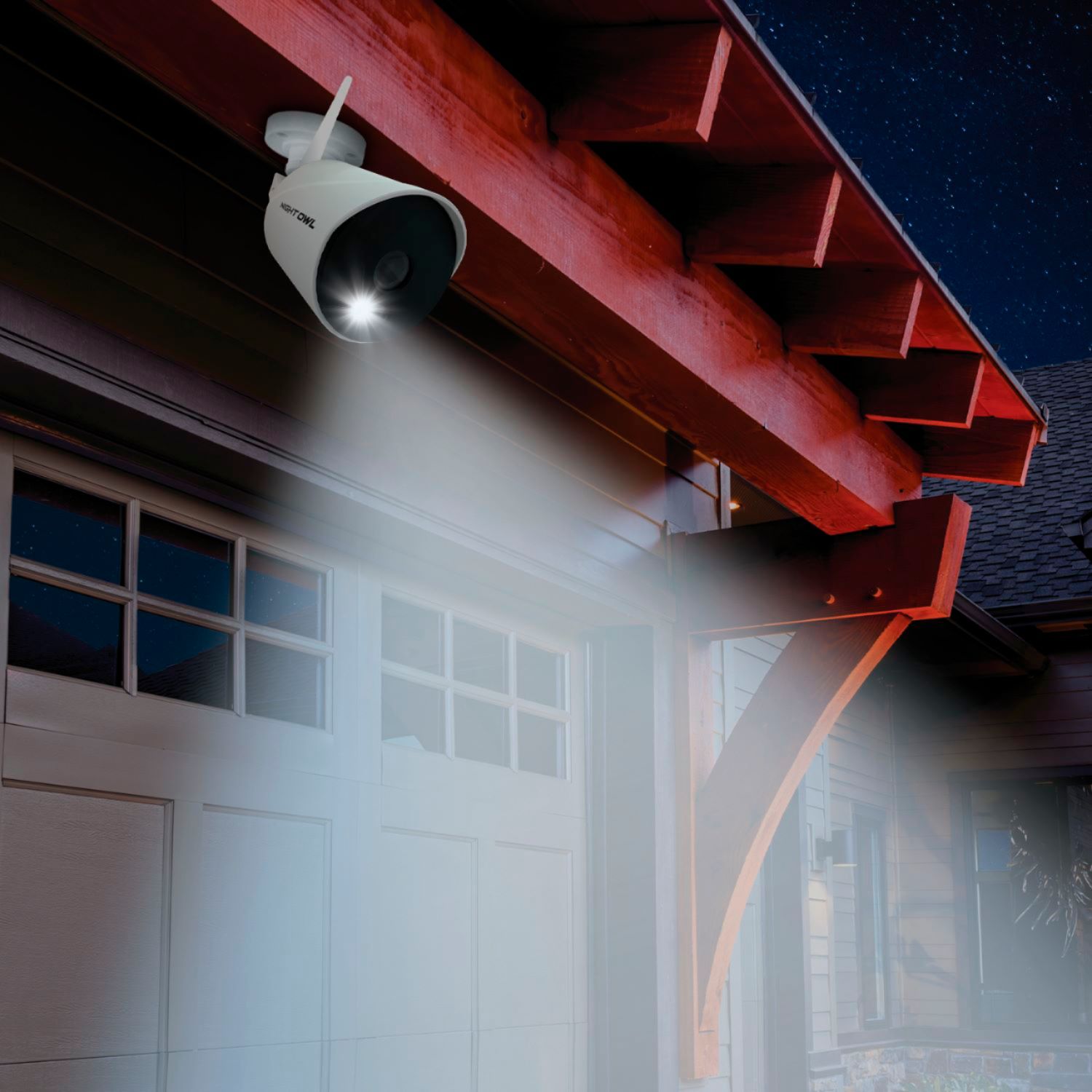
A:AnswerHi Mary. Yes, you can add up to 10 total cameras to this Wi-Fi NVR. Please view the link below for the model included with your system. Cost is subject to change, so please view the link for current pricing. Thank you. https://www.bestbuy.com/site/night-owl-1080p-hd-wi-fi-ip-camera-with-built-in-spotlight-white/6432203.p?skuId=6432203
A:AnswerHello,
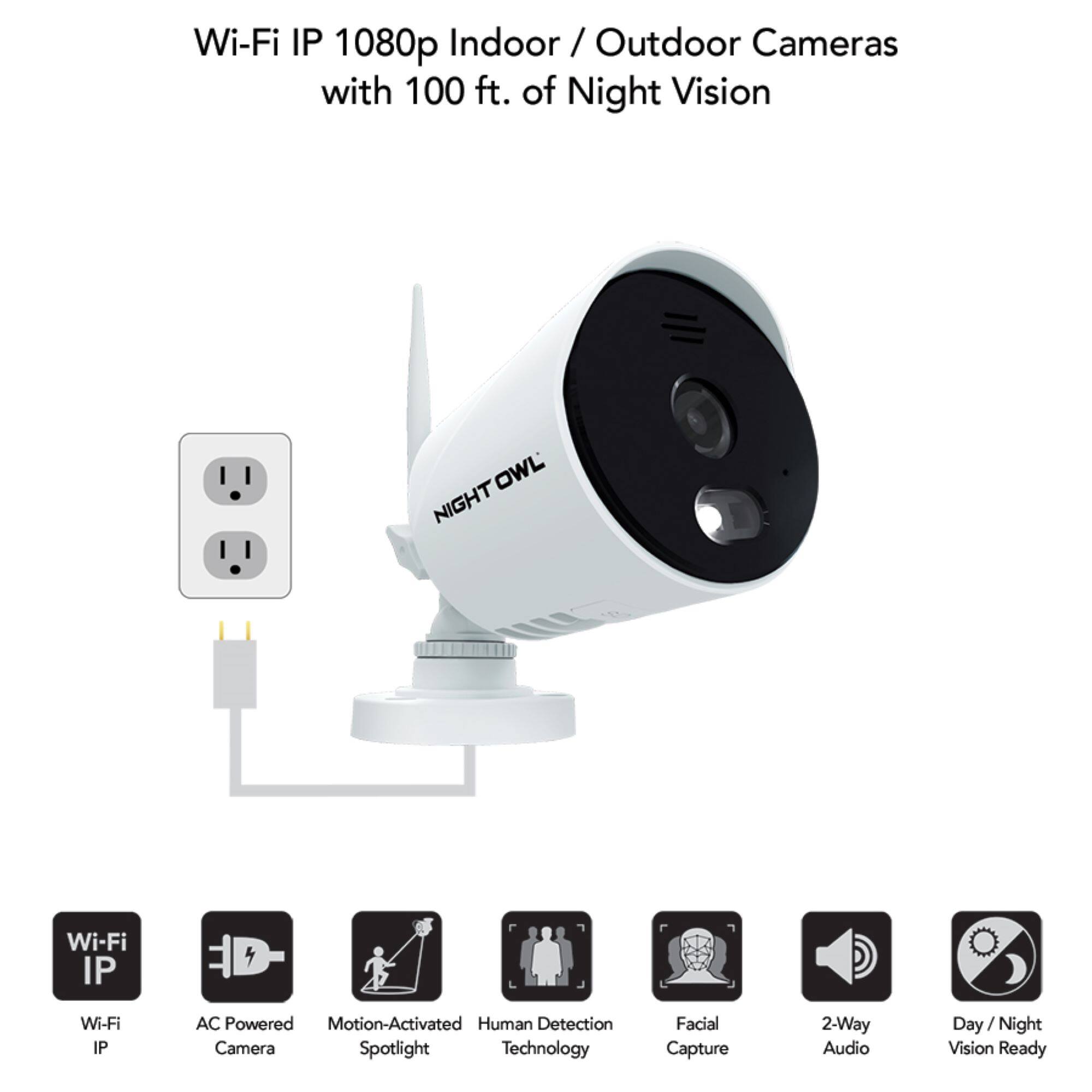
Each camera has 2 cables. There is a one foot white 9V DC cord that is already attached to the back of the camera, and at the end of that cord is a female connector. Next you have a black cord that is about 6 feet long and it is a standard 120 volt power cable. It has the standard "prong" or male end that you plug into a extension cord and then the wall or surge protector. At the opposite end of that cord is the male end that you plug into the female end of the first cable that is already attached to the camera that I spoke about in the beginning.
VERY IMPORTANT: After connecting the NVR to your monitor or TV and then plugging it in, you must also connect each camera's two cables to each other like I explained, and plug them into a spare power strip just to pair and test the camera's within 8 feet of the NVR. Use the included mouse to complete the very short "set-up wizard" on your monitor or TV. You will hear each of the camera's automated female voice saying something like... "camera powering up" and "camera ready for viewing". As well as the camera's spot lights turning on. Then you will see the view from each of the cameras appear on your monitor or TV. Then finally, go mount the cameras outside. Fairly easy to mount the cameras and although I have only had the system a few days, I'm very impressed. Hope this helps. Greg
A:AnswerI don't believe so. Of course the cameras connect to the NVR by wireless. Just simply set the NVR next to your router and use the included Ethernet cable to go between the NVR and your router. Hope this helps a little.
A:AnswerYes you do need a TV so you can see the camera footage. Also, you do nee the internet in order to register this device and connect to the device via mobile app
A:AnswerYes, the spotlight can be disabled for one or more cameras if desired. This can be done at the DVR/NVR level or remotely via the App. This may come in handy for cameras that are installed inside the home, or during special events where you anticipate a lot of camera activity. For more information on disabling the spotlight, please refer to your product's support material on our support site, linked below. Thank you for choosing Night Owl! https://support.nightowlsp.com/hc/en-us
A:AnswerHi Ernest. No, unfortunately, those 2 technologies are not compatible with each other. Please view the charts below for more information on compatibility. Thank you! https://support.nightowlsp.com/hc/en-us/articles/360039151573
A:AnswerGood afternoon. The cameras are connected wirelessly to the Wi-Fi NVR via its built-in Wi-Fi, not to your router. However, please check to see what wireless channel your router is on. By default, your Wi-Fi NVR is set to channel 11. If your router is using the same wireless channel, you can easily log into the NVR from your TV or monitor and change the channel to correct that issue. Thank you for choosing Night Owl!
A:AnswerThat is not recommended. At night, when the cameras activate night vision the IR LEDs will be reflected back into the lens of the camera. Additionally, the spotlights will reflect off the glass into the lens of the camera. Both of these will distort the image and cause issues. The cameras can be installed inside or outside, but we do not recommend placing them against windows to look outside. Thank you for the question and for considering Night Owl!
A:AnswerNo. The red light is the cameras LEDs, which activate at night when Night Vision is needed. There is no way to deactivate them. Sorry for any inconvenience.
A:AnswerThe cameras are powered through an AC Power Adapter, 1 per camera. These systems are designed for use within the US. To use outside of the US, where applicable, you would need the appropriate voltage converters in place to use this product. Thank you.
A:AnswerIt was fairly simple to hook up. The cameras require power but to communicate with the box is wireless. The box requires power and hooked to a router for Wi-Fi via Ethernet.
A:AnswerHi Shari. We would need to gather some more information from you to better answer this question. Please call 1-866-979-0580 or email sales@nightowlsp.com with your best contact information and setup basics at your convenience. One of our pre-sales agents will promptly follow up with you.