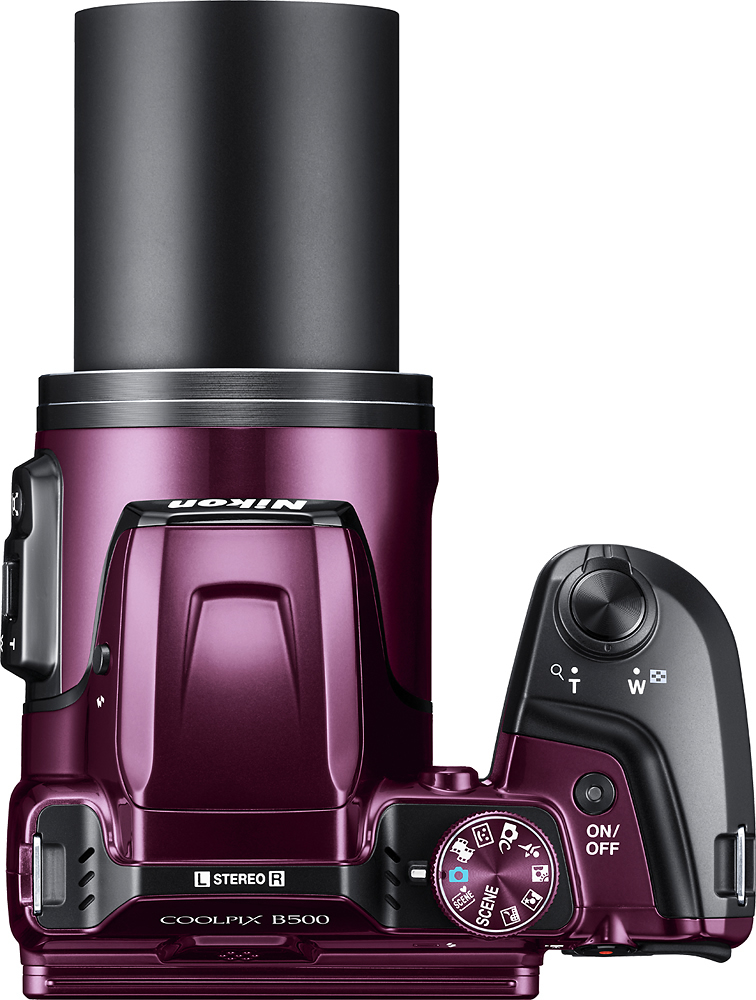
A:AnswerYes, press the shutter release button halfway and the auto focus sets up the photo. It works with the zoom as well. Then press the shutter release all the way down to snap the photo. Very easy to do.
A:AnswerThe Nikon COOLPIX B500 digital camera has approximately 20 MB of internal memory to store images. Additional images can be placed on an SD, SDHC, or SDXC memory card which can be purchased separately.
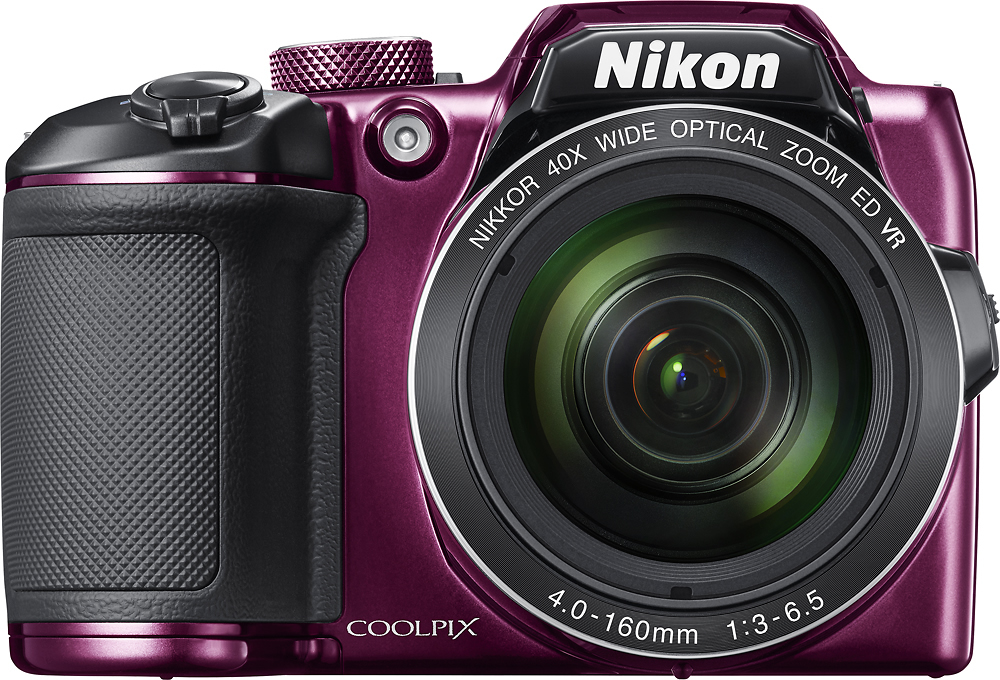
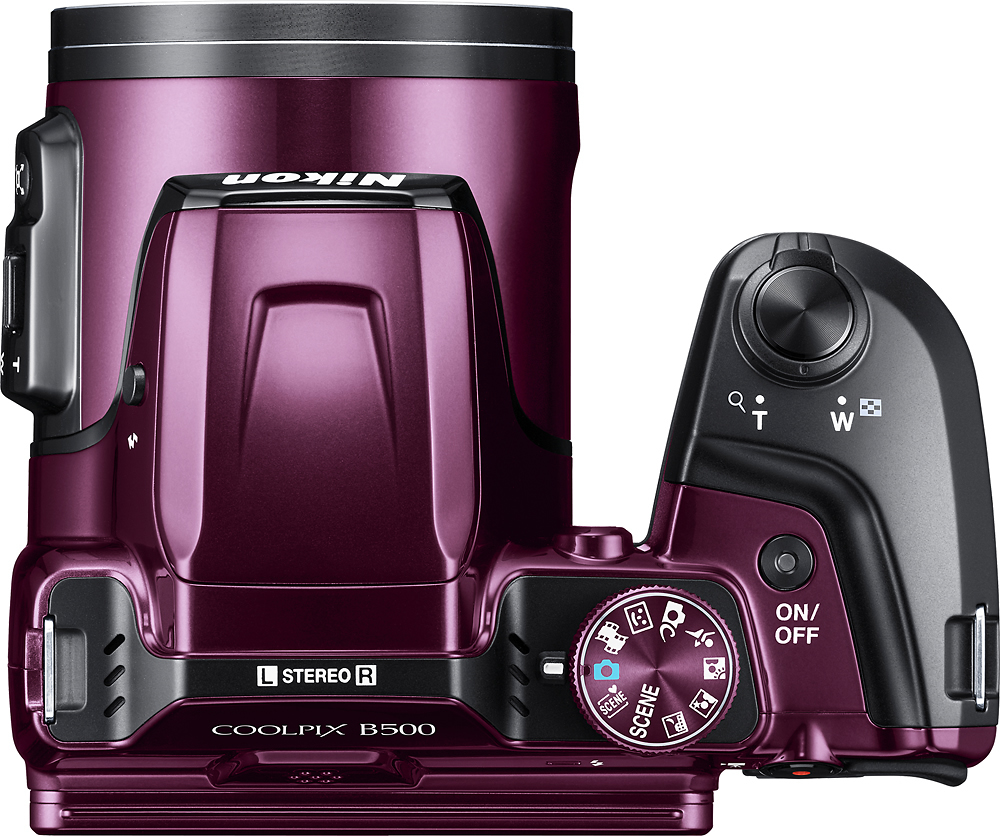
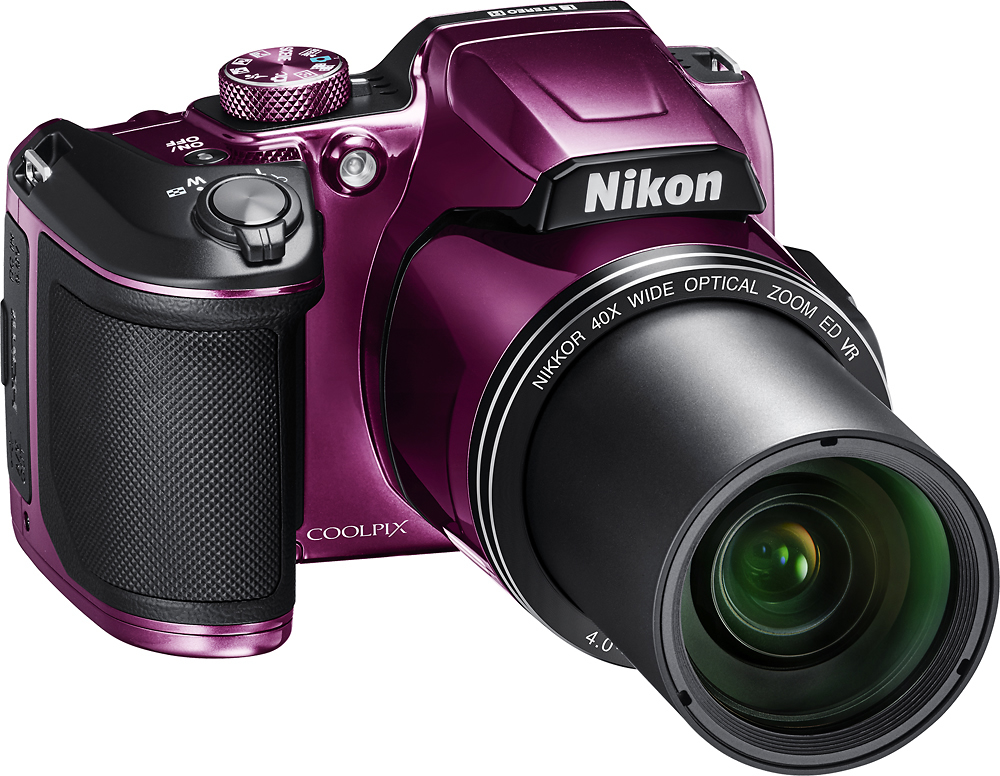
A:AnswerNo, COOLPIX cameras like this COOLPIX B500 do not have removable lenses. The COOLPIX B500 has a built-in 40x optical zoom/80x Dynamic Fine Zoom super telephoto NIKKOR ED glass lens.
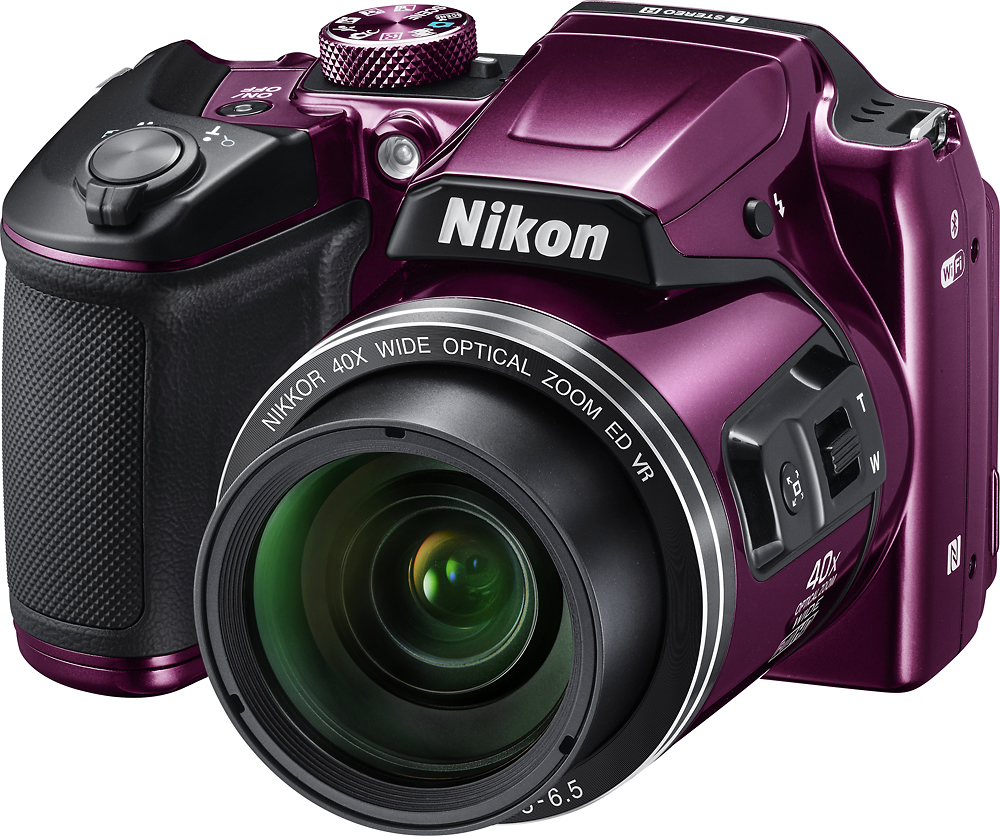
A:AnswerThe Nikon COOLPIX B500 digital camera has built-in Wi-Fi, NFC and Bluetooth and can record videos in 1080 Full HD. Movie recording files cannot exceed 4 GB in size or 29 minutes in length. It is suggested that if you are recording movies you use a memory card that has a Speed Class rating of 6 or faster, as movie recording may stop unexpectedly when a memory card with a lower Speed Class rating is used.
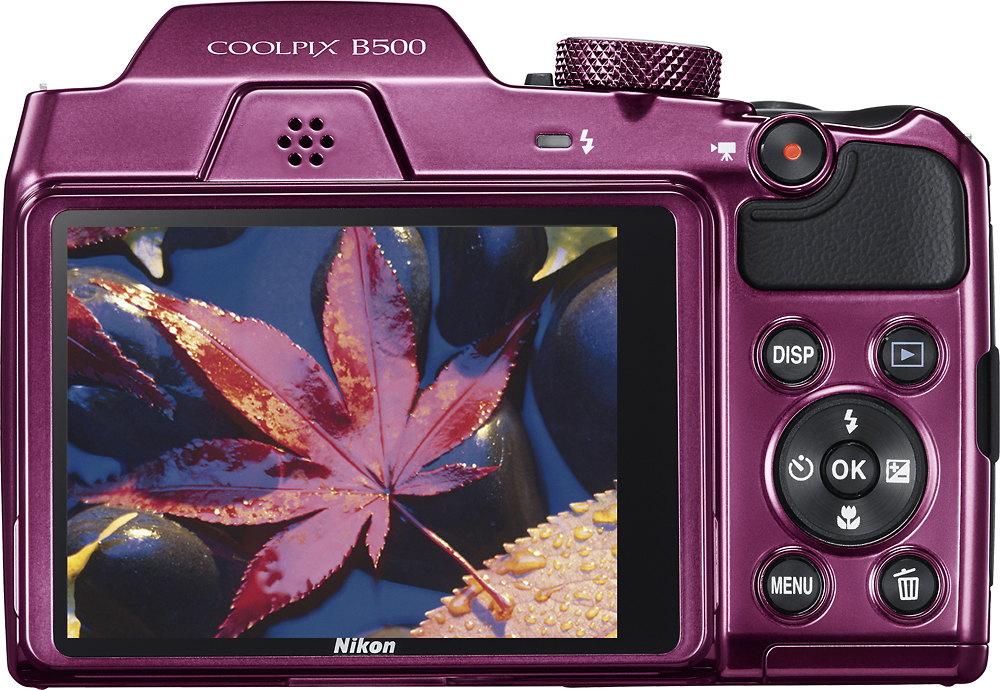
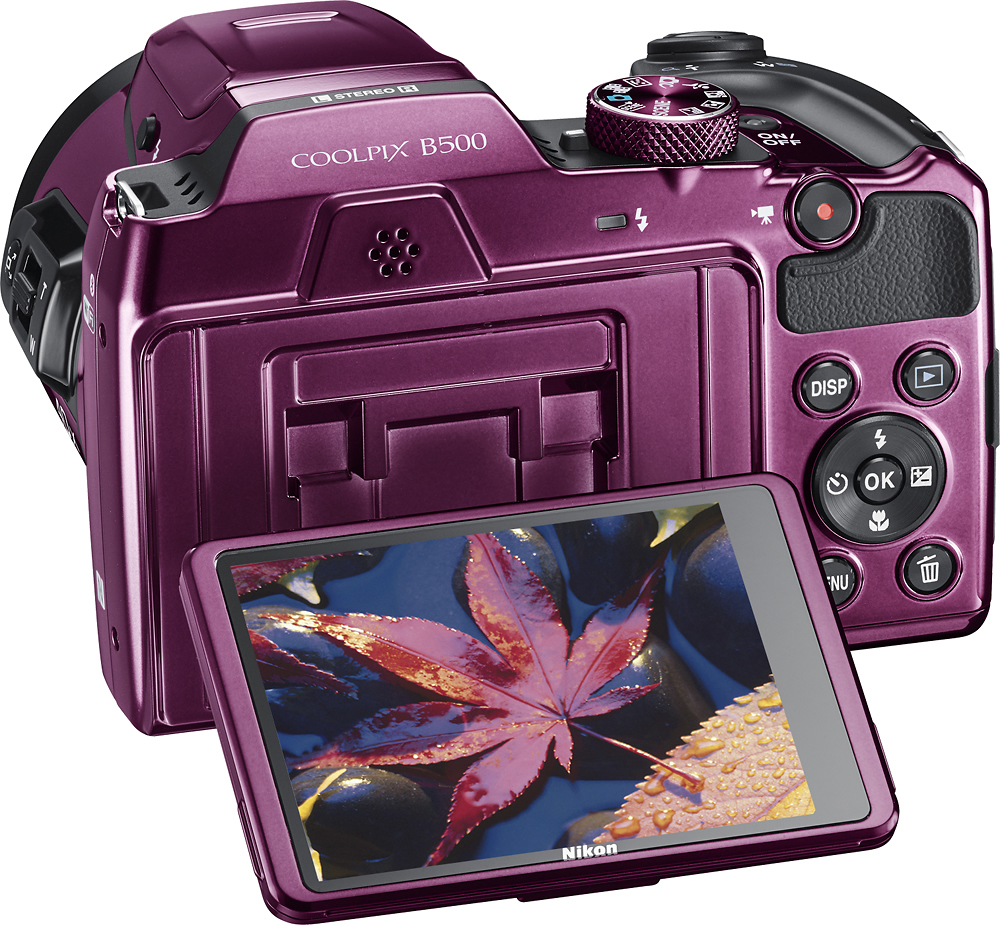
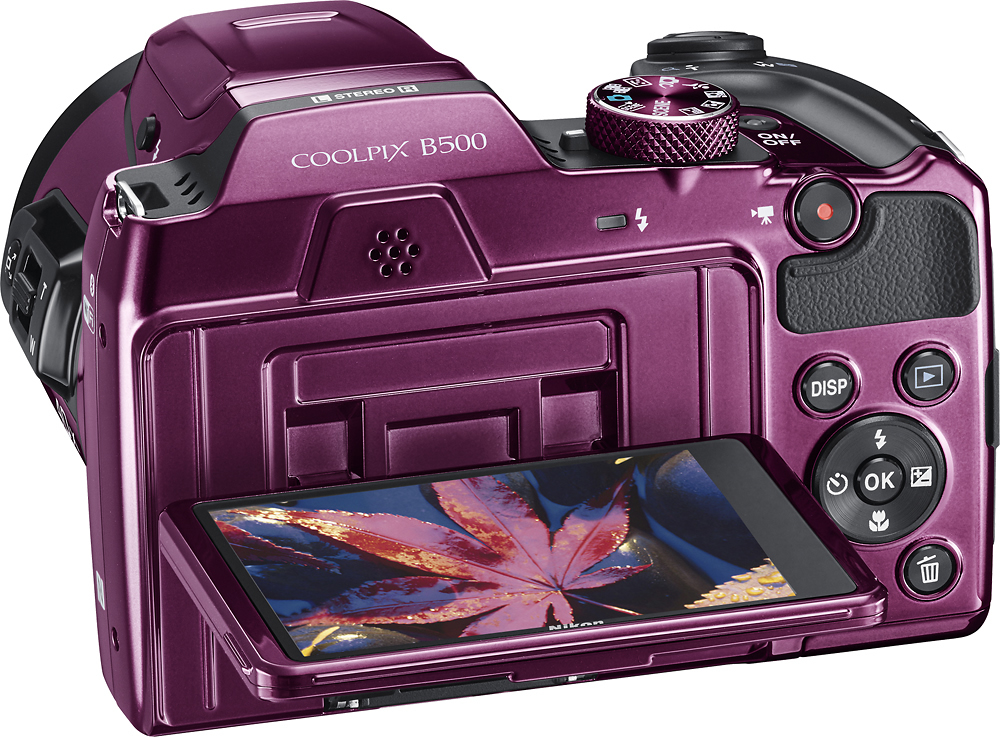
A:AnswerI used this camera to vlog a lot in Israel, and I loved it! It gives really high quality video in light, but it's a little blurry in the dark. It doesn't have a swivel screen, so you just need to get used to pointing it in the right direction.
A:AnswerDownload the SnapBridge free software and you have instant connectivity with your smart device. Use the Nikon Image Space cloud service too! Set the camera on a tripod and control it with your smart phone. Bluetooth technology makes it easy.
A:AnswerThe COOLPIX B500 comes with a printed Quickstart Guide that has about 35 pages. A more detailed Reference Manual can be downloaded from the Nikon Download Center.
A:AnswerThe COOLPIX B500 does not have built in GPS functionality. Location data can be added to images from compatible iOS or Android smart devices via Nikon’s SnapBridge app.
A:AnswerI had this problem and found that I wasn't panning far enough. There is an indicator on the screen.
There are also two panorama settings. Try them both. One does a smaller panorama view than the other.
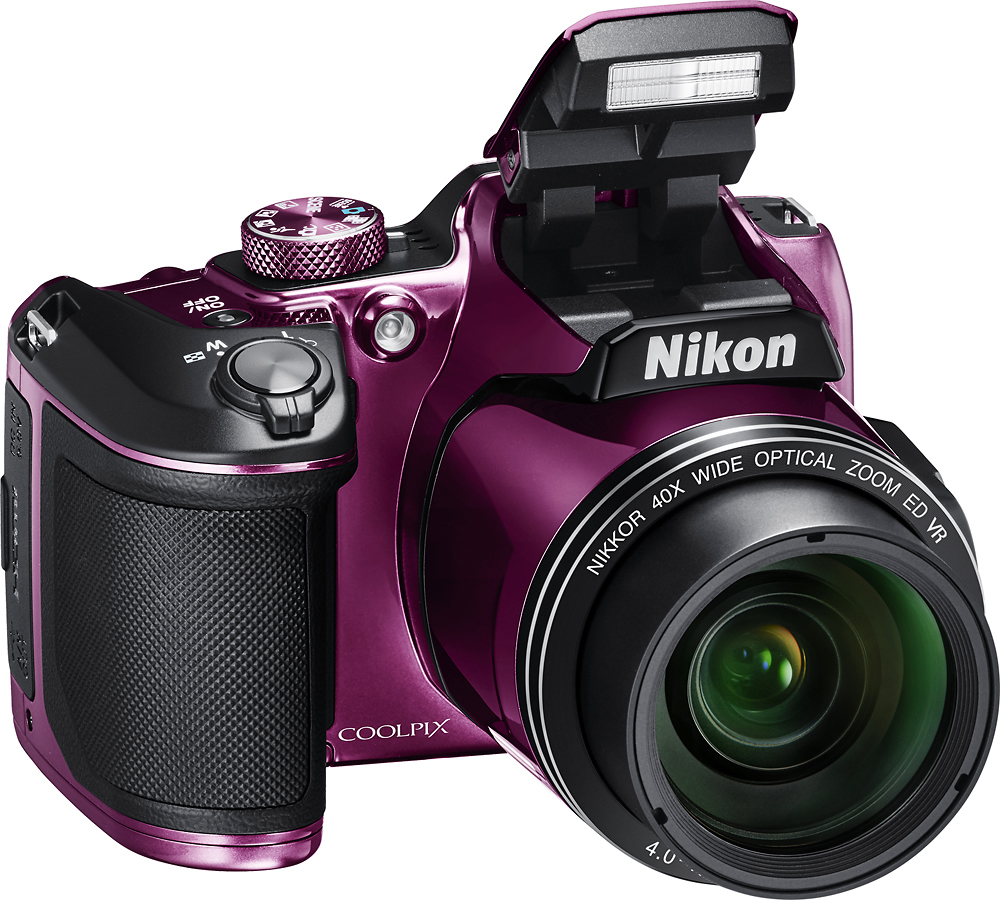
A:AnswerThe flash on the Nikon COOLPIX B500 digital camera does take time to recover, however there are some settings on this camera that may cause the flash to have a slower recovery time. To learn more in-depth reasons for why the flash may be delayed please contact Nikon Support by using the following link: http://www.nikonusa.com/en/about-nikon/contact-us.page
A:AnswerThis camera would be a good start in getting your website started. When I take pictures, I like to use natural lighting. There is a setting on the camera that will automatically select the appropriate scene that matches your environment. When taking picture of my dogs, I do not want to sit there forever trying to figure out what selection is best for fast moving objects. I got the Plum color and me absolutely love it.