A:AnswerFor guaranteed operating efficiency, Nikon does recommend the use of COOPIX (Ni-MH) rechargeable batteries The Nikon EN-MH2 Rechargeable Ni-MH batteries are the recommended batteries
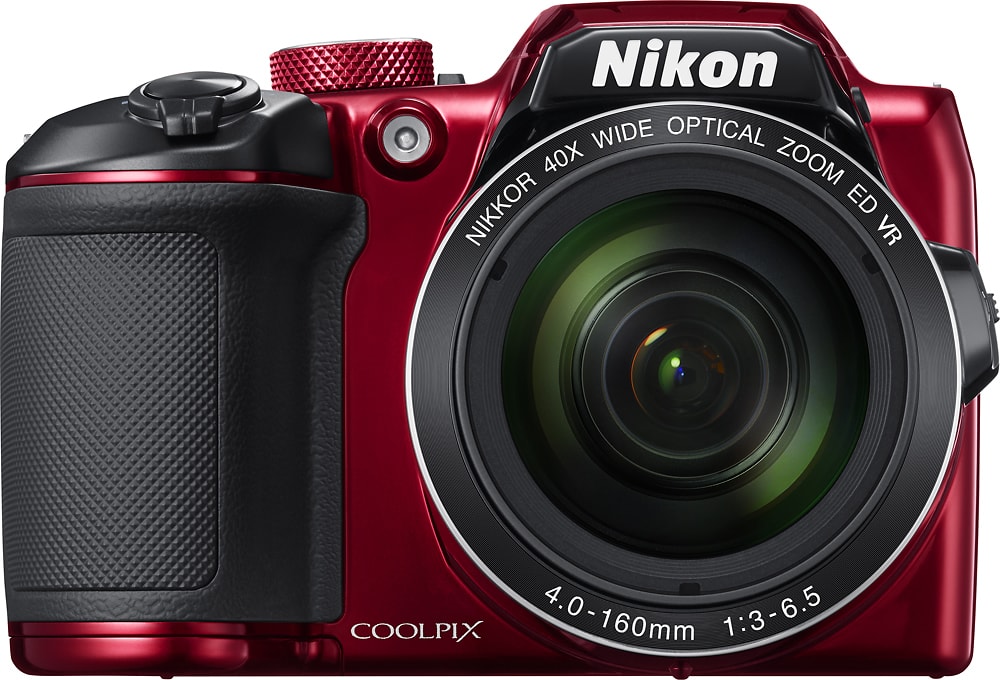
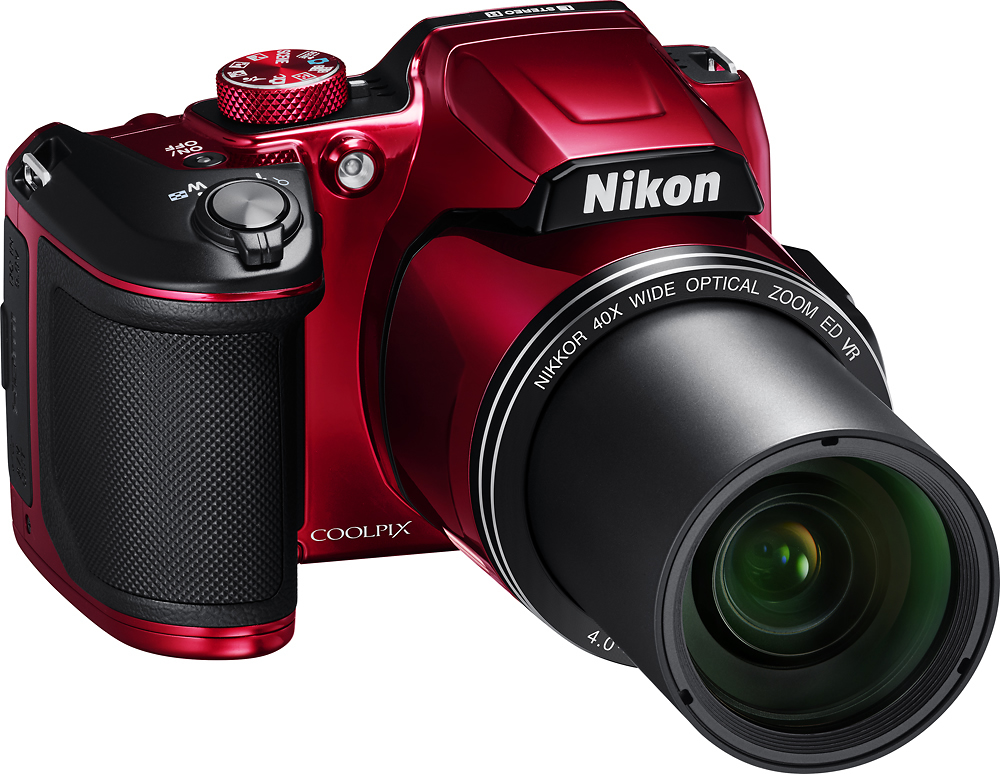
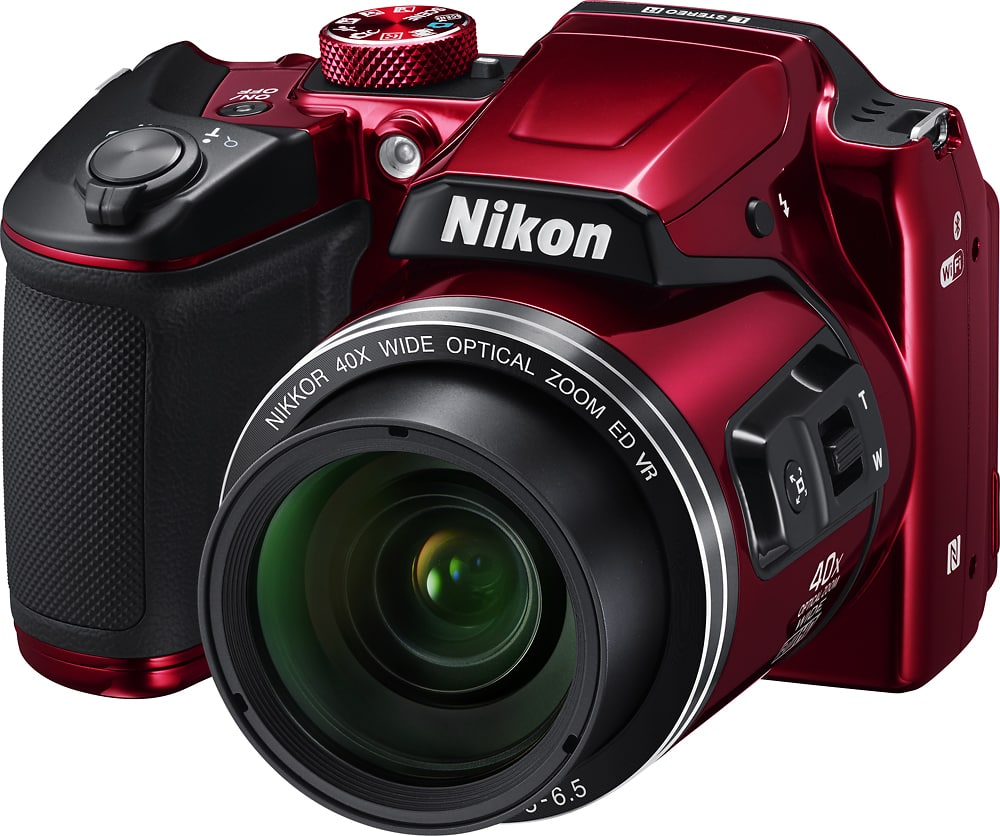
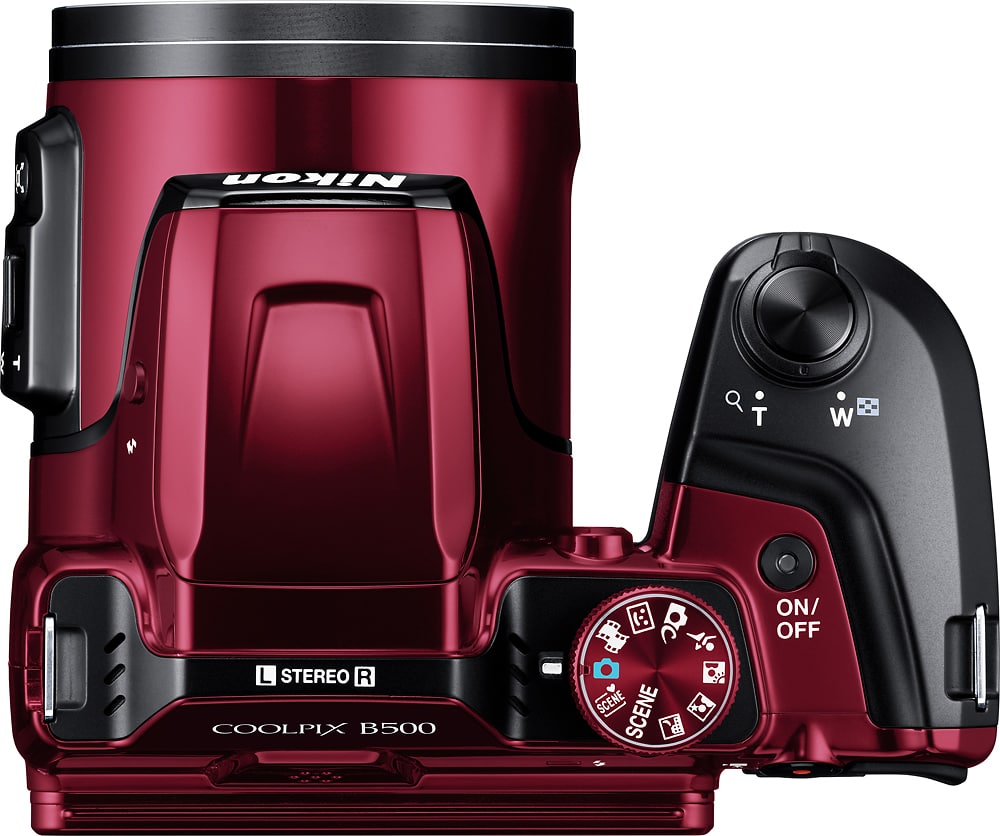
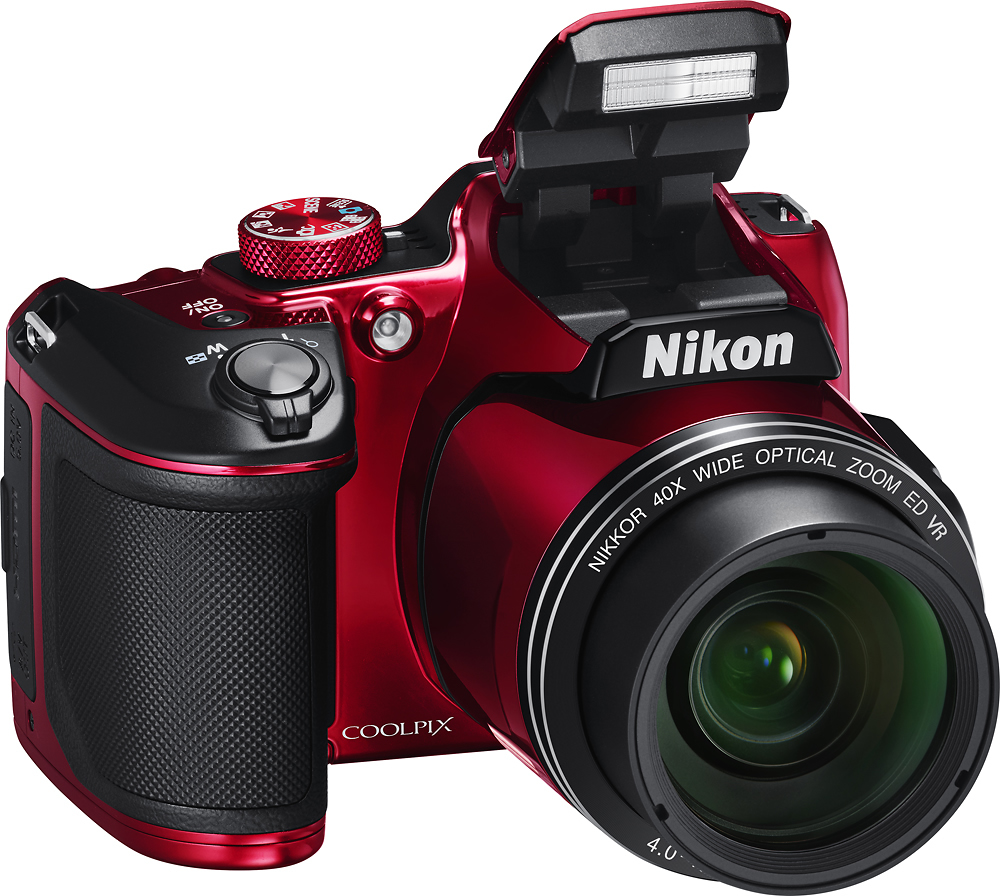
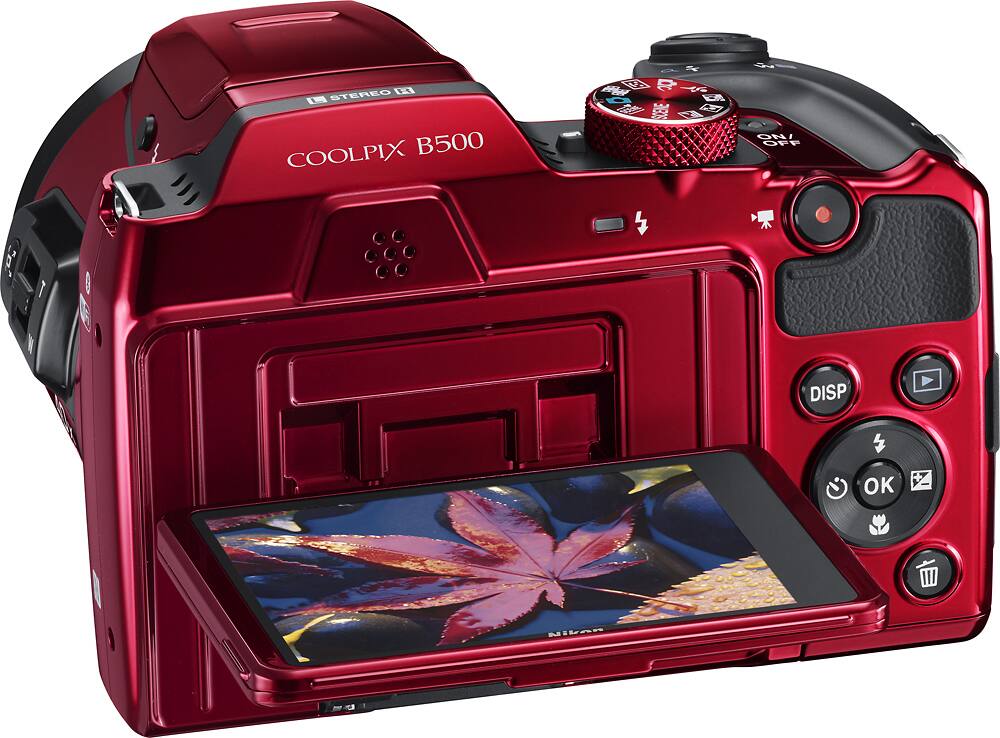
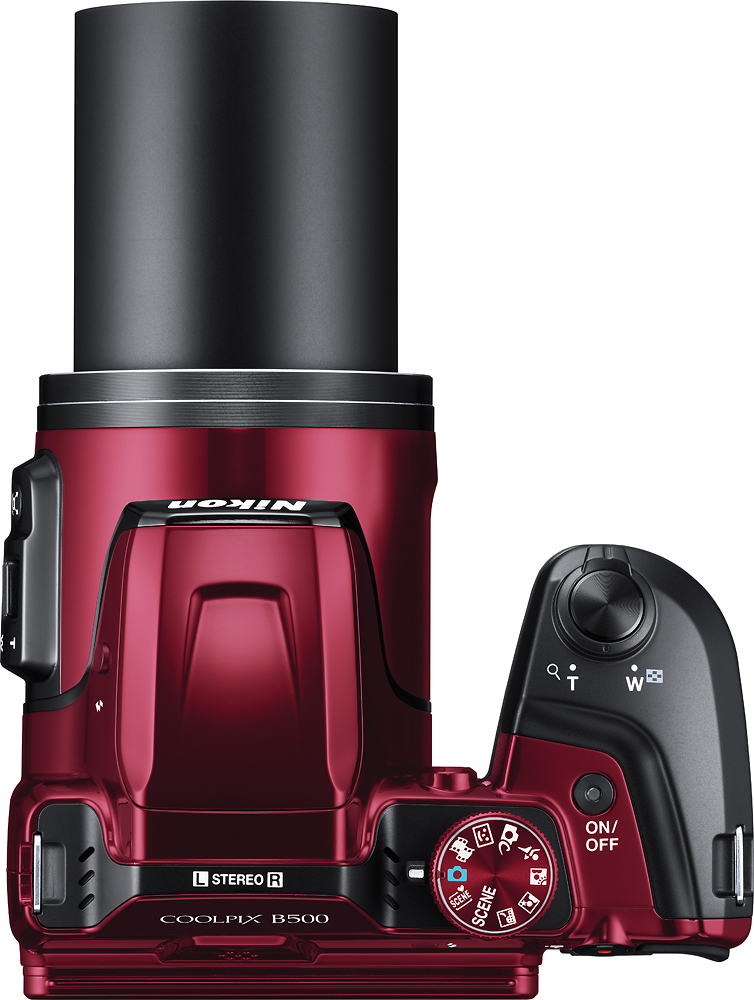
A:AnswerThe COOLPIX B500 has a 40x optical zoom NIKKOR lens. It has a range of 22.5mm-900mm. The camera has two wide angle/telephoto switches to accommodate the user of the camera and their personal preference.
A:AnswerThe Nikon COOLPIX B500 digital camera has a Blink Proof setting that is easily accessed through the Smart Portrait Mode on the mode dial on top of the camera. Blink Proof setting, when set to "ON" will automatically release the shutter twice with every shot and saves one image in which subject's eyes are open. If it saves an image with eyes that are closed the camera will give you a message on the screen to let you know. The settings for Blink Proof allow for vibrant images without use of any flash or pre-flash; flash options are set to "no flash" for this feature and cannot be changed.
A:AnswerA variety of settings could cause the type of shutter delay you are noticing with your Nikon COOLPIX B500 digital camera. Please contact Nikon Support for troubleshooting help.
A:AnswerDepending on what type of subject you are focusing on, the area surrounding your point of focus, and how far away or close you are to the subject, the camera will determine whether or not the lens can focus properly. Place the Nikon COOLPIX B500 digital camera in Auto Mode or in Scene Auto Selector Mode before pointing it towards the subject, then press the shutter button down halfway. A green box will appear around the subject if the camera has been able to focus on it. If you are unable to see a green focus area box pull a bit away from the subject and try again. Once you have a focal lock on your subject you can press the shutter down fully to get a sharp, quality image. If you still have problems getting a quality image after trying these steps, please contact Nikon Support.
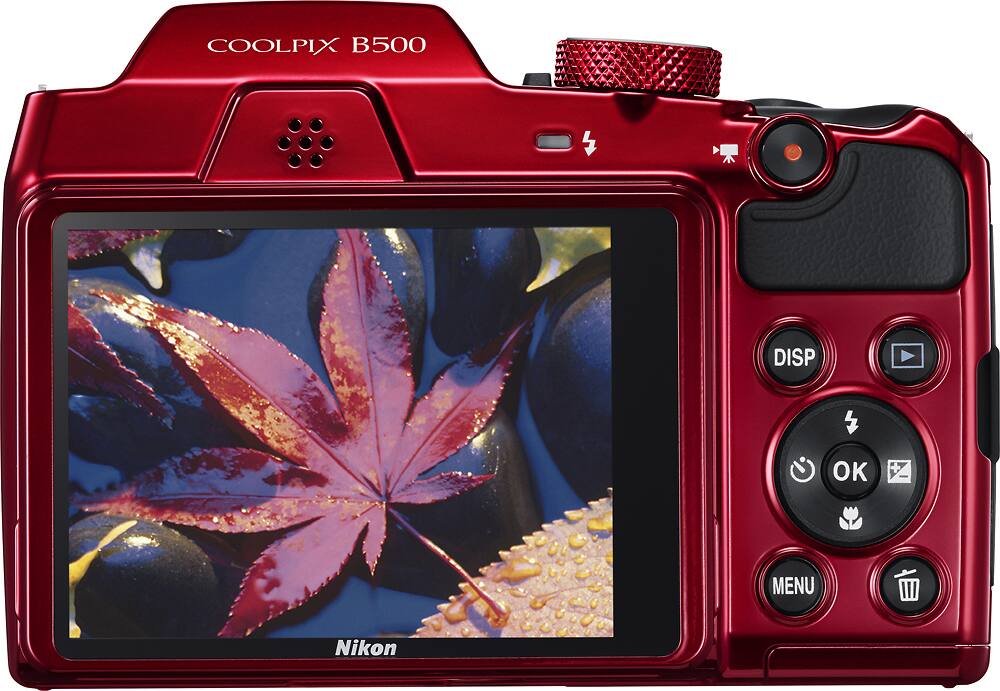
A:AnswerThe Nikon COOLPIX B500 digital camera does not have an option to change from Auto to Manual mode or other modes that allow the user to adjust aperture and shutter speed. However, it does have a variety of Scene Modes that have pre-programmed aperture and shutter speed to help the user take images in a variety of situations, which allows it to be perfect for those just learning how to use a camera.
A:AnswerThis camera works for everything. Its wifi connectivity lets you use another wifi device as a second viewer. This is simply a great camera, and a great value. If high quailty is not needed, I would recommend a less expensive device.
A:AnswerYou can register your Nikon products by going to Nikon's Product Support page here: https://secure.nikonsso.com/?goto=%2Fapp%2Faccount%2Fassets%2Fregister_asset&rn=https%3A%2F%2Fsupport.nikonusa.com%2Fci%2Fopenlogin&locale=en_US or you can contact Nikon Support.
A:AnswerApproved cards for the Nikon COOLPIX B500 digital camera are SanDisk, Toshiba, Panasonic, and Lexar Media cards. The Nikon B500 is compatible with SD, SDHC and SDXC cards that range in size from 4GB to 516GB. For more specifics on card compatibility with this camera please contact Nikon Support.
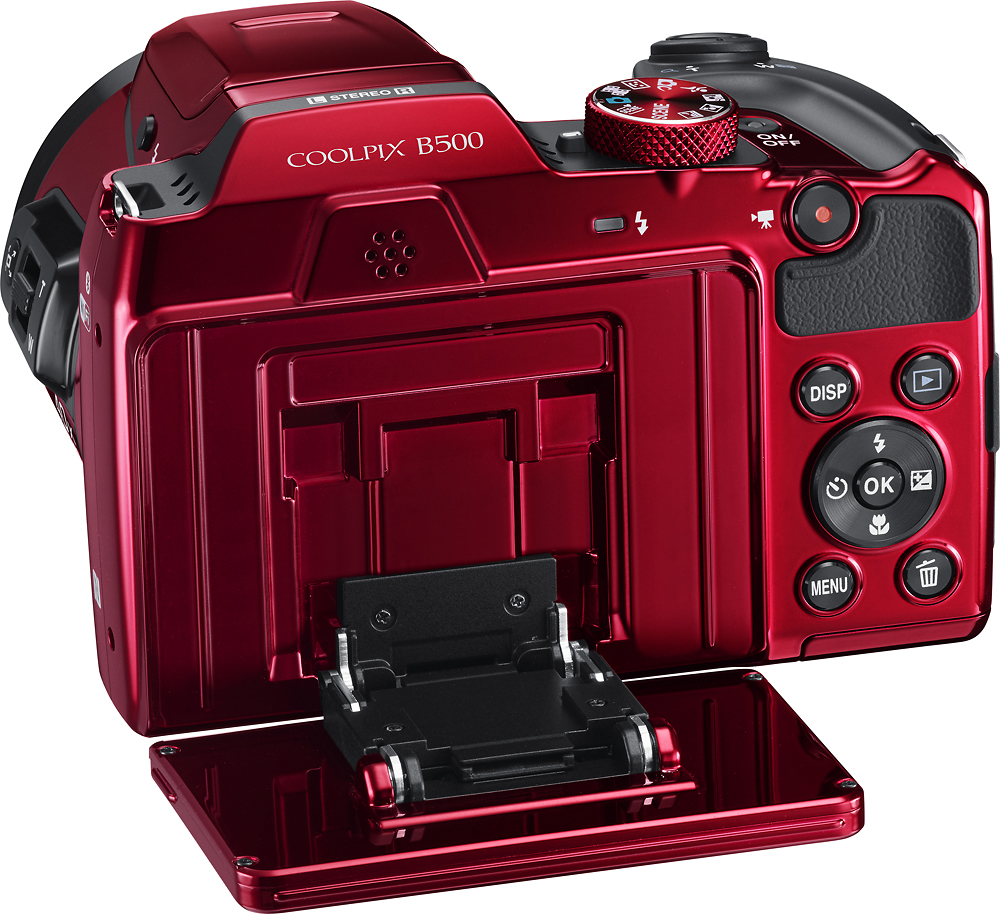
A:AnswerThe Nikon COOLPIX B500 digital camera comes with a temporary set of four AA alkaline batteries. It does not come with a charger. This camera can use either four LR6/L40 (AA-size) alkaline batteries, four FR6/L91 (AA) lithium batteries or four EN-MH2 Rechargeable Ni-MH batteries to power it.
A:AnswerThe Nikon COOLPIX B500 digital camera uses Snapbridge to connect to a compatible smartphone through Bluetooth technology. Just add and open the Snapbridge application on a compatible smartphone and you will have a constant connection between the camera and the smart device, so each shot you take automatically appears on your smart device. This connection also allows you to use your smart device as a remote. Currently, the Snapbridge application is only able to work with compatible Android devices. There will be a firmware update available before the end of September that will allow the Nikon B500 to use Snapbridge with Apple devices. To learn more about Snapbridge connection please contact Nikon Support.
A:AnswerThe Nikon COOLPIX B500 digital camera uses Snapbridge to connect to a compatible smartphone through Bluetooth technology. Just add and open the Snapbridge application on a compatible smartphone and you will have a constant connection between the camera and the smart device, so each shot you take automatically appears on your smart device. This connection also allows you to use your smart device as a remote. Currently, the Snapbridge application is only able to work with compatible Android devices. To learn more about Snapbridge connection please contact Nikon Support.
A:AnswerThe Nikon Coolpix B500 digital camera has an option on the settings menu that will allow the date and time to be placed on an image before it is taken.