A:AnswerThe only thing you must check on before you buy any cell phone is: [is this phone unlocked], if it is you can tale it to you current cell provider and use you existing phone However if it the cell phoned "locked"[that means it can only be used with a certain company/provider] {the problem occurs when it is lock to a company that you are not part of} very simply put, if your on the at&t company 'network" the locked phone must be lock to the at&t company "network" you must do this so you can have at&t activate your new phone along with you current cell phone number. you are welcome!
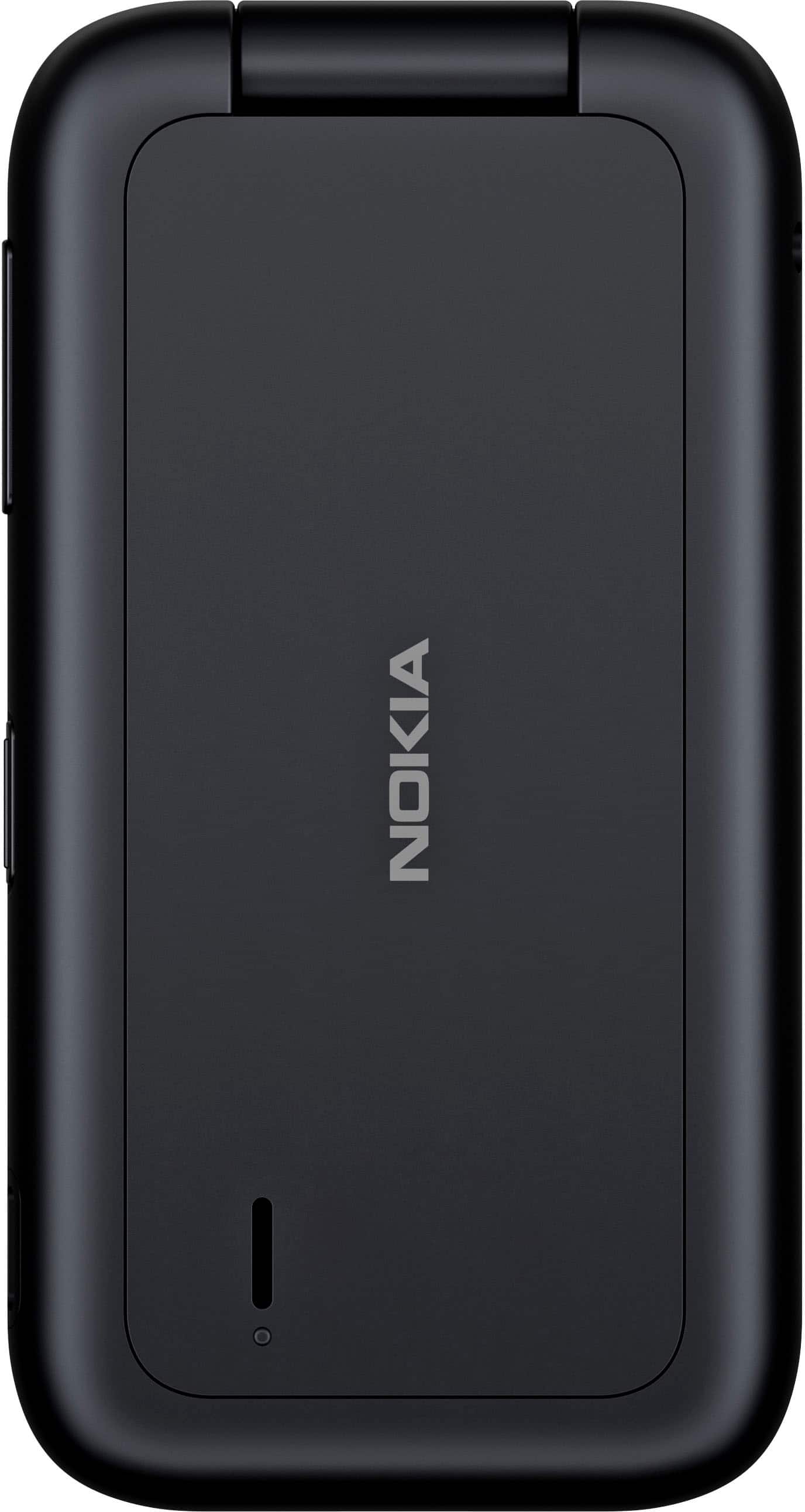
A:AnswerTechnically, Yes it has Apps. I bought this flip phone as a replacement for an elderly person, who prefers to memorize phone numbers. I was able to to hand it over with easy settings and it has been reliable and easily heard and clear font..