A:AnswerIt's easy to stop Updates..
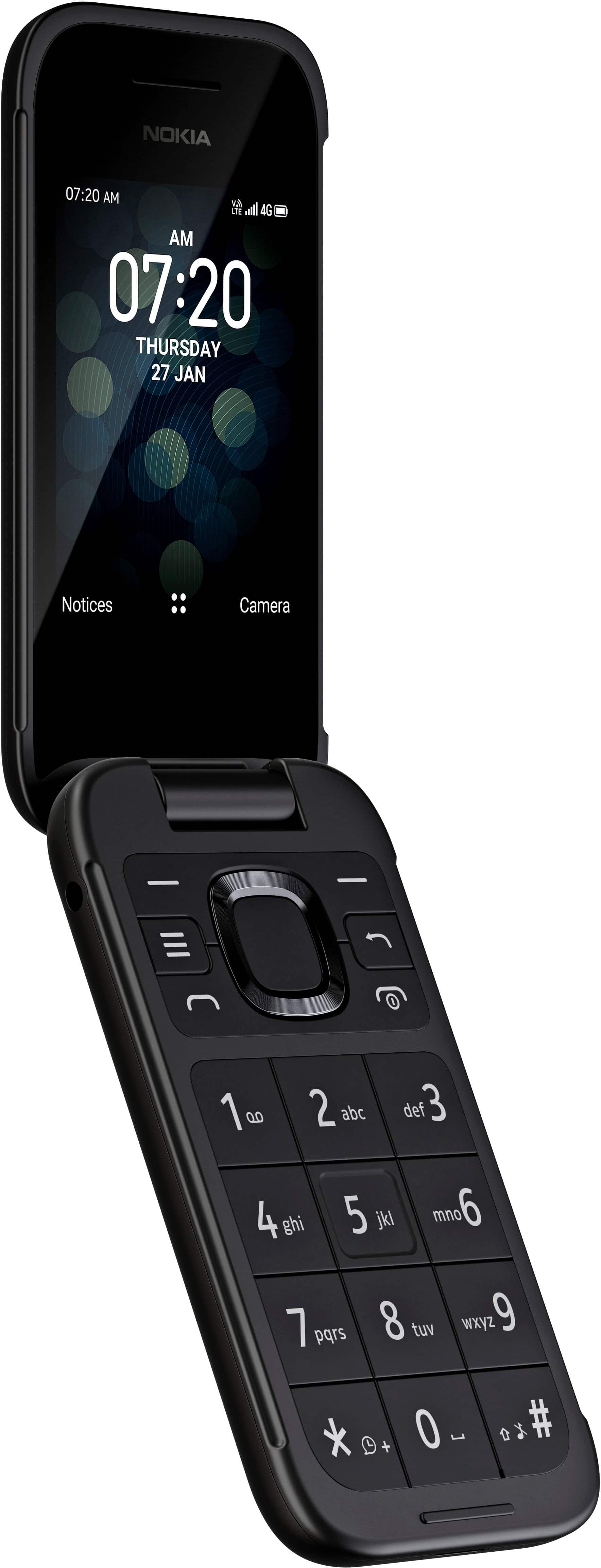
Go to settings. Go to Mobile networks & data..Click it..
Go down to Data connection. Click it.
Next page use square navigation ring (around largest phone button) an go down to 'off' and click it..
Now go back (or do this before the above) to Mobile networks...and move down with navigation ring to Geolocation and click it..use ring to go to 'off' or 'on'.
You may need to reverse these one day..So remember this..
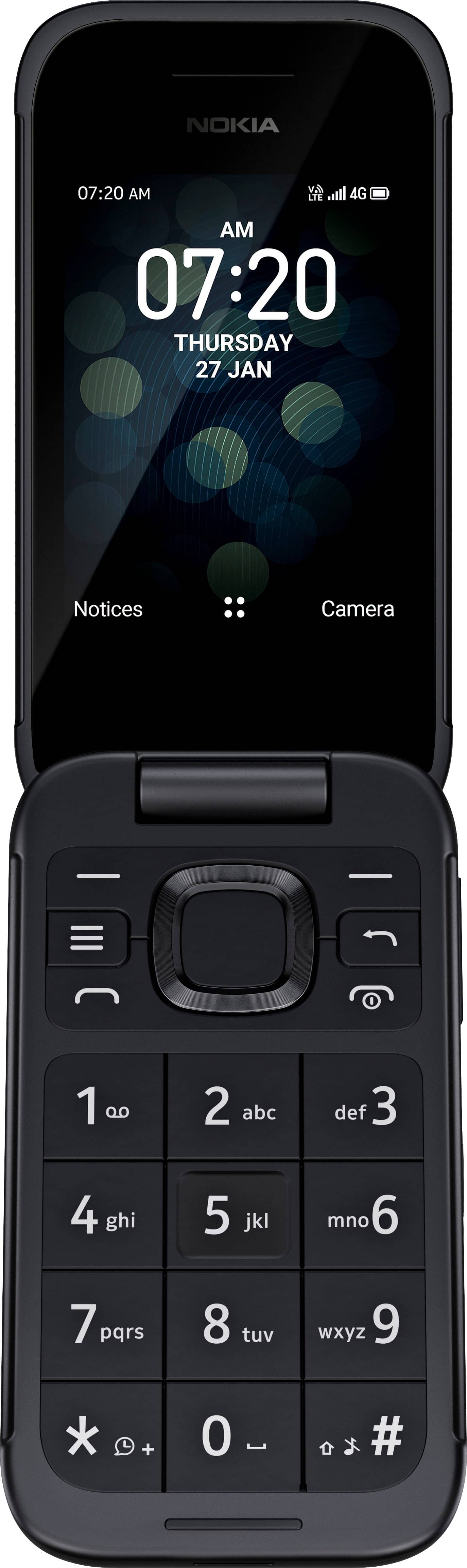
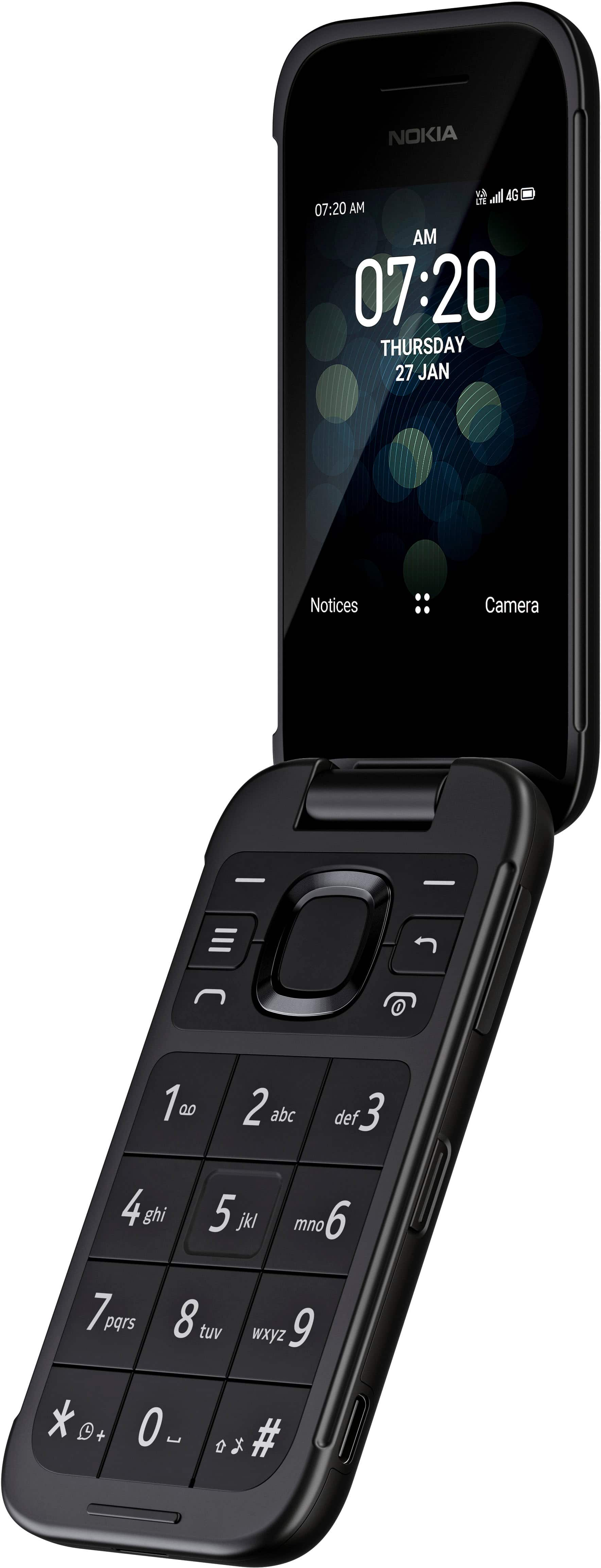
A:AnswerNo. The buttons are solid colored and sealed between so there's nowhere for light to come out. Plus-side, it's very durable and doesn't allow in dirt or water between the buttons.
A:AnswerIt does if you pay for a data plan or use WiFi. Same for apps. There's a KaiOS app store on the phone. Apps are pretty limited tho, since KaiOS is not a major player, yet.
A:AnswerThe games it comes with are firmware and cannot be deleted. there is a KaiOS app store, but it only works if you pay for a data plan or use WiFi. None of the apps cost anything, yet.
A:AnswerIt does have Google Maps and GPS. Mine works with no data subscription. I have the T-Mobile $20 unlimited talk and text without data, and the Maps works fine. It's not a smartphone, but I can get around just fine.