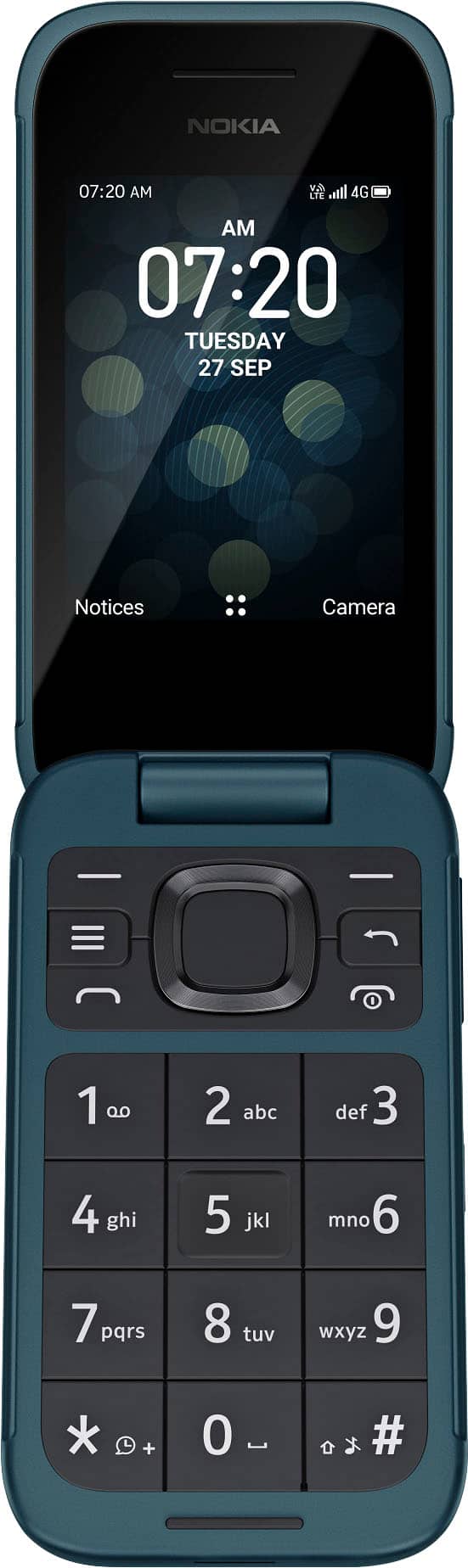
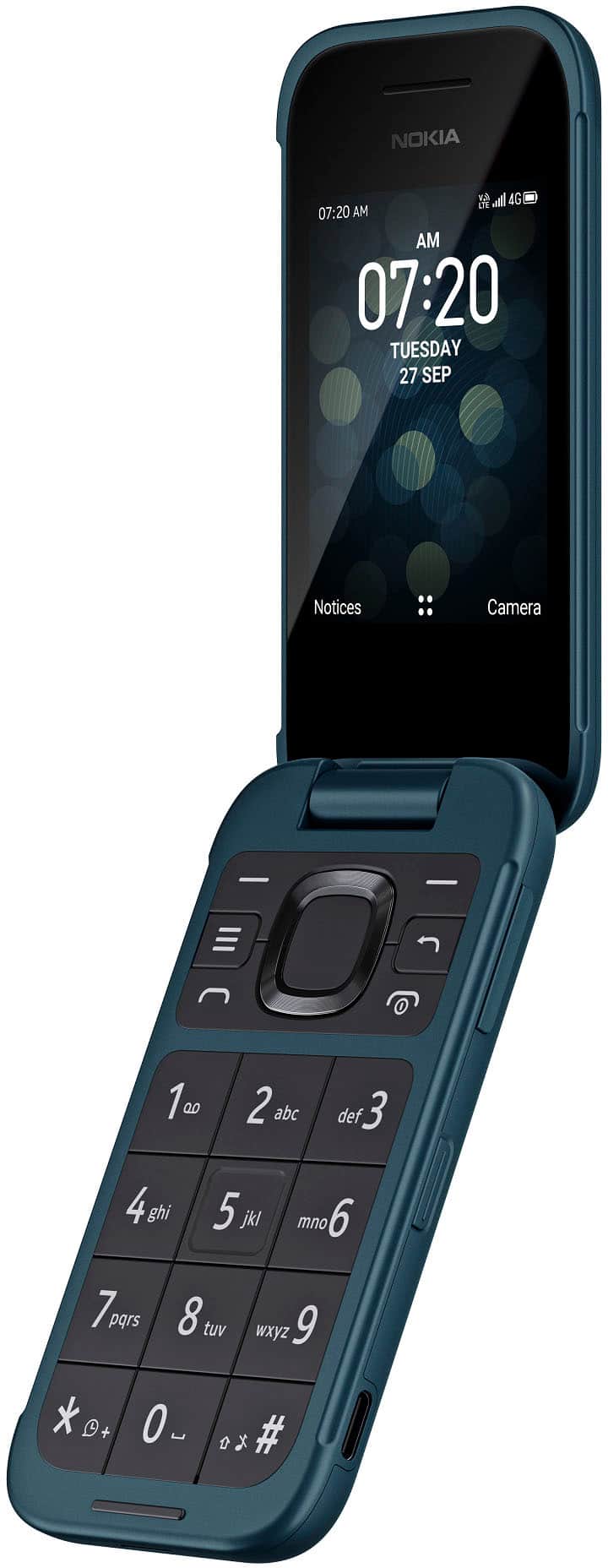
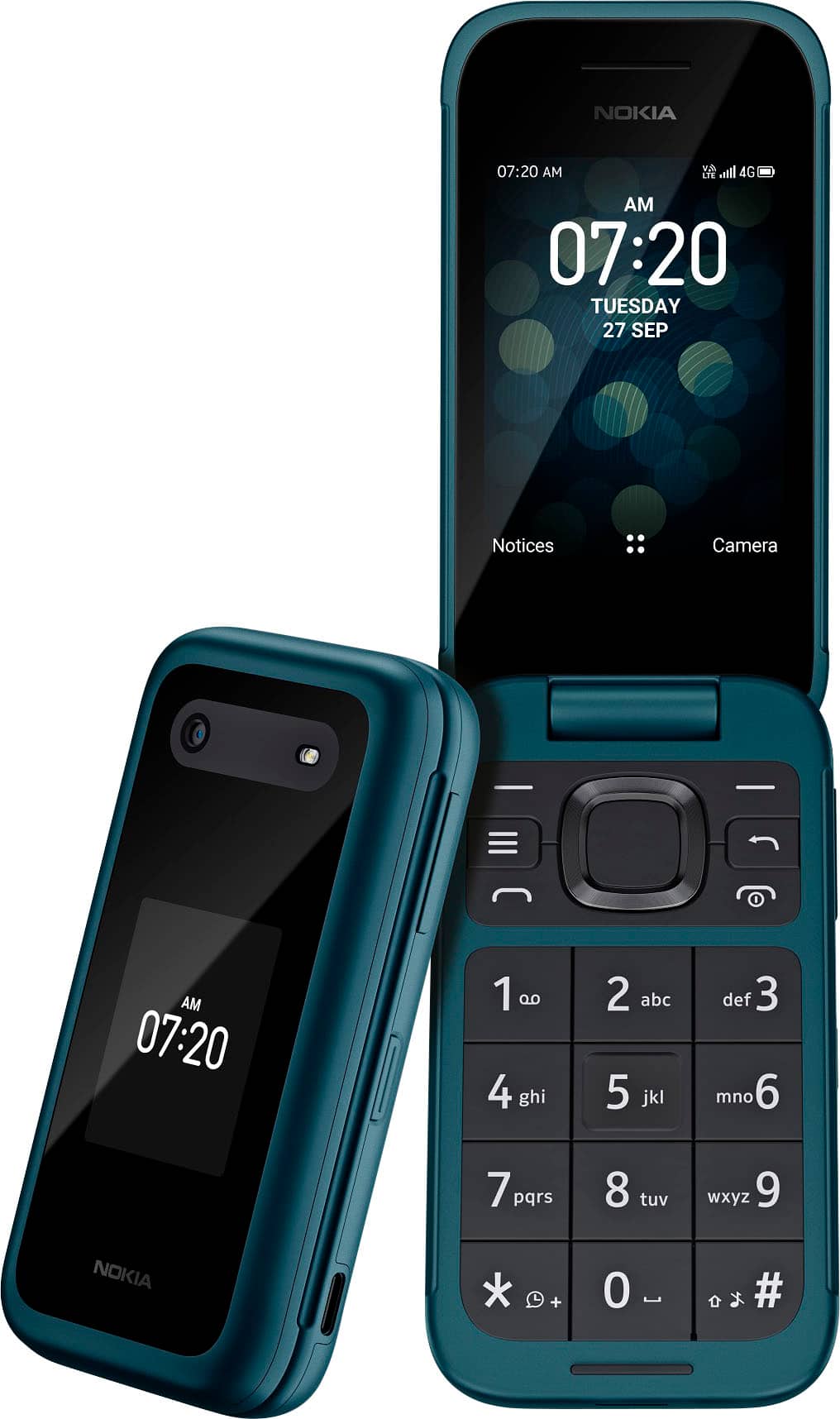
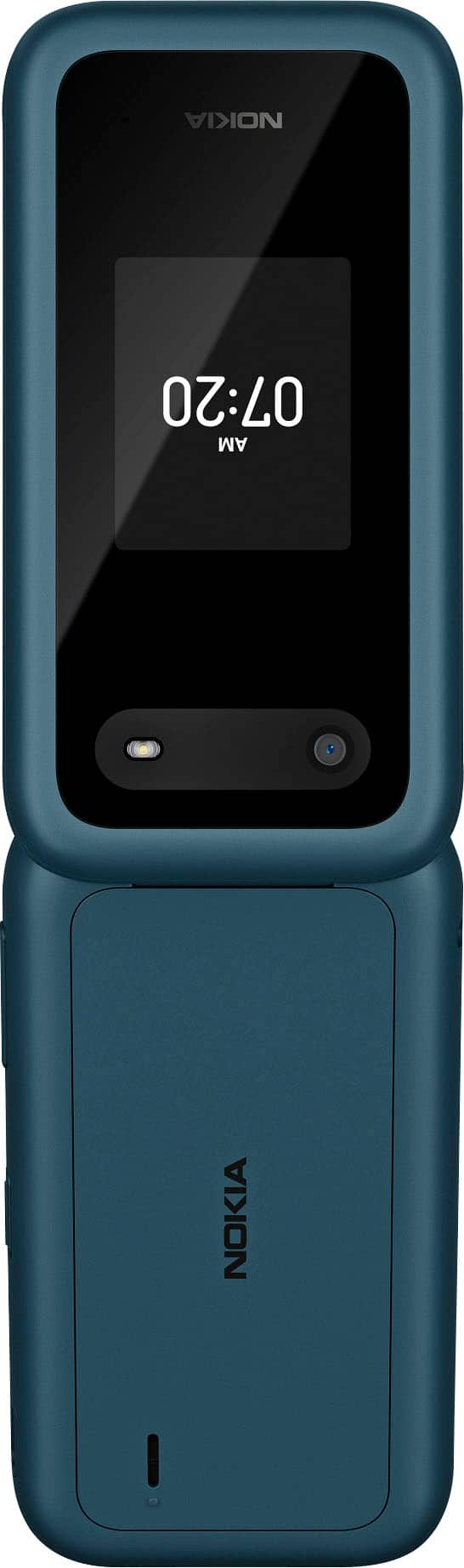
A:AnswerI went to my provider(T-mobile) she just took the back off and popped sim card from old phone and placed in the new phone. It didn't transfer over any contacts, but then again I didn't have anything saved to sim card on the old phone. Phone is for my 80 yr. old Mother.
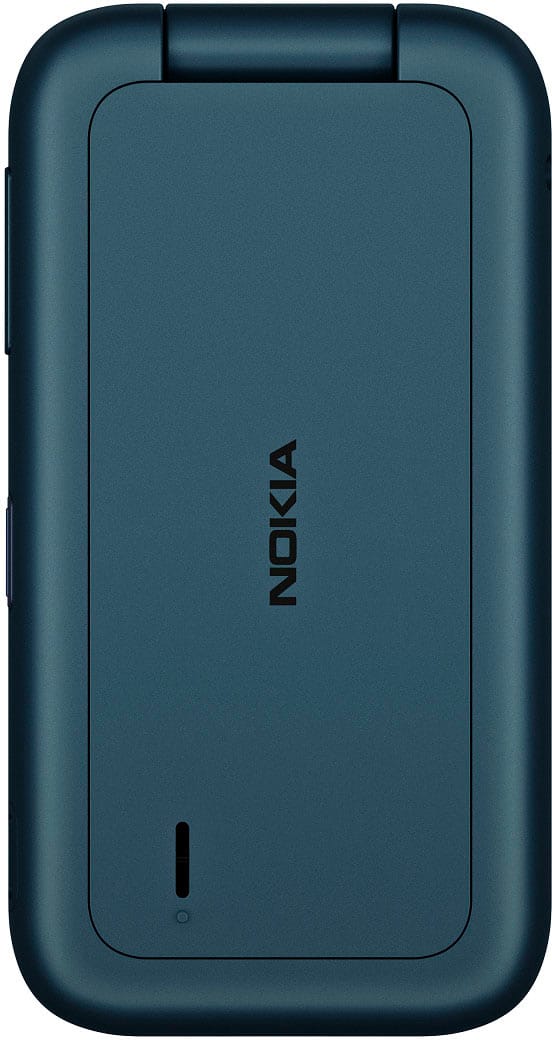
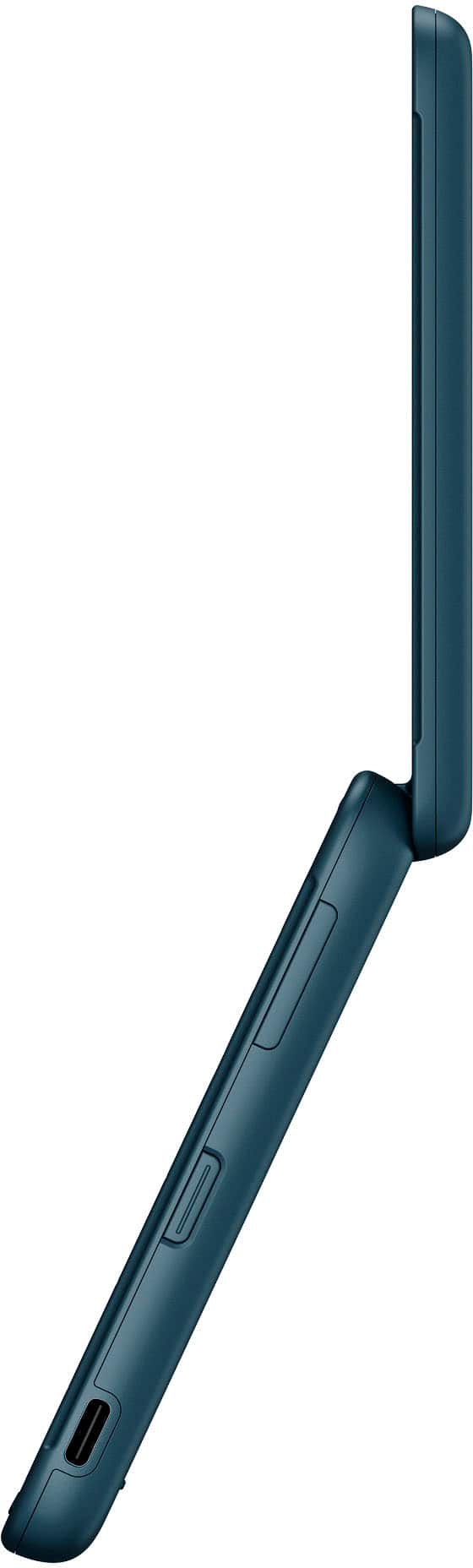
A:AnswerHi you can use your fingernail in the small slot at the bottom of the phone, lift and remove the cover.
For a visual representation please visit - nokia. com/phones/en_us/support/nokia-2780-flip-user-guide/set-up-and-switch-on-your-phone
A:AnswerThe unlocked version of Nokia 2780 Flip works with every major carrier and you can also buy a locked version at Consumer Cellular. You can check the Nokia Phones US website for more info on both versions
A:AnswerThis phone we bought for my father in law was new. He just had it assigned to our ATT plan. So I’m guessing they all are new, just able to be used with which ever carrier you choose.
A:AnswerHi if you need assistance turning off specific features for repair, please feel free to reach out to our Customer Support team on the Nokia Phones US website or by calling 1-833-766-5420.
A:AnswerTo Add a contact -
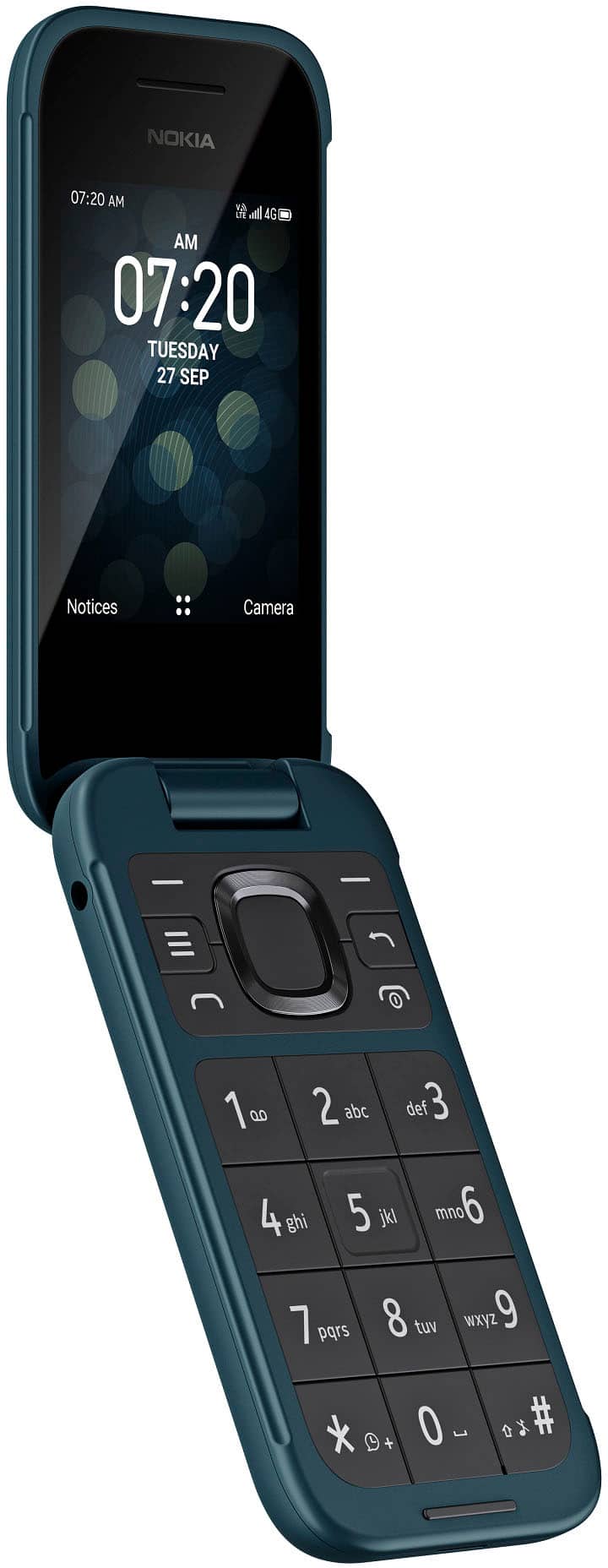
1. Press the scroll key and select Contacts.
2. Select New.
3. Enter the contact details.
4. Select SAVE.
For more details and User guides please visit the support section of the Nokia Mobile US website.
A:AnswerNo google apps can be installed. The phone runs on an operating system known as KaiOS. The only apps that can be installed are from the KaiOS "store." There's not much useful stuff there. Mostly little games and such. Not much in the way of true utility and functionality.
A:AnswerYes it does. Think of the last flip phone and how easy texting was right before smart phones became so prevalent. This phone is easy to use for those who grew up with them.
A:Answeryou can pair it via bluetooth but the apps are limited on this phone. There most likely is no app for your smart watch in the app store for this phone.