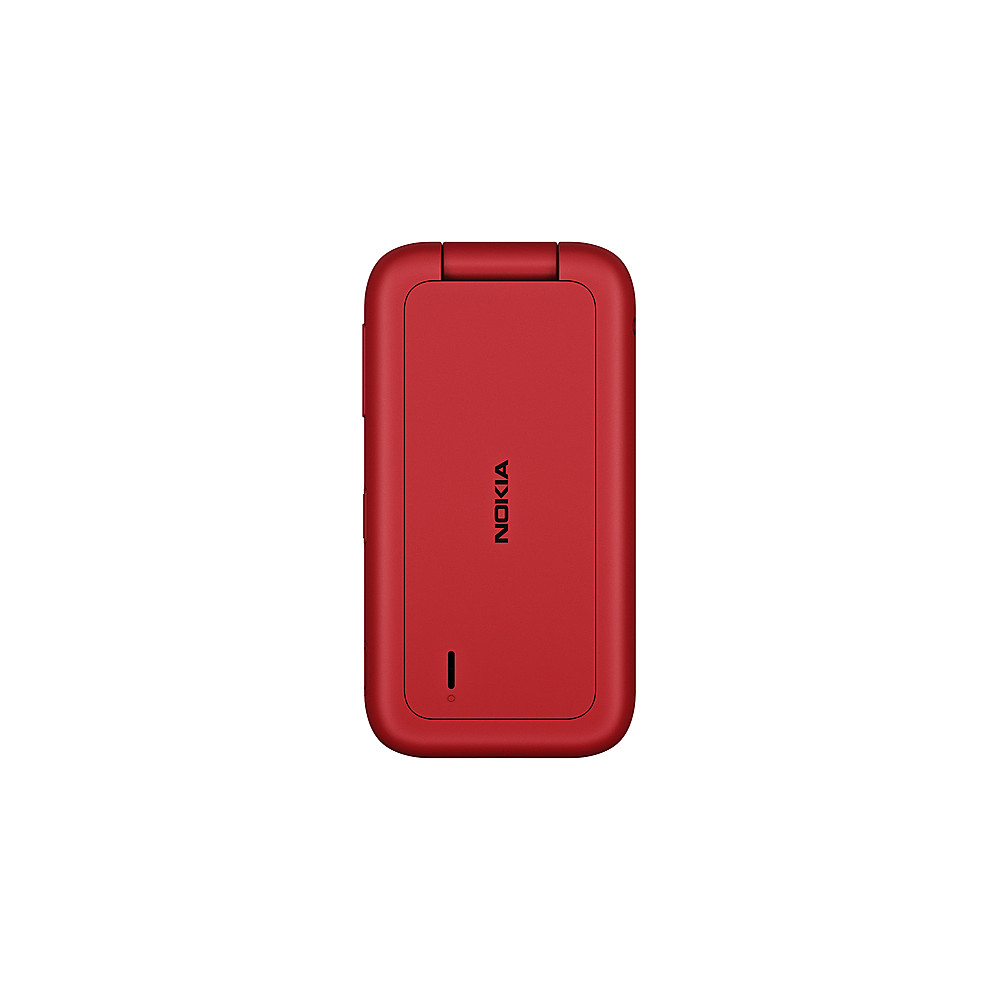
A:AnswerPractically none. When you first energize the phone, the KaiOS asks if you are over 18 but that does nothing to stop internet browsing as far as I know.
A:AnswerTechnically, yes—you can access them through the built-in web browser. But be prepared for a throwback to 2008. The experience is slow, clunky, and far from what you'd expect on a modern smartphone. It works in a pinch, but it's definitely not ideal for regular use.
A:AnswerIt a kilos or kos not sur of spelling it basic android system not fancy they have there own App Store but you can text send pics make phone call very basic but you can add memory like a camera to increase storage for items
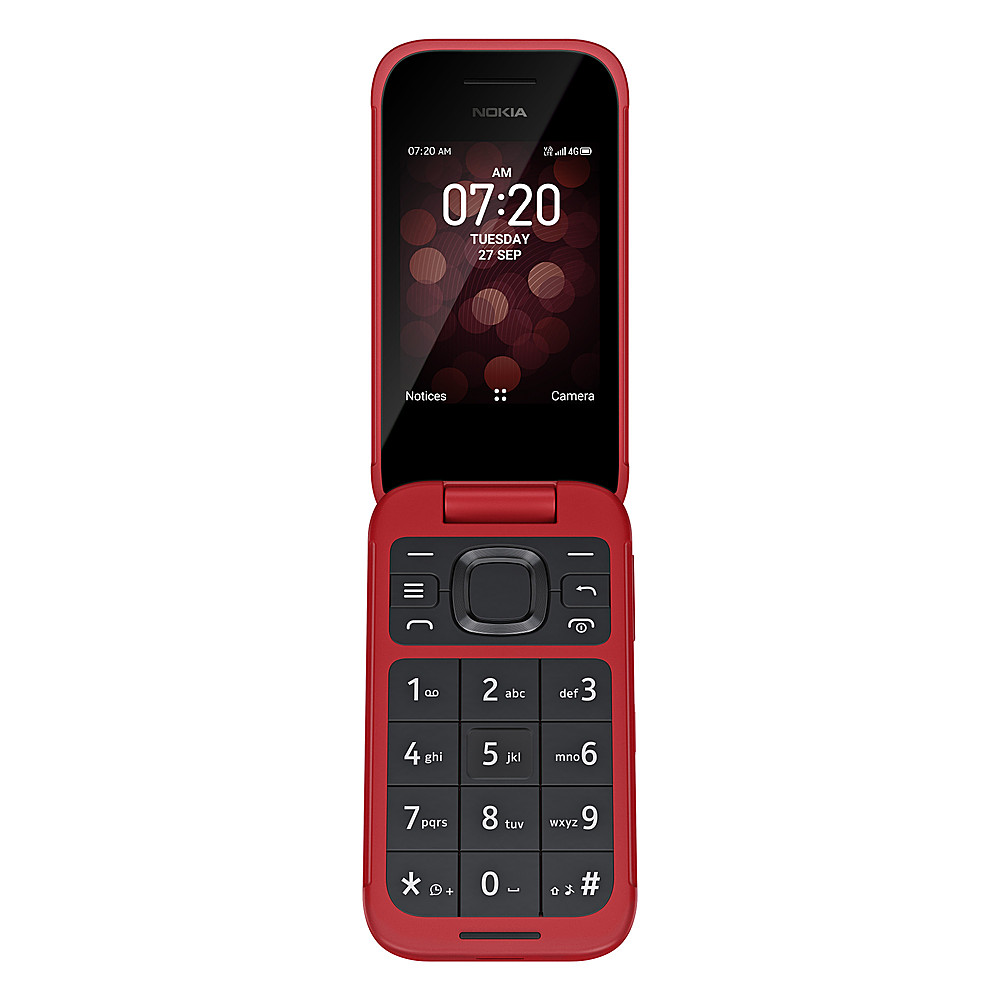
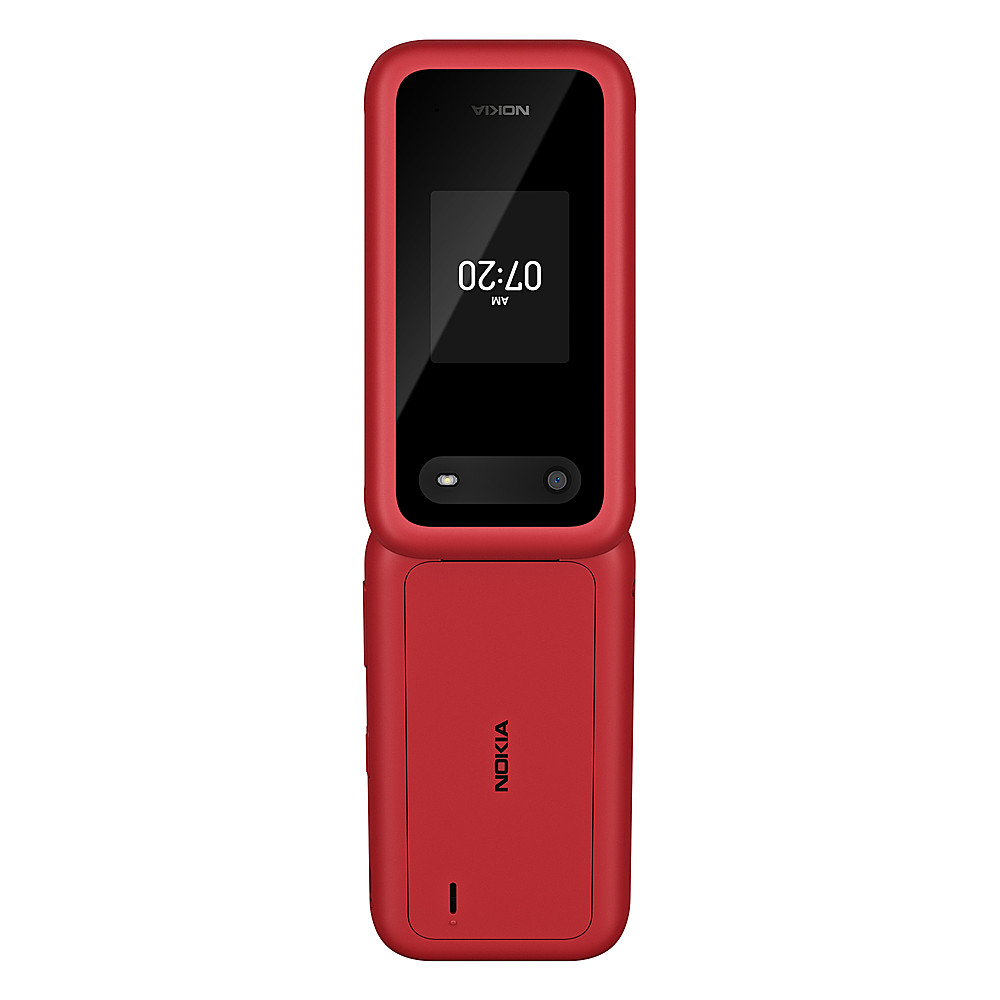
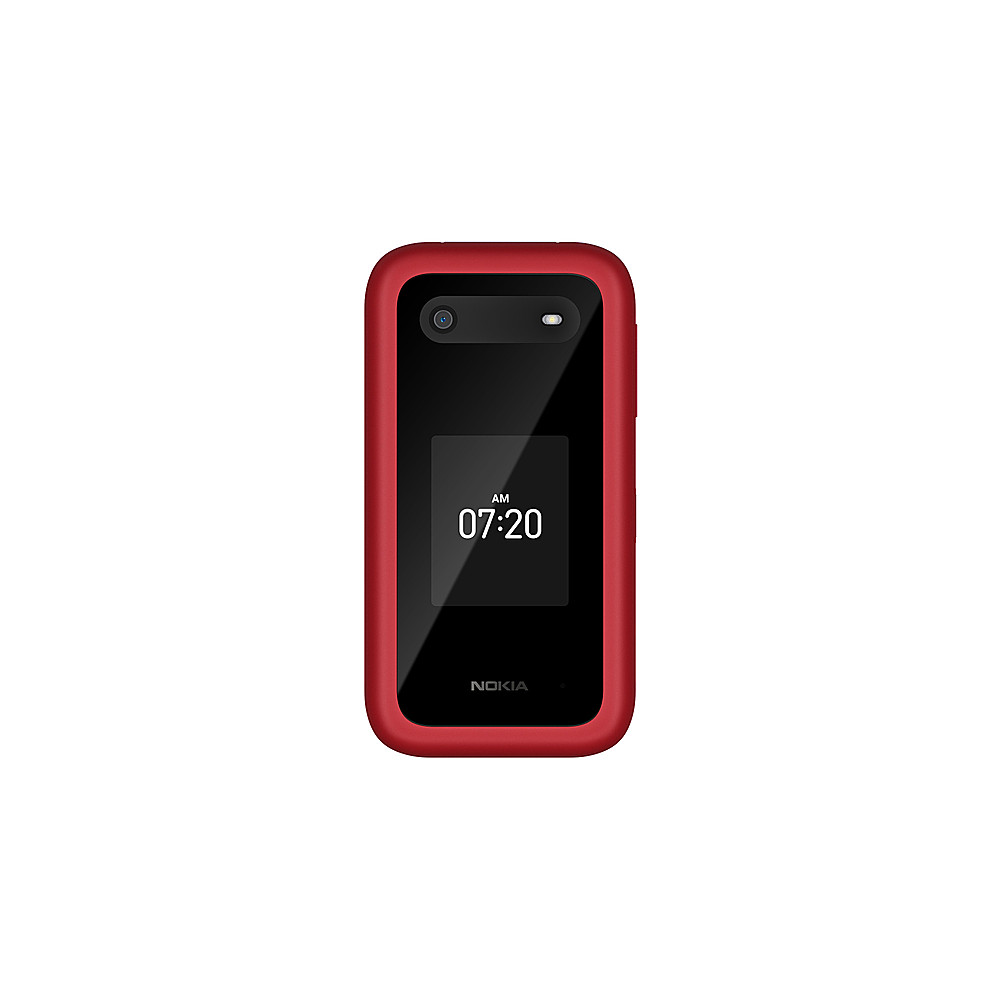
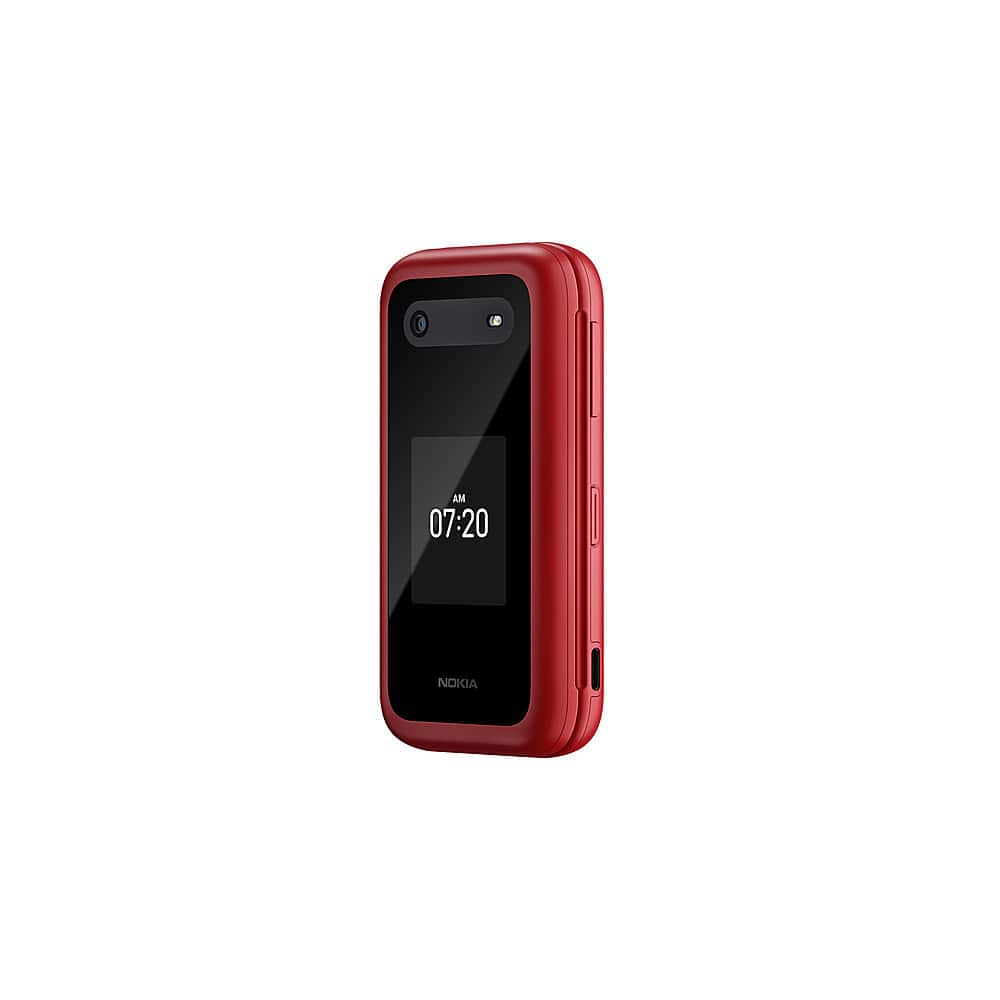
This is a basic phone no frills
It will handle small android apps
Hope this helps
A:AnswerI wanted to mute all incomoing calls except favorites. To do this I set the default ringtone to an mp3 file with no sound. Then set custom ringtone for each of my favorites. It works for that. Its possible the same strategy might help solve your different problem.
A:AnswerNot without a separate app. Unsure of which kai os apps work. The wifi feature it notes is that it can be used as a wifi hotspot, not that it is a standalone wifi phone.
A:AnswerIt does, but it's tiny. The cursor moves by the big squarish button. It only moves up/down and left/right, no diagonal. You have to have a data plan or WiFi, tho.