A:AnswerWhen you are covered, there will be updates during the year, so no need to worry about being current. There will be frequent reminders to scan your system, which you can control for timing purposes.
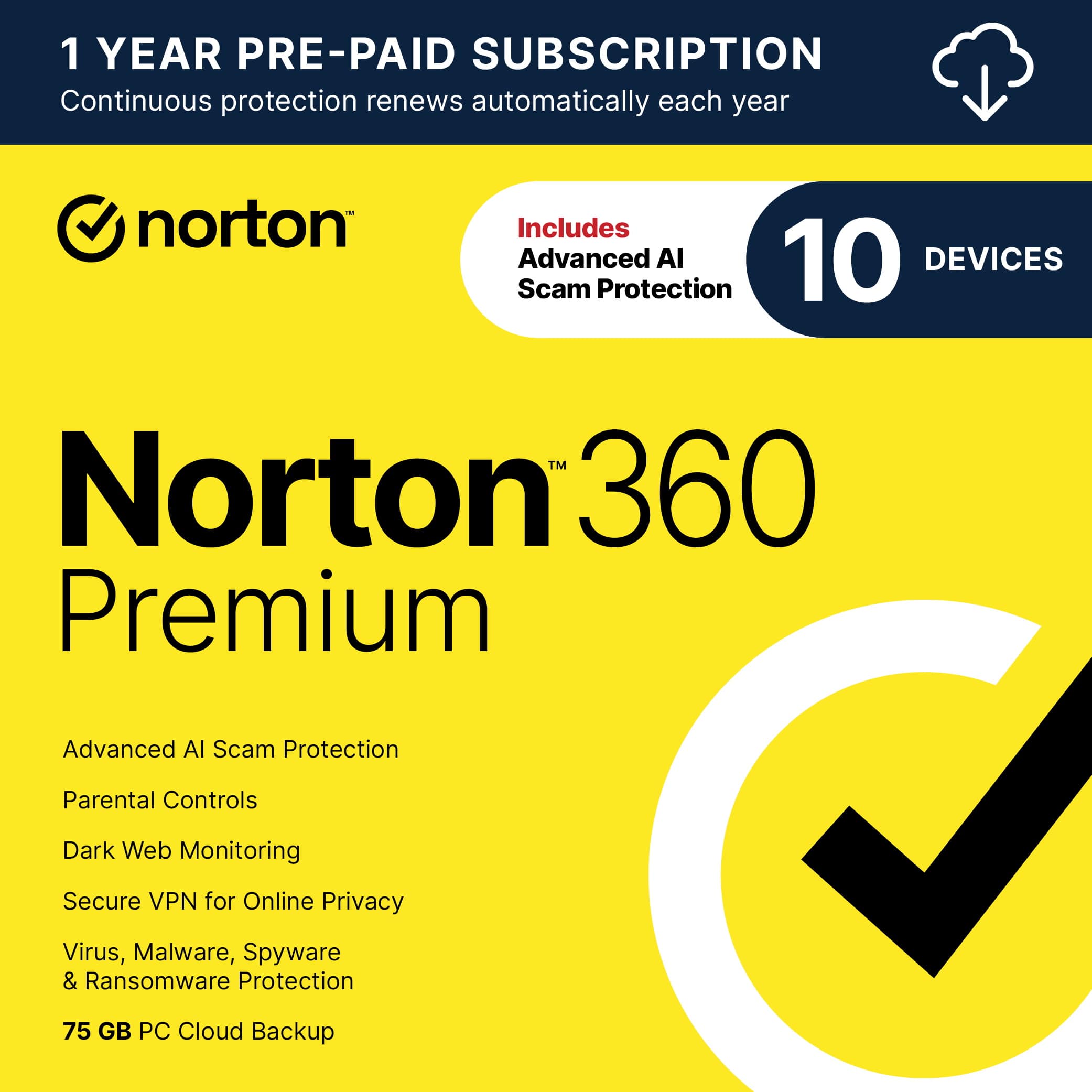
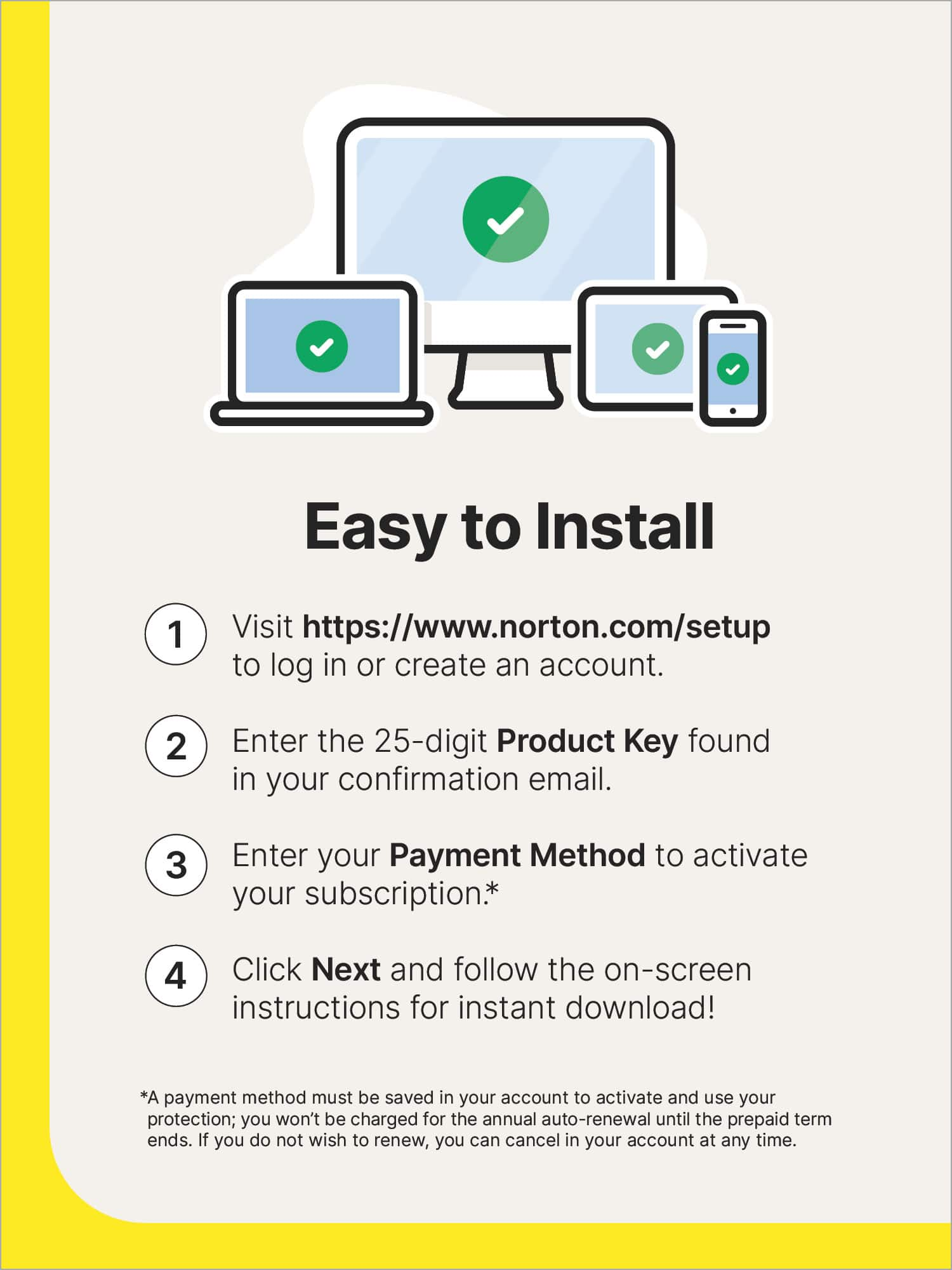
A:AnswerThank you for your interest in Norton. Norton 1-Year subscription begins the day of install (registration of Norton account) on the first device. If you start installing on other devices at a later date, just remember that the 1-Year begins the day of first device install.
A:AnswerIn most cases, Windows S mode only allows the installation of programs from the Microsoft Store. To install Norton 360, you will have to get out of S mode, and there will be a warning about doing so. This information comes from a community on Norton: "S mode restricts apps you can install on your device to those available in the MS Store. If you find that the S mode is too restricting, here is a MS Support article on how to disable S mode. But it is a one way move".
A:AnswerHi - Unfortunately, GenDigital products (Norton, Avast) do not offer file storage encryption, other than the Password Manager feature which does encrypt account credentials. - DWN
A:AnswerThanks for the question Joey. Although the client *may* work on other Android devices, it’s unfortunately only supported on phones and tablets.
A:Answerthese products are all location code based...US will only work in US etc. its just a stupid money making scam. I found this out trying to save a few bucks on a purchase from ebay. Product was listed as works everywhere found out from Norton support that it was locked to Italy or something & was useless i paid them $30 to "unlock" it... such a scam.
A:AnswerYes. If a file scanned had a virus, it will quarantine or delete the file, depending on the detection method and threat level. Have had several random malware removed. Based on their description, Norton will work with you to remove more entrenched malware and offer some ransomeware insurance. I fortunately have not had to deal with this level of infection.