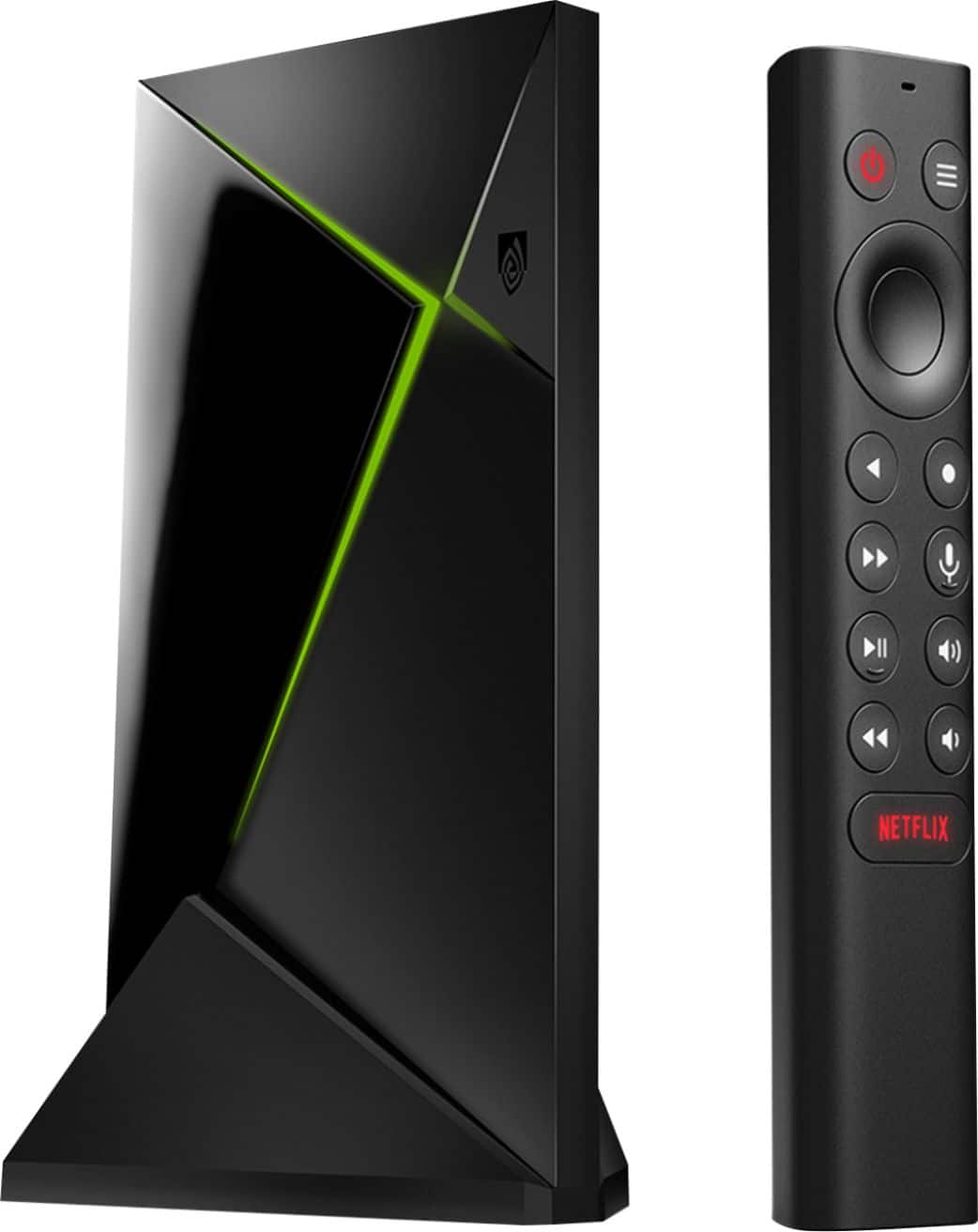
A:AnswerThe 2019 model advertised as having the "new" tegra chip is indeed the same tegra chip but with the faulty logic fixed on processor....which is why it runs 24% faster.
A:AnswerHello, you must have a digital Antenna connected or you use your cable connection from the wall (if you have that from cable company) no cable box. Also you need to go into your tv settings, & do a automatic scan of all the available channels. Hope this helps!
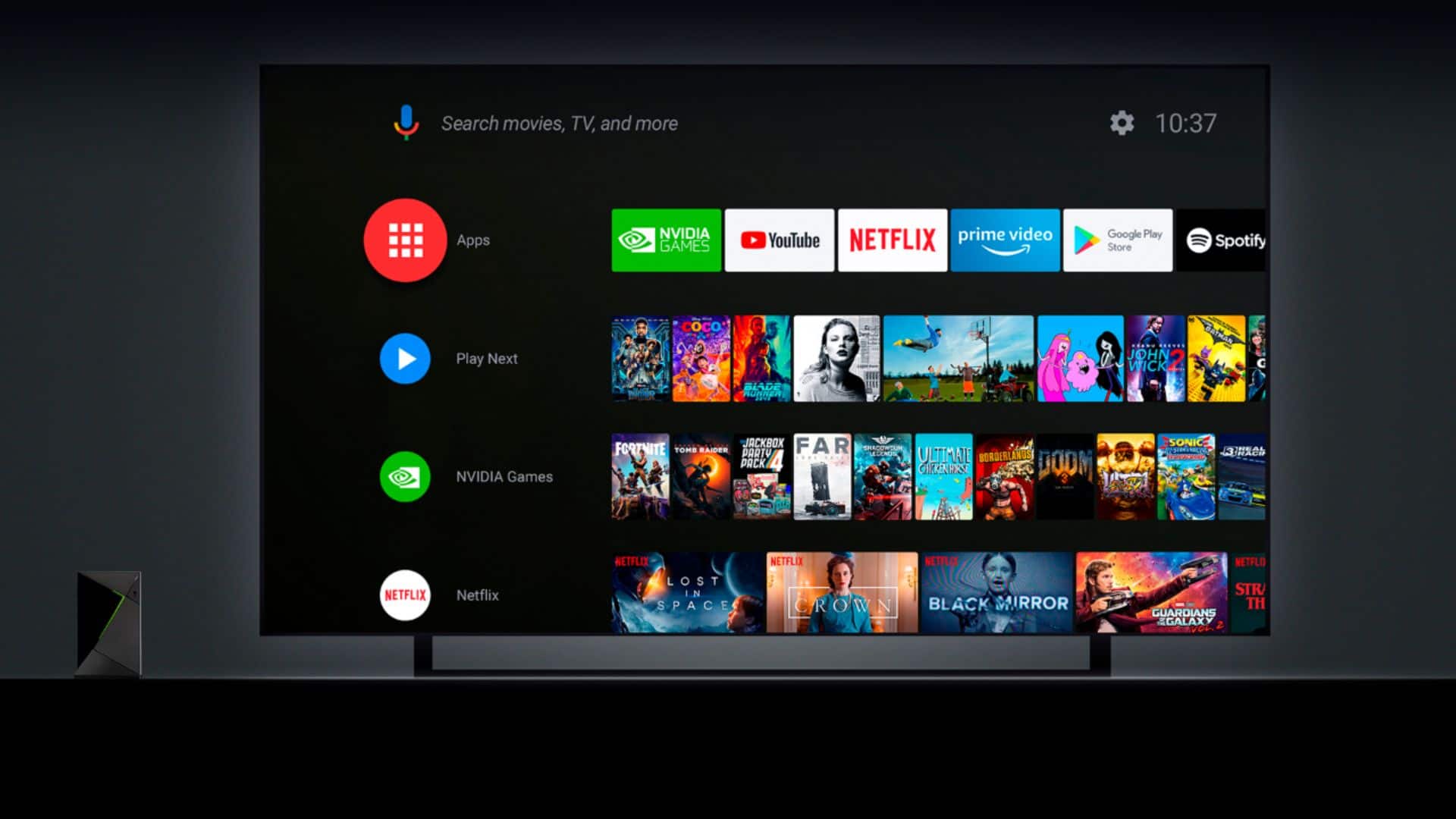
A:AnswerThe short answer is no. Google Play has removed it for the Nvidia shield. If you know how to sideload apps, then you should be able to put the app on the Nvidia shield. You might also need to sideload set orientation.
A:AnswerO God YES! You will have to get the separate game controller to do so, but there are all kinds of games to play! The controller is like either a PS or Nintendo. You can find it at BB or Amazon.
A:AnswerIt will be married to the Shield and can't be used for the Pc after that marriage. It's an Android platform and all Android TV device work this way! I learned that the hard way, even an extended format can't reverse it.
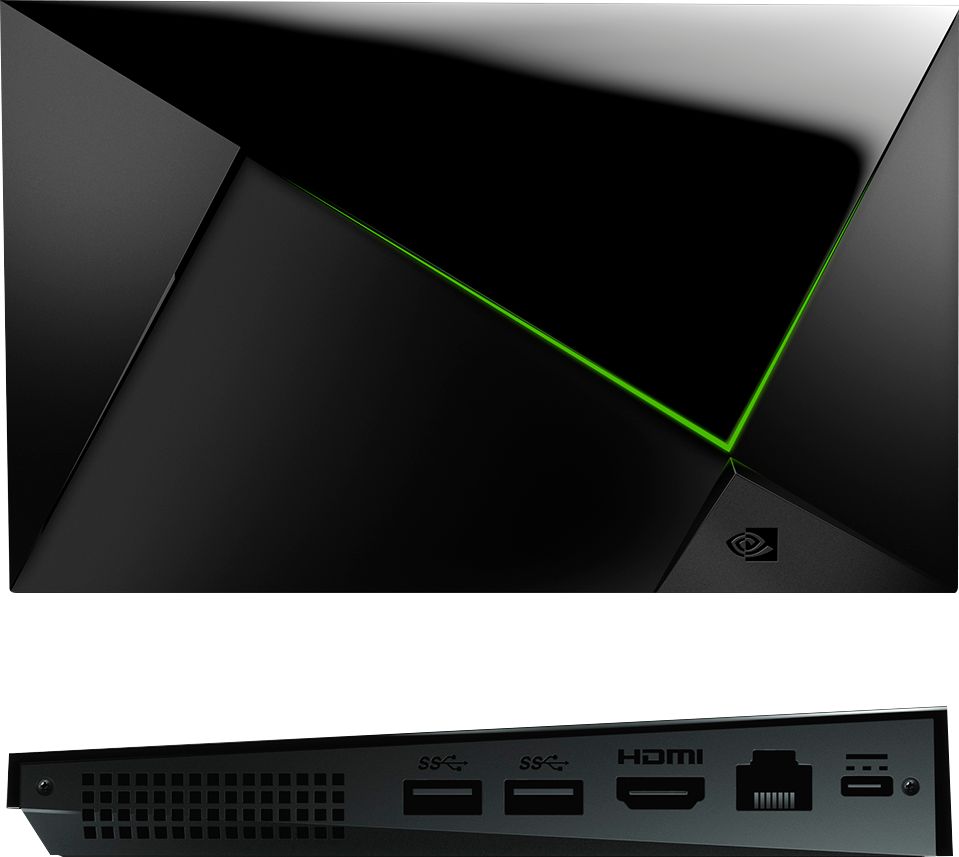
A:AnswerFor Additional Storage Solutions Would be through an online cloud service or through one the USB ports on the side and connect an external drive (external Hard drive, flash drive, ect).
A:AnswerIf it was on a streaming platform then yes or through an app from the Google play store or an app allowing for tv channels but if your asking for live TV and specifically German channels then No
A:AnswerSince it's basically an Android TV box under the covers, that would depend on the DLNA player App you install - the Shield does not come with one pre-installed. Some apps have more features than others.
A:AnswerYes you have to get downloader and install filelinked usually all iptv is found on there
. All iptv providers have apps in filelinked just have to get there code.