A:AnswerAbsolutely, we use it both indoors and outdoors. We purchased a 120 inch outdoor screen, and we move the projector from indoors to outside when we want an outside movie night. Our setup includes, this projector, a projector stand, an outdoor portable screen, a bluetooth transmitter and a huge/powerful bluetooth speaker. It works fabulously to provide a great outdoor movie night experience. Note: the projector will NOT work in the daylight hours. No projector will, because the projection lamp isn't as bright as the sun. However, at dusk, it looks good, and then at night it looks spectacular.
A:AnswerHi.
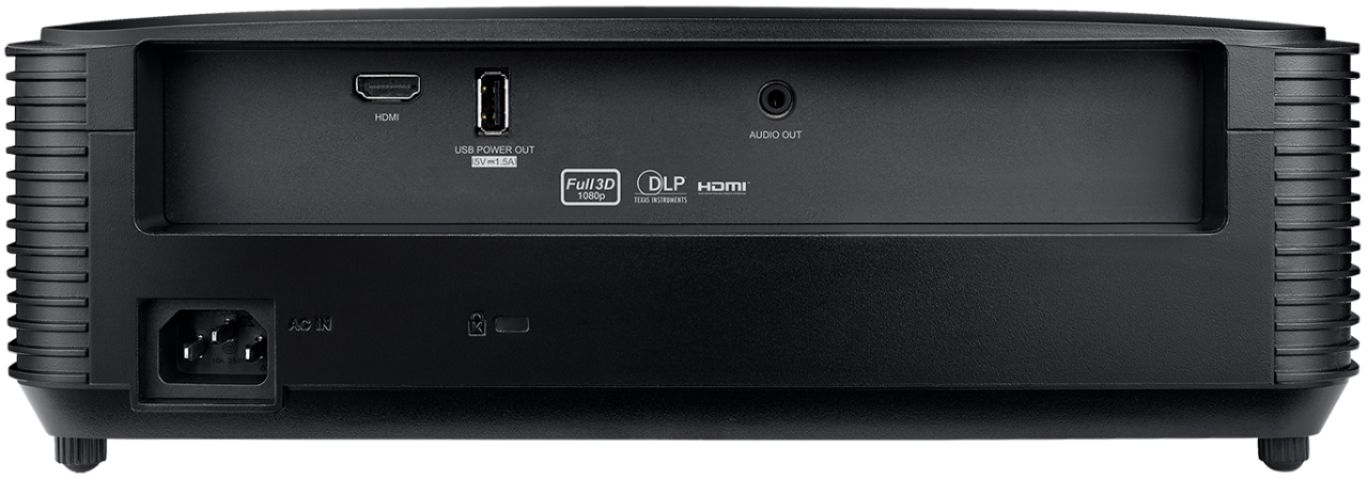
No, it doesn't have BT, unfortunately. You can however, use a BT adapter/receiver to it. I personally use my laptop to play the media through the projector via HDMI. I then just use the BT on my laptop to connect to my soundbar and this seems to work really well. Hope this helps!
A:AnswerHello Walter,
Yes, you can. It picks up media through either a USB or an HDMI (no wifi or Bluetooth). Also, the picture is great! I hope this helps.
Marc
A:Answerunfortunately, it does not. And they don't seem to offer one you can purchase. I've been looking for an alternative solution, because I can't imagine that this lens is different from any other lens. All lenses should be protected when not in use.
A:AnswerThank you for your interest in the HD146x High Performance projector. Please contact Optoma technical support at 888-289-6786 Monday - Friday 6 AM - 5 PM PST for further assistance.
A:AnswerThank you for your inquiry regarding the HD146X Projector. I would like to inform you that this projector is compatible with the following 3D formats: Top and bottom, Frame packing, Side by side, Top and bottom, and Frame sequential. Then you will require DLP Link Active Shutter 3D Glasses to view.
Should you have any additional questions, I kindly encourage you to reach out to Optoma technical support at 888-289-6786, available Monday through Friday from 6 AM to 5 PM PST for further assistance.
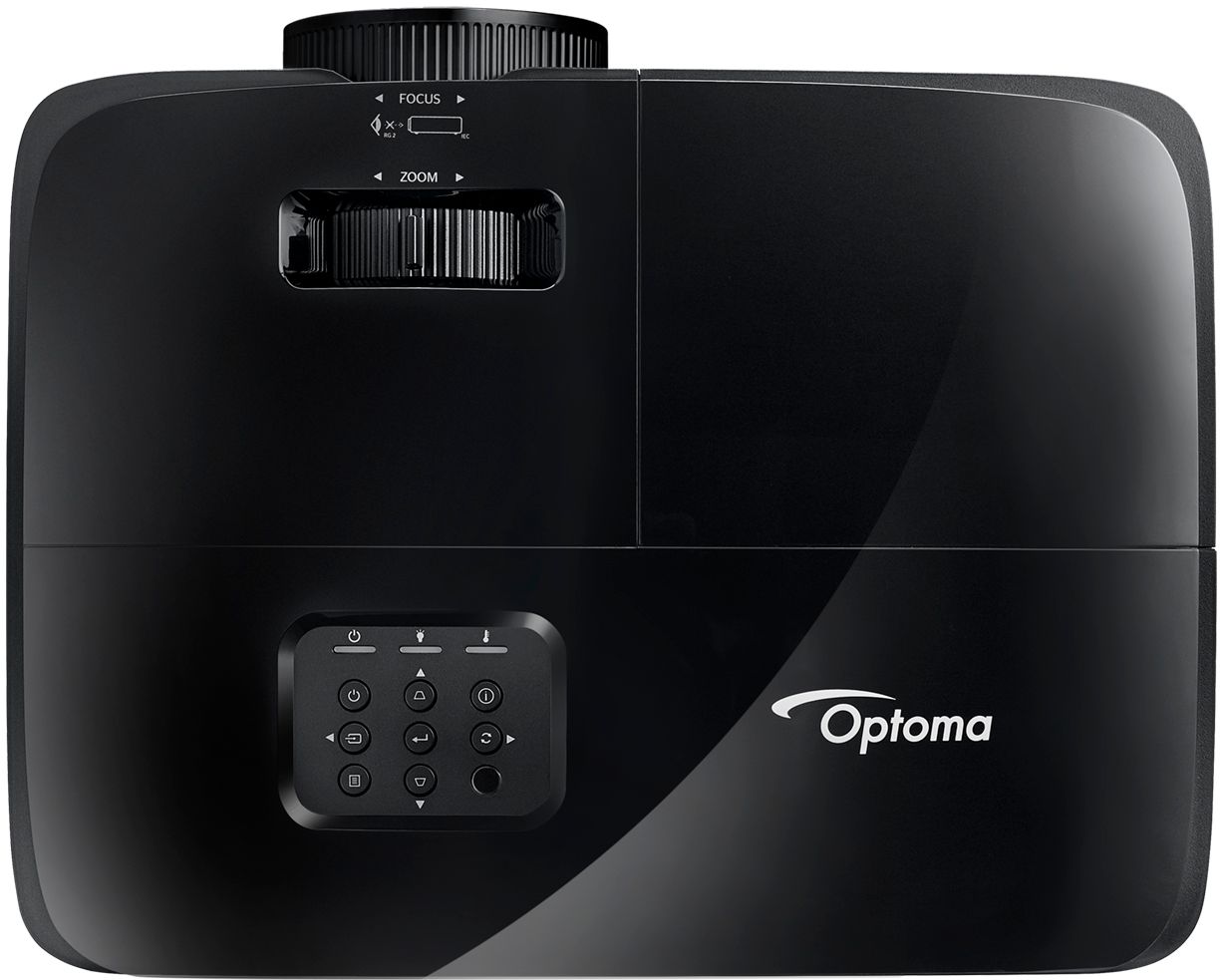
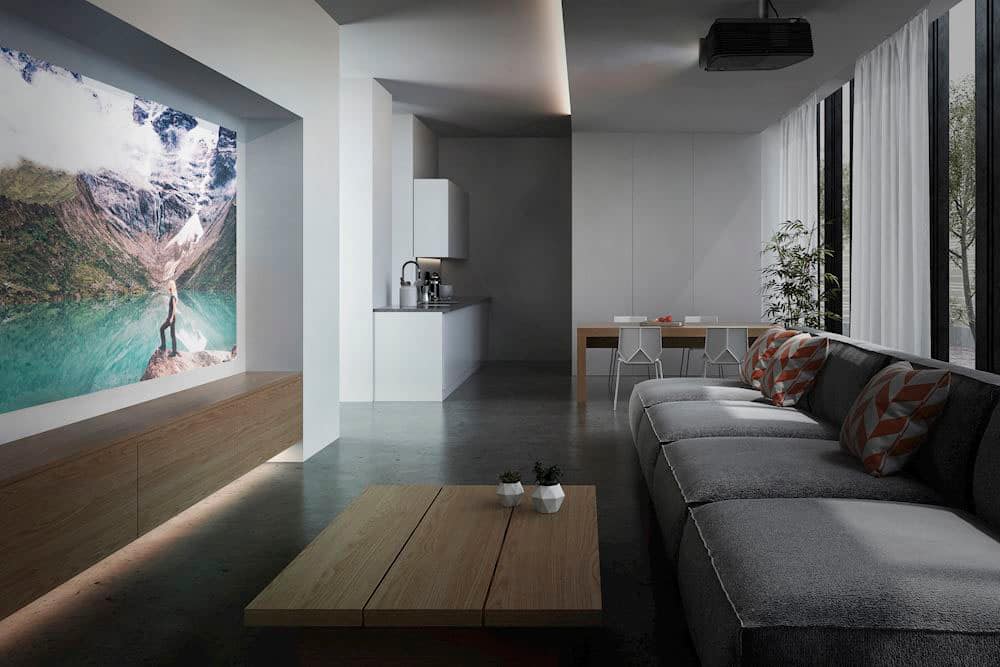
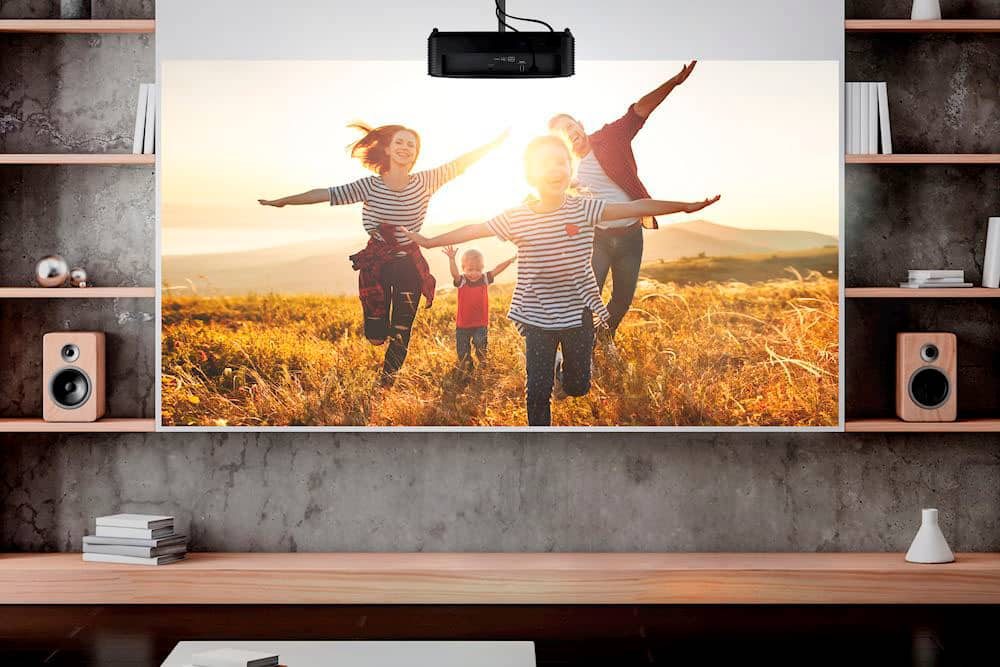
A:AnswerThank you for your interest in the HD146X. This unit is mountable.
If you have any further questions, please contact Optoma technical support at 888-289-6786 Monday - Friday 6 AM - 5 PM PST for further assistance.
A:AnswerThank you for your interest in the HD146X projector and its Enhanced gaming mode.
Enhanced Gaming Mode is a feature on some TVs, projectors, and monitors that reduces input lag. Input lag is the time it takes for a device to respond to an input, such as a button press on a controller. In gaming, input lag can be a major issue, as it can make it difficult to react quickly to what is happening on the screen. Enhanced Gaming Mode helps to reduce input lag by optimizing the TV's or monitor's settings for gaming. This can make a big difference in the responsiveness of the device and can give gamers a competitive edge.
Here are some of the benefits of using Enhanced Gaming Mode:
Reduced input lag: This is the main benefit of Enhanced Gaming Mode. By reducing input lag, gamers can react more quickly to what is happening on the screen, giving them a competitive edge.
Improved visuals: Enhanced Gaming Mode can also improve the visuals of games. This is because it can reduce the amount of motion blur and ghosting that can occur during fast-paced action sequences.
More immersive experience: Enhanced Gaming Mode can also create a more immersive gaming experience. This is because it can reduce the amount of time it takes for the screen to update, which can make games feel more fluid and responsive.
If you are a gamer, Enhanced Gaming Mode is a feature that you should definitely consider using. It can make a big difference in your gaming experience and can give you a competitive edge.
If you have any further questions, please contact Optoma technical support at 888-289-6786 Monday - Friday 6 AM - 5 PM PST for further assistance.
A:AnswerNo, it does not contain any internet or screen mirroring capabilities. You can hook up a fire stick to the projector which would allow you to cast from your phone to the firestick