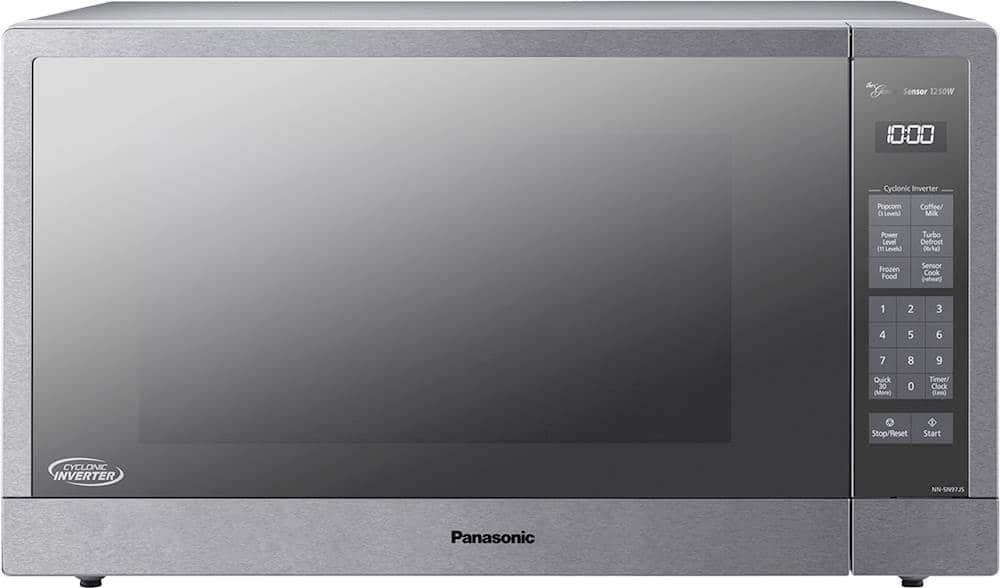
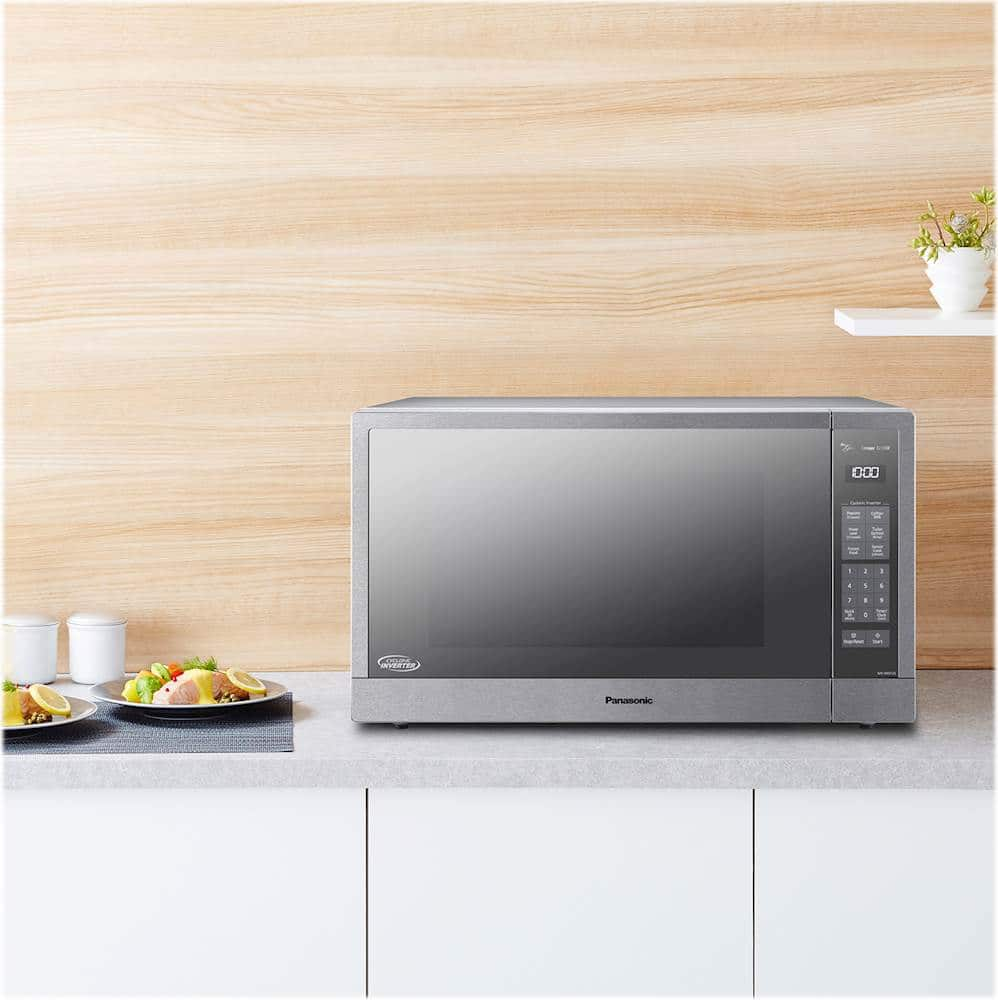
A:AnswerI think the SN975S may be an older model. It has physical depress buttons whereas the SN96JS is newer. I have had it for 2 months now and love the SN96JS. Its very spacious from inside and heats evenly. I really like that the beeping sound is not too loud an annoying.
A:AnswerKeep Warm (Will keep food warm for up to 30 minutes after cooking)
1. Press Keep Warm.
2. Set warming time using Number pads (up to 30 minutes). This example shows two minutes.
3. Press Start; the cooking will start and the time will count down in the display. At the end of cooking, five beeps will sound.
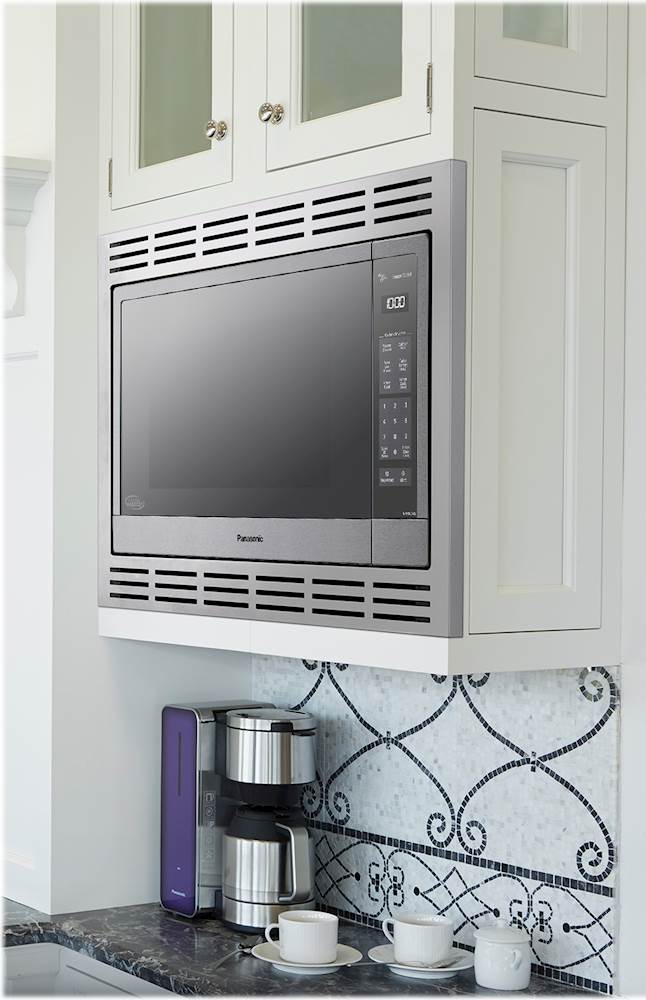
A:AnswerThat's a relative question of course. We do not find it noisy as our last microwave was about twice as noise. You can definitely hear it when you're in the kitchen - but the noise doesn't emanate throughout the adjacent rooms. We do have it built in with a trim kit - so i'm sure that also helps keep it more quiet.
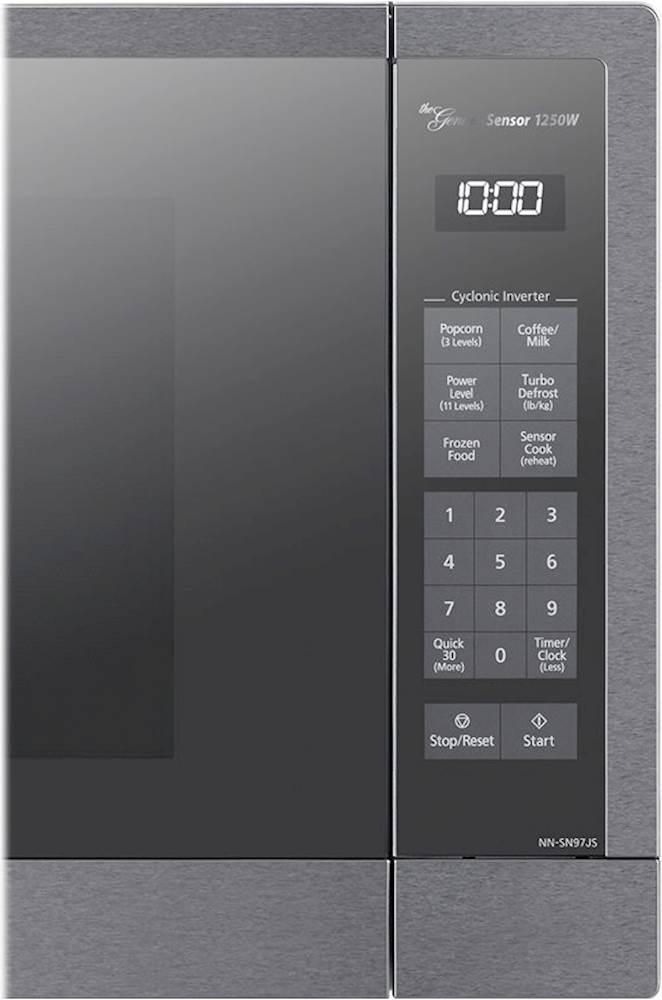
A:AnswerHello! With the oven NOT cooking, press Timer/Clock (Less) twice; the colon will blink. Enter time of day using the number pads. Press Timer/Clock (Less) to finish setting and the colon (:) will stop blinking. -M
A:AnswerHello! Thank you for reaching out. We offer 2.2 cubic foot microwave models not listed under Proposition 65, including the NN-SN975S, NN-SN97JS, NN-SN966S, and NN-SD975S. We hope this information is helpful. -C
A:AnswerHello! The trim kit are designed specifically to ensure proper ventilation for the unit and we do not recommend installing the microwave in a cabinet without the compatible trim kit. -M
A:AnswerHello! If the microwave oven has not been used for an extended period of time, the keypad may lock. To unlock, please open and close the door. If this does not resolve the operation of the buttons, your unit might require service. We advise you to get in touch with our Support Team via Live Chat on the Panasonic website -> Contact Us option, Mon–Fri, 9 am–5 pm EST, as we would need more information to further review this. -C
A:AnswerWe would need more information in order to have a better understanding of your inquiry. If you’re open to discussing it further, please contact Support Team via Live Chat on the Panasonic Website, Contact Us option, Mon-Fri, 9am-5pm EST.