A:AnswerYes, according to the operating instructions, but I have not tried to do this myself. See page 46 under "Remote access code" - requires a 3-digit code that you select.
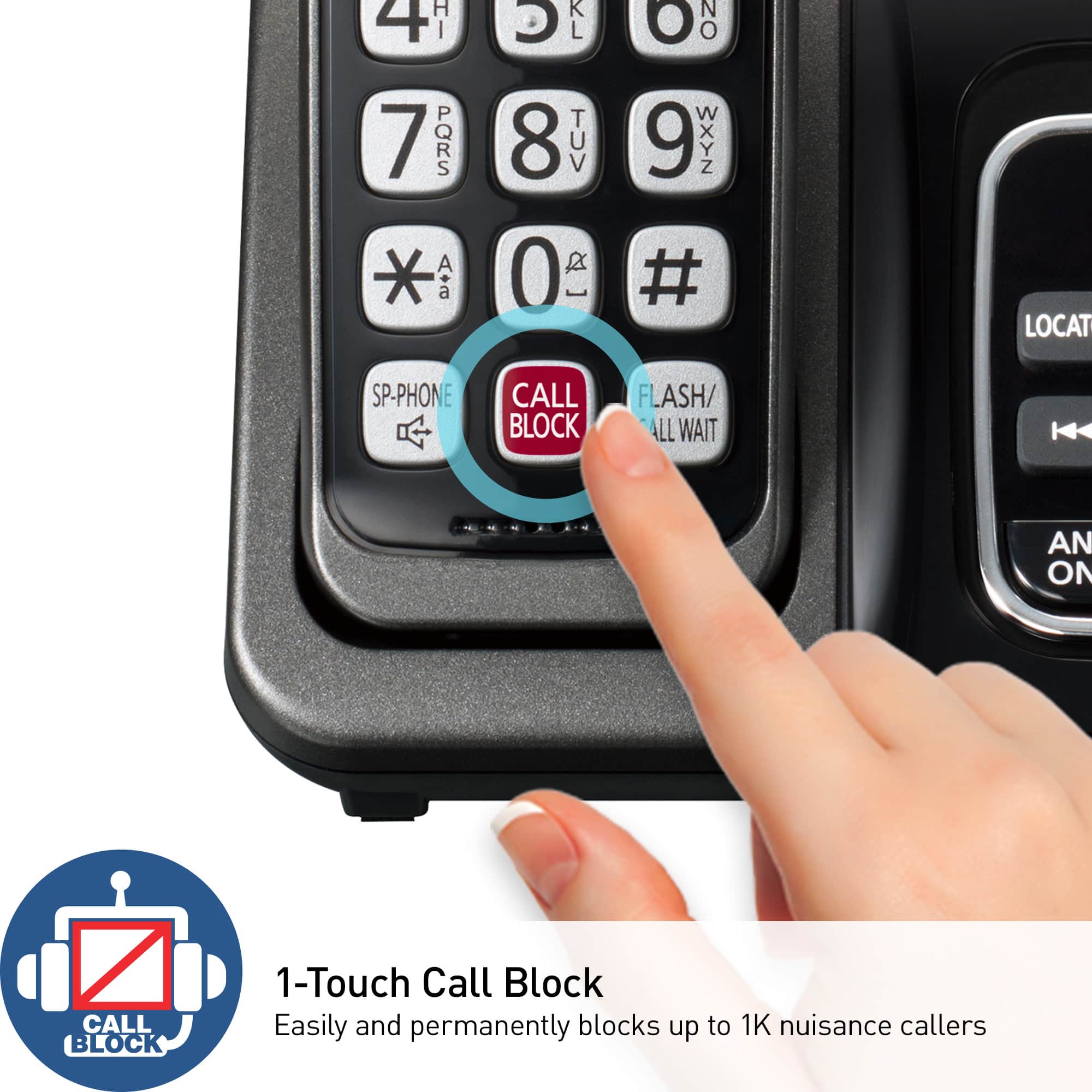
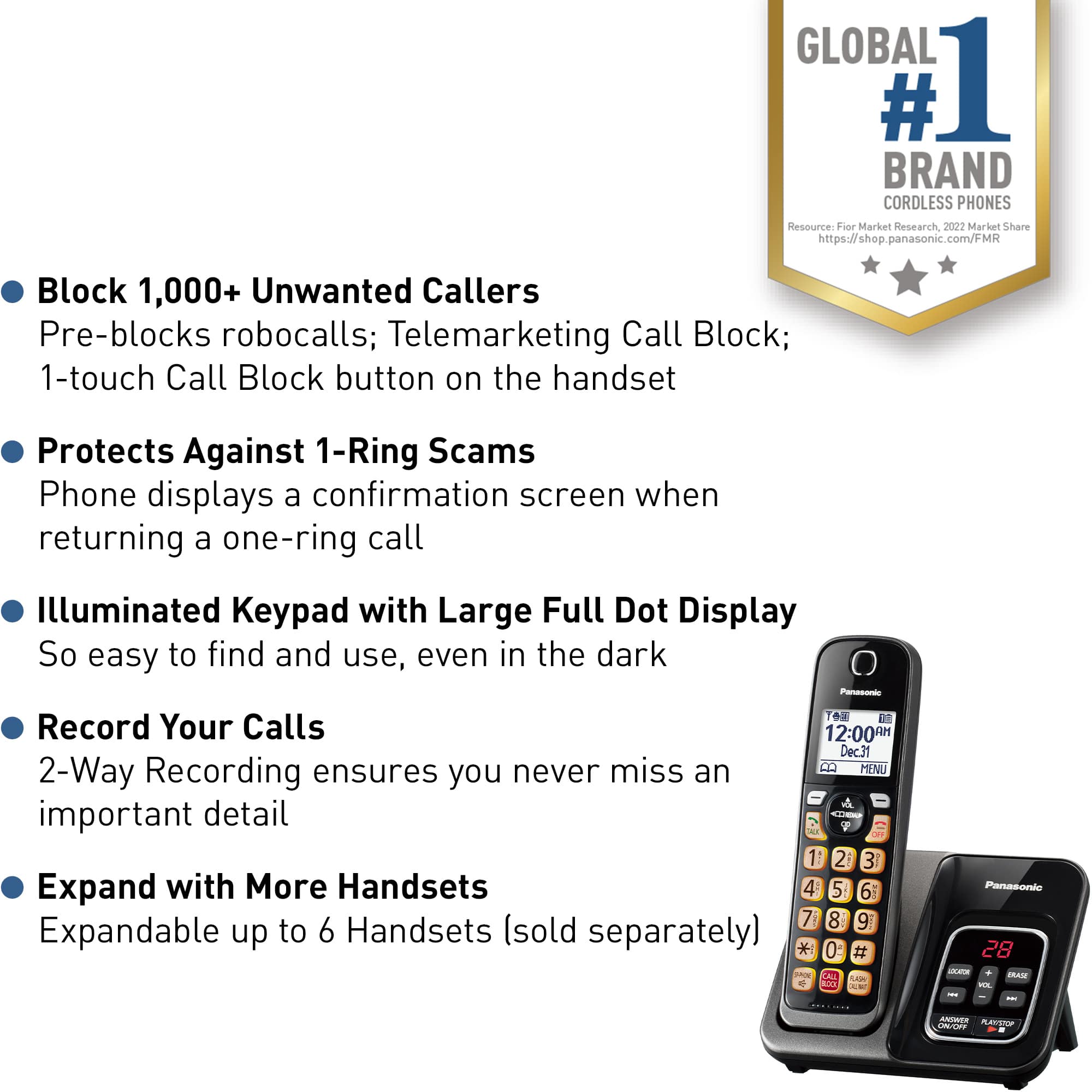
A:AnswerHello! You can press the [CALL BLOCK] button in the following situations to disconnect the current call and add a phone number to the call block list: when an incoming call is being received, when an incoming call is being recorded by the answering system and when talking on an outside call. Once a phone number has been added to the call block list, the unit will block calls from that phone number in the future. -C
A:AnswerIf you require further guidance in regards to this model, please do not hesitate to contact us directly and we will be more than happy to answer your questions: https://shop.panasonic.com/contactus . -M
A:AnswerHello! If you are subscribed to Caller ID from your phone company, the unit's date and time setting will be automatically adjusted when caller information is received. If you do not wish for this feature to work, we have a setting for this, and we would kindly advise you to perform it. Using a handset, please press MENU, then the key # and enter code 226. Then press the arrow down to select "Manual" and press SAVE. If you require further assistance, please contact Support Team via Live Chat on the Panasonic Website, Contact Us option, Mon-Fri, 9am-5pm EST. -C
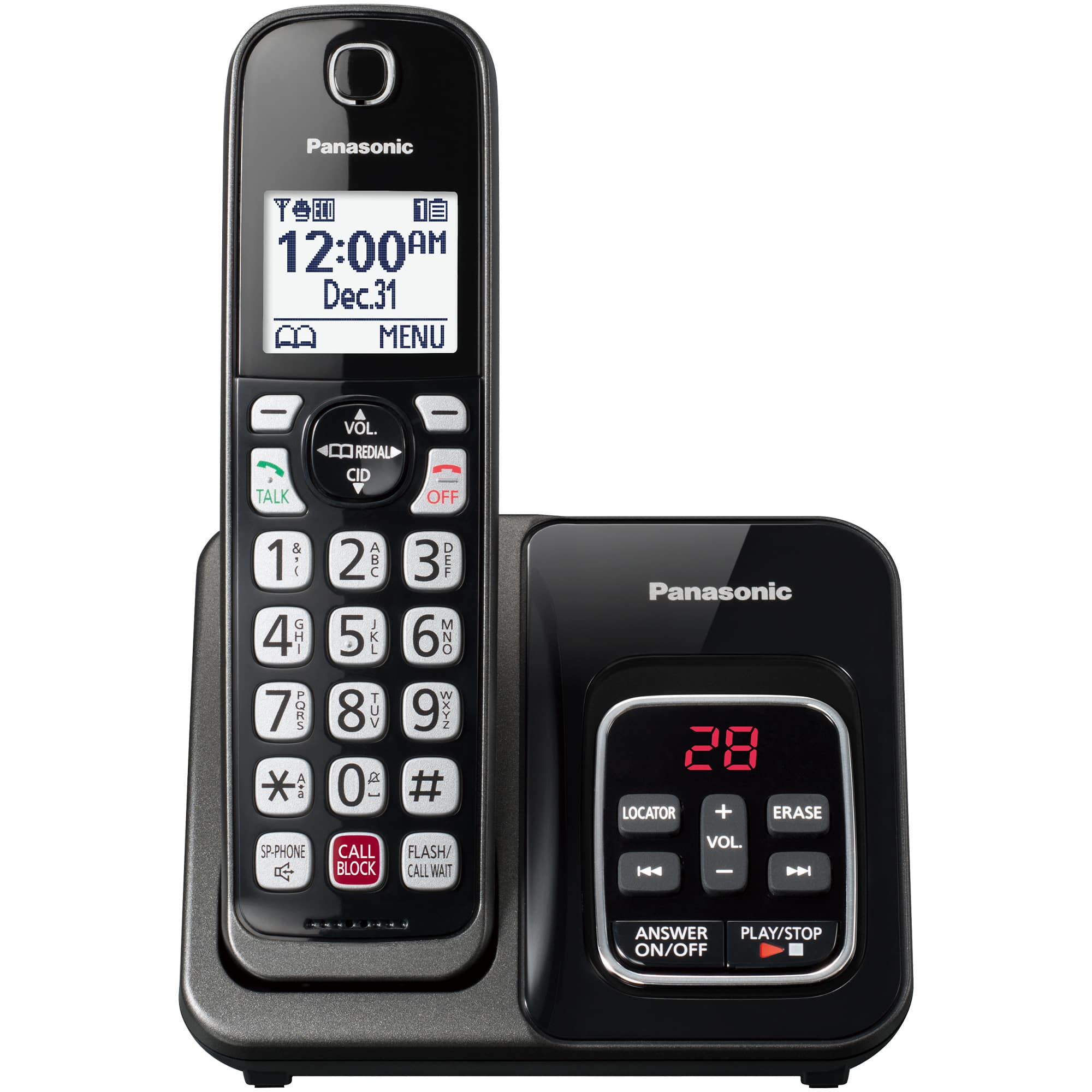
A:AnswerHello! Using a Panasonic telephone, you can receive two different types of voice messages: the first one can be from the built-in answering machine of the phone system and the second comes from the Voicemail service. Typically, you will need to dial an access number given to you by your telephone service provider, followed by a security code or PIN number and we recommend contacting your telephone service provider for specific access instructions. When it comes to the Answering Machine, when new messages have been recorded, the message indicator on the base unit flashes and you can press the PLAY/STOP button. If new messages have been recorded, the
base unit plays back new messages. If there are no new messages, the base unit plays back all messages. Hope this helps! -C
A:AnswerHello! The compatible handset to this phone system is KX-TGDA83. For more information on compatible handsets for this phone system, feel free to check this web resource https://eng-ca.faq.panasonic.com/app/answers/detail/a_id/57170 . Also, we encourage you to check directly with the retailer on product availability and stocks, as they would be able to better assist you. -C
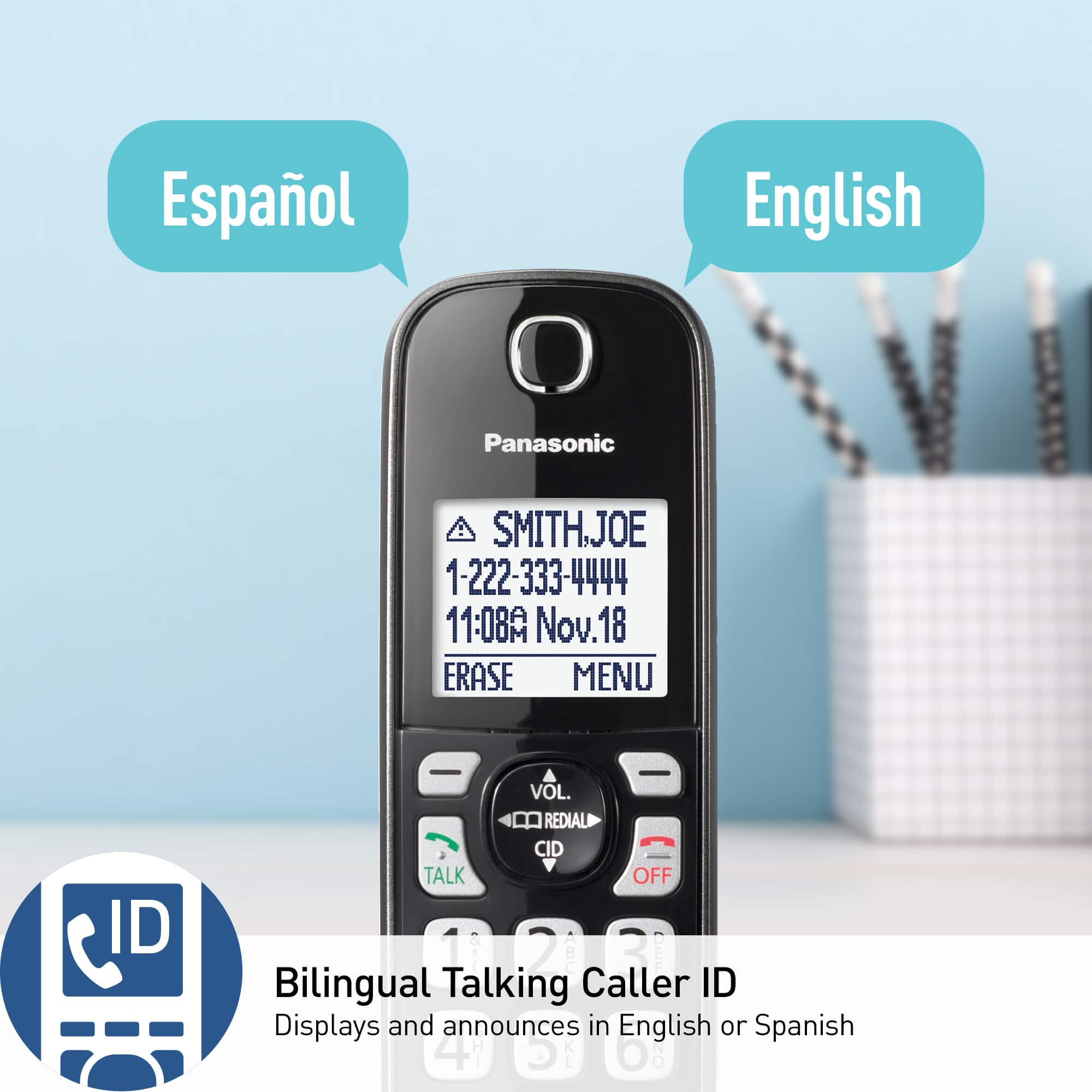
A:AnswerHello, Nick! The Talking Caller ID feature can be turned off by accessing MENU #162 on a handset, also it can be turned off on the base unit by accessing MENU #*162. If you have any questions about this feature, please do not hesitate to let us know. If you’re open to discussing it further, please contact Support Team via Live Chat on the Panasonic Website, Contact Us option, Mon-Fri, 9am-5pm EST. -C
A:AnswerPerhaps, if the weather was warmer, we would be out in the yard with it, and, could better answer your question. So, we've not really tested it's range.
However, we have a phone here in my office, which is 40 steps from the base unit, and it works great.
A:AnswerHi! Messages on a Telephones display usually indicate a set up or a programming error. These messages are typically not a service issue that would require repair, but can be resolved through programming or checking the set up.
Perform the following steps to determine the "Check tel line" message:
1. The supplied telephone line cord has not been connected yet or not connected properly. Check the connections by making sure the line cord is secure. When you plug the telephone line cord at the back of the phone make sure you hear it click.
2. Plug the telephone into a different telephone line jack inside your house. This is a test to see if it is a problem with the telephone or a problem with the telephone jack. If the telephone operates on a different jack then the problem is with the original telephone jack.
3. If the telephone does not work on either telephone jack you need to determine if it is a problem with the telephone or the telephone line. If you have a different telephone, plug that telephone into the telephone line jack and see if you can hear a dial tone. If there is no dial tone you are having a telephone line problem, contact your telephone line service provider.
4. If you do not have a different telephone to test, take the telephone to a neighbor or friends house and test, if the telephone operates on a different telephone line then the problem is with the telephone line
After testing if you determine it is a telephone line problem, contact your telephone line service provider.
If you are using this model on a digital phone line (office, business line) it may not work. This is a consumer home use telephone that is not compatible to business telephone systems.
If you require further guidance in regards to this model, please do not hesitate to contact us directly and we will be more than happy to answer your questions: https://shop.panasonic.com/contactus . -M
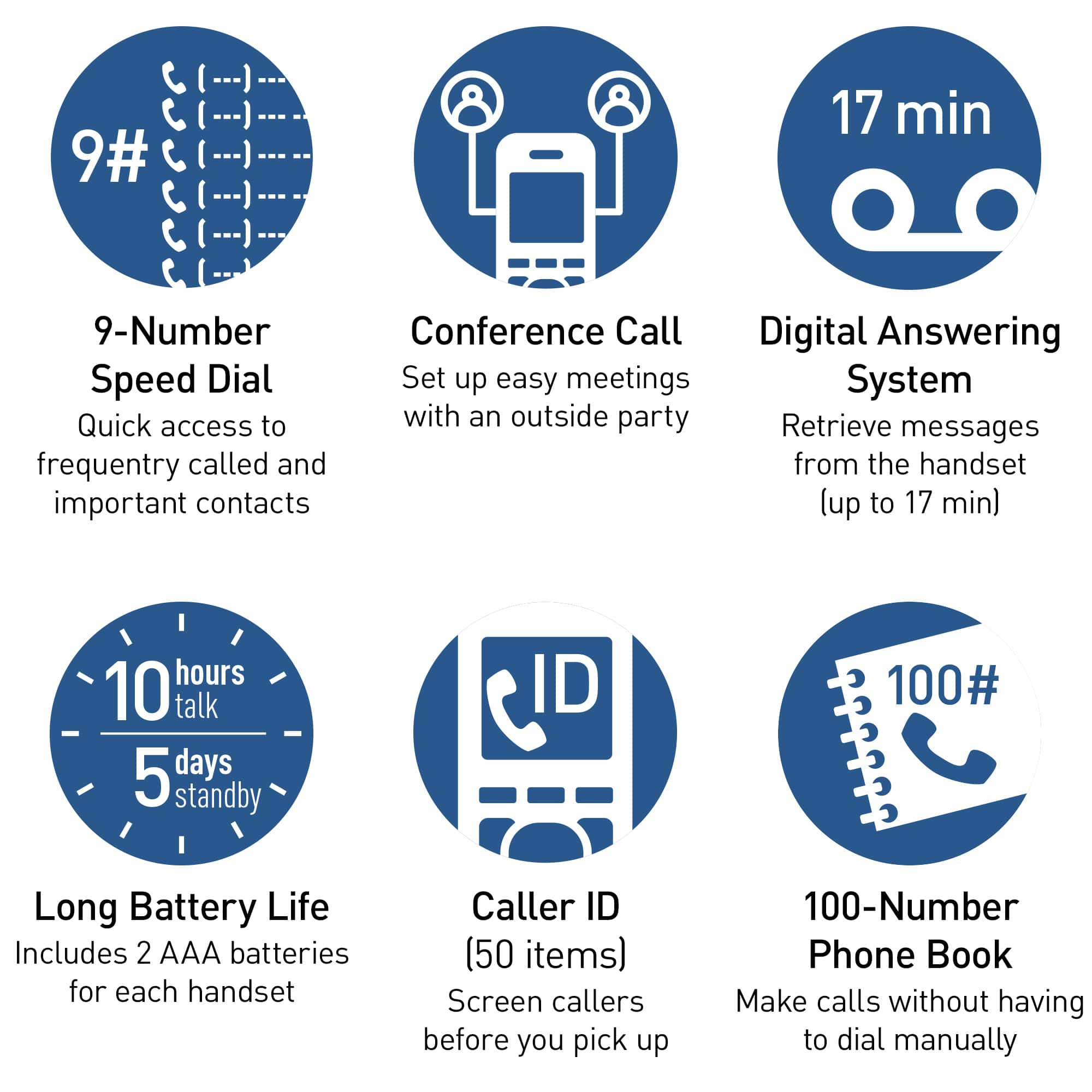
A:AnswerHello. The KX-TGD832 has a speed dial function. You can assign 1 phone number to each of the dial keys (1 to 9) on the handset. The numbers will have to be assigned for each cordless handset. -G