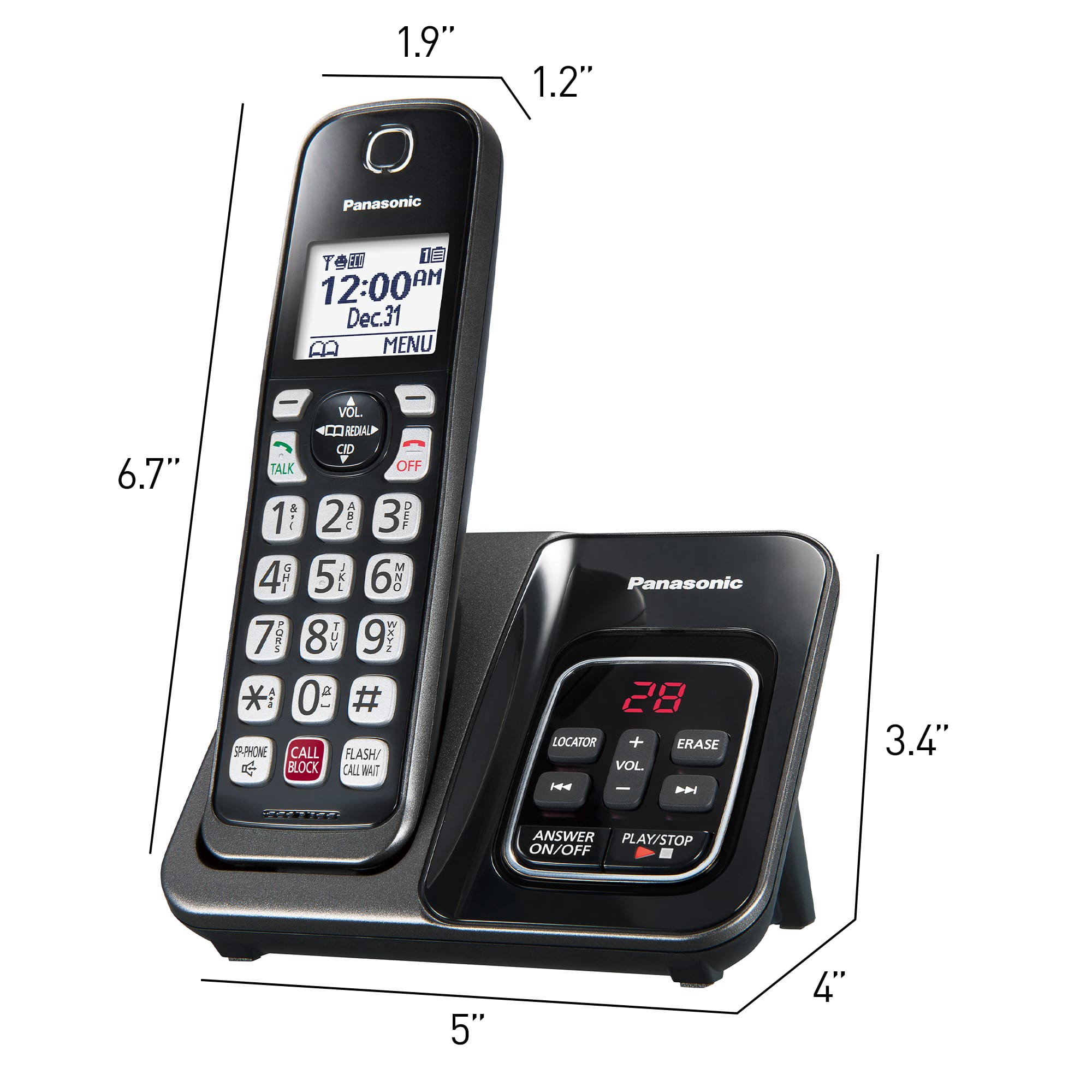
A:AnswerPerhaps, if the weather was warmer, we would be out in the yard with it, and, could better answer your question. So, we've not really tested it's range.
However, we have a phone here in my office, which is 40 steps from the base unit, and it works great.
A:AnswerHi! Messages on a Telephones display usually indicate a set up or a programming error. These messages are typically not a service issue that would require repair, but can be resolved through programming or checking the set up.
Perform the following steps to determine the "Check tel line" message:
1. The supplied telephone line cord has not been connected yet or not connected properly. Check the connections by making sure the line cord is secure. When you plug the telephone line cord at the back of the phone make sure you hear it click.
2. Plug the telephone into a different telephone line jack inside your house. This is a test to see if it is a problem with the telephone or a problem with the telephone jack. If the telephone operates on a different jack then the problem is with the original telephone jack.
3. If the telephone does not work on either telephone jack you need to determine if it is a problem with the telephone or the telephone line. If you have a different telephone, plug that telephone into the telephone line jack and see if you can hear a dial tone. If there is no dial tone you are having a telephone line problem, contact your telephone line service provider.
4. If you do not have a different telephone to test, take the telephone to a neighbor or friends house and test, if the telephone operates on a different telephone line then the problem is with the telephone line
After testing if you determine it is a telephone line problem, contact your telephone line service provider.
If you are using this model on a digital phone line (office, business line) it may not work. This is a consumer home use telephone that is not compatible to business telephone systems.
If you require further guidance in regards to this model, please do not hesitate to contact us directly and we will be more than happy to answer your questions: https://shop.panasonic.com/contactus . -M
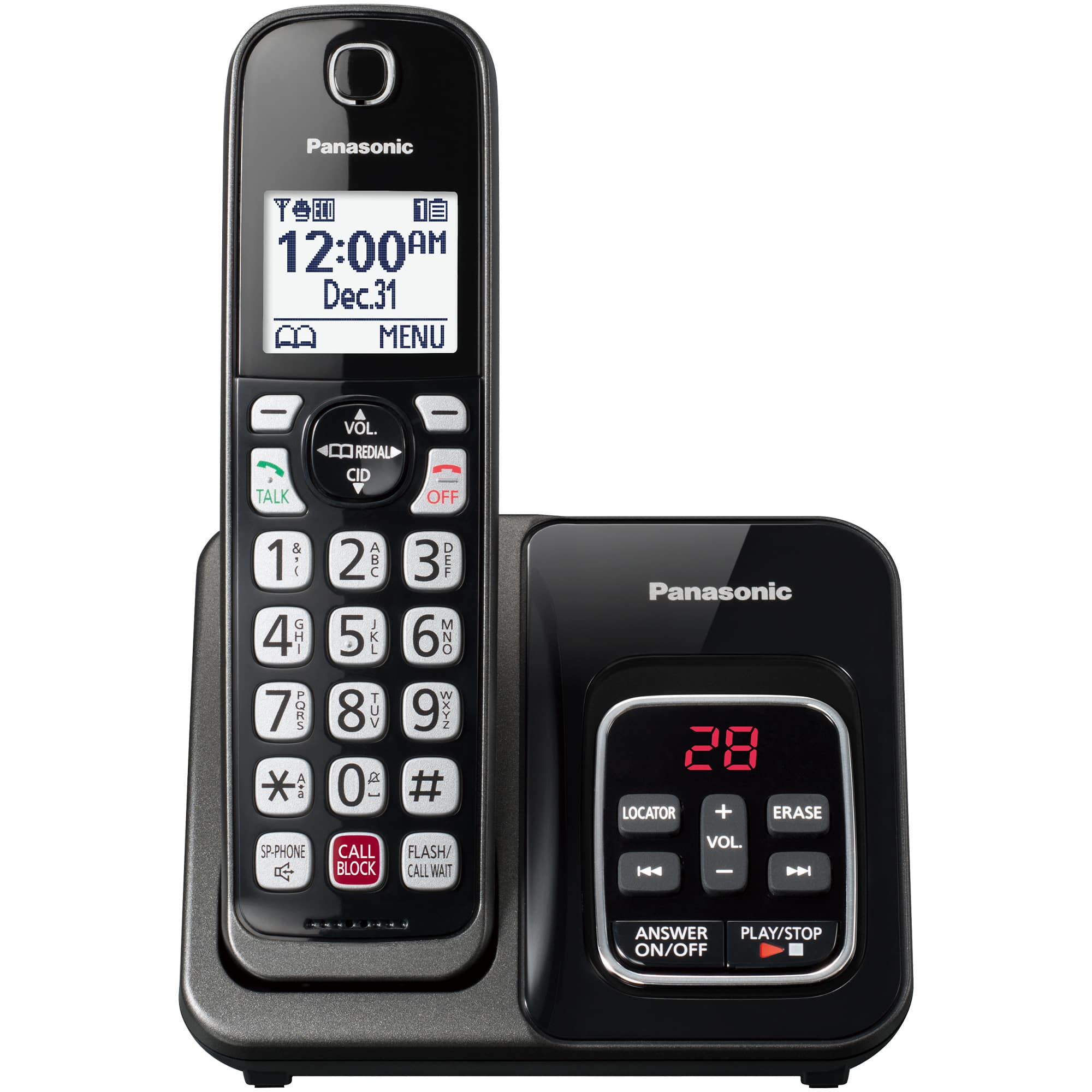
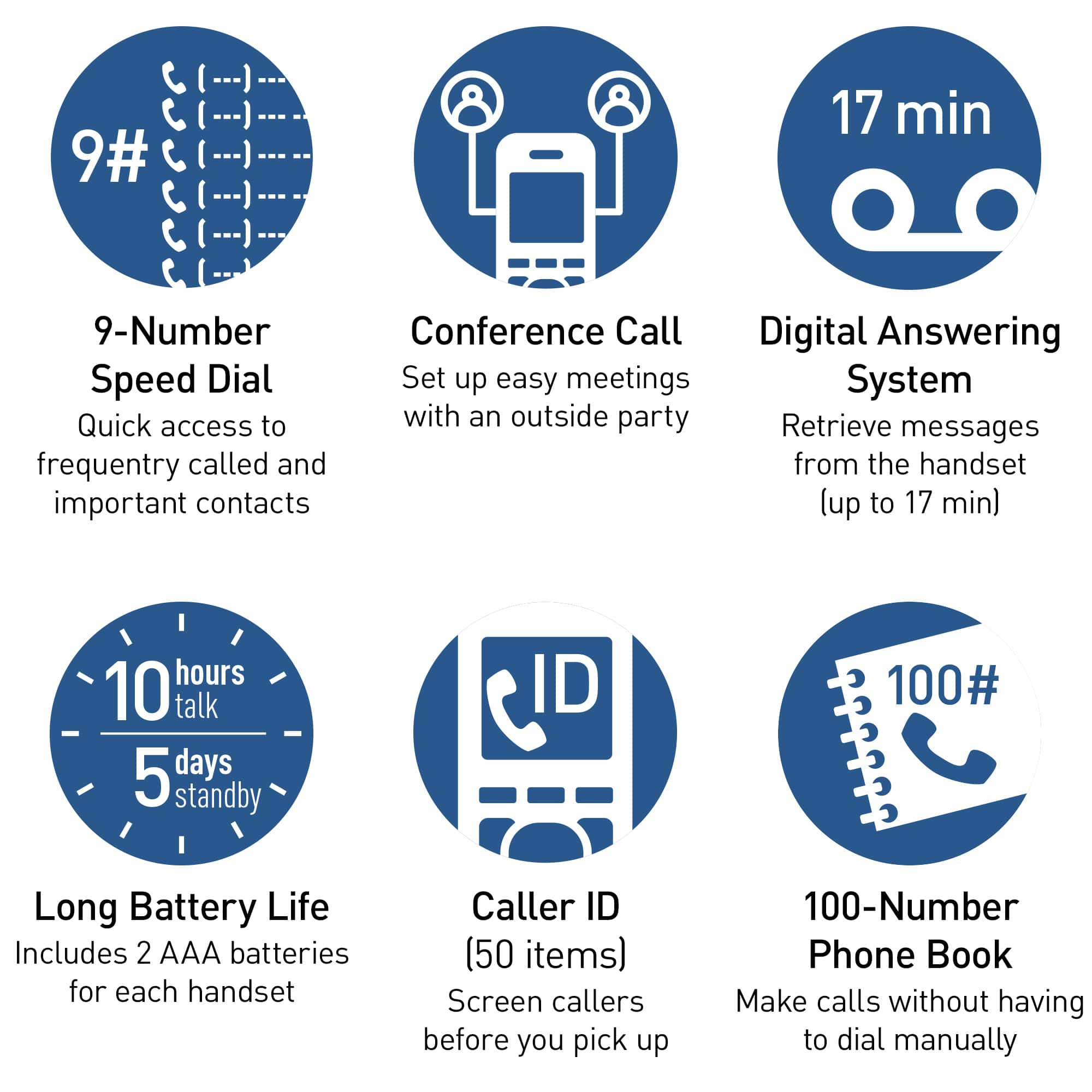
A:AnswerHello. The KX-TGD832 has a speed dial function. You can assign 1 phone number to each of the dial keys (1 to 9) on the handset. The numbers will have to be assigned for each cordless handset. -G
A:AnswerHello! If you are subscribing to DSL/ADSL service, it is recommended to use a DSL filter. Most DSL/ADSL service providers would have the filters available for their subscribers, you may also check out your local electronic stores for availability. -M
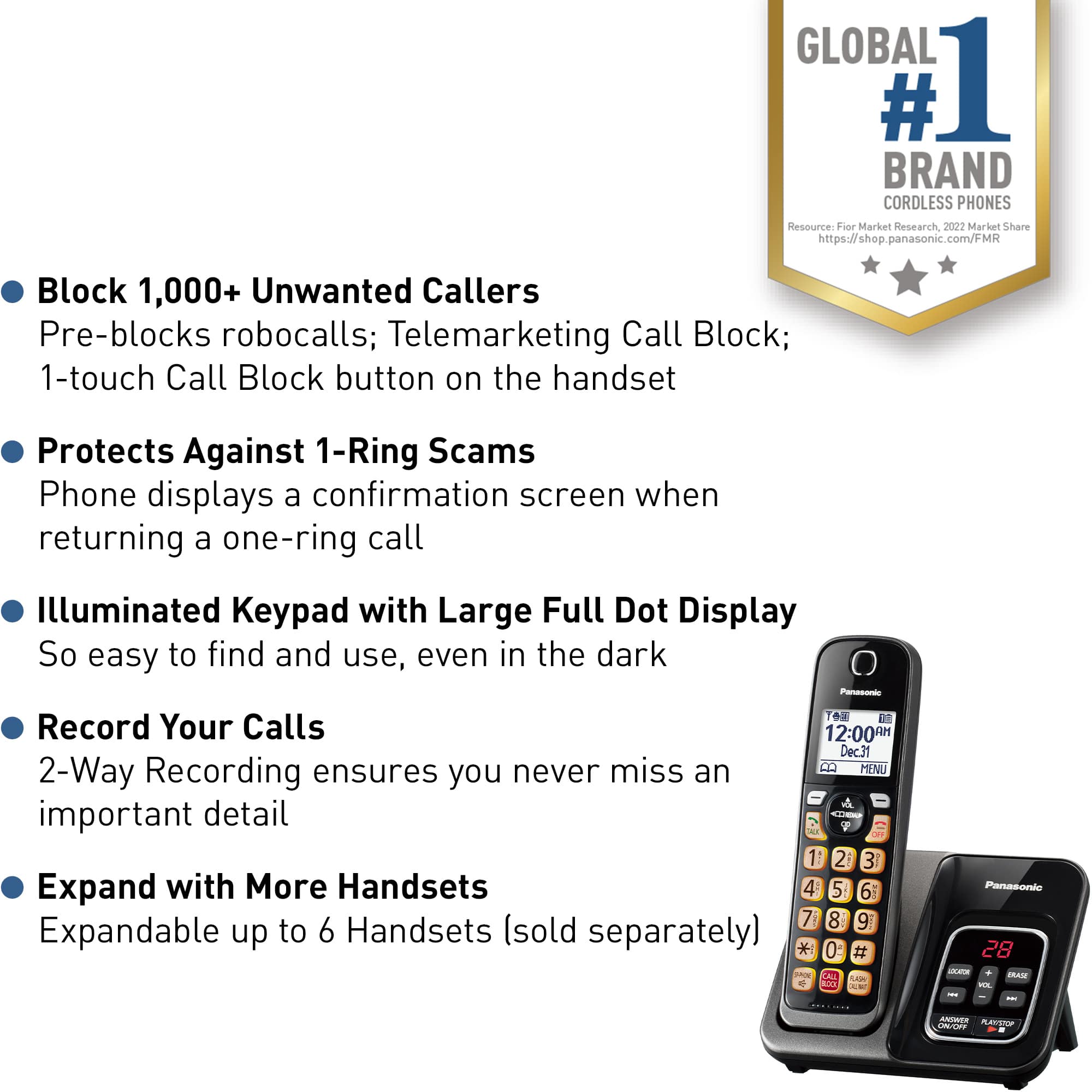
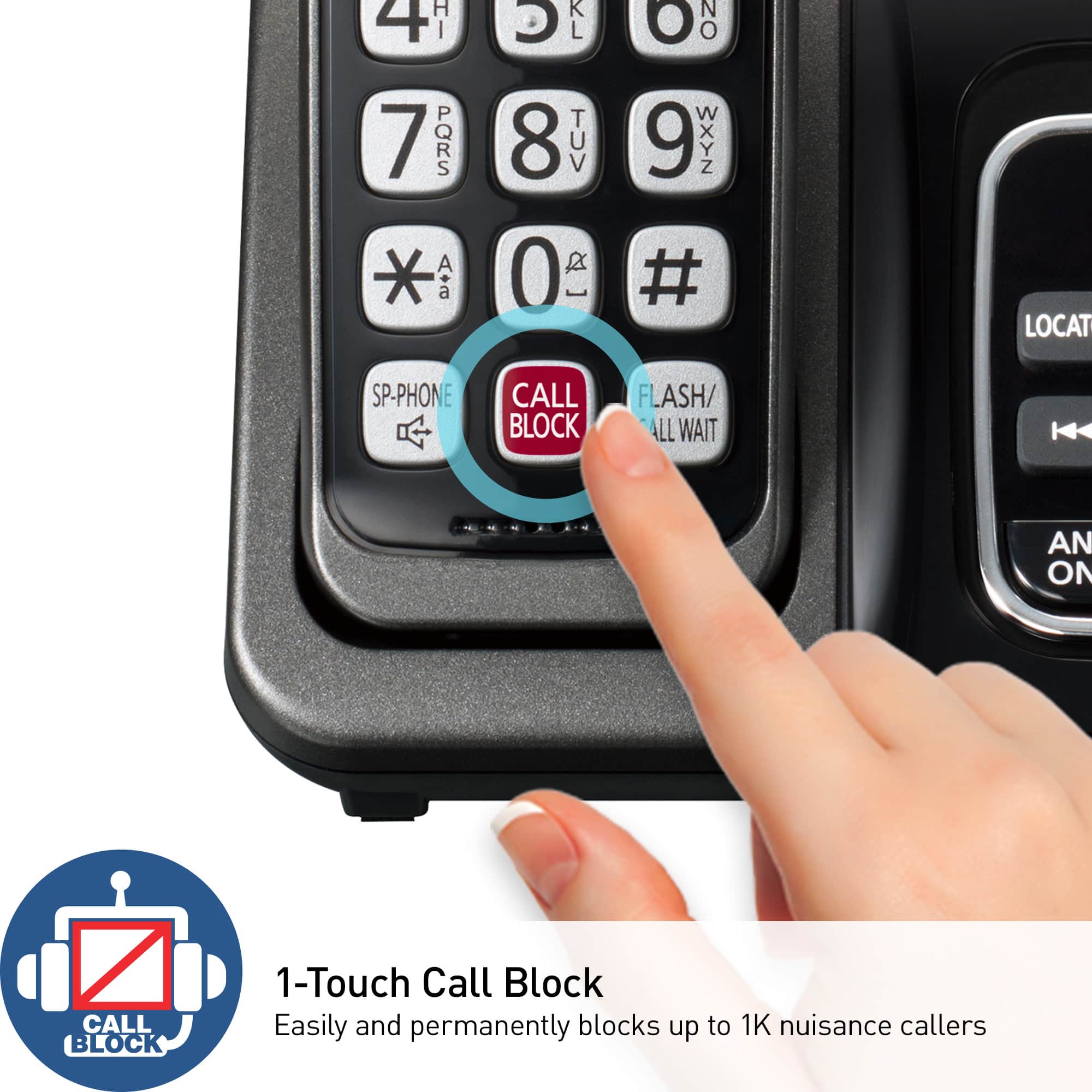
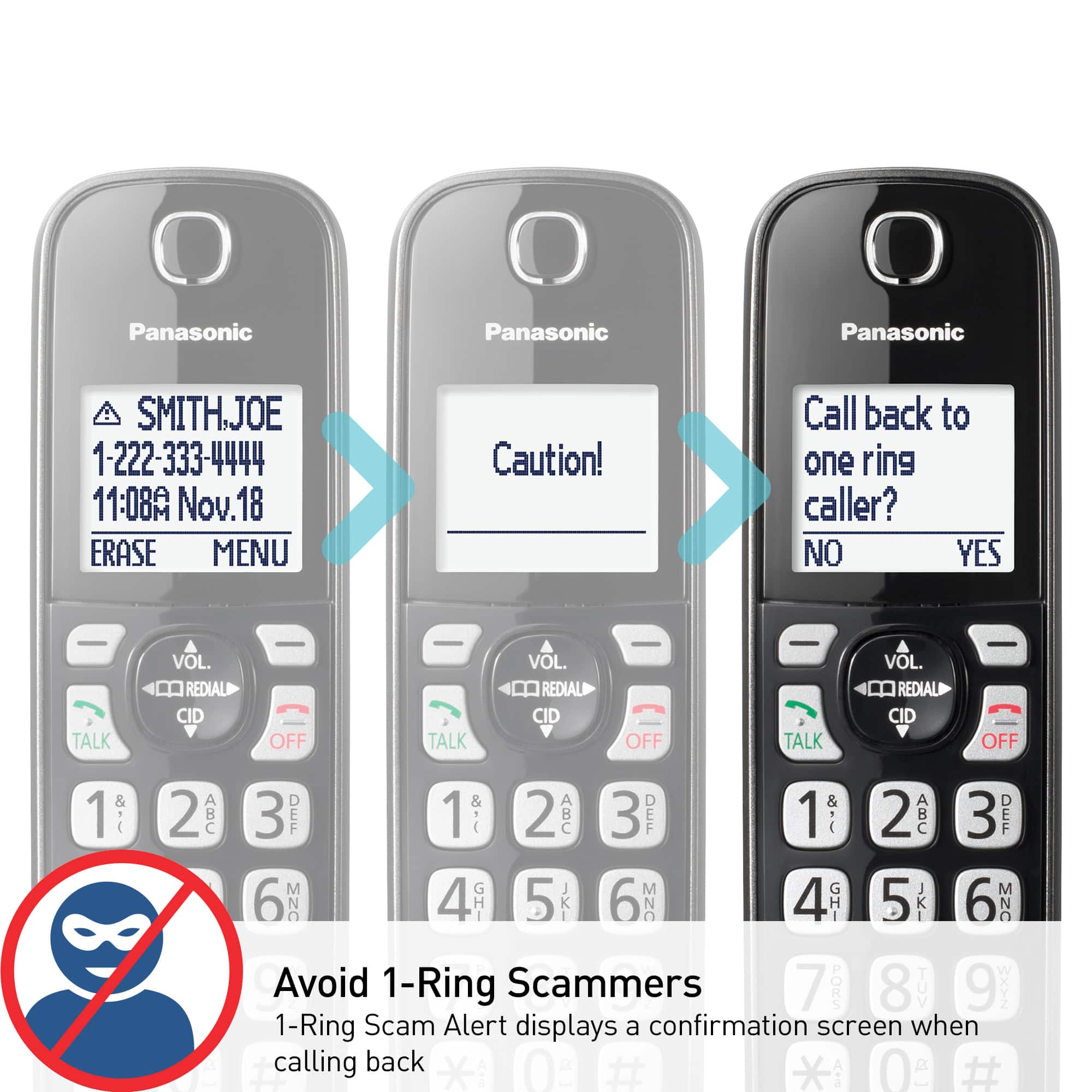
A:AnswerHello! This model has the call blocking feature that includes the following:
Manual Call Block 1000 numbers
Automated Call Block
Telemarketing Call Block
One Ring Scam Alert
Hope this helps! -M
A:AnswerHi, Doris! The handsets are cordless, only the base needs to be plugged in. It's approx. 18" and it can be purchased separately, part number PNLV226-0X. -M
A:AnswerHello, Alec! The system is pretty easy to set up, as it comes with all necessary accessories. You will only need it to connect your landline to the base unit. -M
A:AnswerWith regards to your inquiry, our Panasonic telephones are not related to the 5G (or 4G/3G) since these are simply standards used for internet speeds, that are usually used for a mobile telephone, not landline models such as ours. Our models work in the same way so there will not be a model that will support a 5G system.