A:AnswerHello! Silent mode allows you to select a period of time during which the handset will not ring for outside calls. This feature is useful for time periods when you do not want to be disturbed, for example, while sleeping. Silent mode can be set for each unit. -C
A:AnswerThe model can work with VoIP, however, if you will experience noise issues or will notice that Caller ID features are not working properly, then you will also have to install a DSL/ADSL filter to the telephone line, between the base unit and each telephone line jack. For this, the DSL/ADSL provider will have to be contacted for further details. -M
A:AnswerHello! The answering machine does not require a password. You will only need to press PLAY on the handset or the base. As for the voicemail, it depends on the settings you have on. You can store the access code in the phone and press ACCESS if the notification "New message via voicemail" is displayed. -M
A:AnswerHi, Elaine! While we cannot ensure compatibility of this phone with business phone line services as it is primarily intended for household use, it does support Bluetooth functionality. You can connect it to your mobile phone using the Link2Cell feature or pair it with a Bluetooth headset for hands-free communication. -M
A:AnswerHello! The phone system has the Handset noise reduction feature. Also, the range of the handsets is approximately 33 feet from the base unit. The range will also be influenced by the environment in which the phone system is placed, and if there are any electronics around that would weaken the signal (such as microwave ovens, Wi-Fi routers, radios). -C
A:AnswerHello! You can change the ring count for the answering machine by pressing MENU # 211 on a handset > go to the desired setting > press SAVE. If the situation persists, it's probably because the voicemail is picking up, not the answering machine. To adjust the ring count of your voicemail, please contact your phone company. -M
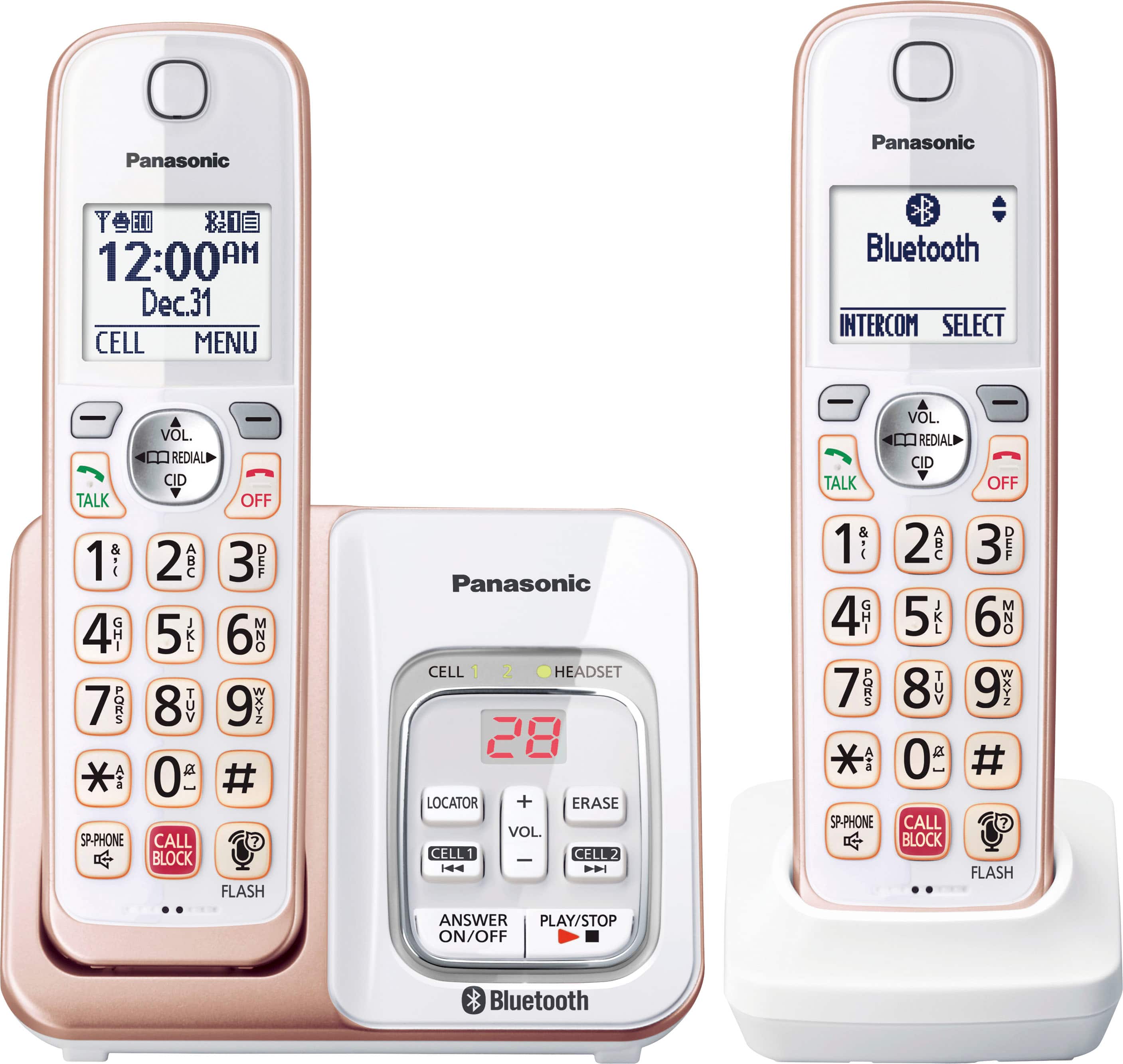
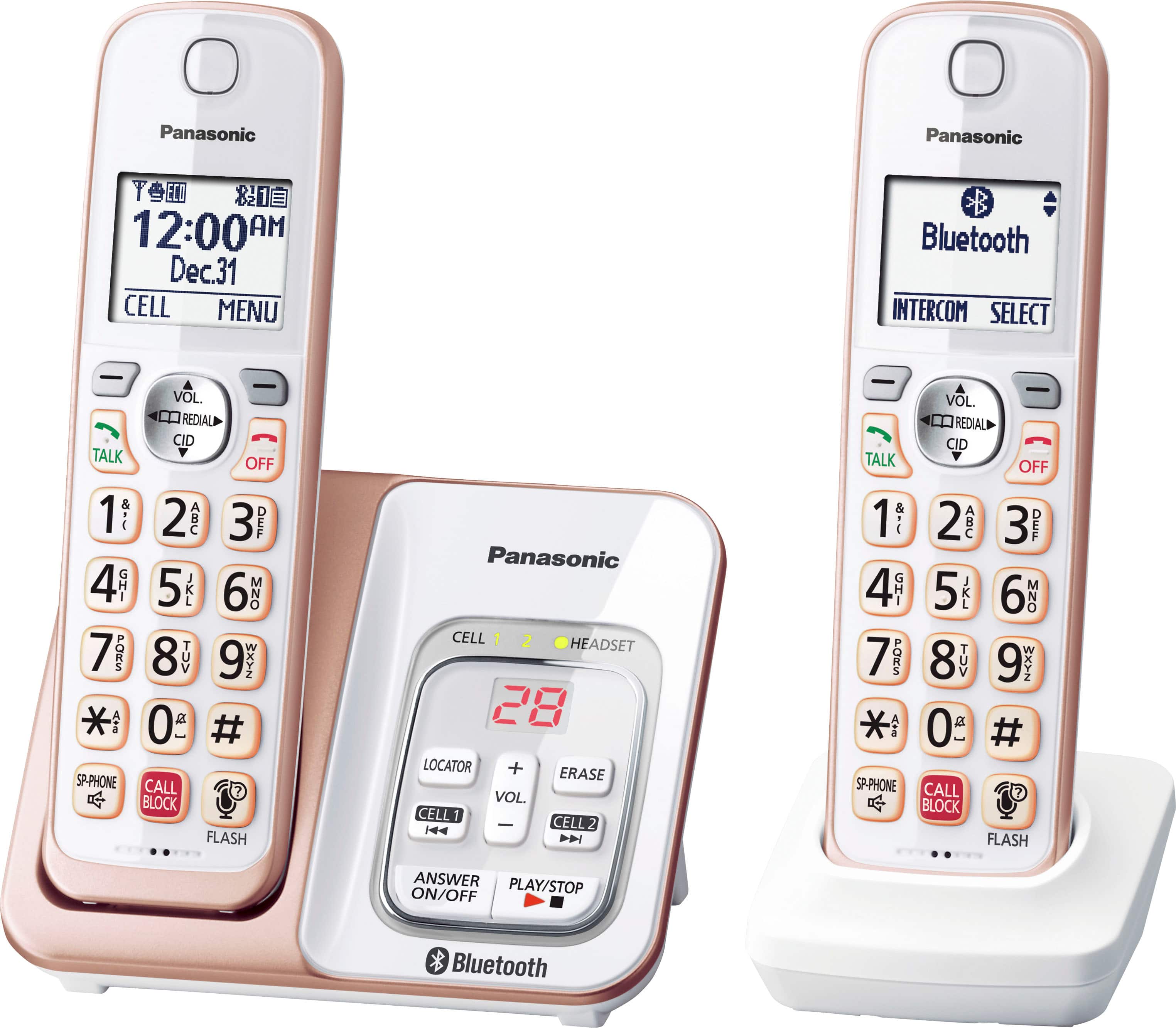
A:AnswerHi! The difference between them is the number of handsets. Also, KX-TGD863 comes with 3 handsets, meanwhile, KX-TGD862 comes with 2 handsets. Hope this helps! -C
A:AnswerHello! The Link2Cell feature will allow you to receive cellphone calls on the Panasonic phone. The voicemail on your cellphone cannot work on the landline phone. -M
A:AnswerHello. The phonebook cannot be transferred from a phone system to another one. The numbers will have to be added manually into the new phone system. -C