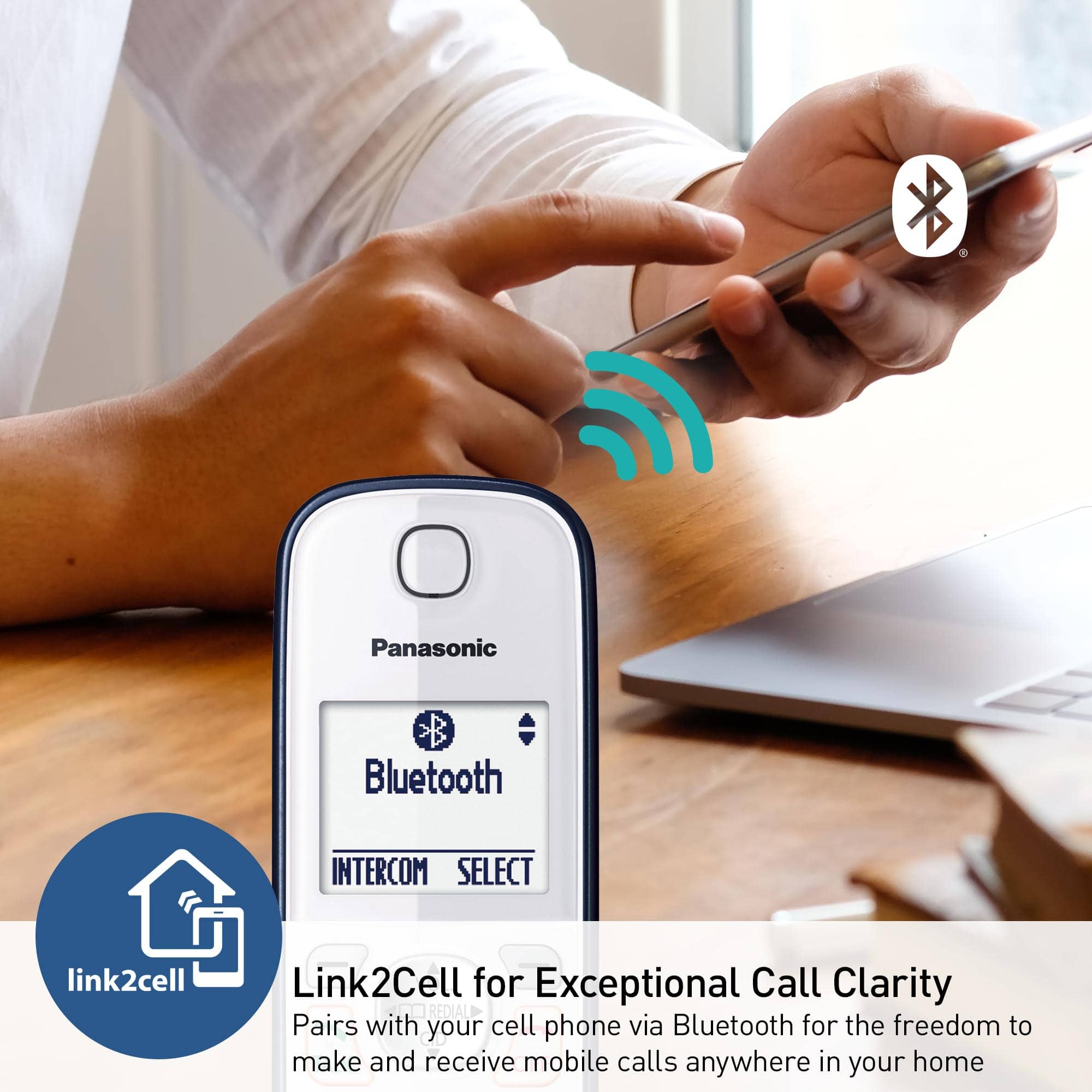
A:AnswerHello! If your hearing aid has Bluetooth, it also needs to support the Headset Profile (HSP) specification in order to pair and function properly with this telephone. -M
A:AnswerHello! The warranty for Panasonic telephone systems is 1 year for parts and labor, with mail-in service. We do not offer an extended warranty. -C
A:AnswerHi! Kindly be informed that the speaker on this model is standard, however it does have good-quality sound and volume. We do have other models available that are specifically designed with amplified features. These amplified models provide enhanced volume and clarity to cater to specific hearing needs. If you require amplified functionality, we recommend considering one of our specialized amplified telephone models, such as KX-TGM430 or KX-TGM420. Hope this helps -C’
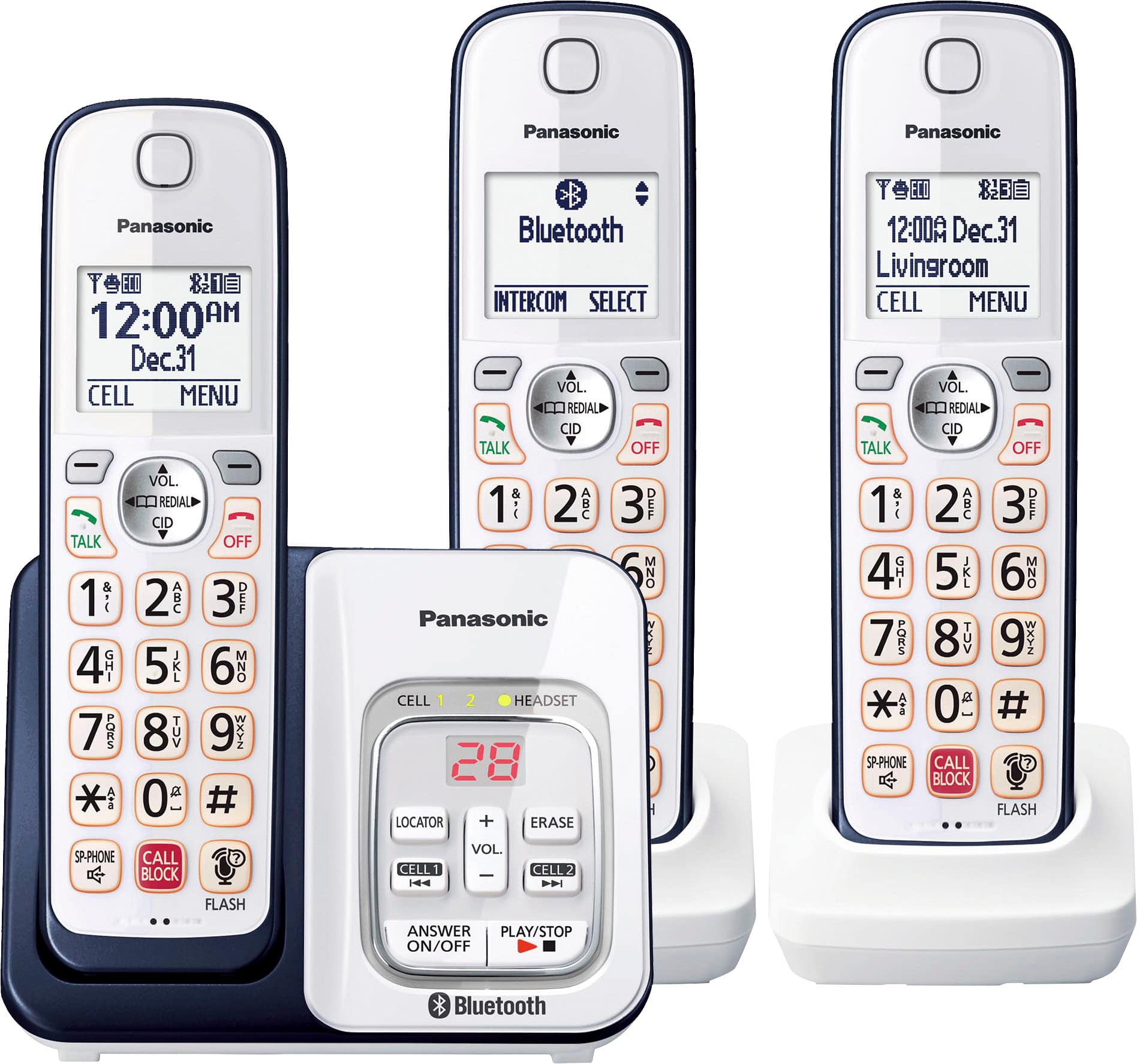
A:AnswerHi! The handsets do not have headset jacks. However, by pairing a Bluetooth headset to the base unit, you can enjoy hands-free conversations when talking on landline calls. -C
A:AnswerHi! Thank you for your inquiry. Our models come with the intelligent eco mode. Some of the models that include this feature are KX-TGF575S, KX-TGD564, and KX-TG764. Additionally, the KX-TGD864 also features the intelligent eco mode. -C
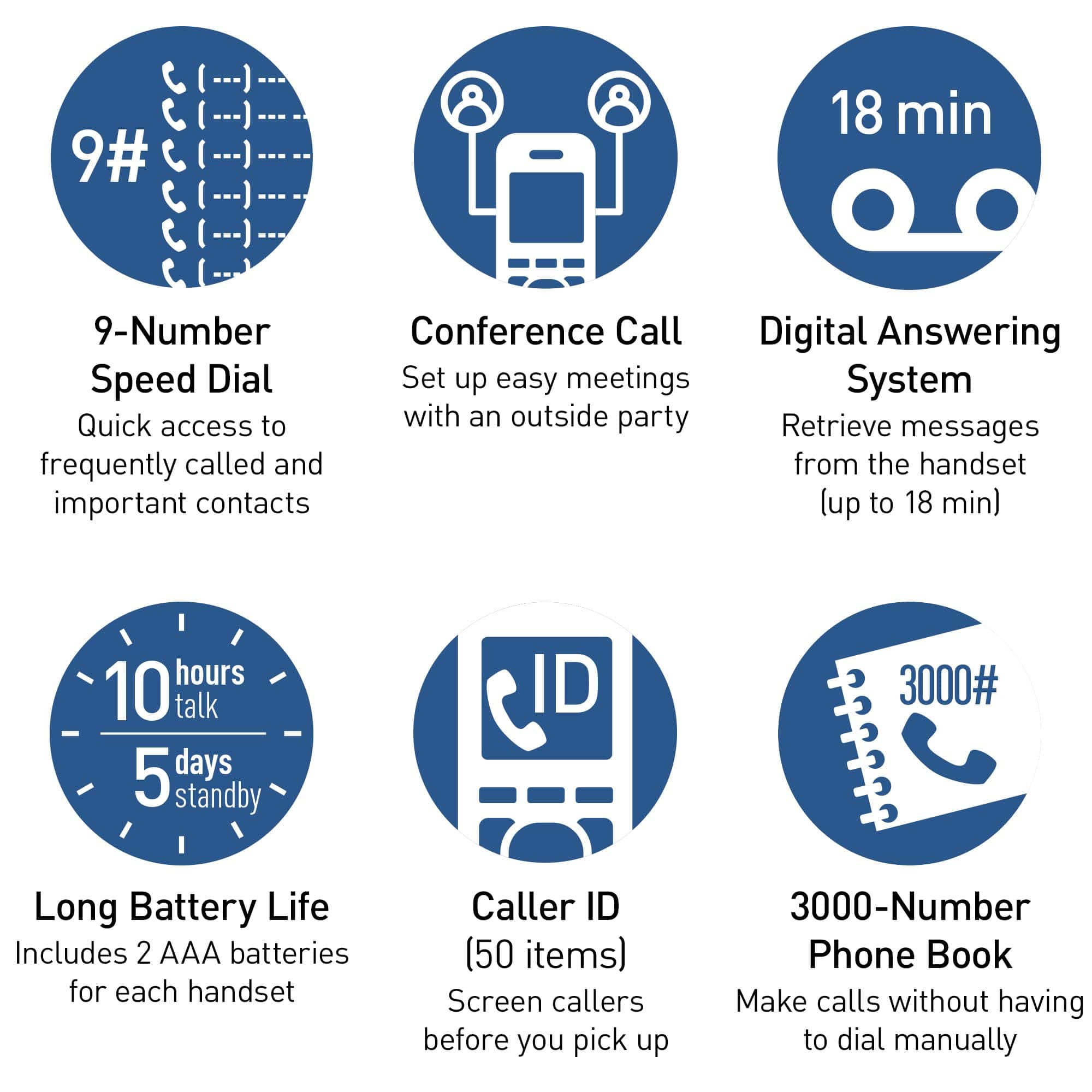
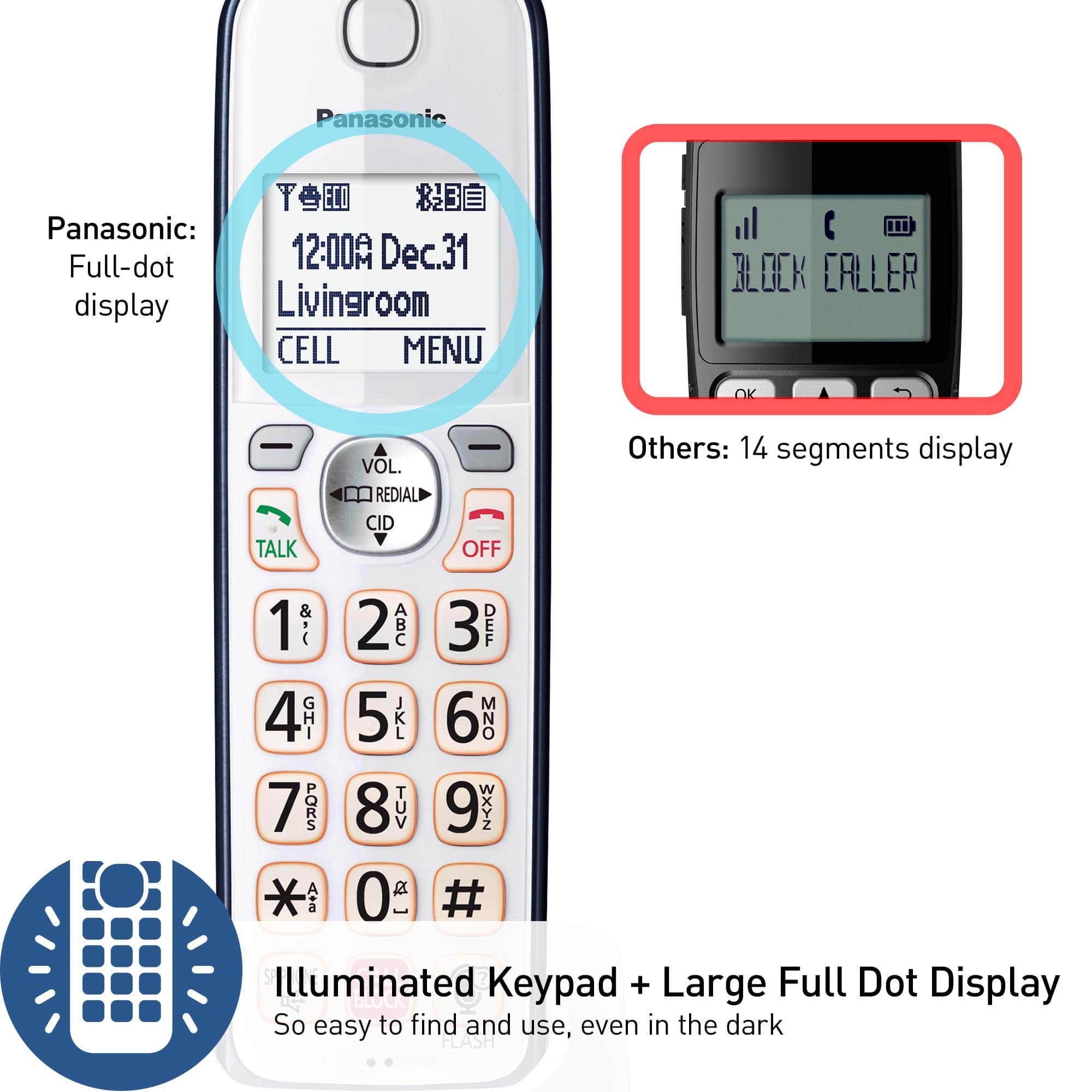
A:AnswerHello! If you have answering machine messages, the base unit will display the number and the indicator will flash. Also, a notification is displayed on the screen of the handsets saying "New Messages, press PLAY". -M