A:AnswerHello! This model is designed for North America. We do not recommend using it in another region, as it might not comply with voltage and frequency requirements. -M
A:AnswerMy telephone and fax are both connected to the base unit.
If the answering function is turned off, it will automatically go to the fax whether or not it is a fax.
If the answering is turned on, then if it is a fax it goes to the fax, if it is regular call it goes to the telephone.
So, leave your answering turned on for automatic functioning. i.e Regular call or fax
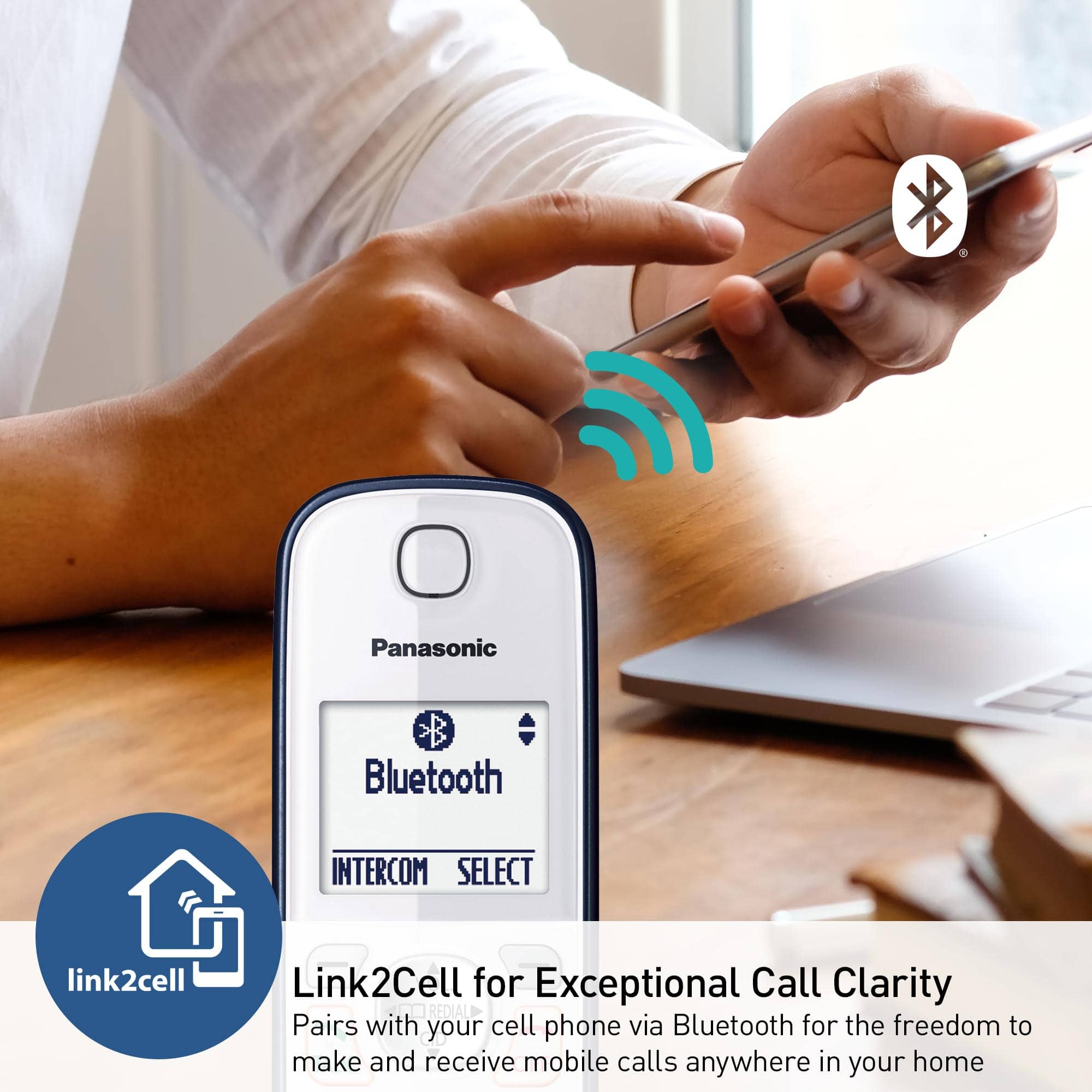
A:AnswerMy phone doesn't ring. A voice comes on and gives the number that is calling. It is different but I'm happy that I can receive calls without having to carry my cell phone with me throughout the house.
A:AnswerHello, Robert! When new messages have been recorded, the message indicator on the base unit flashes. If a call is not answered, the unit treats it as a missed call. The display shows “Missed call”. Hope this helps! -C
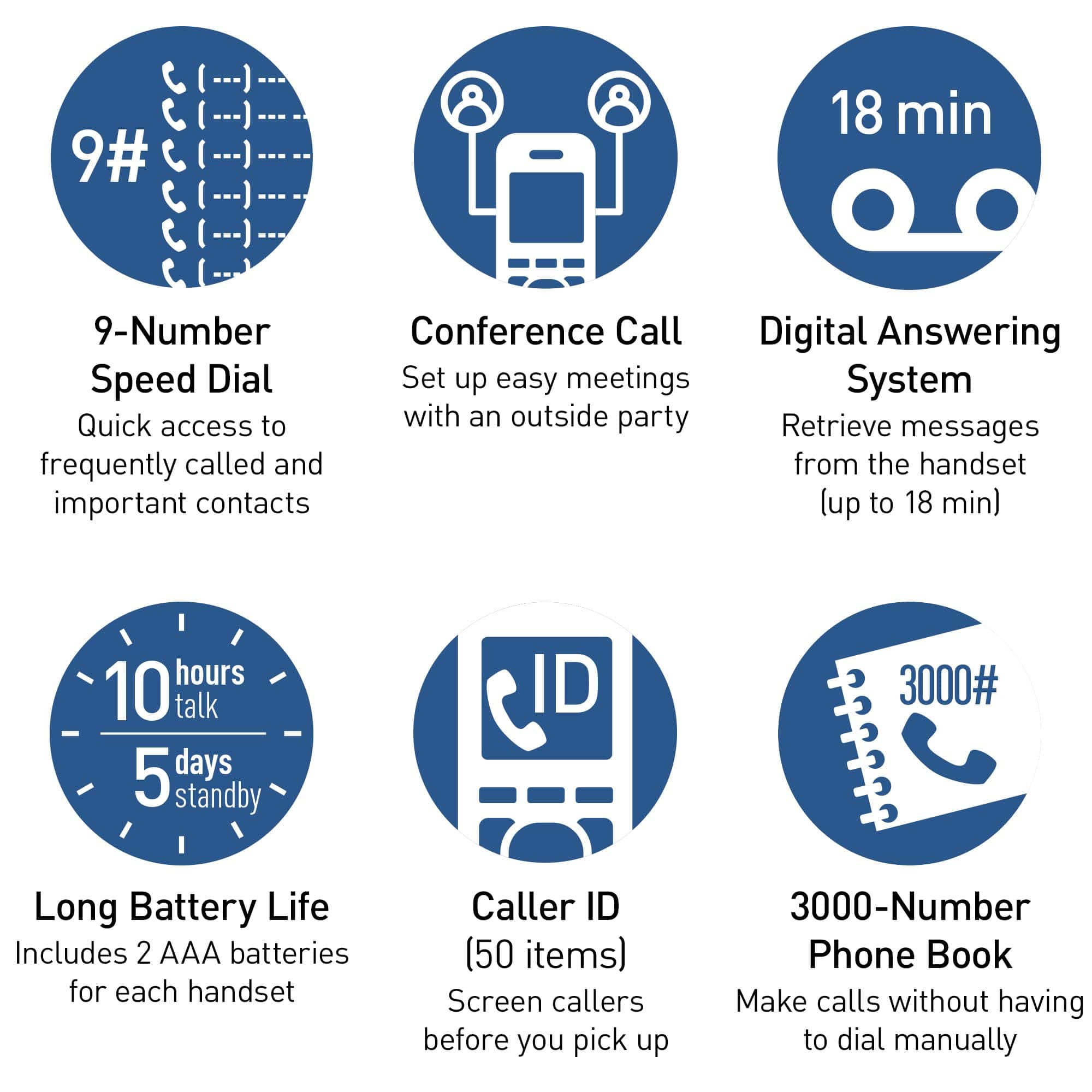
A:AnswerCaller ID is a service provided by your phone company, it's not a feature of the phone. If you are subscribed to this service, it will work on this model. -M
A:AnswerWe would need more information in order to have a better understanding of your inquiry. If you’re open to discussing it further, please contact Support Team via Live Chat on the Panasonic Website, Contact Us option, Mon-Fri, 9am-5pm EST. -C