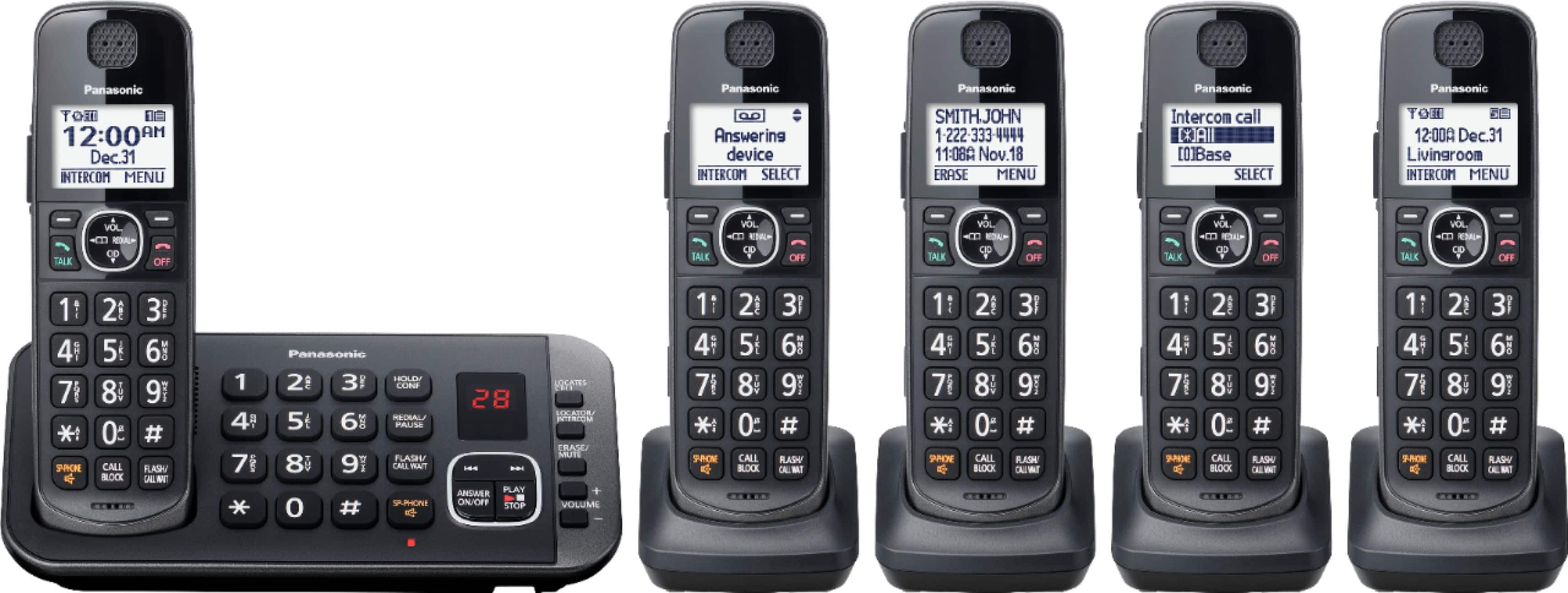
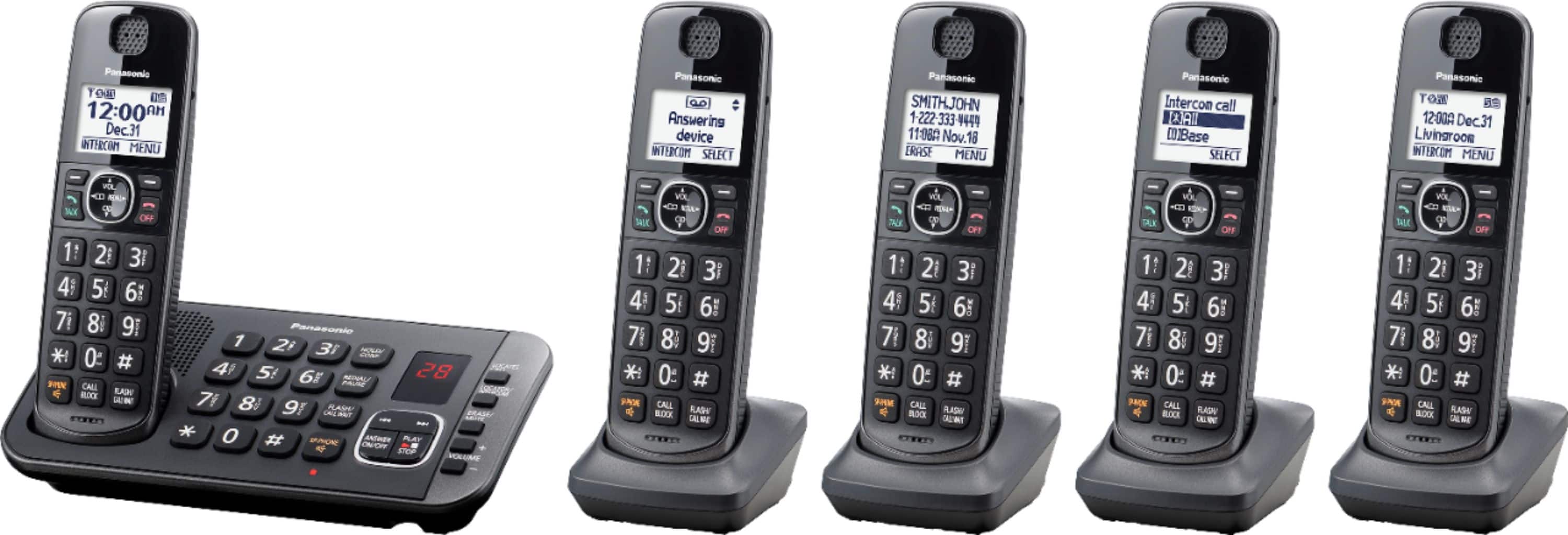
A:AnswerHello. This phone has a built-in answering system for the landline, so the callers can leave messages. As the phone system was only tested with a landline connection, we encourage you to check directly with the telephone service provider for additional information. Please note that if you encounter issues with the sound or related to Caller ID services when using VoIP, the phone may require a DSL/ADSL filter to be installed on the line by your telephone service provider. -G
A:AnswerI would suggest you unplug ALL your phones from the wall for a few minutes. Then plug them all back in and see if that fixes it. It sounds like a line problem rather than a phone system problem. I have never experienced this myself.
A:AnswerHi David! The product receives telephone signal through a landline cable. The base unit of the telephone communicates with the cordless handsets using DECT technology. -G
A:AnswerHi! A 3-way conference call can be performed (including 1 outside party and 2 extension phones), you can review the information on how to establish a conference call on page 19 of the manual, at the following link https://help.panasonic.ca/viewing/ALL/KX-TGE632/OI/TGE632_PNQX8639ZA/TGE632_PNQX8639ZA.pdf#page=19 -G
A:AnswerOur experience has been that they work well within the tange of our interior rooms with no breakups. Have not really tried it outside the confines of the house but our previous ser (also Panasonic) did work outside within 40 feet or so from the house.