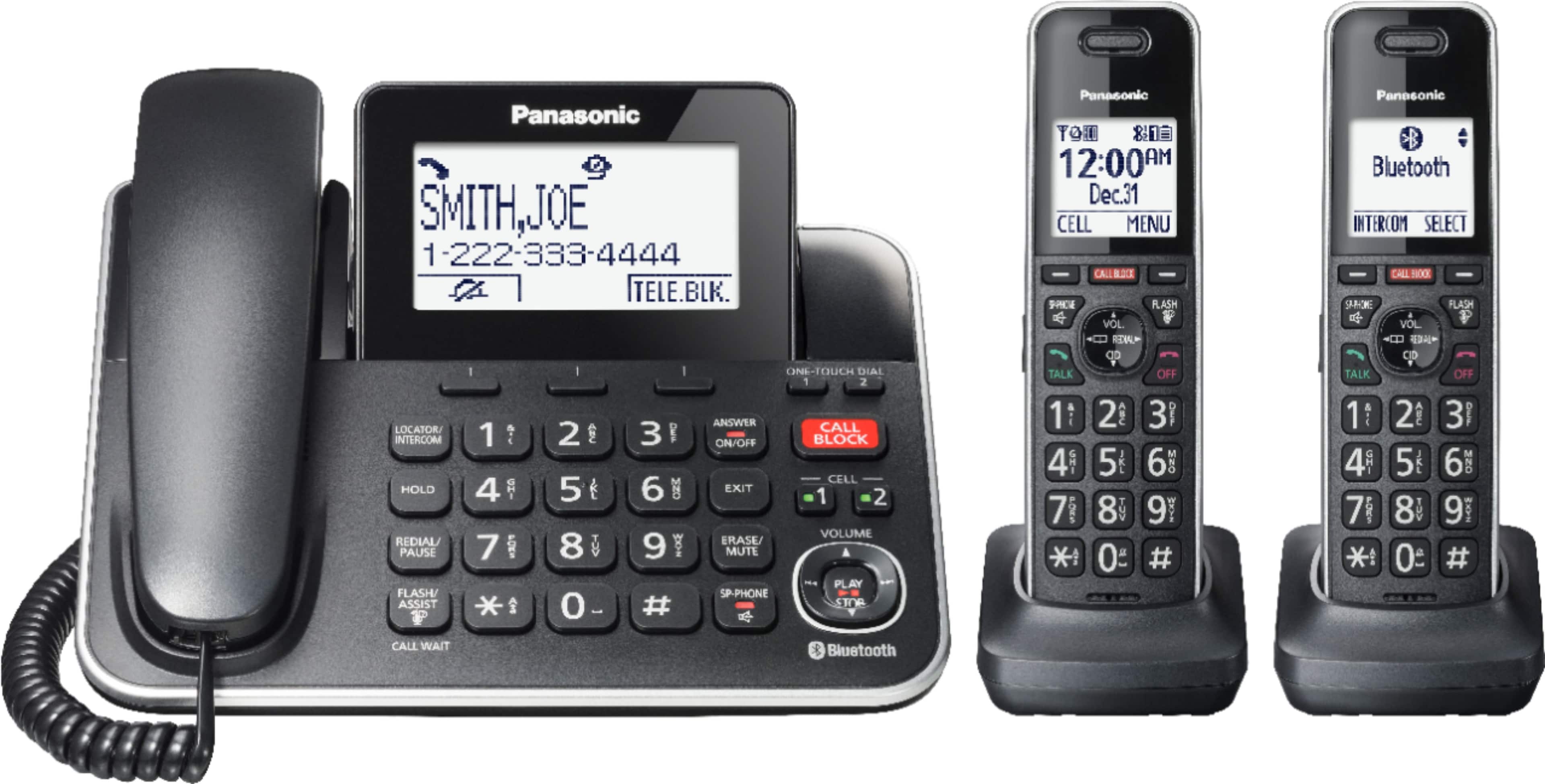
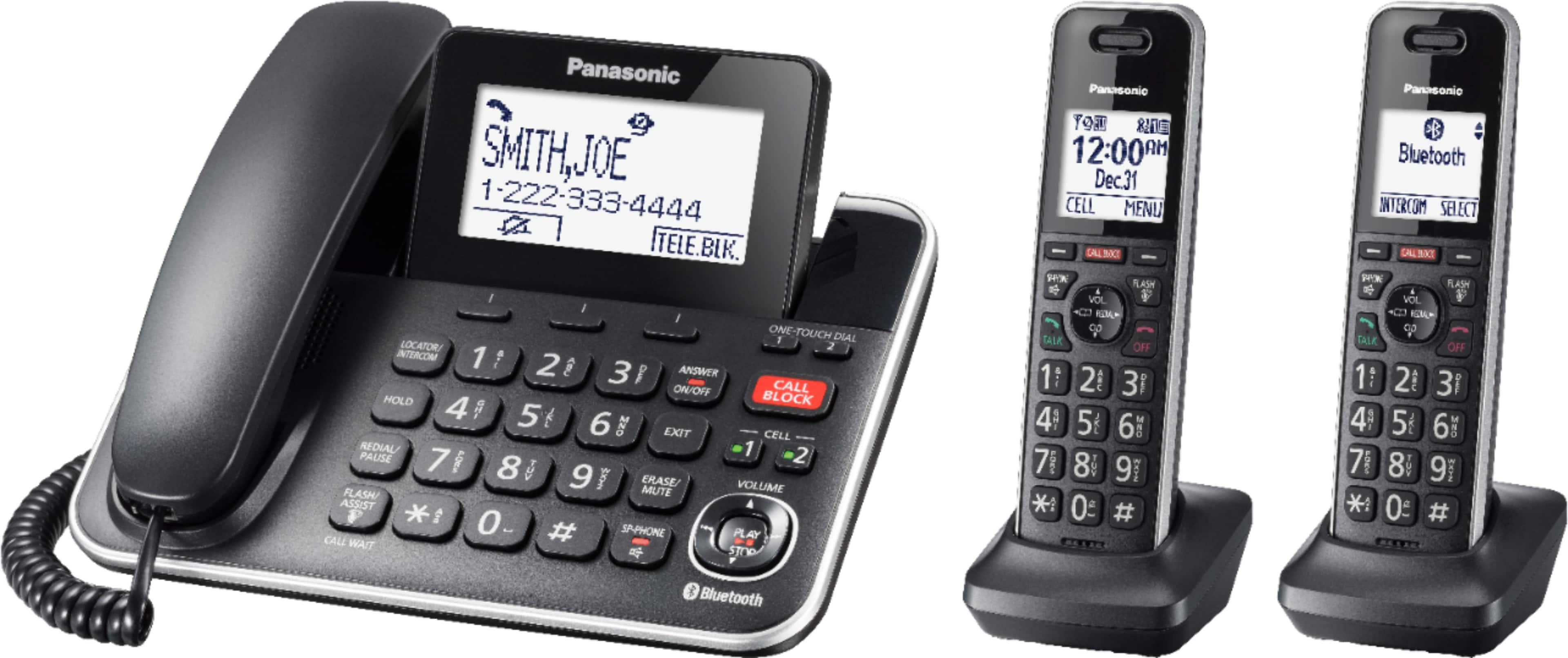
A:AnswerHi, Steve! Yes, you can enable the Cell Line Only mode. Please check the following: https://help.panasonic.ca/viewing/ALL/KX-TGF880/OI/TGF880_PNQX8968ZA/TGF880_PNQX8968ZA.pdf#page=19 . -M
A:AnswerHello! This model has regular call block, which means that you can manually block any number you want. It also has automated call block, which requires for the caller to press a number in order for the call to go through (you can turn it on or off depending on preferences). Additionally, there is a telemarketing call block feature. Using this feature, the unit will prompt callers to say their names, and after checking the names, you can decide whether to answer the calls or not. Hope this helps! -M
A:AnswerHello! This model does not have an indicator on the handset, however a notification will be displayed on the screen as following:
For voicemail messages (via phone company) : "voicemail msg. via phone company"
For answering machine messages: "New message, press PLAY"
Additionally, an indicator will blink on the base unit only for answering machine messages.
A:AnswerHello! This model does not have an indicator on the handset, however a notification will be displayed on the screen as following:
For voicemail messages (via phone company) : "voicemail msg. via phone company"
For answering machine messages: "New message, press PLAY"
Additionally, an indicator will blink on the base unit only for answering machine messages. -M
A:AnswerWe would need to check the settings that you have on your product in order to provide you with the proper solution. If you’re open to discussing it further, please contact Support Team via Live Chat on the Panasonic Website, Contact Us option, Mon-Fri, 9am-5pm EST: https://shop.panasonic.com/contactus . -M
A:Answertwo answers:
1. No. Only one landline call at a time (call waiting, while supported, does not count).
2. Yes. This system supports a Bluetooth connection to a cellular phone. If the system is current on one type of call (e.g., Bluetooth) and an opposite type of call (in this example, Landline), a second handset or base station can answer the second call.
A:AnswerHello! The volume on the handsets and base is good. You can insert 2 AAA (R03) batteries (not supplied) into the base unit that will power the unit temporarily in the event of a power failure. -M
A:AnswerHello, Kim! For the connections, the phone will only require a landline cable to be connected in the back of the base unit and the other end into the line jack, therefore for further connection with a modem, we would advise you to check with the provider. If you connect to an internet modem to receive service, please check with your provider for a DSL/ADSL filter. Regarding the batteries, the estimated time for battery life is between 10 hours to 4 days, depending on the usage. If you require further guidance in regards to this model, please do not hesitate to contact us directly and we will be more than happy to answer your questions: https://shop.panasonic.com/contactus . -M
A:AnswerHello! This model works with both wired and Bluetooth headsets. For Bluetooth, we have a few models that we tested for compatibility: https://eng-ca.faq.panasonic.com/app/answers/detail/a_id/57187/kw/headset . -M
A:AnswerHello! To use call waiting or Call Waiting Caller ID, you must first subscribe with your phone service provider. This feature allows you to receive calls while you are already talking on the phone. If you receive a call while on the phone, you will hear a call waiting tone. If you subscribe to both Caller ID and Call Waiting with Caller ID services, the second caller’s information is displayed on the unit that is in use after you hear the call waiting tone. -C
A:AnswerWe would need more information in order to have a better understanding of your inquiry. If you’re open to discussing it further, please contact Support Team via Live Chat on the Panasonic Website, Contact Us option, Mon-Fri, 9am-5pm EST: https://shop.panasonic.com/contactus . -M