A:AnswerHello and thank you for your question! The audible message alert function is available on models like the KX-TGF973B, KX-TGU430, KX-TGD862 and KX-TG994SK. We hope this information will be useful! - S
A:AnswerHello and thank you for your question! The telephone system will wok with a landline cable connection. The telephone line cable needs to be connected to the base unit of the system and the a single-line telephone jack. We hope this information will be useful! - S
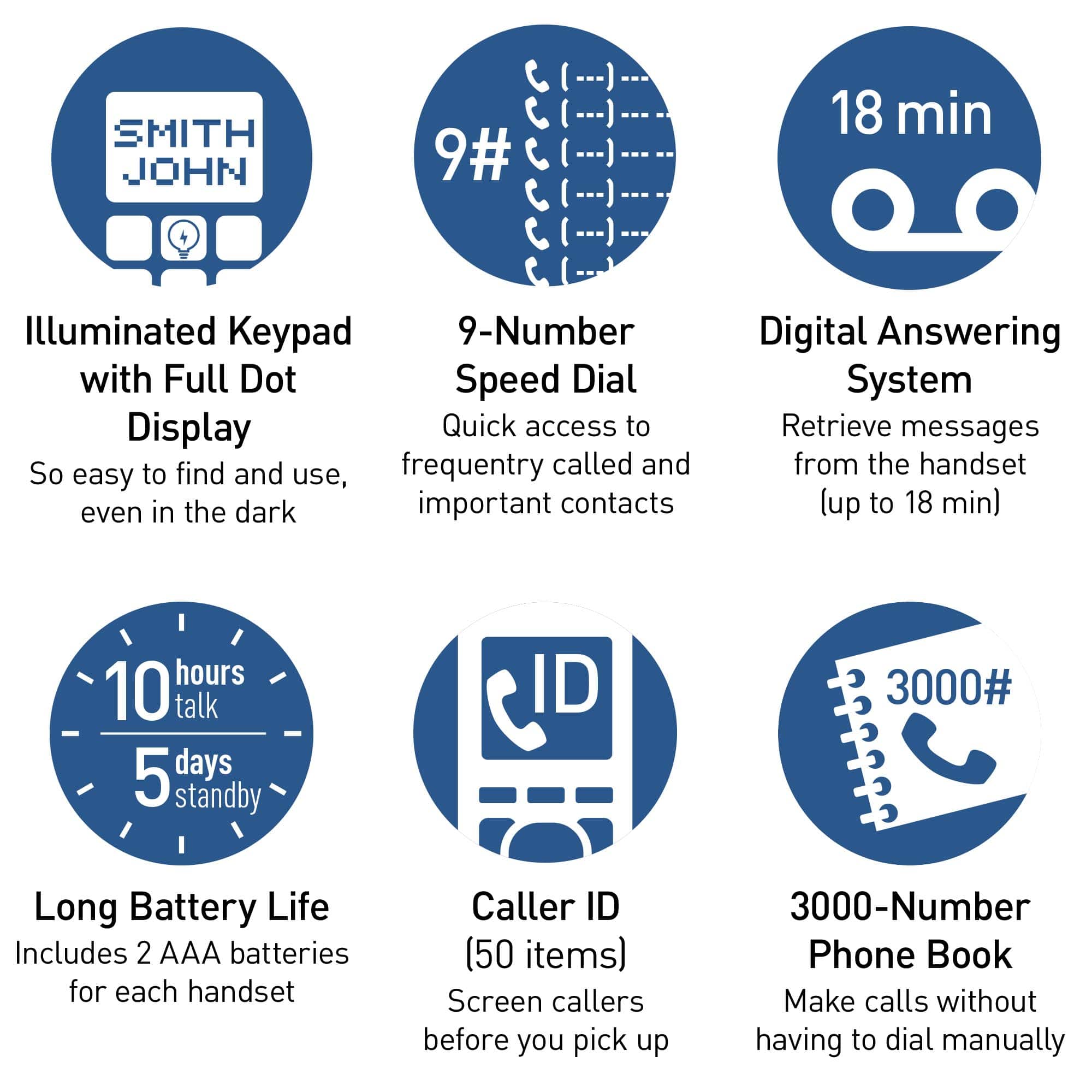
A:AnswerHello! You can insert 2 AAA (R03) batteries (not supplied) into the base unit that will power the unit temporarily in the event of a power failure. Only insert alkaline batteries once a power failure occurs. Remove the alkaline batteries when power is restored. The main base unit is powered by an AC adaptor and does not require batteries. Hope this helps! -C
A:AnswerHello Phil! For the intercom feature you do not need a phone number. An intercom call is a call between the handsets or the base unit and a handset. You can make intercom calls when at least 2 handsets are registered to the system, or one handset and one base unit. Hope this helps! - S
A:AnswerHello! Kindly be informed that the speaker on this model is standard, however it does have good-quality sound and volume. We do have other models available that are specifically designed with amplified features. These amplified models provide enhanced volume and clarity to cater to specific hearing needs. If you require amplified functionality, we recommend considering one of our specialized amplified telephone models, such as KX-TGM430 or KX-TGM420. Hope this helps -C’
A:AnswerHi Leon! If you are referring to the Talking Caller ID feature available if you subscribe to your phone provider's caller ID service, then yes. The "talking phone book" feature is not available on this phone system. It is only available on our amplified phone systems. -C
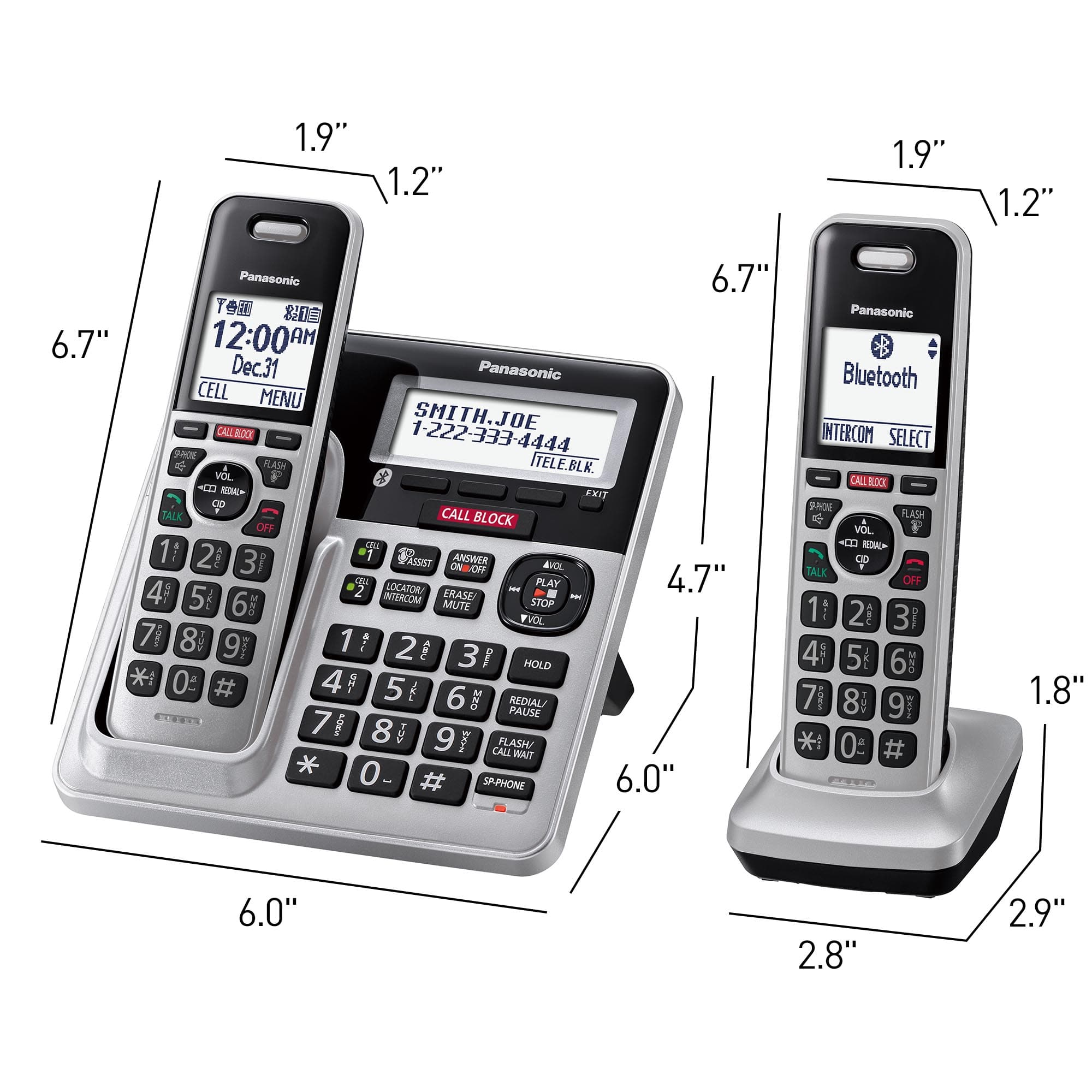
A:AnswerHello! The range of the handsets is approximately 33 feet from the base unit. The range will also be influenced by the environment in which the phone system is placed, and if there are any electronics around that would weaken the signal (such as microwave ovens, Wi-Fi routers, radios). -C
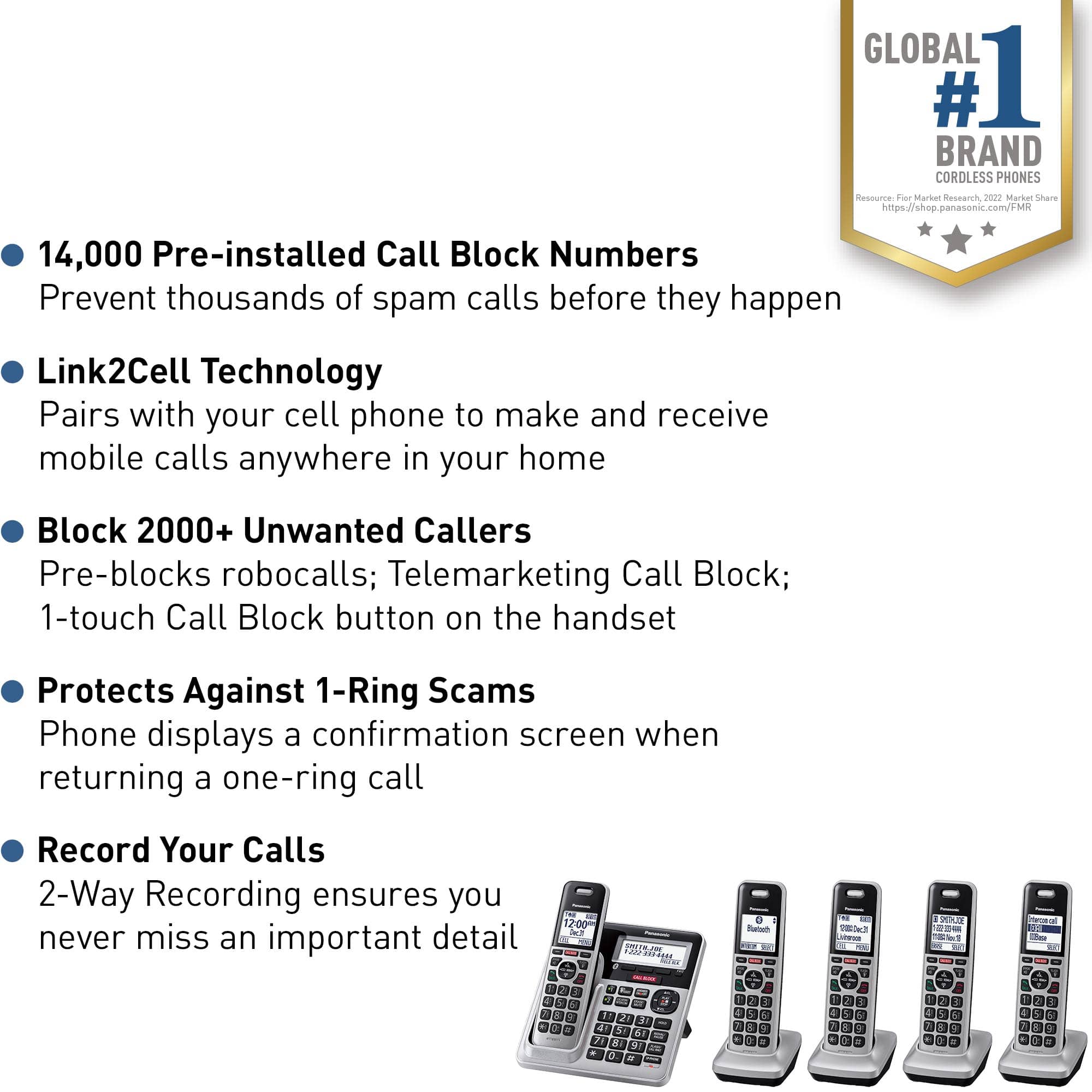
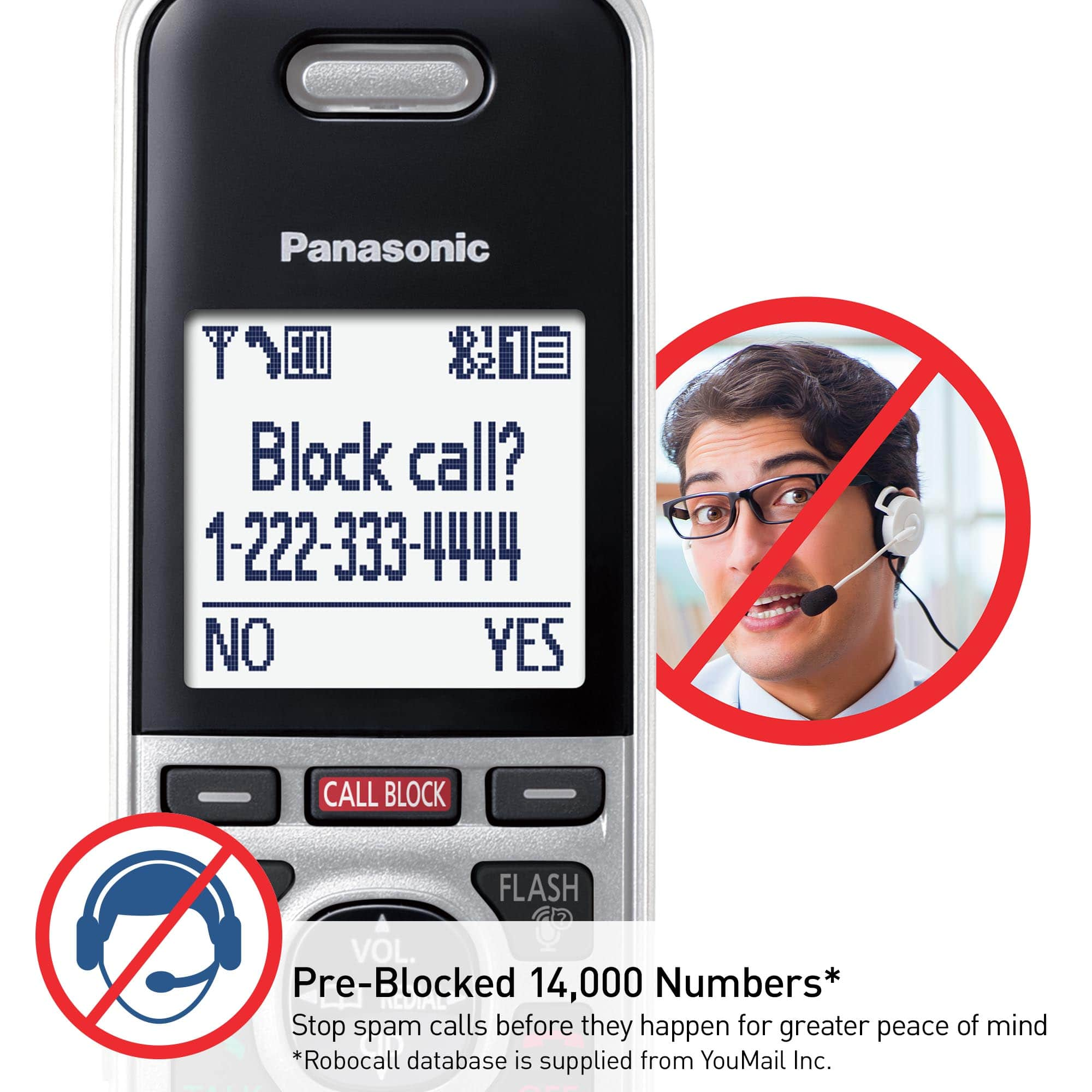
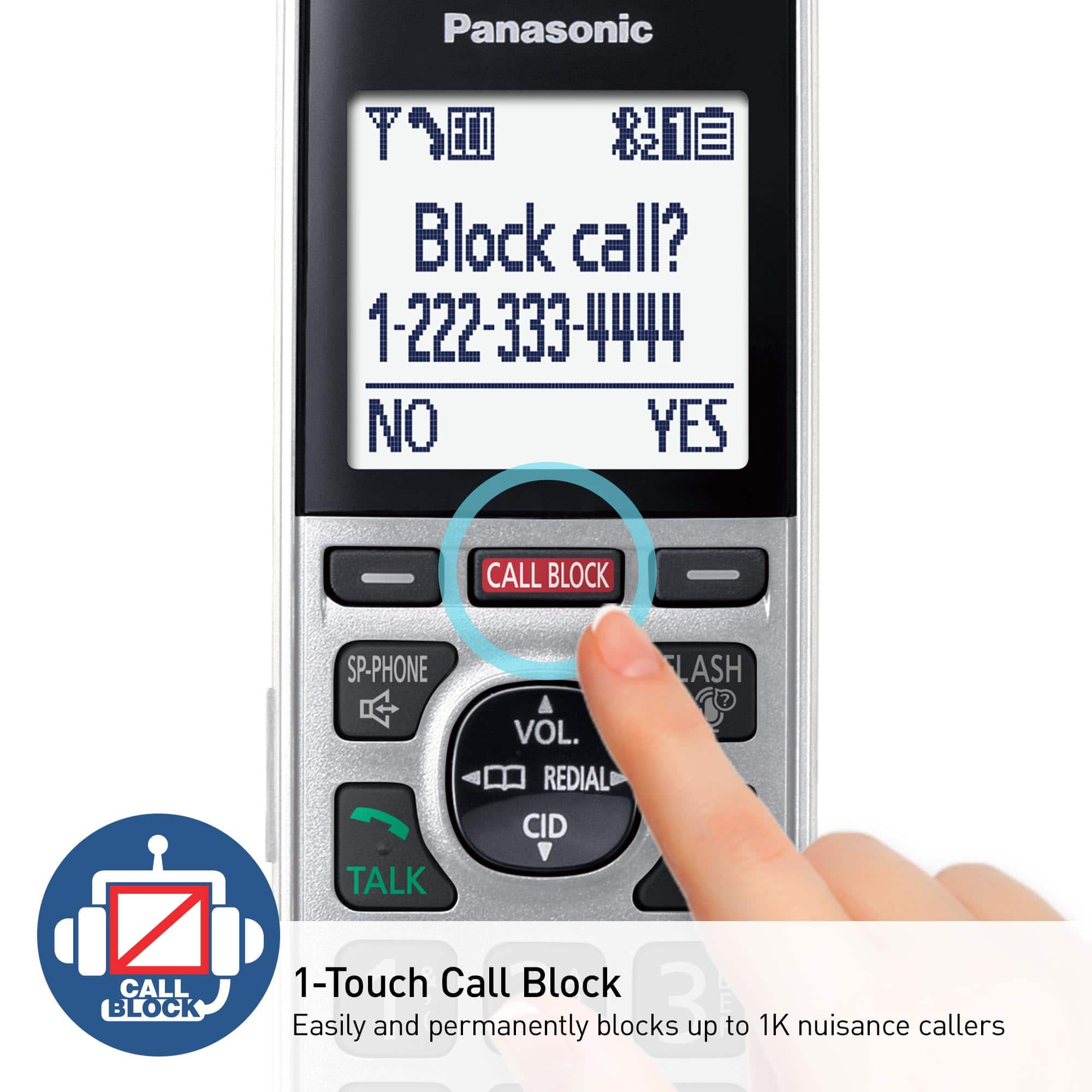
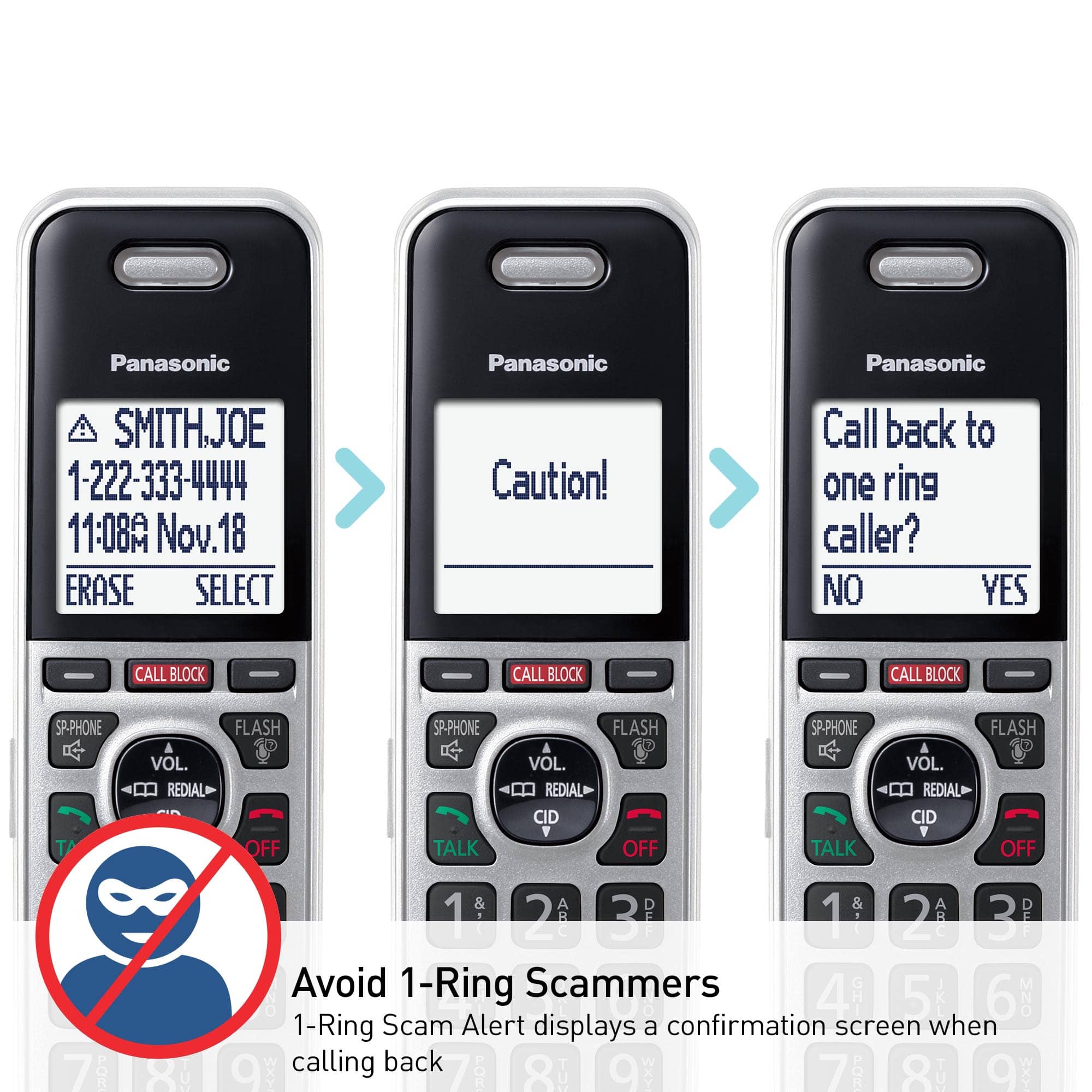
A:AnswerHello! In addition to the standard manual call block function, this model offers two additional options for call blocking. One of these features is automated call block. With automated call block, the device screens incoming calls before ringing for permitted calls, or it terminates calls without ringing for calls identified as robocalls, telemarketing calls, or other unwanted calls (available for Caller ID subscribers). The unit plays a greeting message for automated call block and prompts the caller to enter an access code to determine if the call is automated. Additionally, you can utilize Telemarketing call block to further filter calls and prevent telemarketer calls from reaching you. With this feature, the unit prompts callers to announce their names, and after verifying the names, you can choose whether to answer the calls or not. -M
A:AnswerMy guess is that your phone supplier may also provide you with answering service. You can probably get you messages if you go to your account with the phone service provider. If you want the messages to go to your phone answer machine you can set it up to pick up after a certain amount of rings. Just make sure it is set to pick up after fewer rings than the provider answering service picks up.
A:AnswerHello! The range of the handsets is approximately 33 feet from the base unit. The range will also be influenced by the environment in which the phone system is placed, and if there are any electronics around that would weaken the signal (such as microwave ovens, Wi-Fi routers, radios). -C
![Panasonic Panasonic Panasonic Panasonic Bluetooth INTERCOM SELECT T 83 12:00A Dec.31 Livingroom CELL MENU C1 SMITH.JOE 1-222-333-4444 11:08A Nov 18 ERASE SELECT Intercom call [*]ALL [O]Base SELECT CALL BLOCK CALL BLOCK I CALL BLOCK FLASH POE FLASH w VOL COML 4 REDU CD OFF TALK OFF Panasonic AFC 3 i 1 2 E 3 I TD 820 12:00AM AM Panasonic Dec.31 SMITH.JOE CELL MENU 1-222-333-4444 TELE.BLK. CALL BLOCK OE FLASH DE VOL RCAL OD TALK OFF 1 2 3 4 5 6 7 8 9 0: # OE FLASH VOL. SO CD TALK OFF 1 2 3 - 4 5 6 D 7i 8 9 N *: 0t SAPHONE FLASH VOL. REDIAL CID TALK OFF 1 2 3 - 4 5 6 D 7i 8 9 N *: 0t SAPHONE FLASH VOL. REDIAL CID TALK OFF 1 2 3 - 4 5 6 D 7i 8 9 N *: 0t SAPHONE FLASH VOL. REDIAL CID TALK OFF 1 2 3 - 4 5 6 D 7i 8 9 N *: 0t SAPHONE FLASH VOL. REDIAL CID TALK OFF 1 2 3 - 4 5 6 D 7i 8 9 N *: 0t SAPHONE FLASH VOL. REDIAL CID TALK OFF 1 2 3 - 4 5 6 D](https://pisces.bbystatic.com/image2/BestBuy_US/images/products/2d118562-e82a-4042-8cd0-3582f37dba3f.jpg)