A:AnswerHello. If referring to the Talking caller ID function, which announces the name of the caller when you have an incoming call, it can be turned off using MENU #162. The feature will have to be turned off on each cordless handset and respectively on the base unit. -G
A:AnswerThis scenario requires to to have Call Waiting.
Dial the first party.
After they answer, ask them politely to hold.
Press the Flash button.
Dial the second party.
Pressing the Flash button a second time will merge the two calls.
Press the Flash button a third time will disconnect the second party.
To my knowledge, you cannot merge two inbound calls, only an inbound+outbound or outbound+outbound.
A:AnswerHello! The answering machine has the option to play your greeting and record messages. The other option would be to set your greeting time to [GREETING ONLY], which will play your greeting, however it will not allow callers to leave messages. -M
A:AnswerA Panasonic Range Extender doubles the effective transmission distance between the base unit and the cordless handset. By registering the Range Extender into your Cordless Phone System, you can extend the range of your phone system to include areas where reception was previously not available. The unit extends the range in all directions, allowing several floors to be covered. — what the limits of that range is is unclear.
The Panasonic website and product guides are not forthcoming about the specifics. Truth be told, I bought one and found it did exactly as promised: where I previously lost connectivity on my cordless phone, after registering the extender, I was able to make and receive calls without calls dropping/losing signal.
A:AnswerThe way this question is posed, leads me to believe this question is asking "can I re-route an inbound fax call to another extension?"
The answer is no.
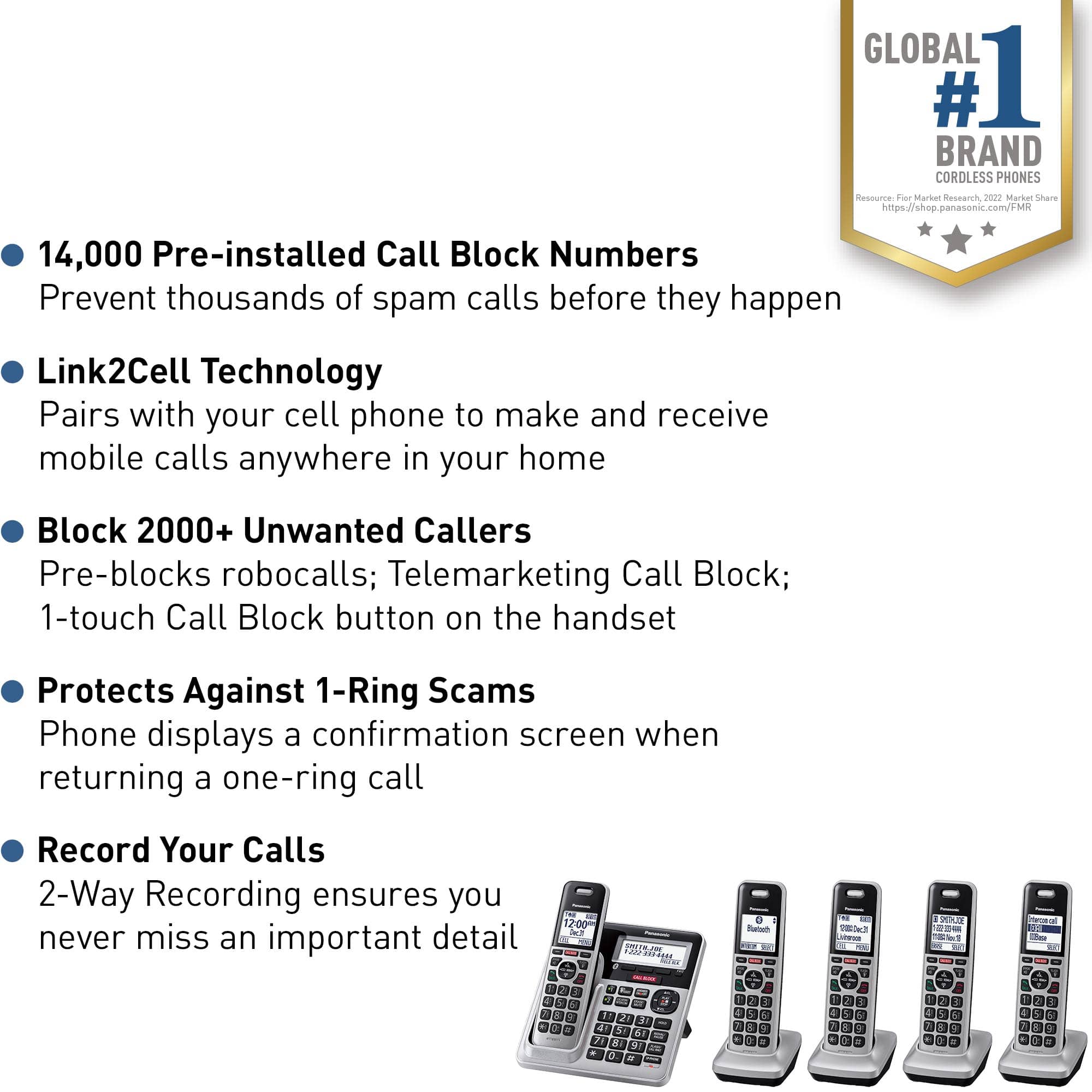
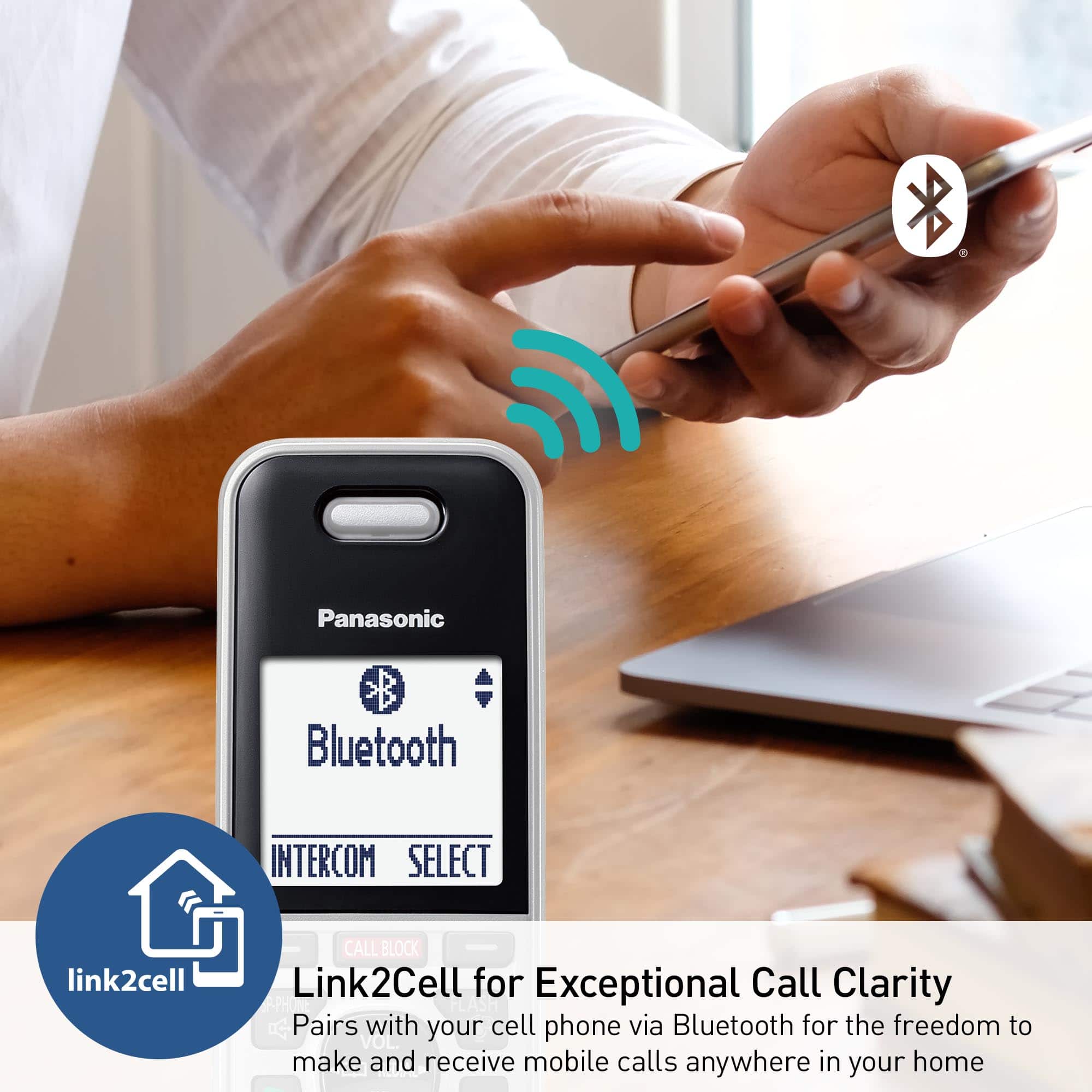
A:AnswerHello! When a compatible cellphone is connected to the phone system using the LinktoCell feature, you can answer the calls received on the cellphone on the phone system, even if you do not have a working landline service. You can review the cell phones tested for compatibility with the KX-TGF88, on the Panasonic Telephone Cell Phone Compatibility List FAQ. -G
![Panasonic Panasonic Panasonic Panasonic Bluetooth INTERCOM SELECT T 83 12:00A Dec.31 Livingroom CELL MENU C1 SMITH.JOE 1-222-333-4444 11:08A Nov 18 ERASE SELECT Intercom call [*]ALL [O]Base SELECT CALL BLOCK CALL BLOCK I CALL BLOCK FLASH POE FLASH w VOL COML 4 REDU CD OFF TALK OFF Panasonic AFC 3 i 1 2 E 3 I TD 820 12:00AM AM Panasonic Dec.31 SMITH.JOE CELL MENU 1-222-333-4444 TELE.BLK. CALL BLOCK OE FLASH DE VOL RCAL OD TALK OFF 1 2 3 4 5 6 7 8 9 0: # OE FLASH VOL. SO CD TALK OFF 1 2 3 - 4 5 6 D 7i 8 9 N *: 0t SAPHONE FLASH VOL. REDIAL CID TALK OFF 1 2 3 - 4 5 6 D 7i 8 9 N *: 0t SAPHONE FLASH VOL. REDIAL CID TALK OFF 1 2 3 - 4 5 6 D 7i 8 9 N *: 0t SAPHONE FLASH VOL. REDIAL CID TALK OFF 1 2 3 - 4 5 6 D 7i 8 9 N *: 0t SAPHONE FLASH VOL. REDIAL CID TALK OFF 1 2 3 - 4 5 6 D 7i 8 9 N *: 0t SAPHONE FLASH VOL. REDIAL CID TALK OFF 1 2 3 - 4 5 6 D](https://pisces.bbystatic.com/image2/BestBuy_US/images/products/2d118562-e82a-4042-8cd0-3582f37dba3f.jpg)