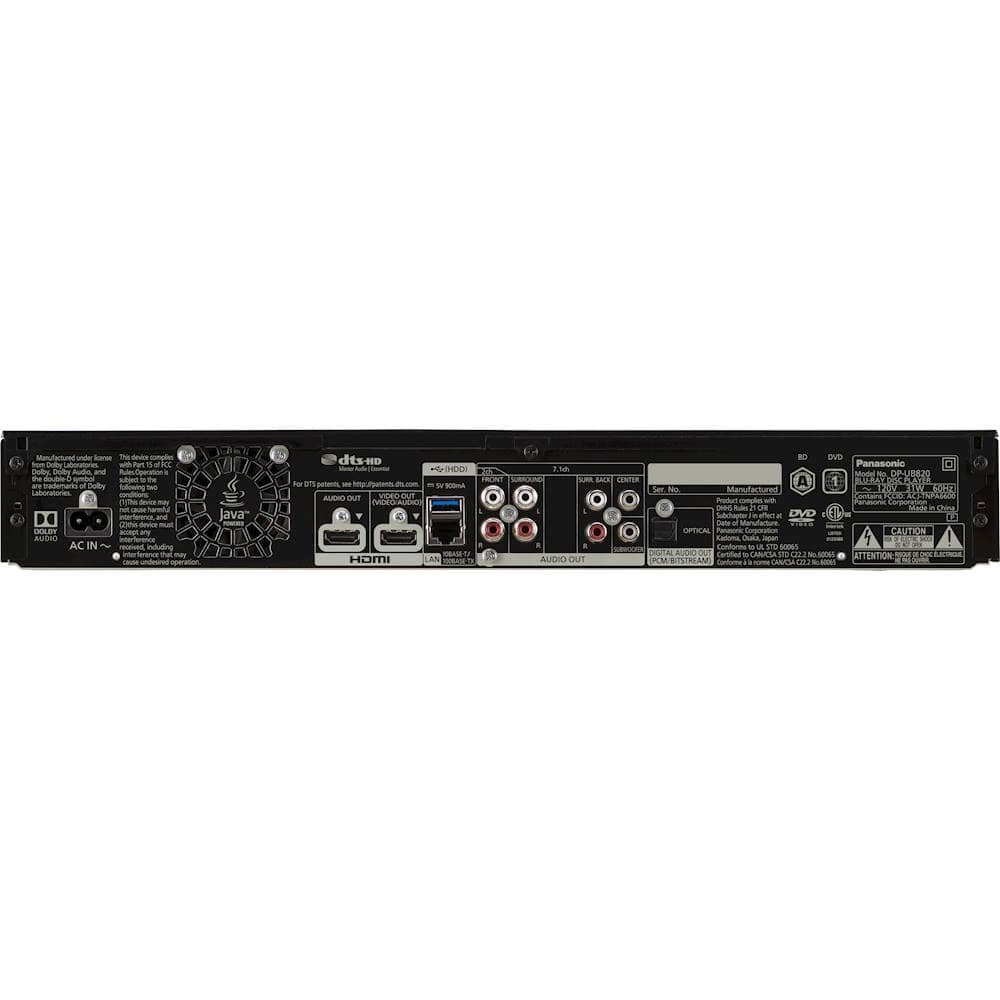
A:AnswerHi there! The players sold in the US can only be plugged in 120 V power outlets and we cannot guarantee you can use the player safely in a different power outlet with a different voltage. We hope this helps! - F
A:AnswerHi there! Thank you for your question! The Blu-ray player does need to be connected to your OLED TV with an HDMI cord in order to stream. Let us know if you have any other questions! - S
A:AnswerHello Johnny! Yes, you can connect the audio HDMI directly to an LG soundbar if the soundbar supports HDMI connectivity. Simply use the HDMI audio out port for the connection. - S
A:AnswerIt plays all disks as formatted (they're all packaged as 16x9). If you have a non-anamorphic widescreen DVD - which surrounds the image with black bars on all four sides - that's how it will be shown - it has no zoom feature to enlarge those images.
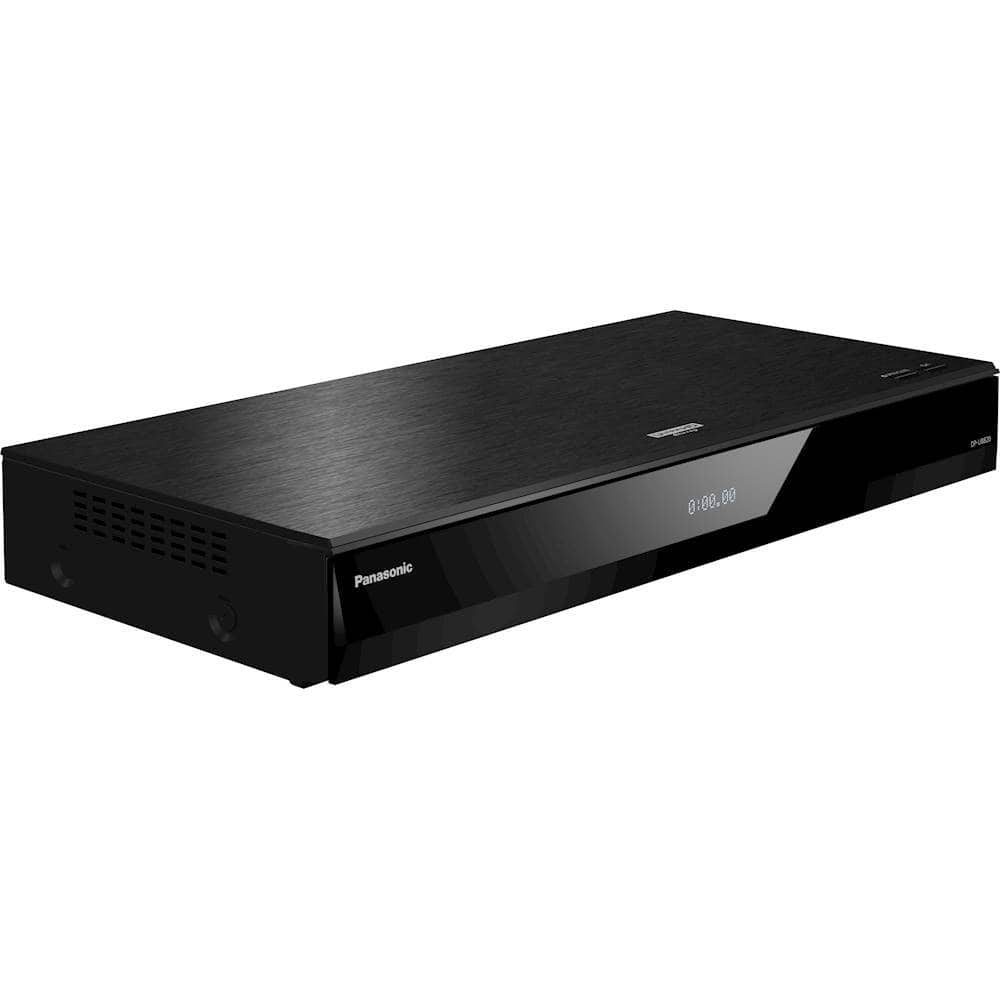
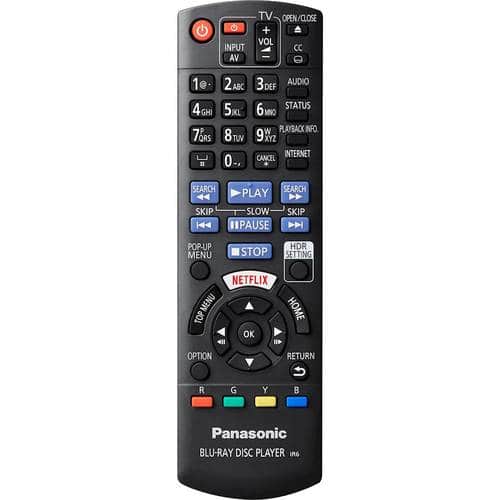
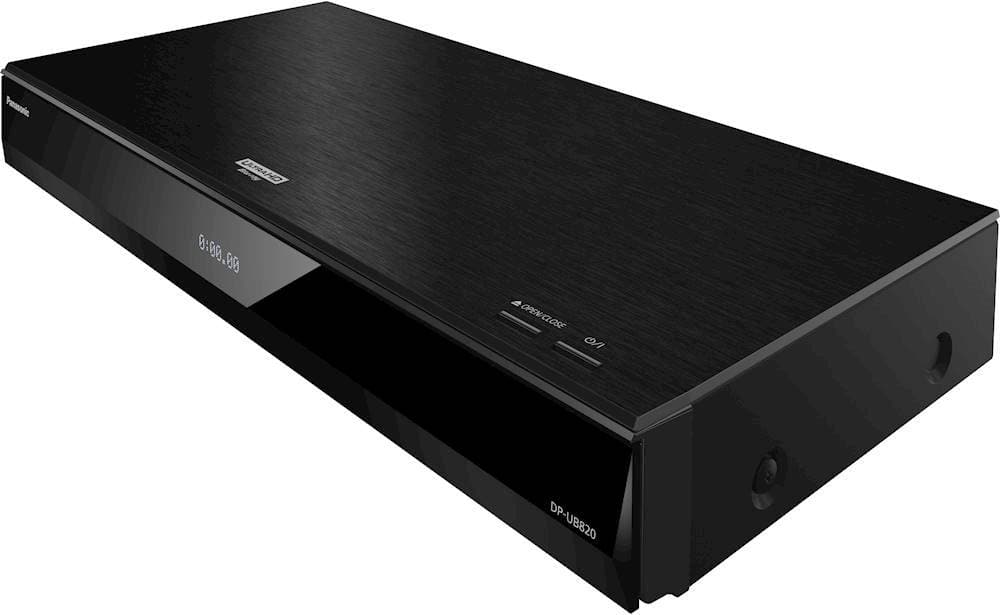
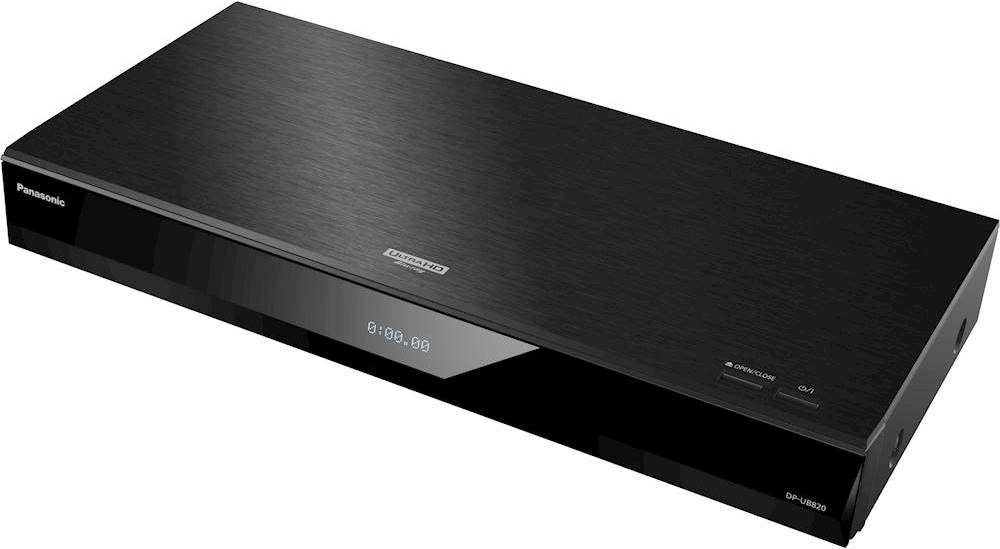
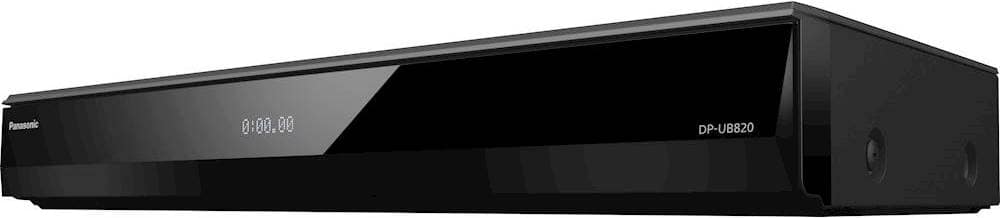
A:AnswerHello! The player comes supplied with the AC power cord, the remote control and batteries for the remote. You would need to acquire an HDMI cable and the player will be fully operational. - S
A:AnswerA player from the manufacturer will not play region 2 dvds. I actually tried one after I got the unit because the manual had some vague terminology that made it seem like it might, but the disc didn't work. Region 1 and A plays on a USA-based player.