A:AnswerHi Yadi,
Yes, it does support for playing a video game. If you have any questions or concerns, please use the link below to reach us and also you can contact this phone number 888-287-7658 for further assistance.
Pioneer Products
Nikki
https://www.bestbuy.com/site/brands/best-buy-brands/pcmcat1596746025285.c?id=pcmcat1596746025285
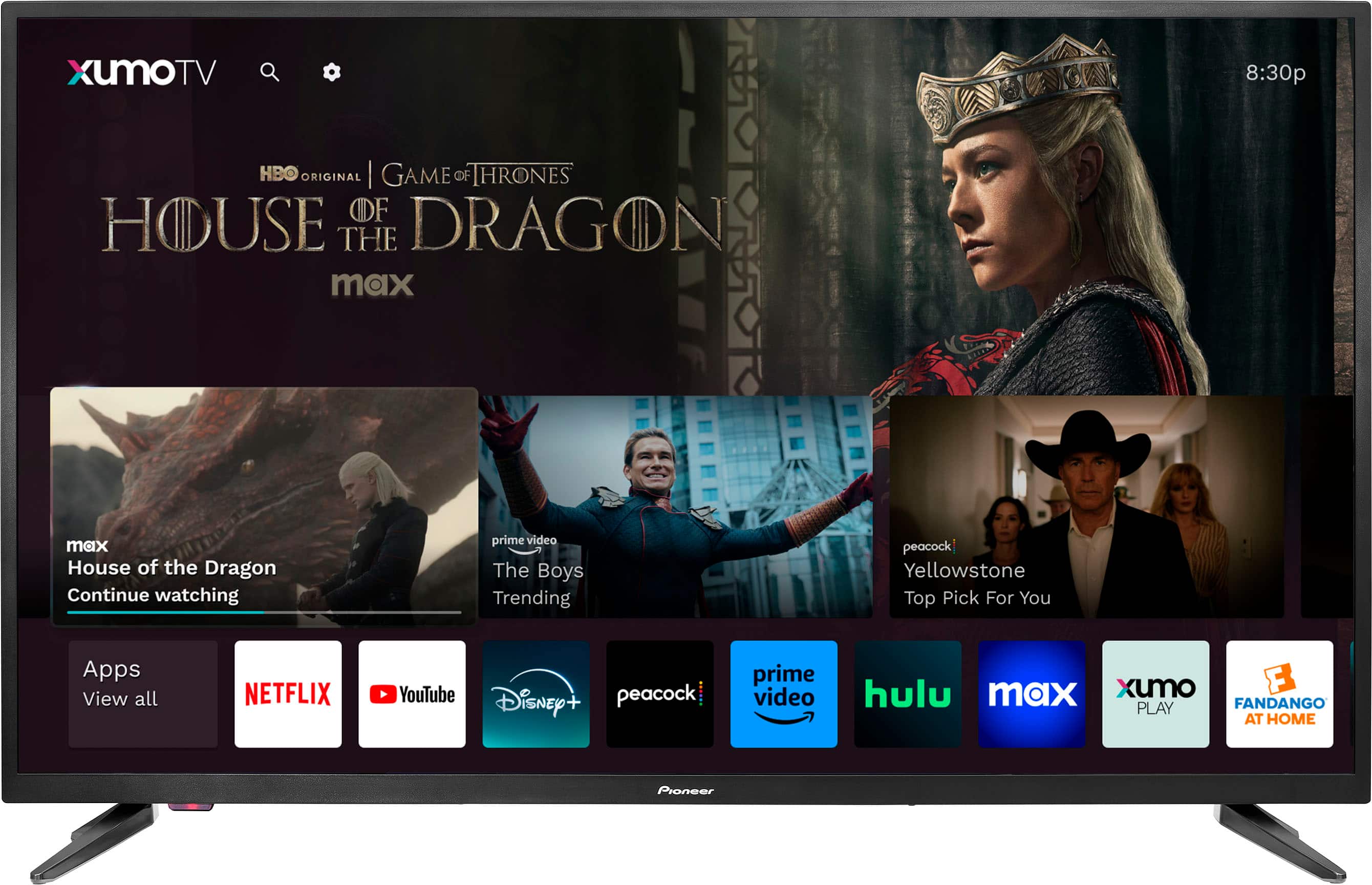
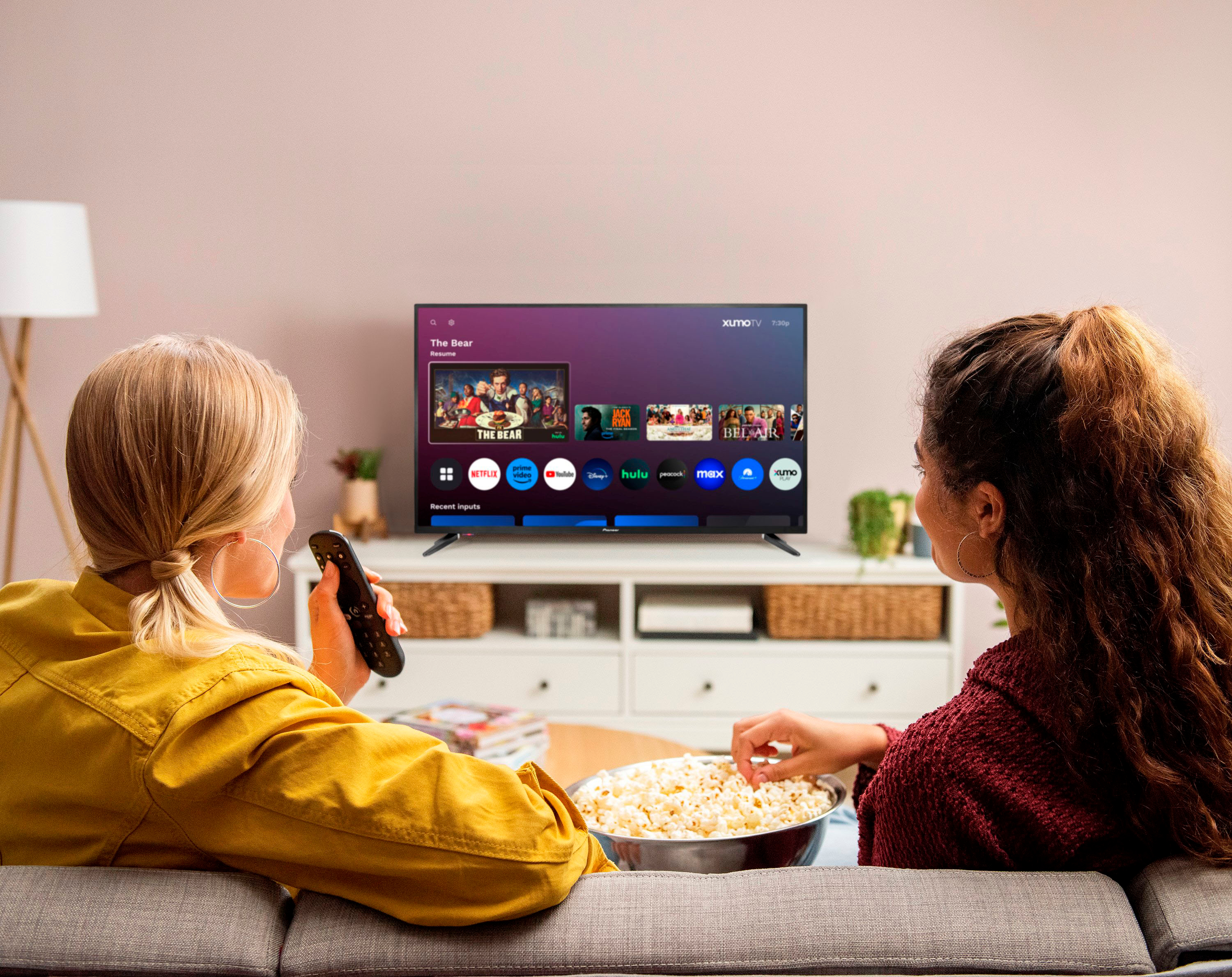
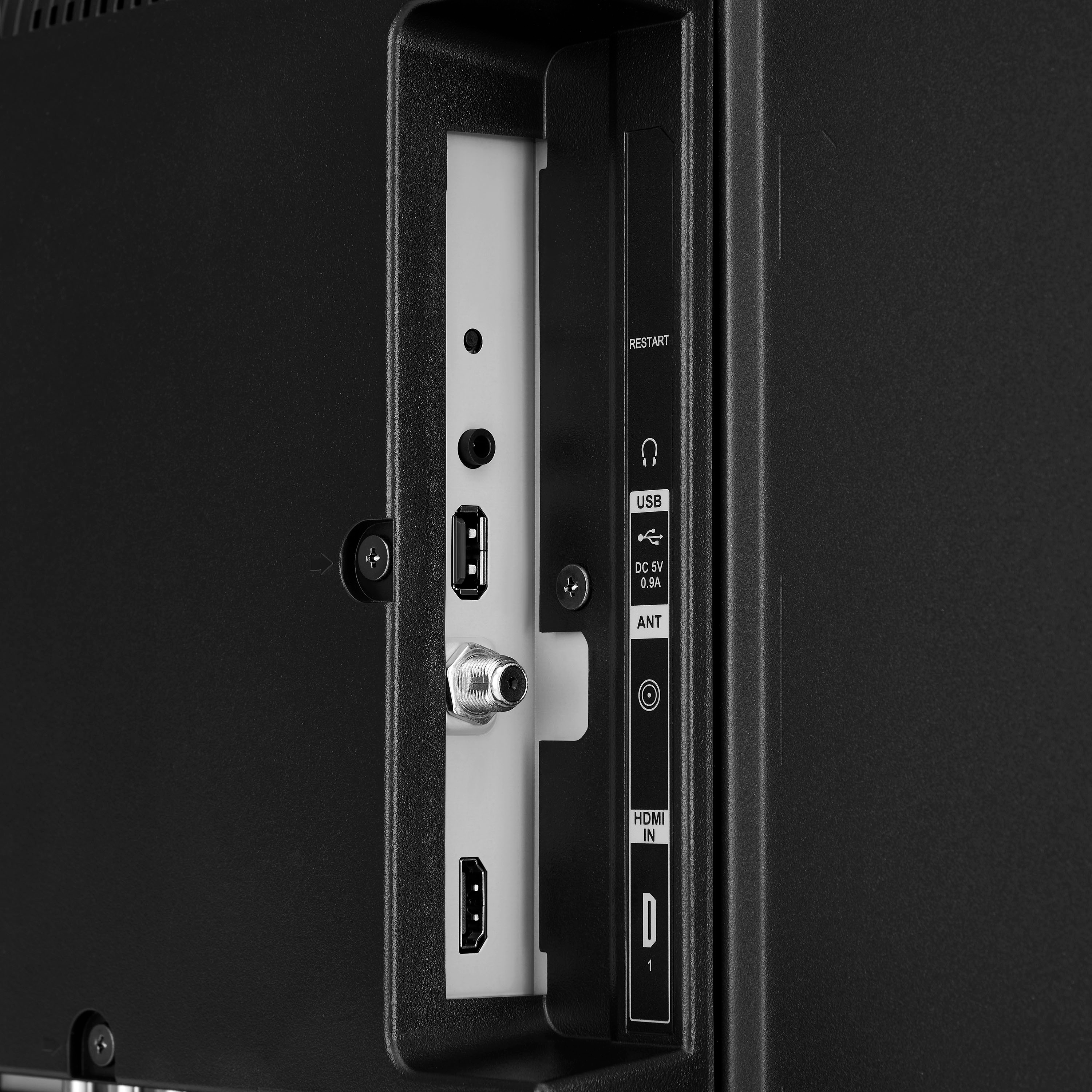
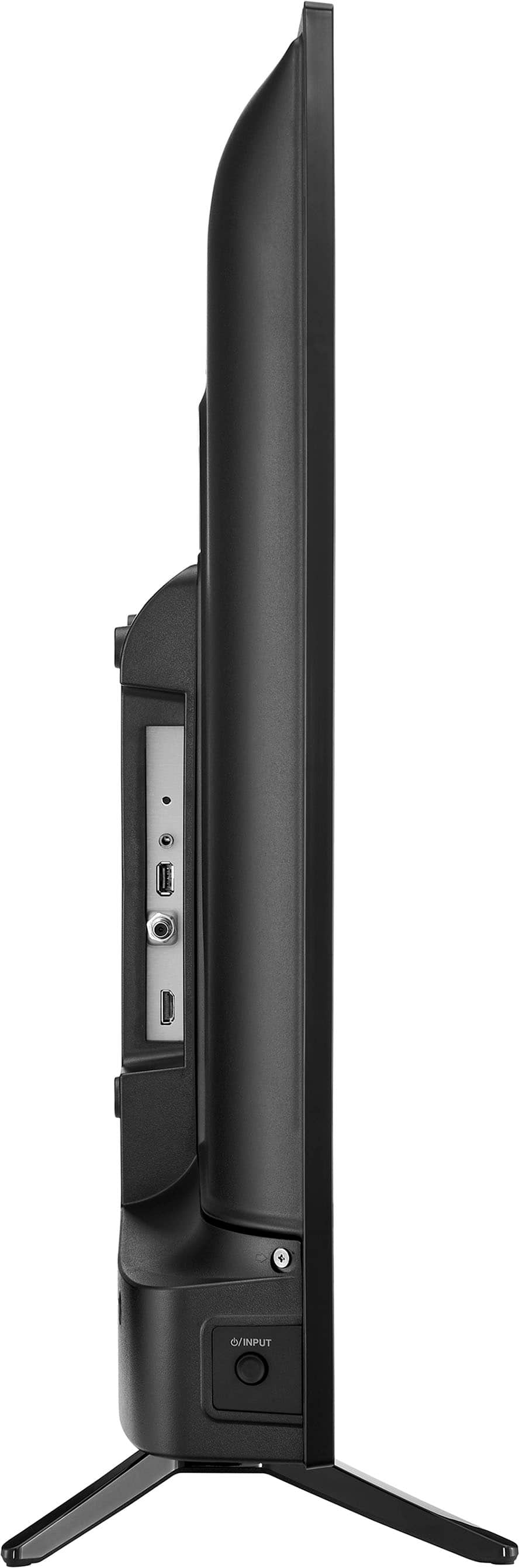
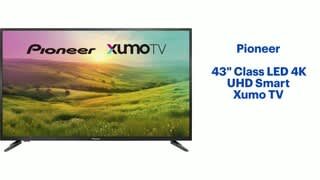
A:AnswerYes, you can easily access many popular streaming services on our Pioneer 43" Class LED 4K UHD Smart Xumo TV. It comes with the Xumo TV platform, which has many apps like Netflix, YouTube, Disney+, and more readily available. You just need to sign into your existing accounts for these services. Regarding headphones, this TV does have a headphone jack. Your husband can connect any standard wired headphones with a 3.5mm audio connector to this jack to listen to the TV at night without disturbing others. When headphones are plugged in, the TV speakers will usually mute. If you have any other questions or need further assistance, feel free to ask! - Mae | Pioneer Support
A:AnswerThank you for your question about the Pioneer 43" Class LED 4K UHD Smart Xumo TV. This TV does support Game Mode, which can be manually enabled to optimize the display settings for gaming. However, it does not automatically switch between Standard and Game Mode based on the content being displayed.
To enable Game Mode on your Pioneer TV, you can follow these steps:
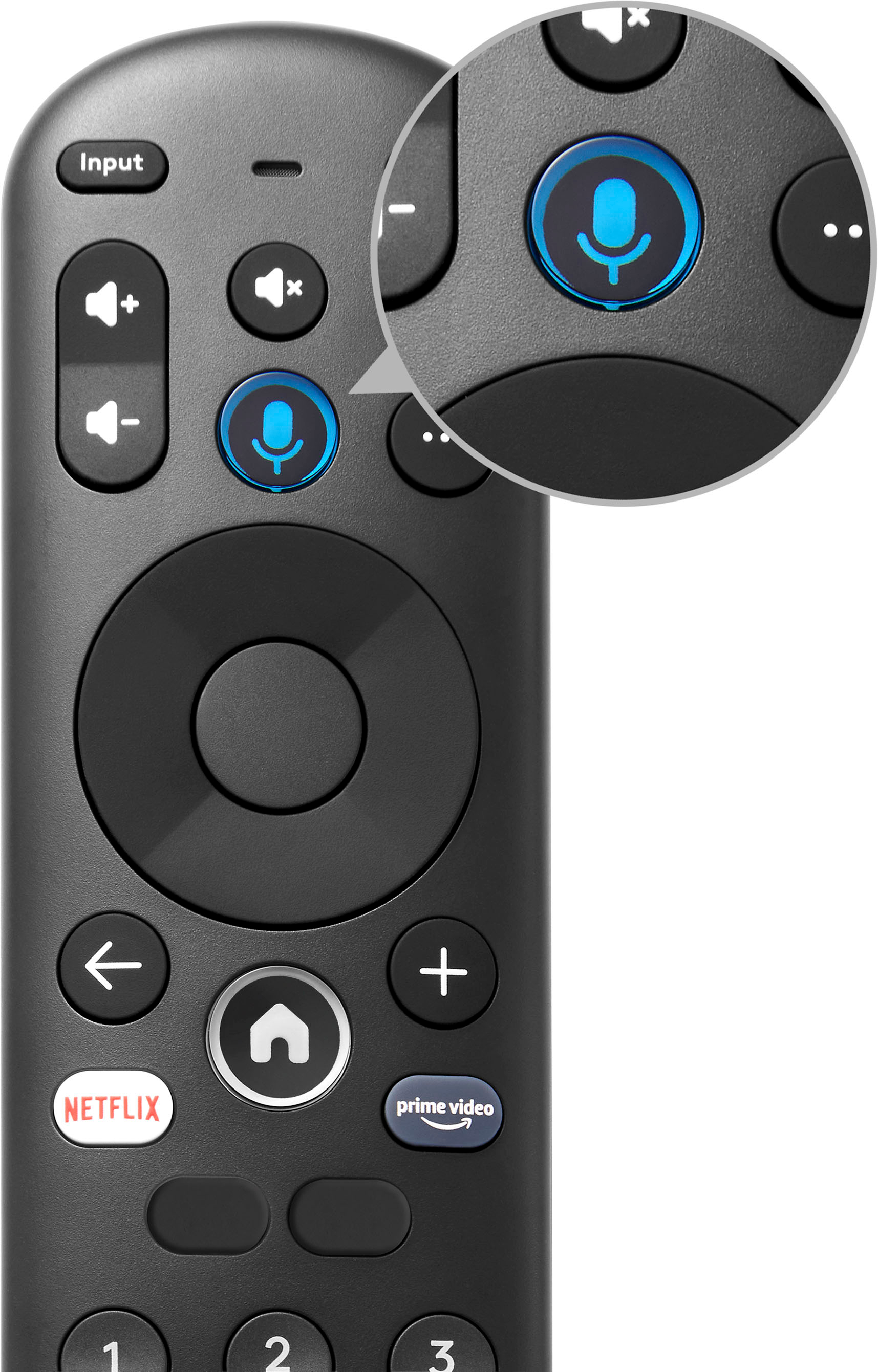
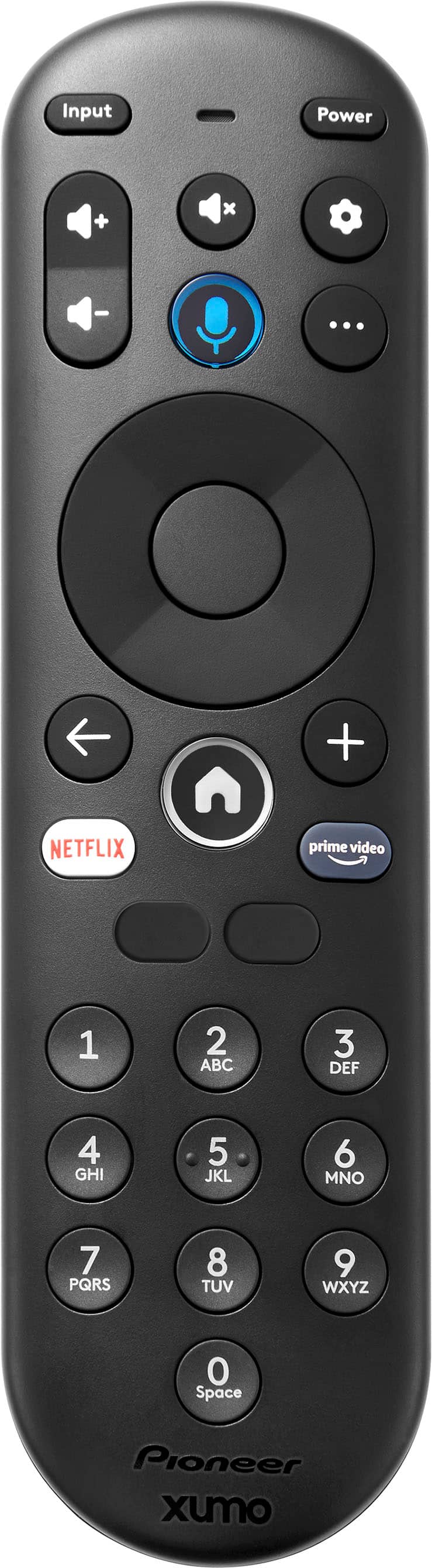
1. On your remote, press the Home button to access the main menu.
2. Go to the Settings menu.
3. Choose Picture Settings from the options.
4. Find the Game Mode option and turn it on.
This should help you avoid the automatic switching issue you experienced with your previous TV. If you have any other questions or need further assistance, feel free to ask!
A:AnswerIf the codes for your Fusion remote aren't working with your Pioneer - 43" Class LED 4K UHD Smart Xumo TV, you can try the following steps:
1. Automatic Code Search: Many universal remotes, including Fusion, have an automatic code search feature. This allows the remote to cycle through all possible codes to find one that works with your TV. Refer to your remote's manual for specific instructions on how to activate this feature.
2. Manual Code Entry: Double-check the list of codes provided for your remote. Sometimes, there might be multiple codes for a single brand. Try entering each code manually to see if one works.
3. Remote Reset: Reset the remote to its factory settings and then try programming it again. This can sometimes resolve issues with incorrect or conflicting codes.
4. Online Code Lookup: Visit the Fusion remote's official website or support page. They often have updated lists of codes and additional troubleshooting tips.
5. Contact Support: If none of the above methods work, consider reaching out to Fusion's customer support for further assistance. They might have additional codes or troubleshooting steps specific to your remote model.
If you need detailed instructions on any of these methods or further assistance, feel free to ask!
A:AnswerHi,
No, you need to adjust it automatically. If you have any questions or concerns, please use the link below to reach us and also you can contact this phone number 888-287-7658 for further assistance.
Pioneer Products
Nikki
Please visit https://www.bestbuy.com/site/pioneer-43-class-led-4k-uhd-smart-xumo-tv/6543645.p?skuId=6543645
A:AnswerHello there,
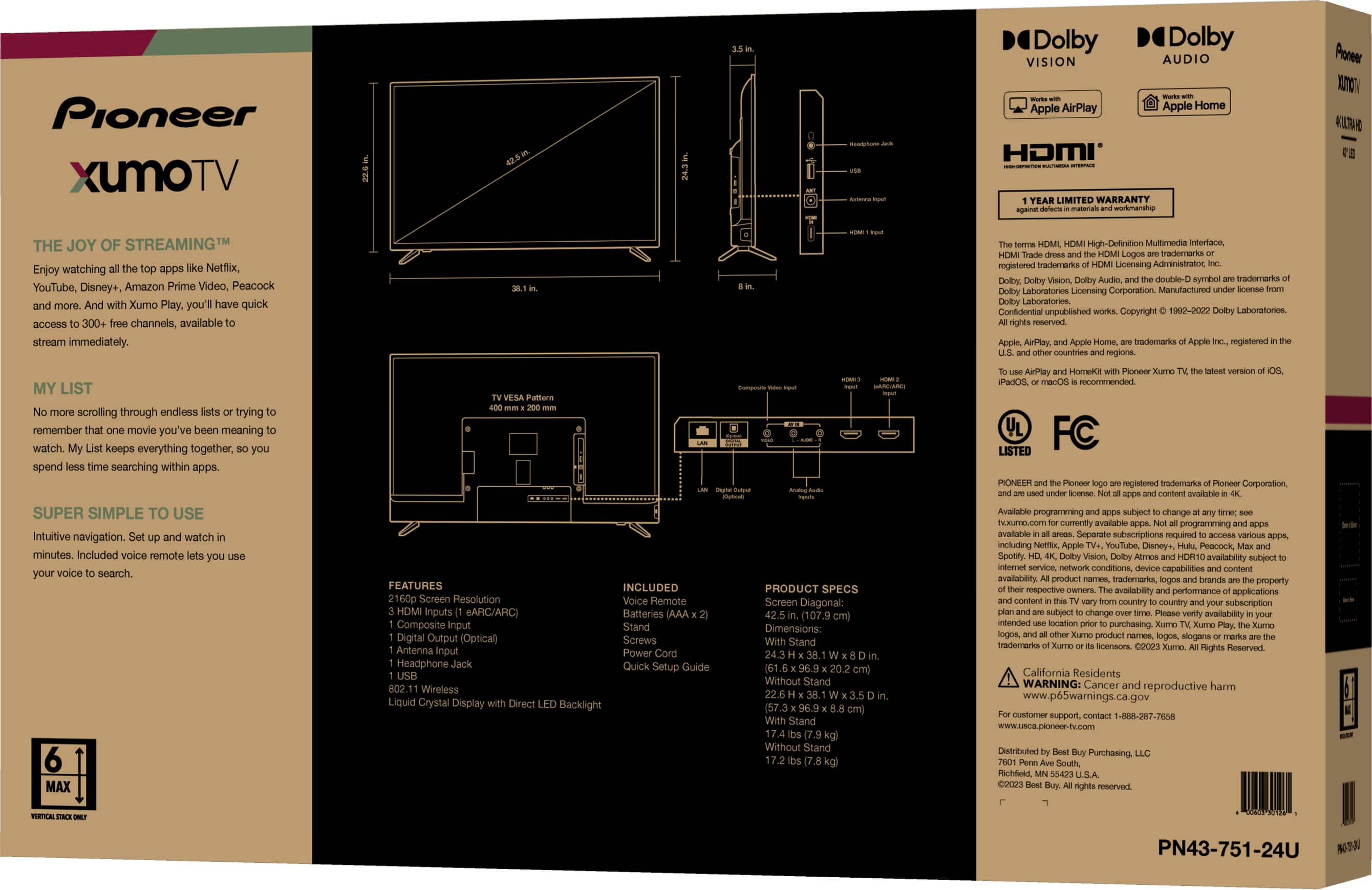
It is diagonal.
Renee,
Pioneer Support
https://www.bestbuy.com/site/brands/best-buy-brands/pcmcat1596746025285.c?id=pcmcat1596746025285
A:AnswerAverage human eye can only perceive a maximum of 60 fps. That being said, like all things there are those who can see . . . faster, up to 90 fps. So, if all you can see is 60 fps and the game and TV output is 120 fps, you won't notice an improvement. Much like telling the difference between 720p and 1080p, many people can't see the actual difference. With that bit of science out there, I hope it helps you making the best decision possible for yourself.
A:AnswerHi there!
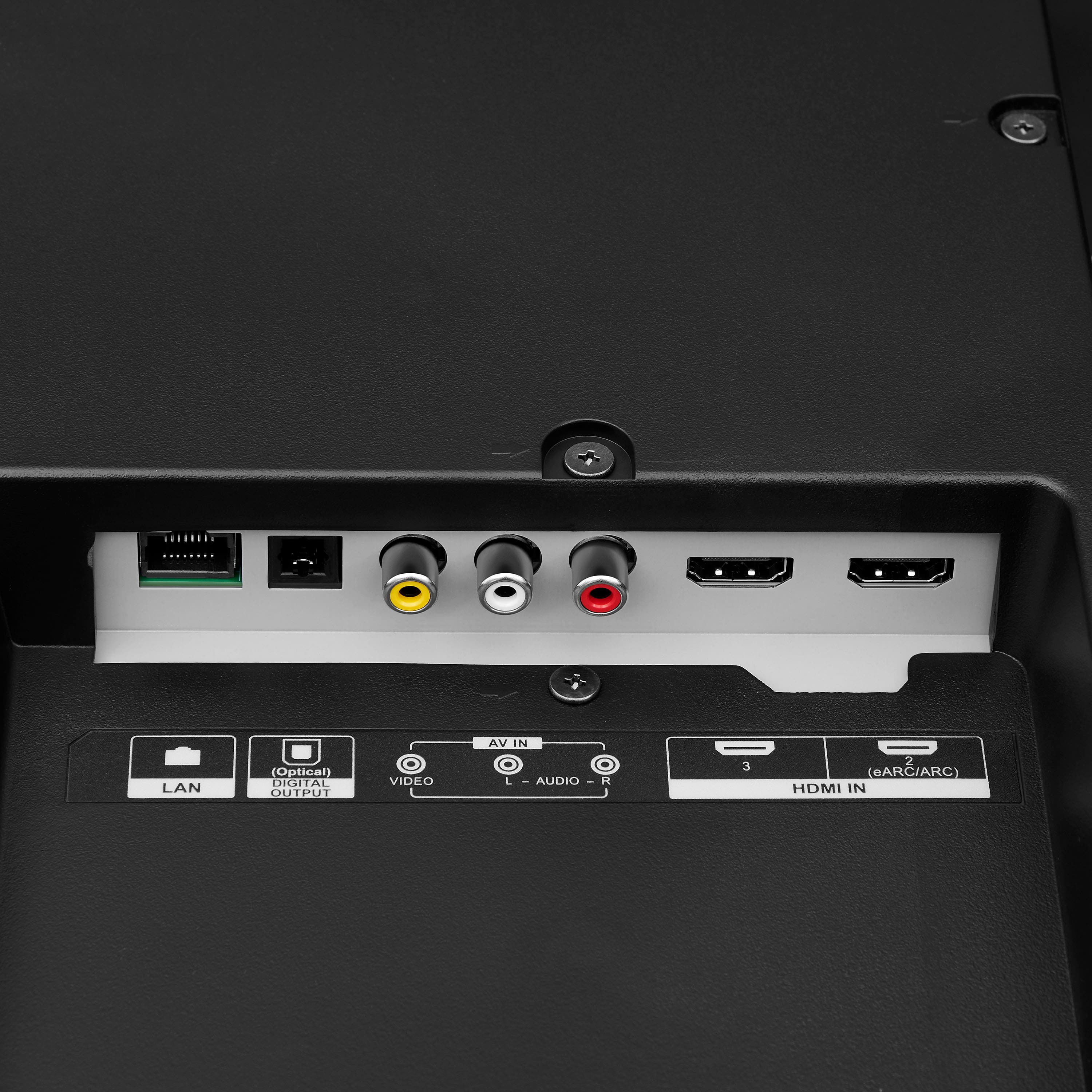
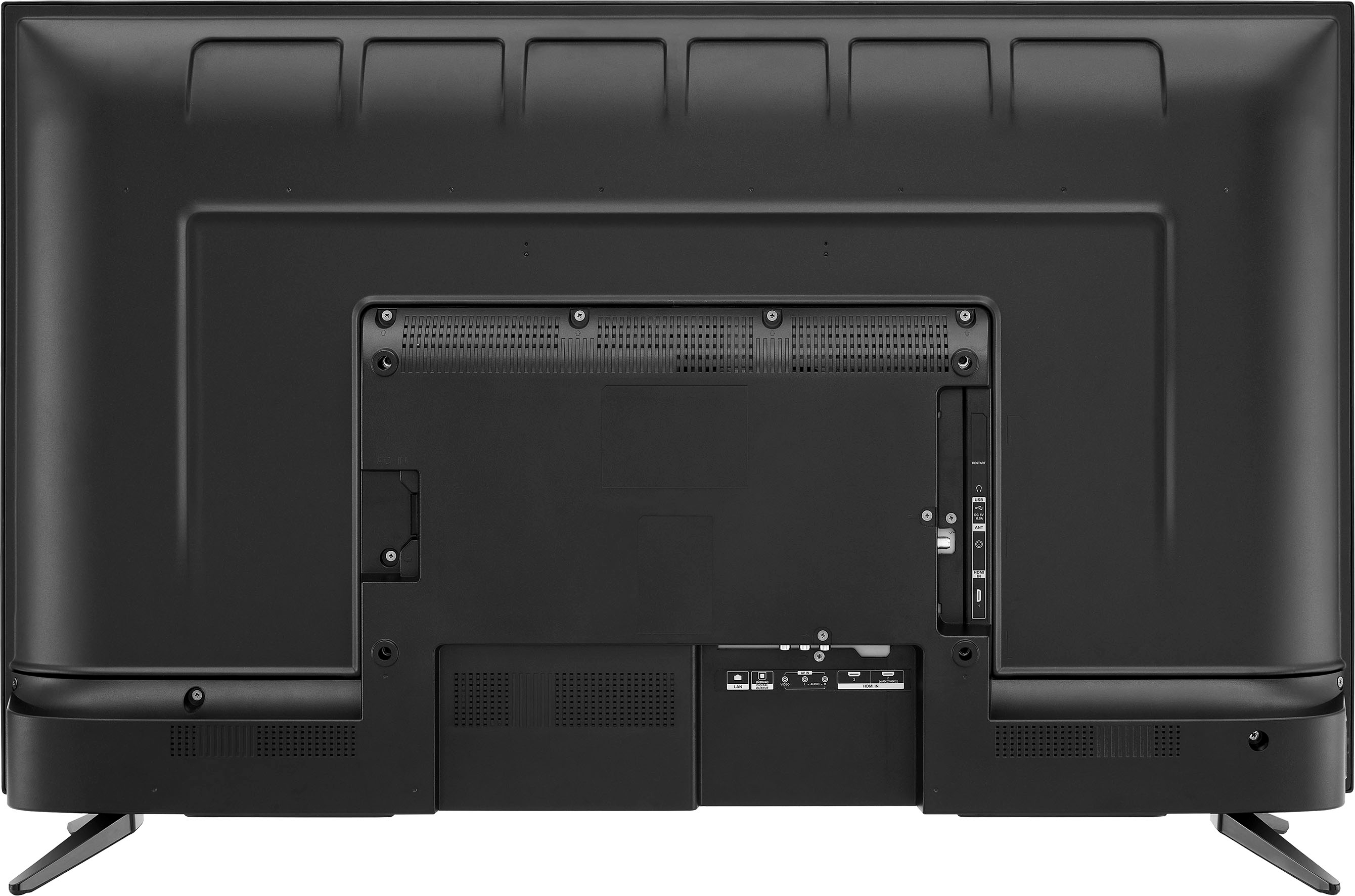
The HDMI input 2.1 is also the eARC/ARC input that is located at the back of the tv.
Pioneer Support
Irene
https://www.bestbuy.com/site/brands/best-buy-brands/pcmcat1596746025285.c?id=pcmcat1596746025285