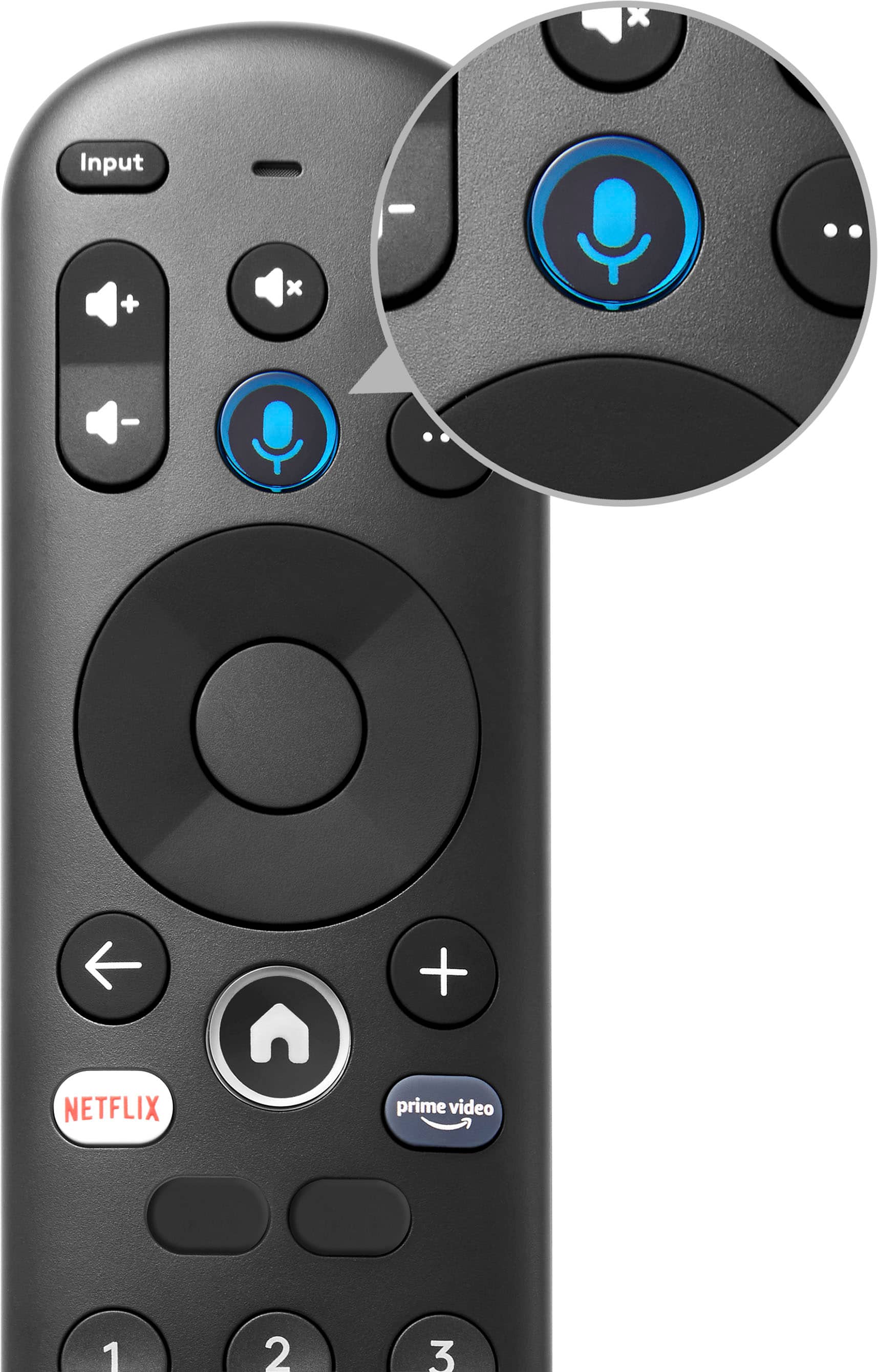
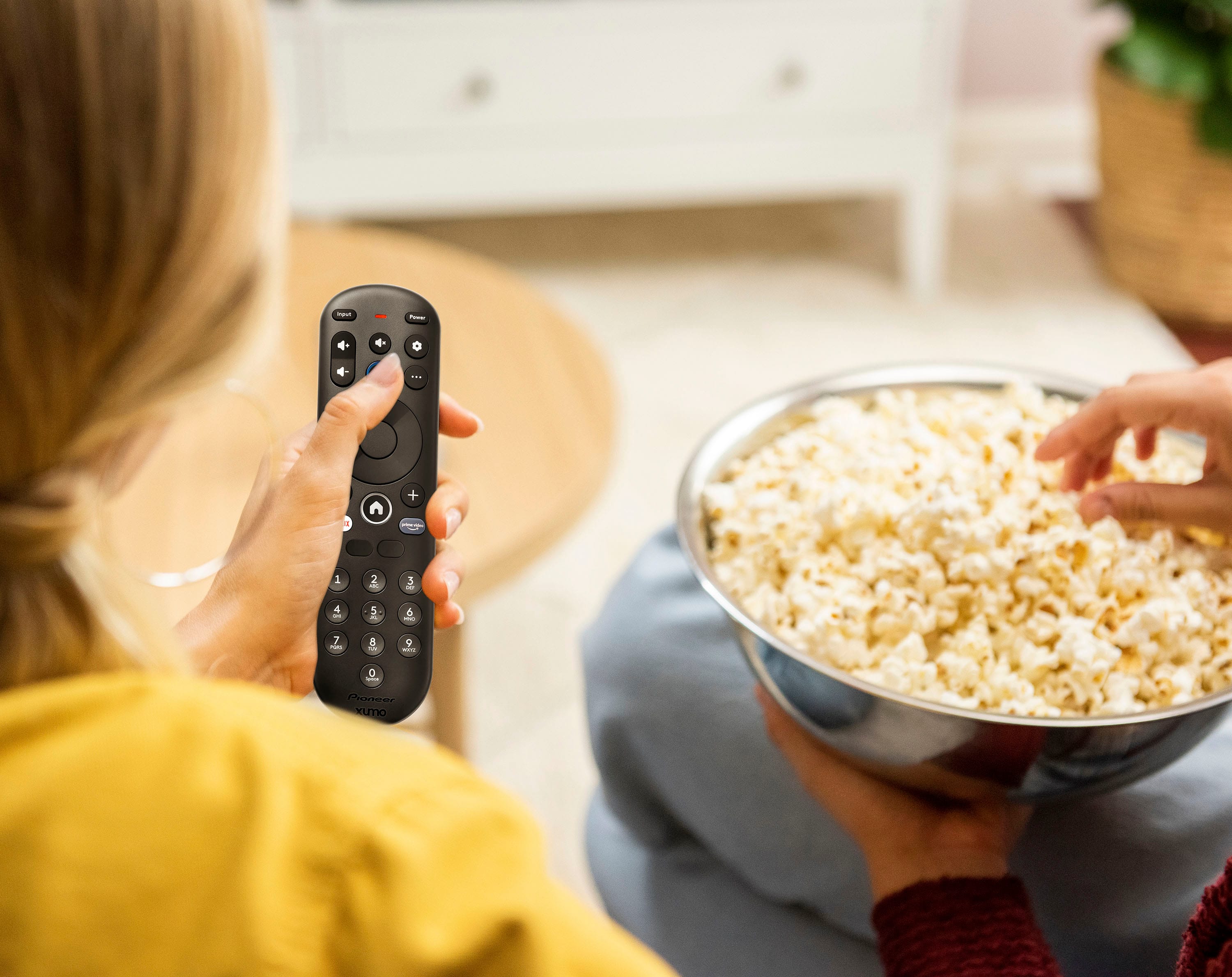
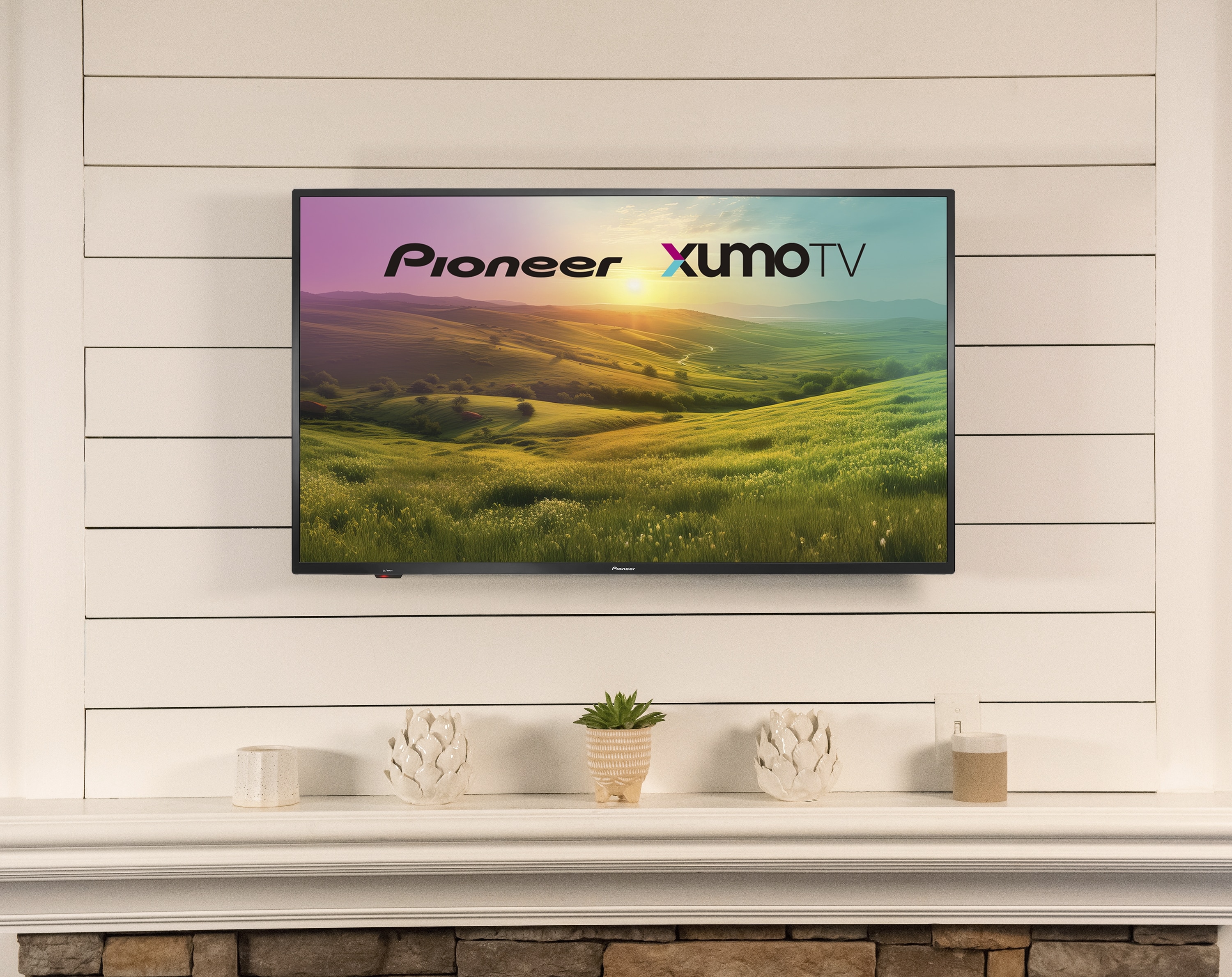
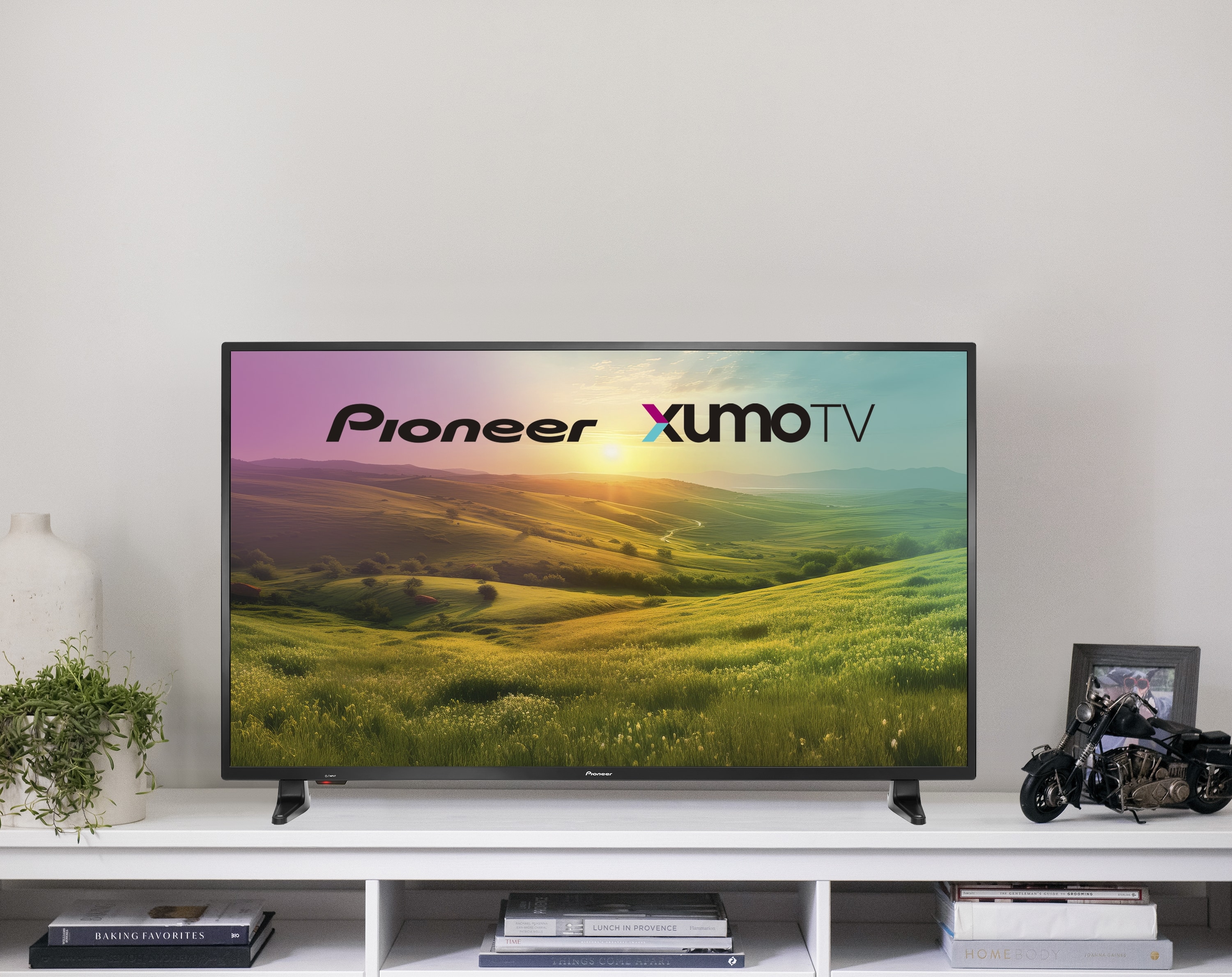
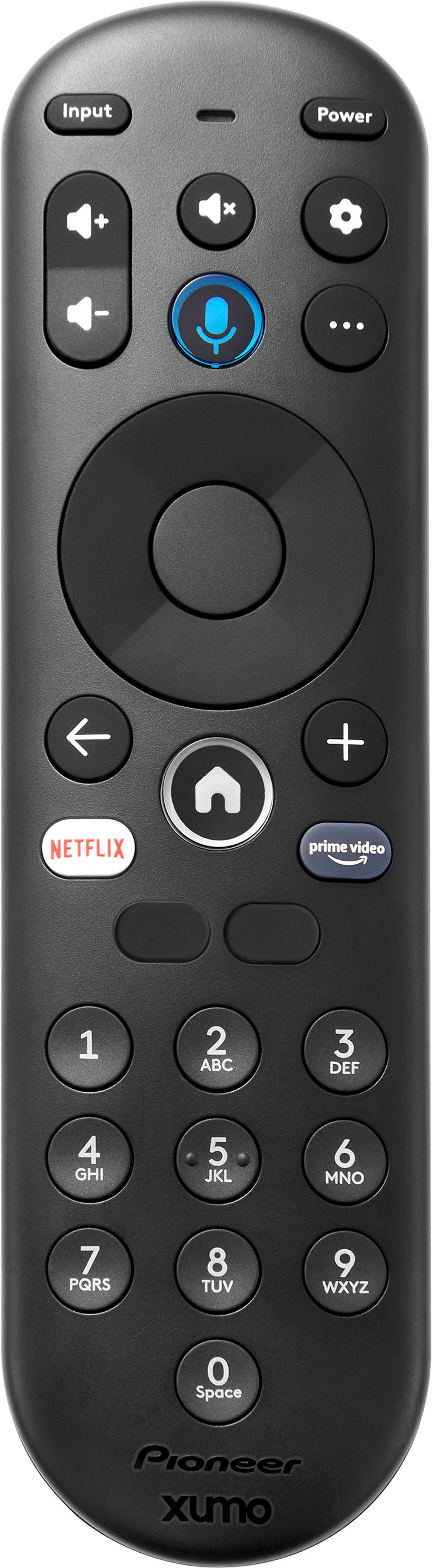
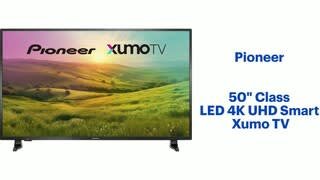
A:AnswerIf you need a replacement remote control for your Pioneer 50" Class LED 4K UHD Smart Xumo TV, you can reach out to our Pioneer customer service team for further assistance. They will be able to guide you on the available options and provide the necessary support. Patricia | Pioneer Support
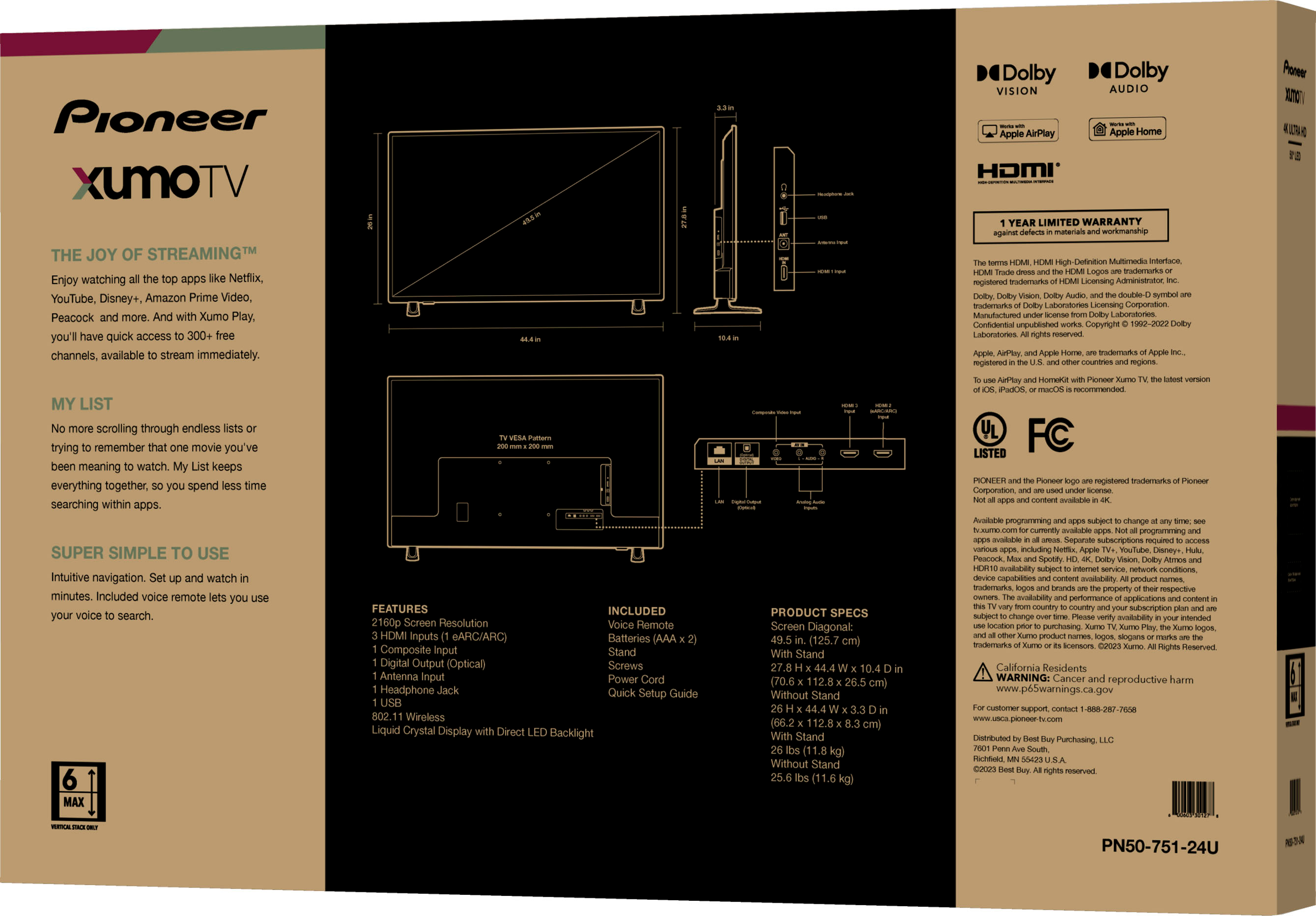
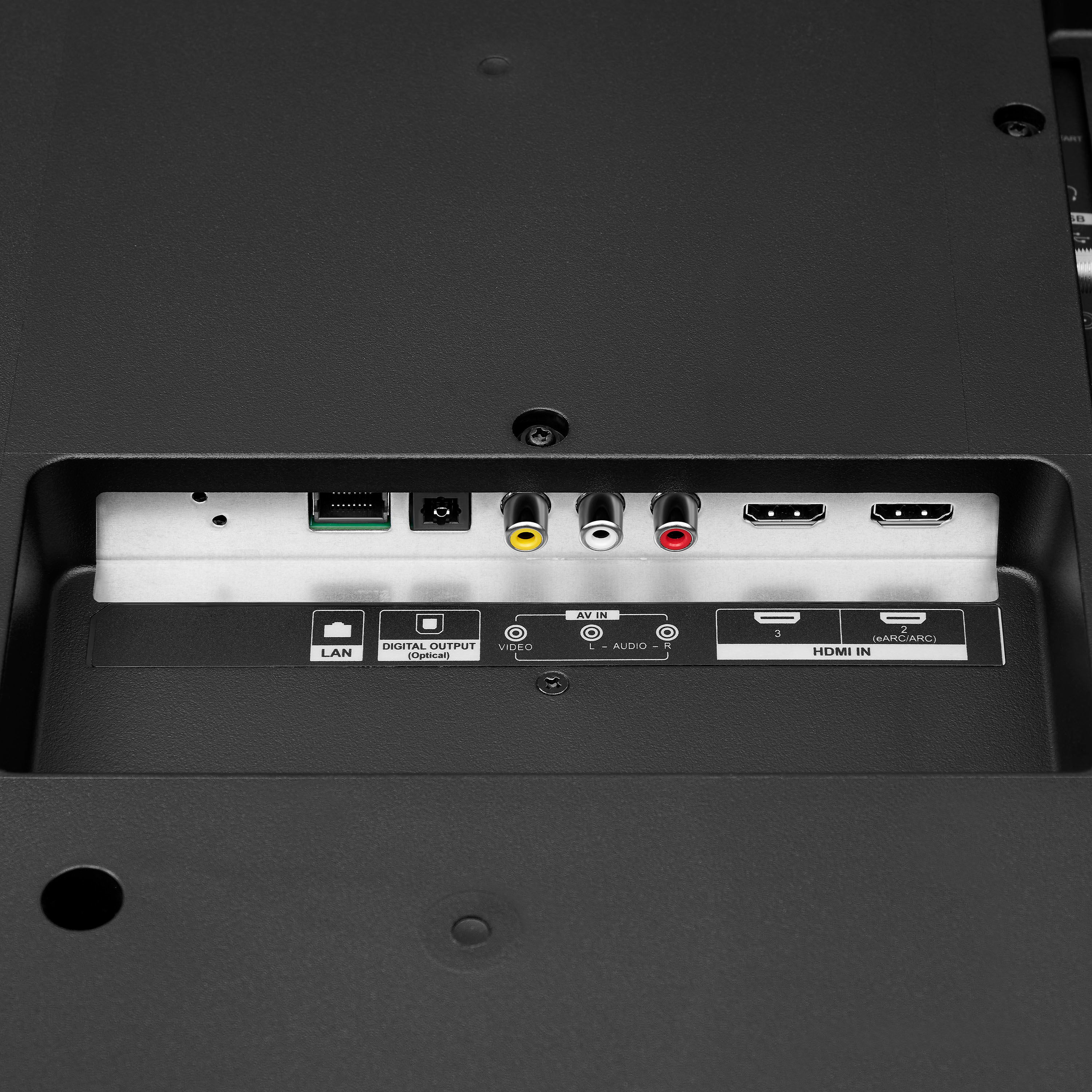
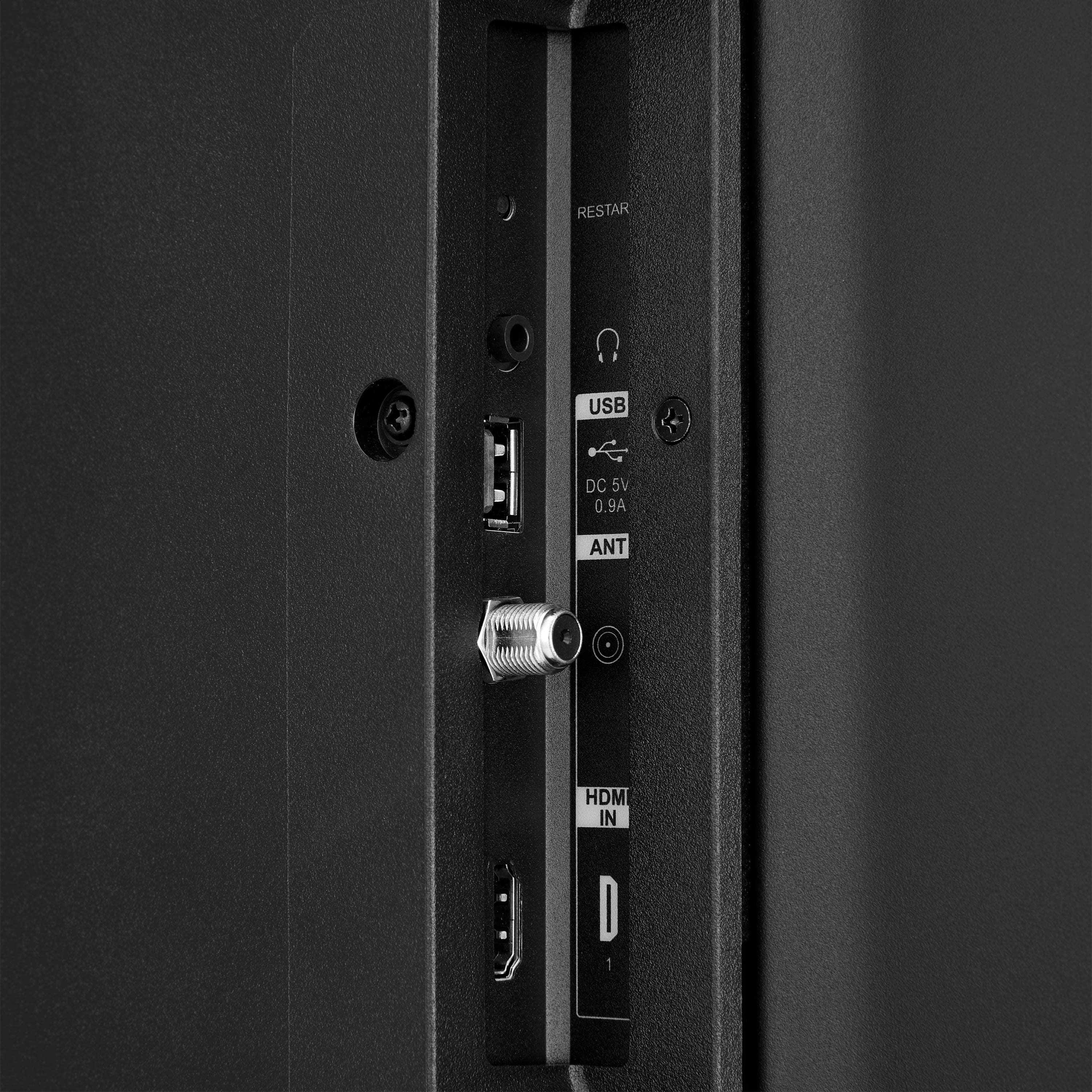
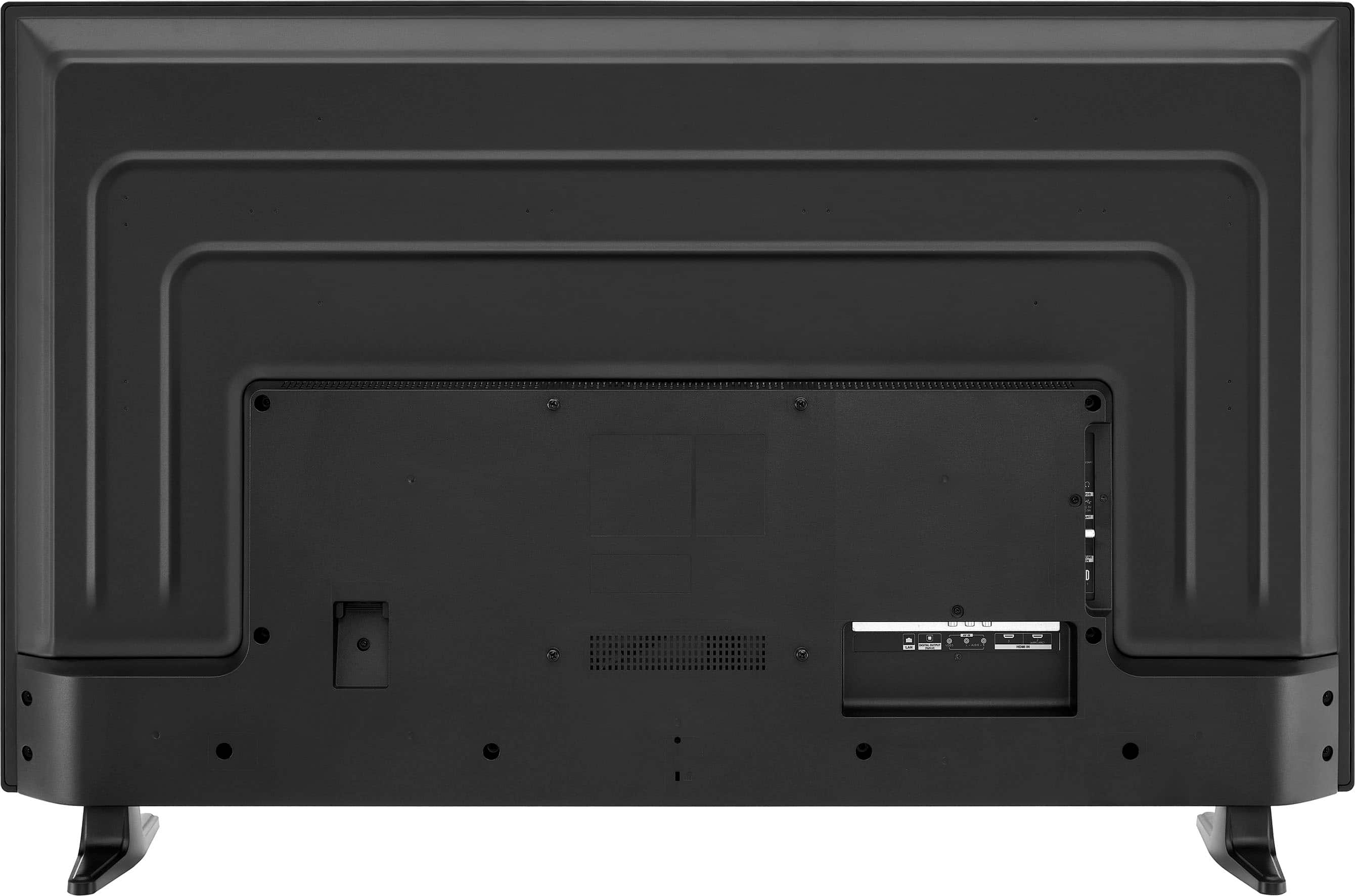
A:AnswerThe Pioneer 50" Class LED 4K UHD Smart Xumo TV (model PN50-751-24U) includes an Ethernet port for wired internet connectivity and supports standard Ethernet connections for stable and fast internet access. This allows you to connect your TV directly to your router for a more reliable internet connection, which can be especially useful for streaming high-definition content.
If you have any other questions about this TV or need further assistance, feel free to ask! -Ed | Pioneer Support | https://www.bestbuy.com/site/brands/best-buy-brands/pcmcat1596746025285.c?id=pcmcat1596746025285
A:AnswerNot the answer or help i was expecting. All connections and cabling is connected. As far as settings on the TV, we have Netflix activated and working with sound so the tv settings is not the issue.
I'll wait for COX to come by Tomorrow.
A:AnswerThe remote for the Pioneer 50" Class LED 4K UHD Smart Xumo TV uses infrared (IR) technology. This means it requires a direct line of sight to the TV to function properly.
If you have any other questions or need further assistance, feel free to ask!
A:AnswerHi Chas! To switch between the different channels on the same station (69-1, 69-2, 69-3), you would typically need to enter the main station number (69) and then use the dash or minus button to access the different sub-channels. Some remotes may also have a dedicated button for sub-channels.
As for using the plus button, it may not be necessary in this case since you are trying to access specific sub-channels within the same station.
As for the Previous Channel button, it is a common feature on many remotes and can be used to quickly switch between the current and previous channel you were watching. Just press the Previous Channel button to toggle between the two channels.
JC | Pioneer Support https://www.bestbuy.com/site/pioneer-50-class-led-4k-uhd-smart-xumo-tv/6543648.p?skuId=6543648
A:AnswerI used the bolts and washers that came in the pack which is 516 x 2 and a half or three until wooden stud 2x4 need a stud finder to find the studs wooden I hope you have metal studs you need a metal stud finder
A:AnswerIf you are using a Firestick 4K or possibly some other device connected to one of the HDMI ports, you have to turn off “Always HDR” in the Adaptive Display Settings Menu Option on the Firestick or other device connected to the HDMI port. At least on the Firestick you do. Set it to “Adaptive” This enables you to have all the picture options in the TV settings. The connected device settings working with the TV’s settings are limiting the available Picture Settings options on the TV. Hope this helps someone! It was driving me nuts and Pioneer Technical support was useless. Took me and my OCD a couple hours to figure it out. lol (Pictures are the Firestick 4K settings)
A:AnswerHi there,
It is 8Wx2.
Ritchie |Pioneer Support
https:https://www.bestbuy.com/site/brands/best-buy-brands/pcmcat1596746025285.c?id=pcmcat1596746025285