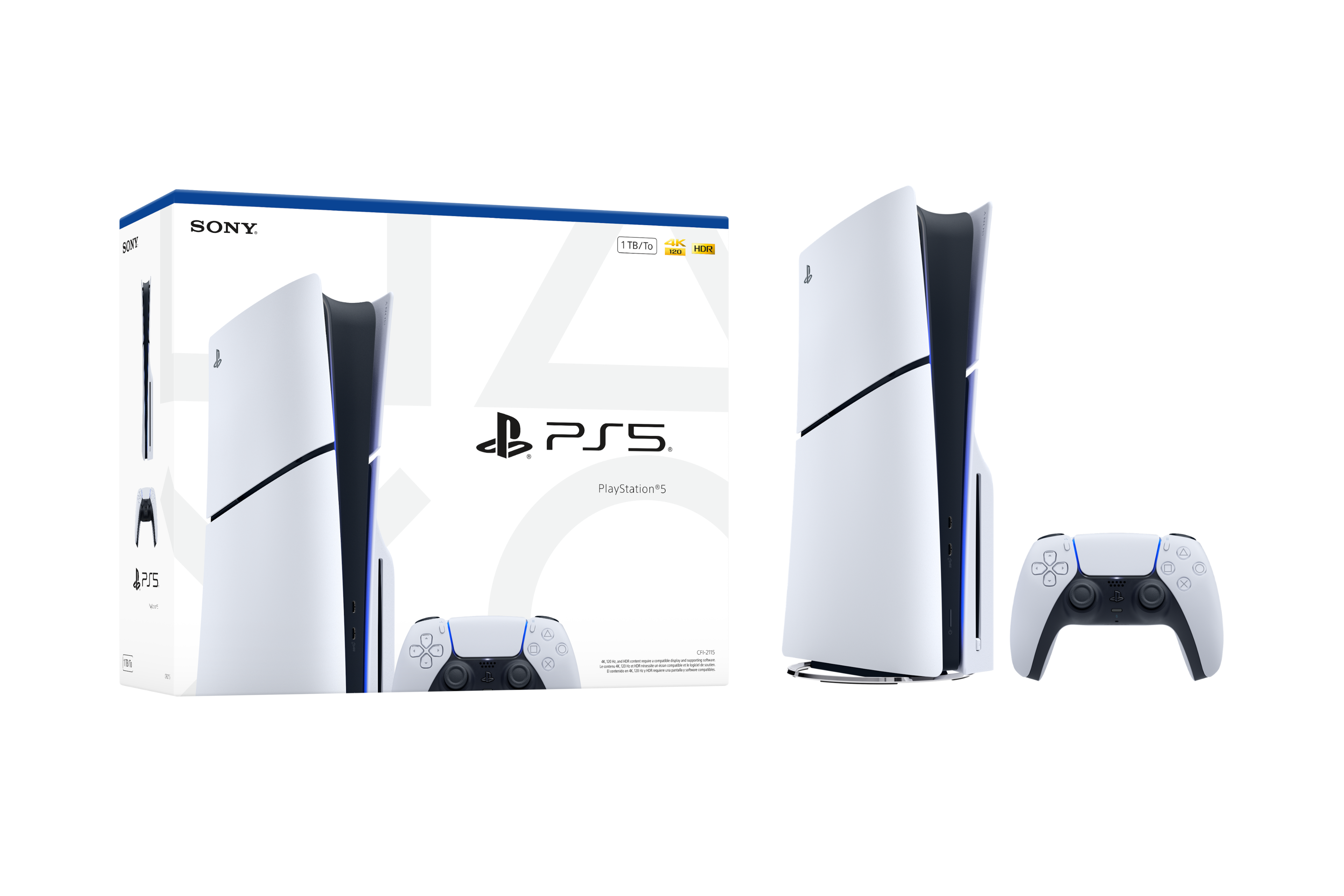
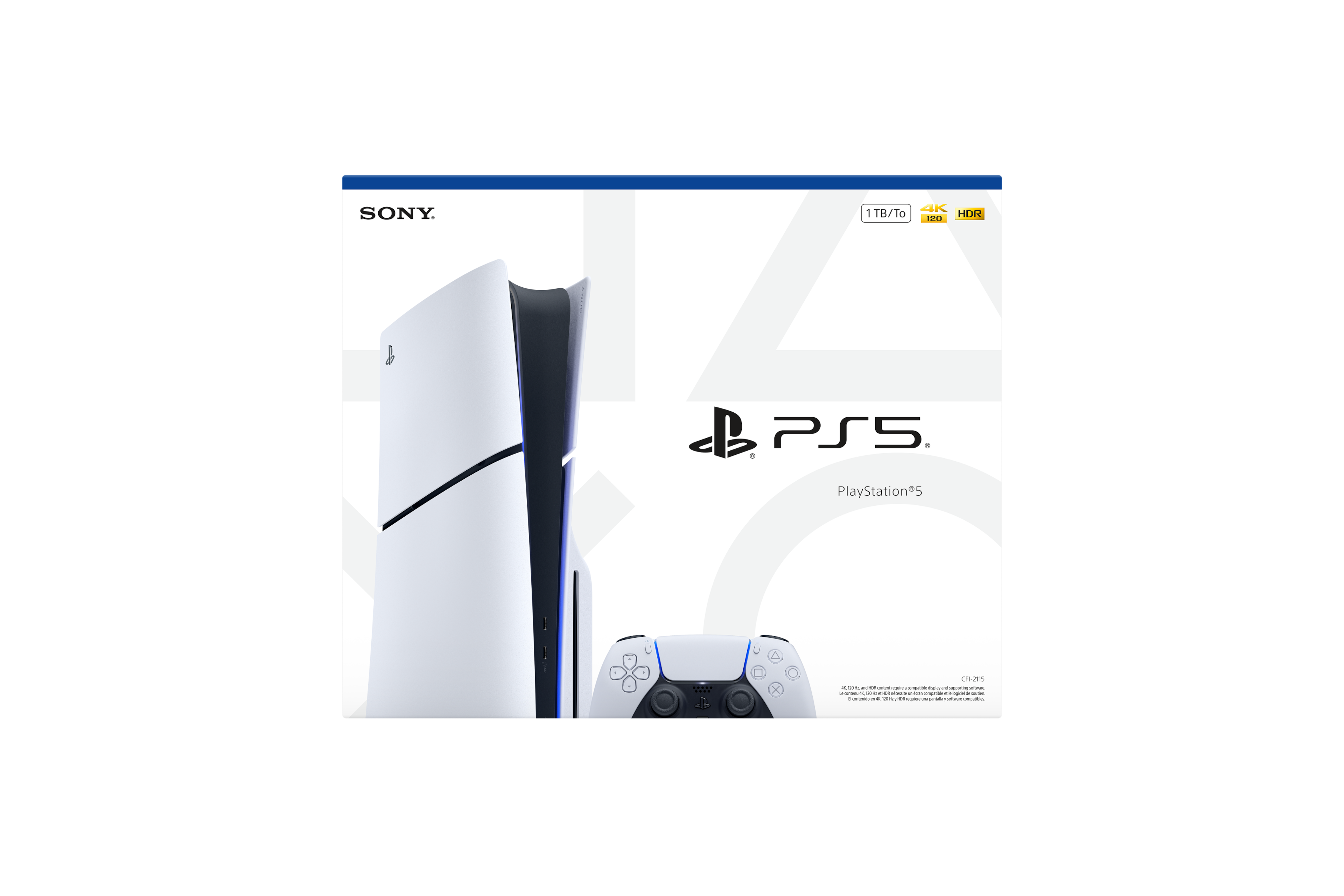
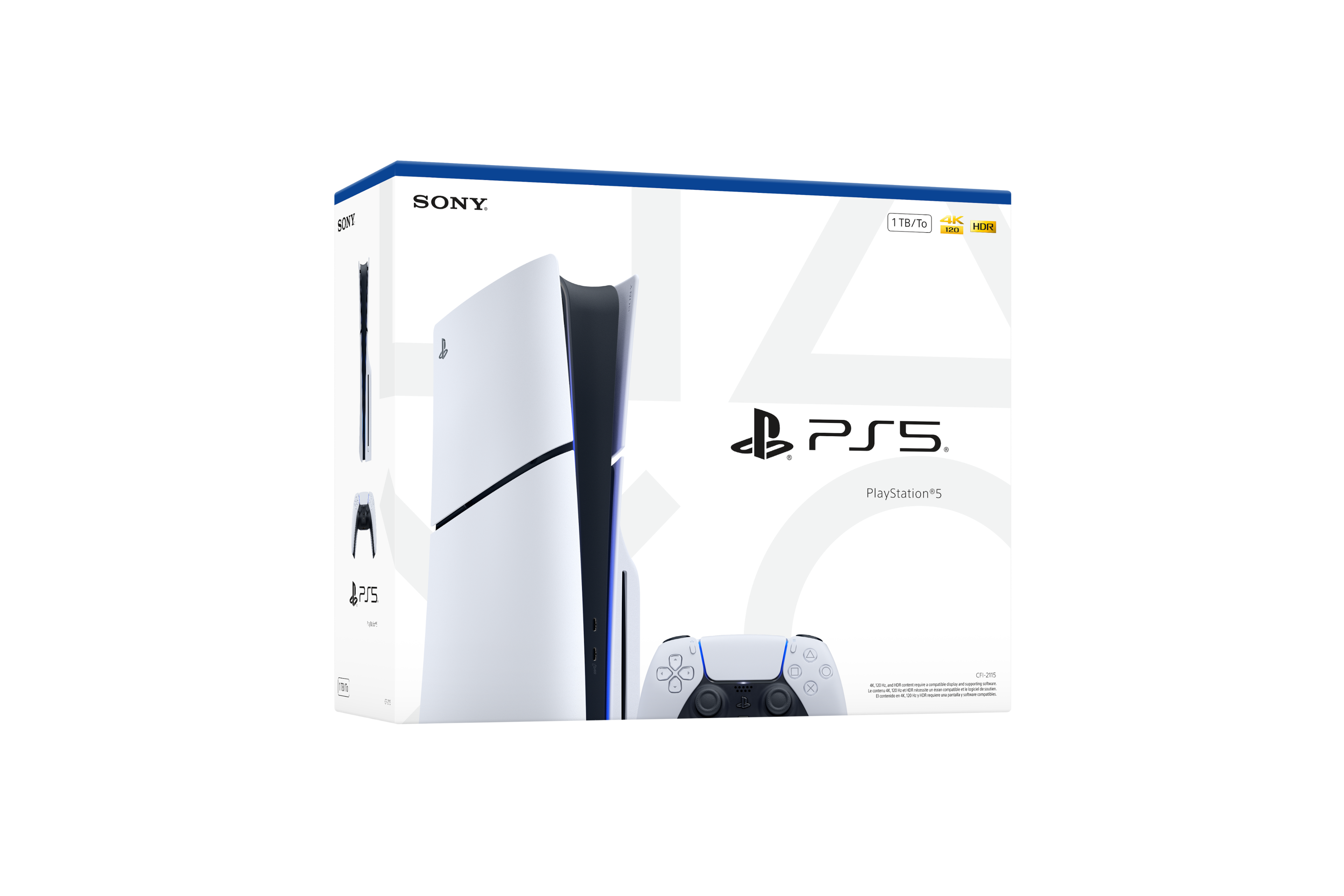
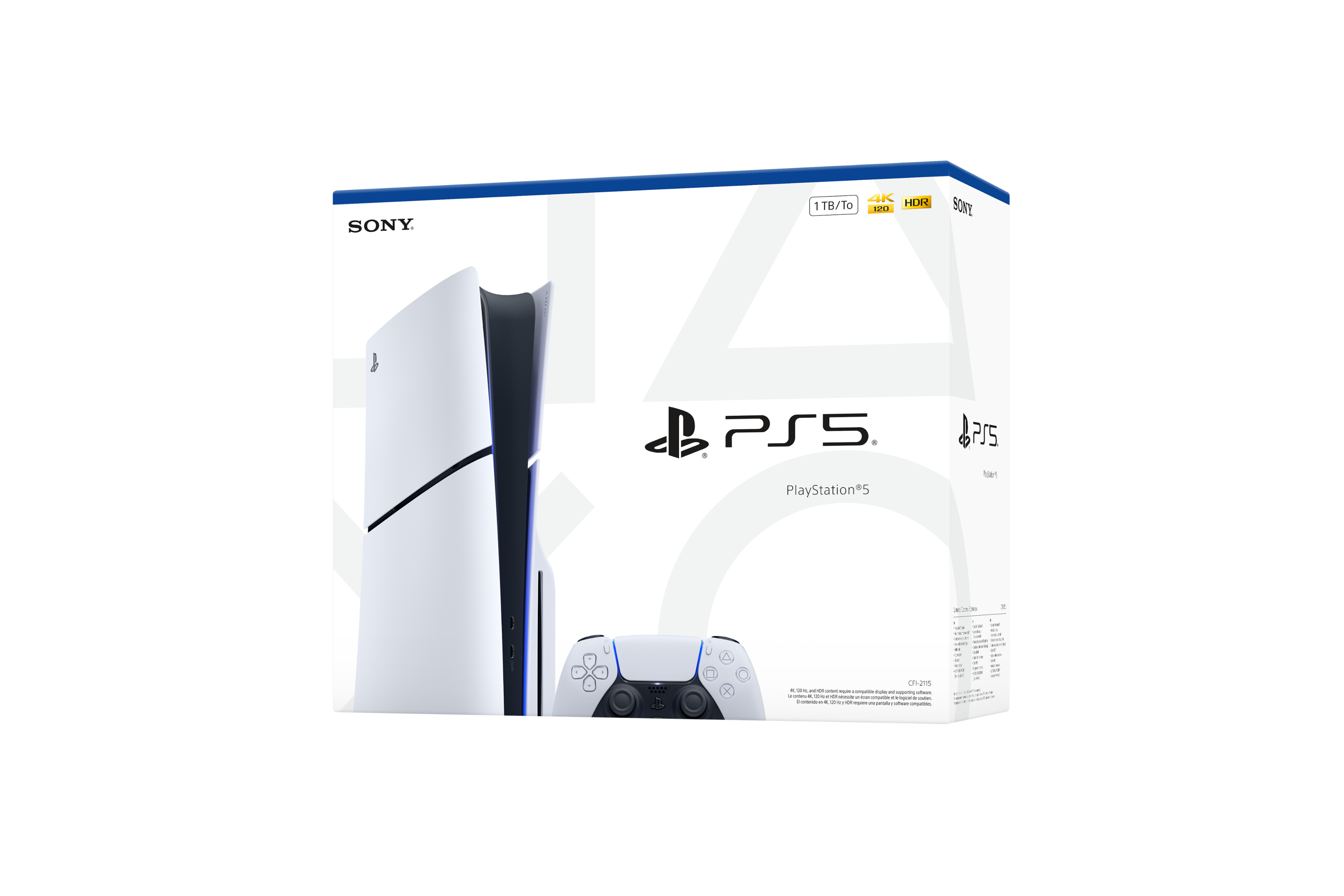
A:AnswerYes, every PS5 Slim console, including open-box or Excellent condition units from Best Buy, comes with a power cord included in the package, along with the standard HDMI cable, controller, and other original accessories.
A:AnswerYep! An open-box Excellent Edition usually comes in the original box, but it’s been opened before so the box might have minor wear. Everything inside—console, controllers, cables, and any bonus items—should be there and in like-new condition.
A:AnswerThe PS5 (including the Slim and Disc versions) is designed to work with both 100–240V power, so it’s dual voltage.
• You don’t need a voltage converter if you’re moving it between countries with 120V or 240V mains.
• Just make sure you use the correct power cord plug for your region.
A:AnswerThe main difference is that the PS5 Slim Astrobot edition is a special bundle that usually includes the Astrobot game and themed packaging, which can make it cheaper if it’s a promotional offer. The $499 standard PS5 Slim is the regular console without bundled games, so aside from the box and included game, the hardware and features are the same.
A:AnswerYes, the PS5 Slim supports 100–240V (50/60Hz) automatically, so you can safely use it in the Philippines or any country with 220V—just make sure you have the correct plug adapter for the outlet.
A:AnswerYes! It includes online and physical if you get the disc edition. There’s also PS5 that are only digital but you could always buy a disc drive that will plug into your station
A:AnswerYes there is! You can buy the disc version but still be able to buy online games as well. If you chose to buy the digital version you can buy the disc extension later and add it on, but i would reccomend just buying the disc version of the consol since it would be cheaper than adding on the disc extension.