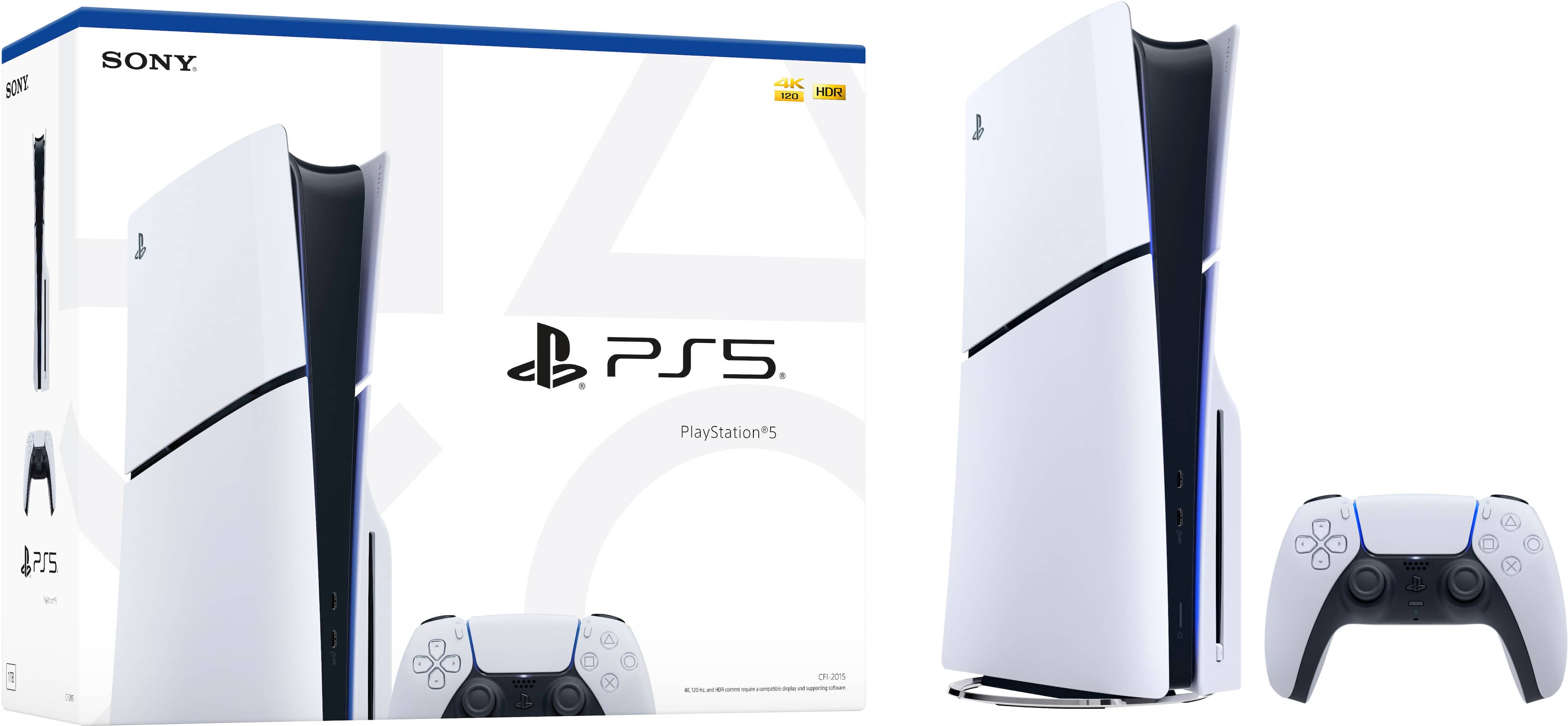
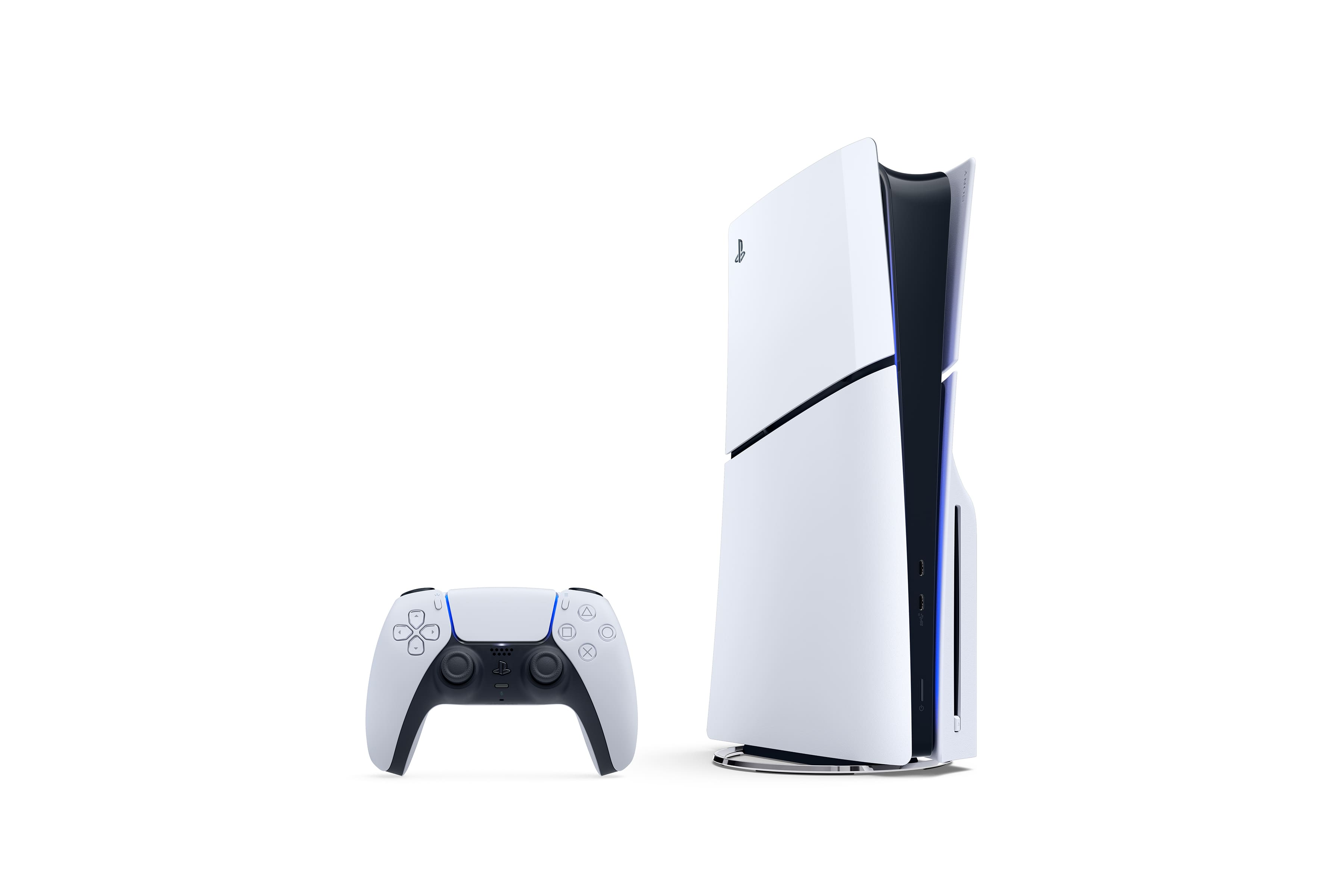
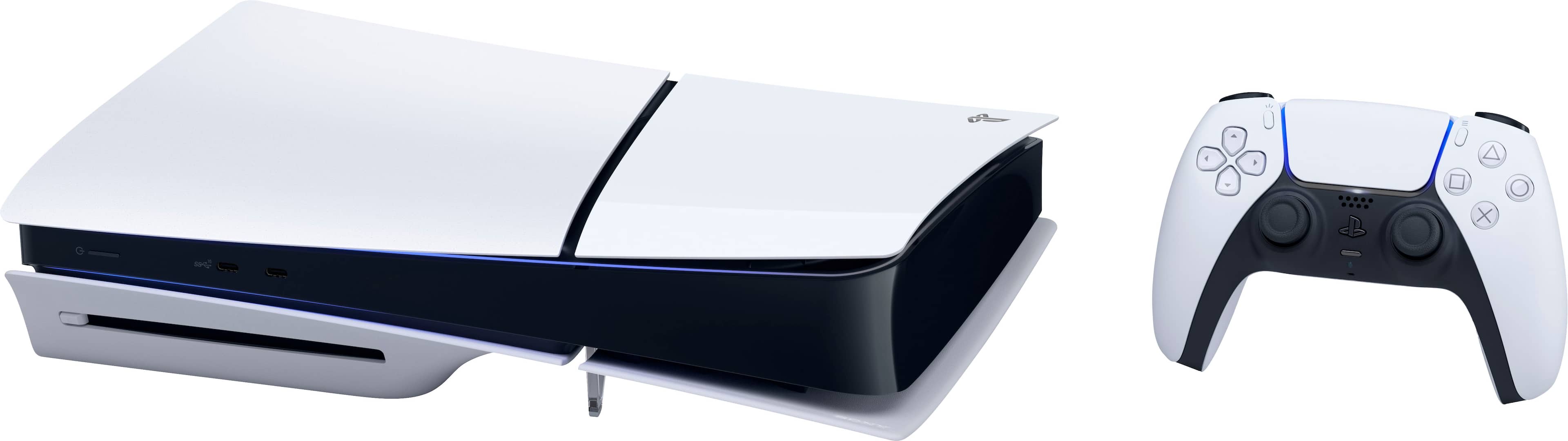
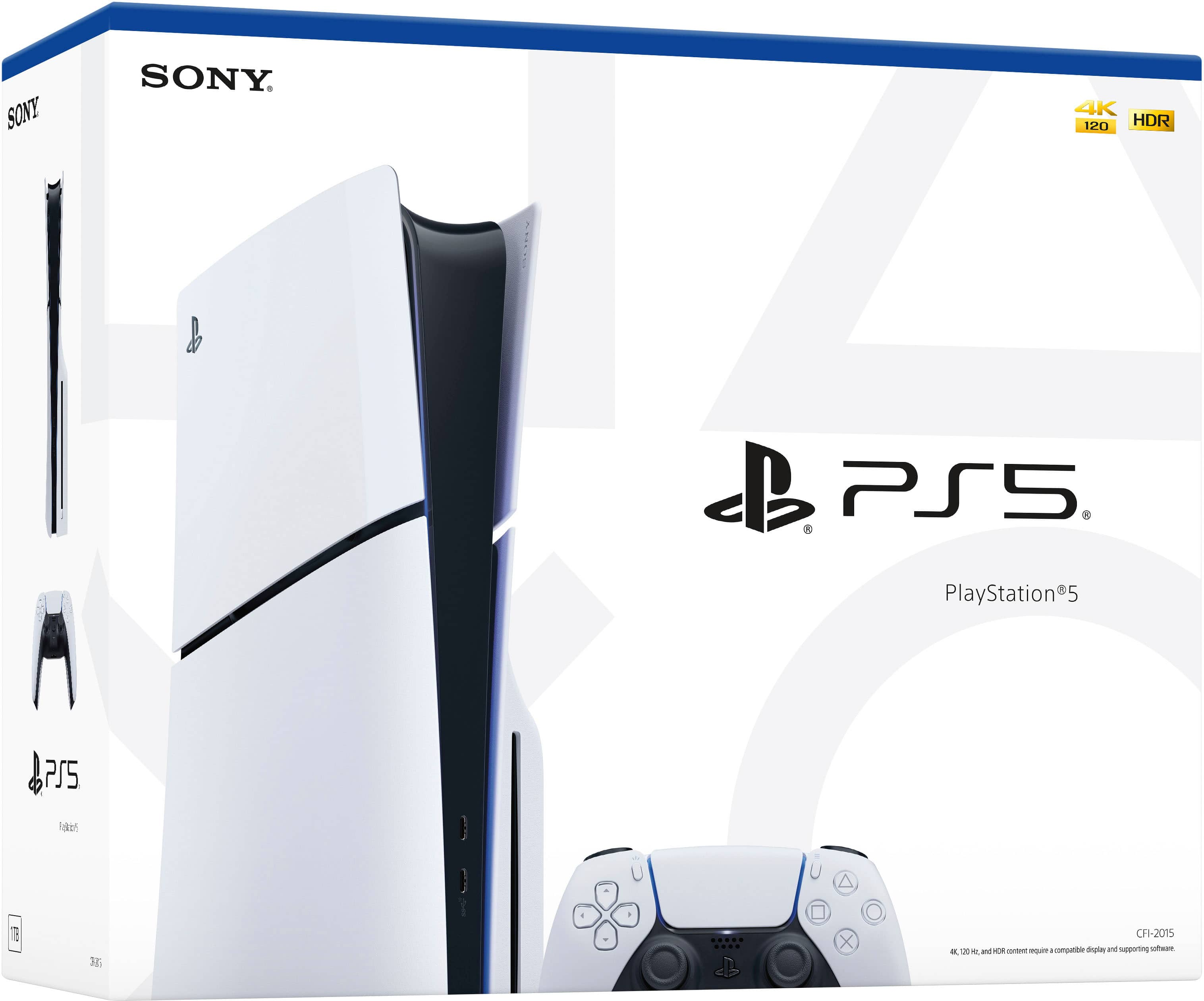
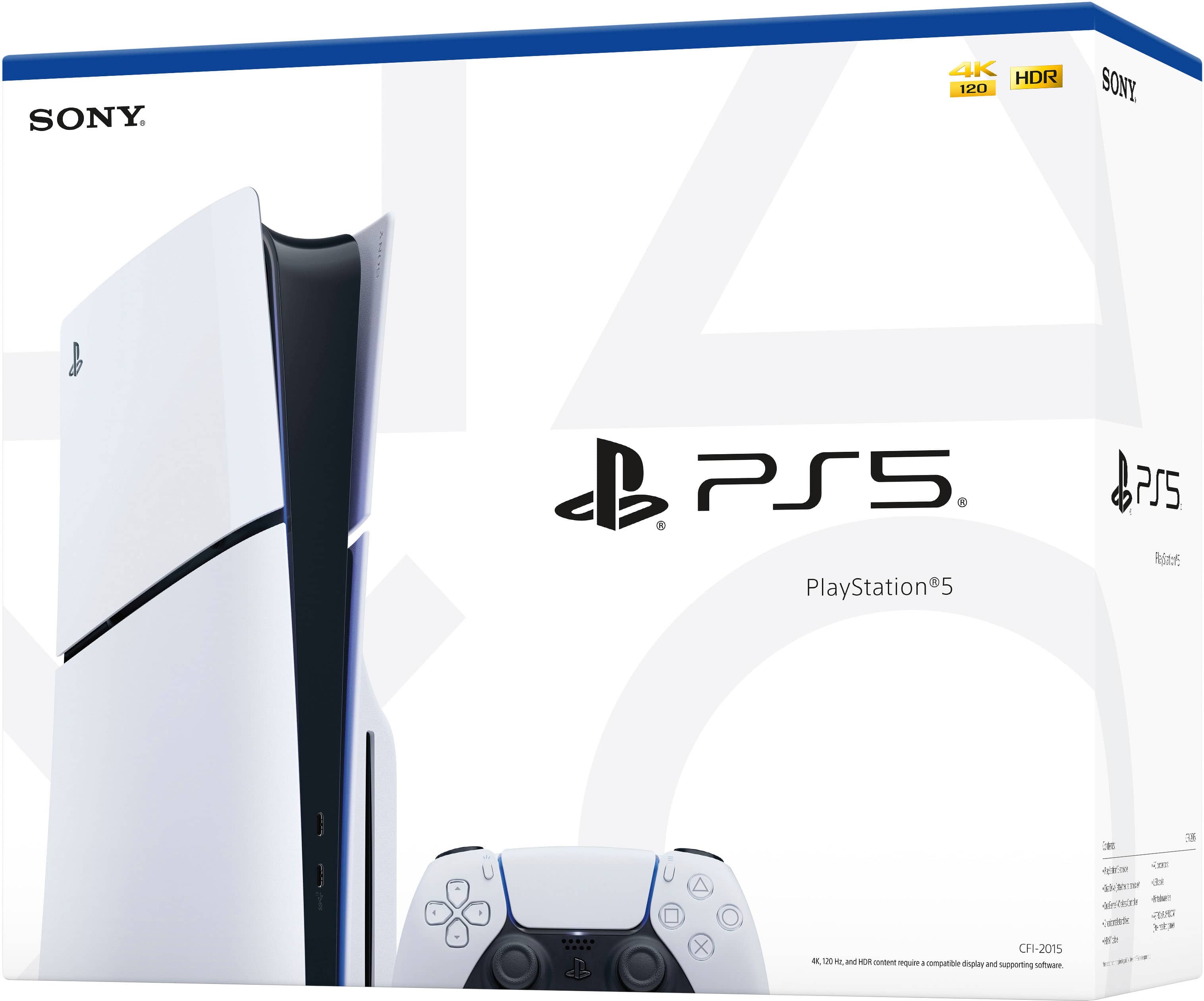
A:AnswerThe disc version is a better option. Even though the digital version is cheaper, you’ll pay more if you decide to buy the disc player later which is sold separately.
A:AnswerSOME PS4 games, not all. However, they have a full catalog on line that come with PlayStation Plus. They tend to keep the popular or high demand stuff around.
A:AnswerMaybe, just about EVERYTHING else in Best Buy you can do this with but this is case by case, more on this at the end. If they allow, then its going to be some moving parts to it. Call the store in Kentucky and make sure they have stock and make sure to get the store number for that location. Next, (if you're not a computer / on line shopper person) go to your Best Buy and let them know you have done all the leg work and would like to buy one for " insert person here" and have them pick it up as a gift. Method 2 (if you are an on line shopper person) and this might be the EASIEST way in comparison, is to buy it on line and make sure and have the delivery address and billing address perfect. The reason I say maybe is because not all markets are the same so, if this is still HOT in Kentucky and people are in high demand for them I don't like the chances.
A:AnswerYou can use HDMI 2.0 or 2.1 The difference being, from the PS5 to what TV. Latest and greatest TVs with all the super 4K and 8K ready feature are going to require the 2.1 cables. Older HDMI cables (Made in the last 6 years or so) are considered 2.0 regardless of how much information (baud rate) it says it can move on the packaging.
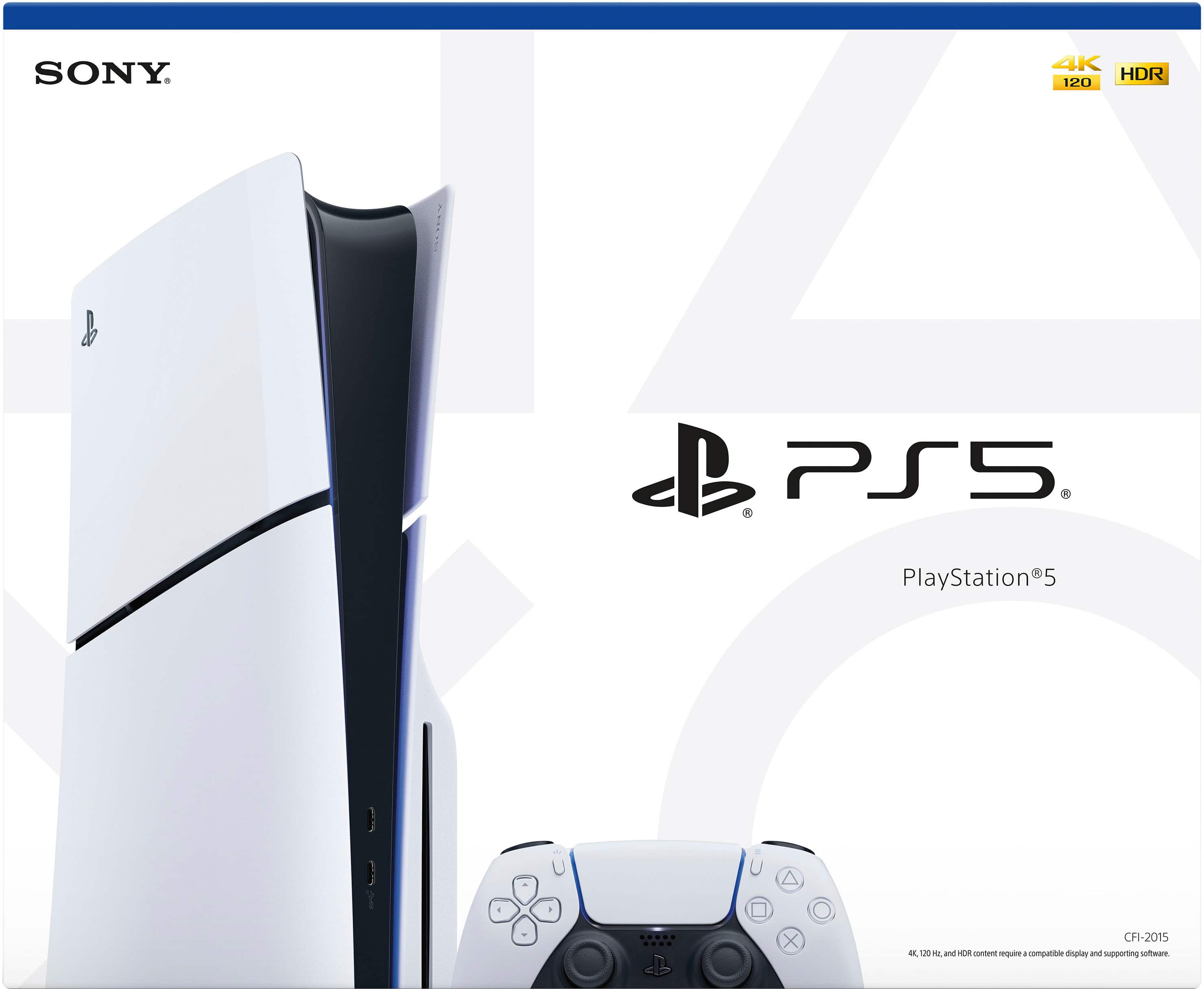
A:AnswerThis is the disc system. It can play PS4 games and blue ray disc. I am not sure about DVDs. The digital one is slightly cheaper, but if you have games you enjoy playing in disc form you wouldn't be able to play them.
A:AnswerMost cooling stations (especially ones that use a controller) don’t have external “pins” you plug into for charging. Instead, the controller either:
• Charges by sitting directly on the cooling station’s dock (pogo/magnetic pins are built into the base), or
• Charges through a standard port on the controller itself (usually on the bottom or back) like USB-C, Micro-USB, or Lightning, depending on the model.
If you’re not seeing visible pins on the controller, check:
1. The bottom edge of the controller
2. The back side near the center
3. Inside the cradle/dock area of the cooling station itself (that’s usually where the charging pins are)
Once the controller is placed into the cooling station correctly, it should start charging automatically and a light will normally turn on.
If you can, check the model name on the cooling station or controller — with that I can tell you the exact location.
A:AnswerDisc version is better. Even though the digital is cheaper, you’ll end up paying more for the disc player if you decide to buy one later since they are sold separately.