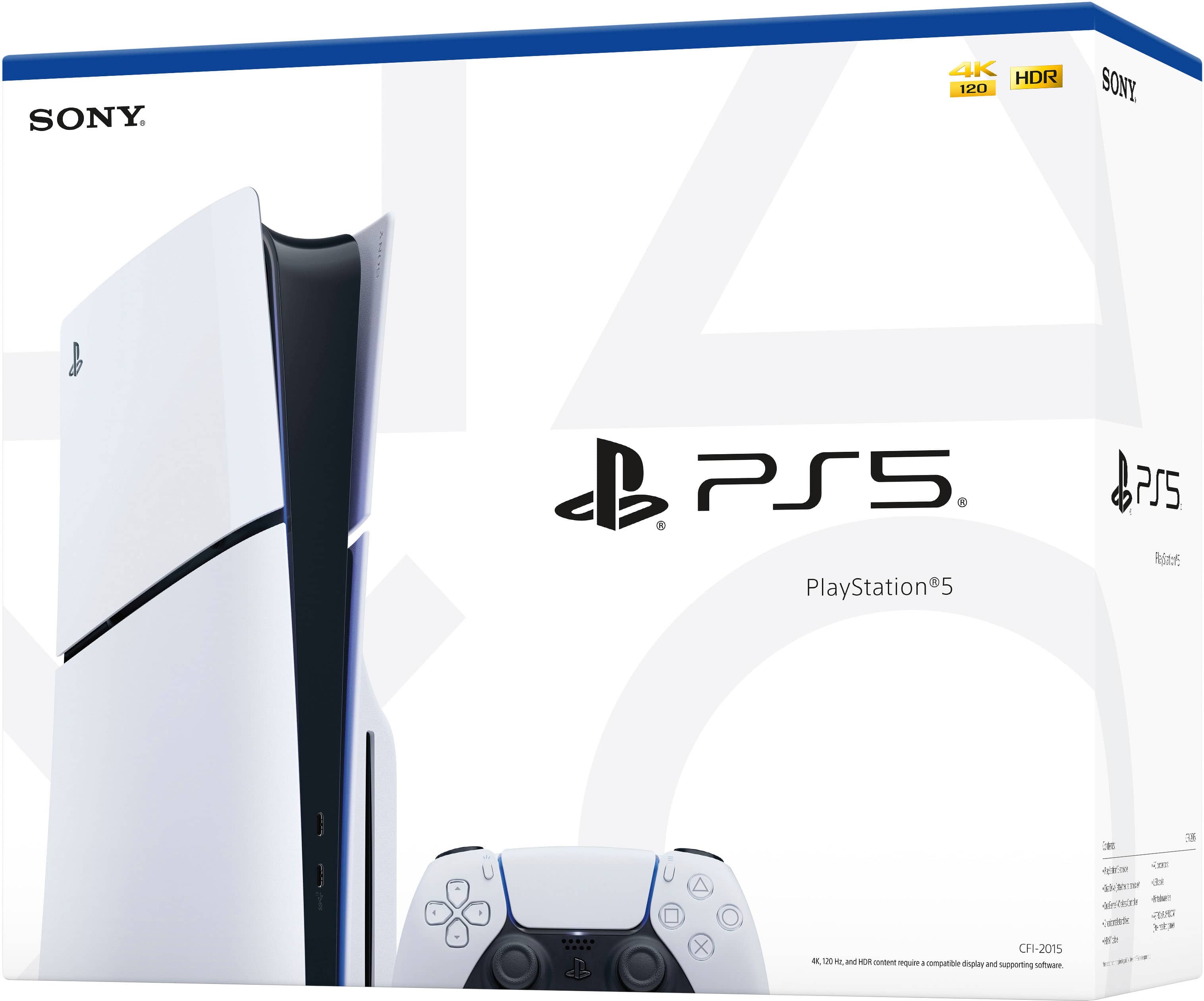
A:Answerwell saving on a external drive is possible but you cant run the games directly through the external drive!! for PlayStation 5 it is mandatory to use the ssd for games, what you can do is save the games space on the external drive and when you want to play them switch them to the internal ssd to play and when you finish switch it back thast how you can save space
A:AnswerGames are getting quite large nowadays. I only bought mine for the exclusives, so it's enough for my use case, but it can be expanded with an SSD, just make sure that it is compatible with the console before purchasing one.
A:AnswerThe PS5 will only output audio over HDMI, so using a DisplayPort-to-HDMI cable in that direction won’t work those cables are typically designed for DisplayPort source to HDMI display, not the other way around. Your LG monitor will work for video if you connect it directly via HDMI from the PS5. Since the monitor has an AUX audio output, you can run a 3.5mm cable from the monitor’s headphone jack to your BOSE speakers (or PC audio input) to get sound. Alternatively, you could connect the BOSE system directly to the PS5 via the controller’s headphone jack or use a USB/optical DAC setup if the BOSE supports it.
A:AnswerYep! Most open-box PS5s still have the 1-year Sony warranty as long as you buy from an authorized retailer. Usually, it counts from the original purchase date, but some stores start a new 1-year warranty from when you buy it. Just make sure the box has the serial number and warranty info. You can also grab an extended protection plan from the store if you want extra coverage.
A:AnswerIt has a one year warranty from date of purchase with playstation. It does not cover accidents or any type of misuse or if you alter the consol, and does not cover batteries. If theres any defects with hardware or the consol or controller itself from the factory then it will be covered.