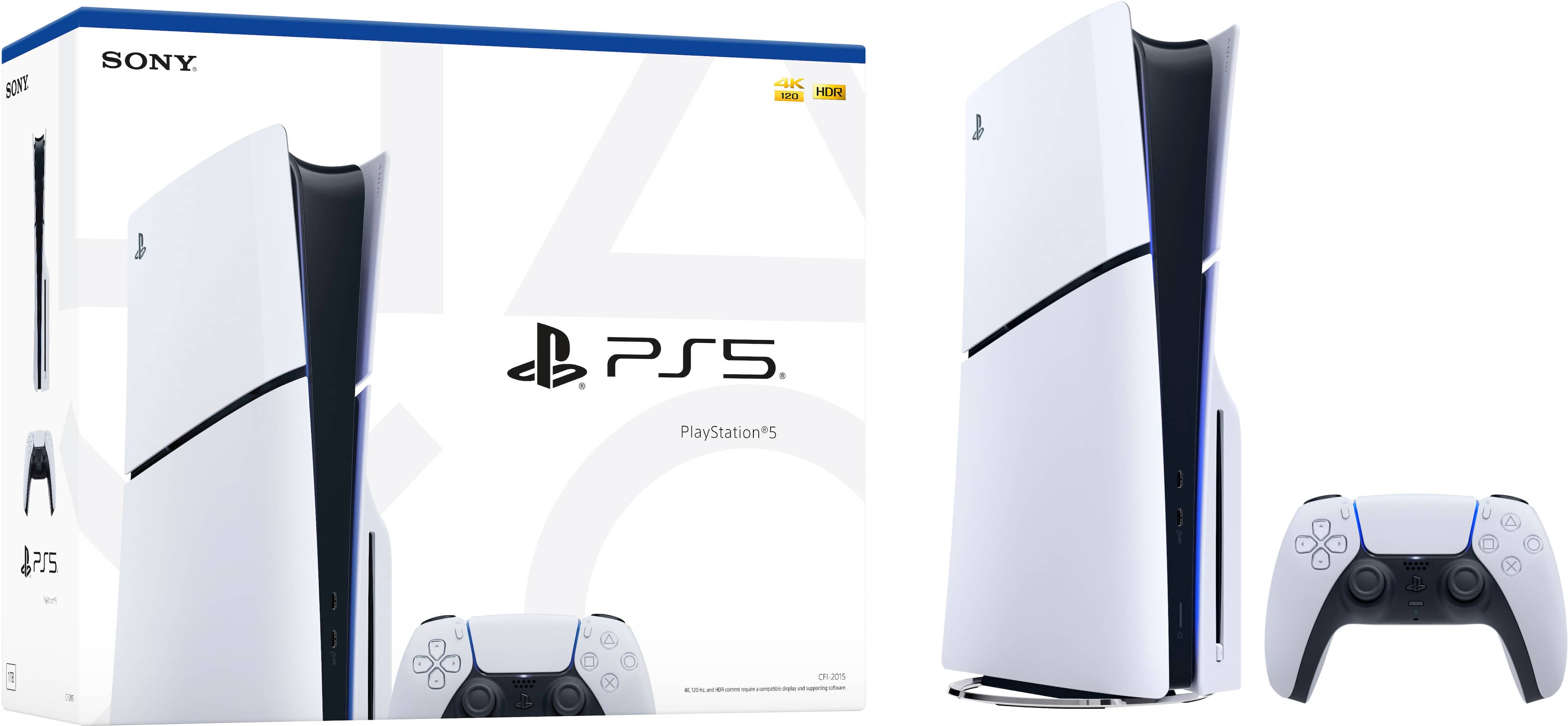
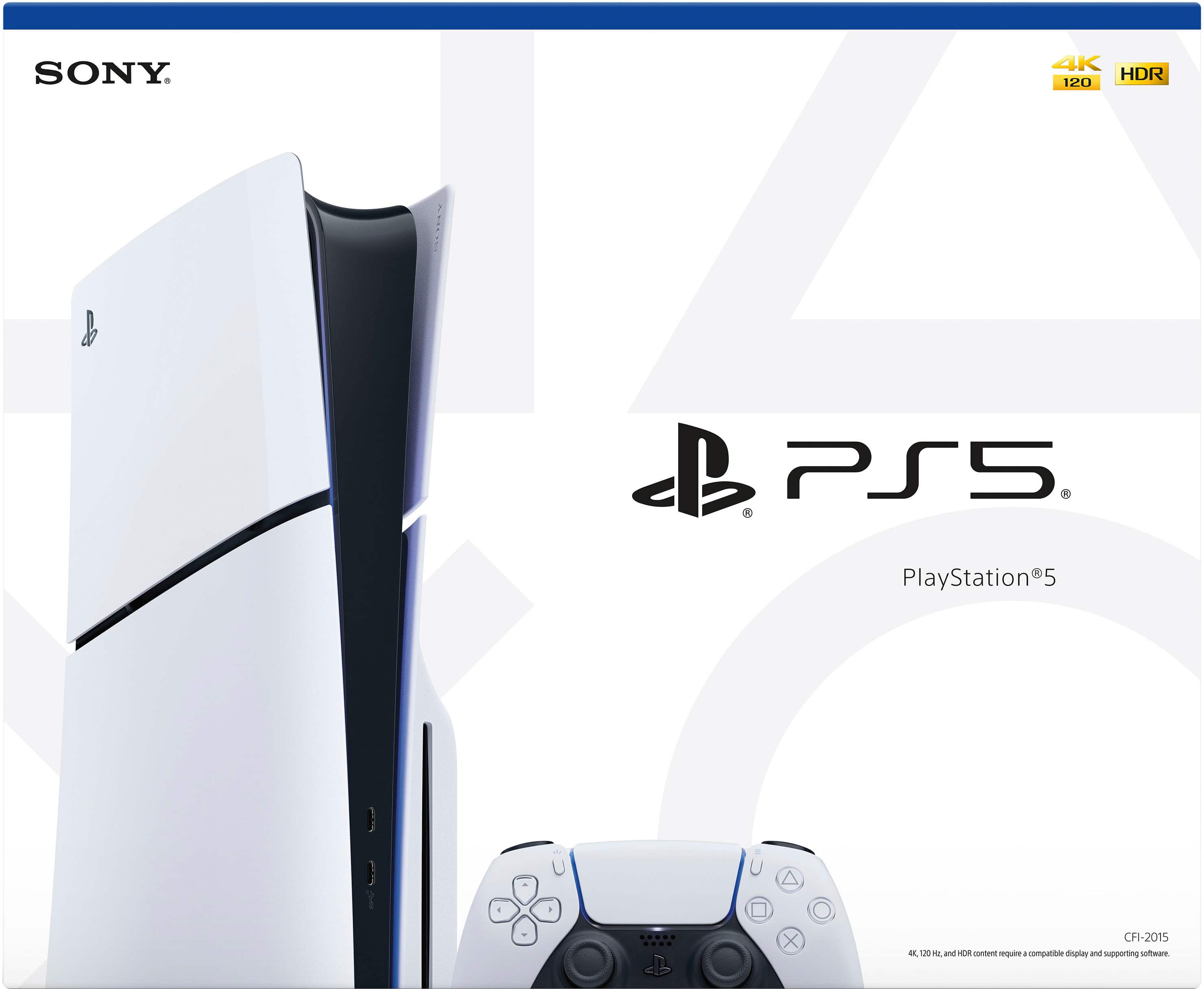
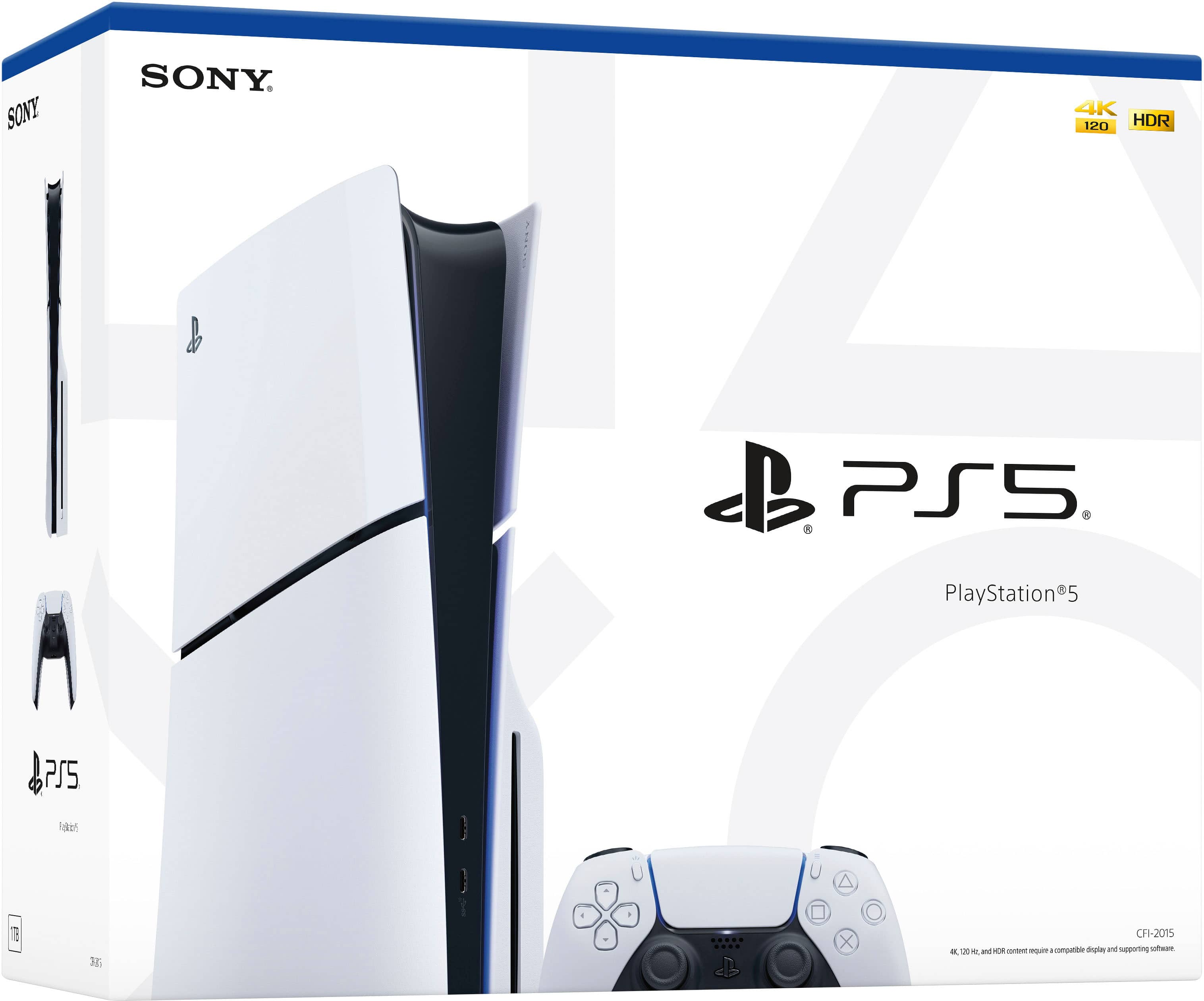
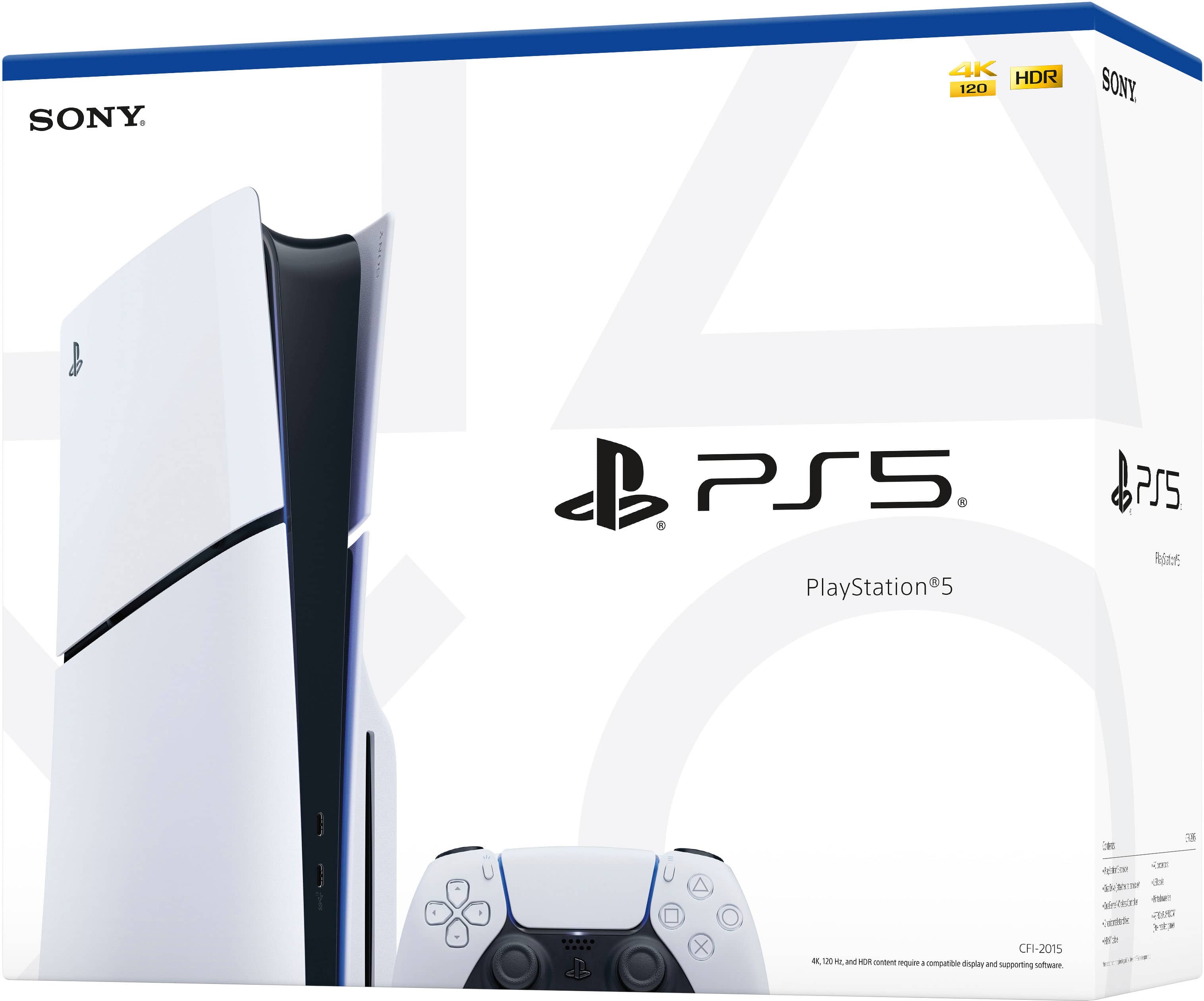
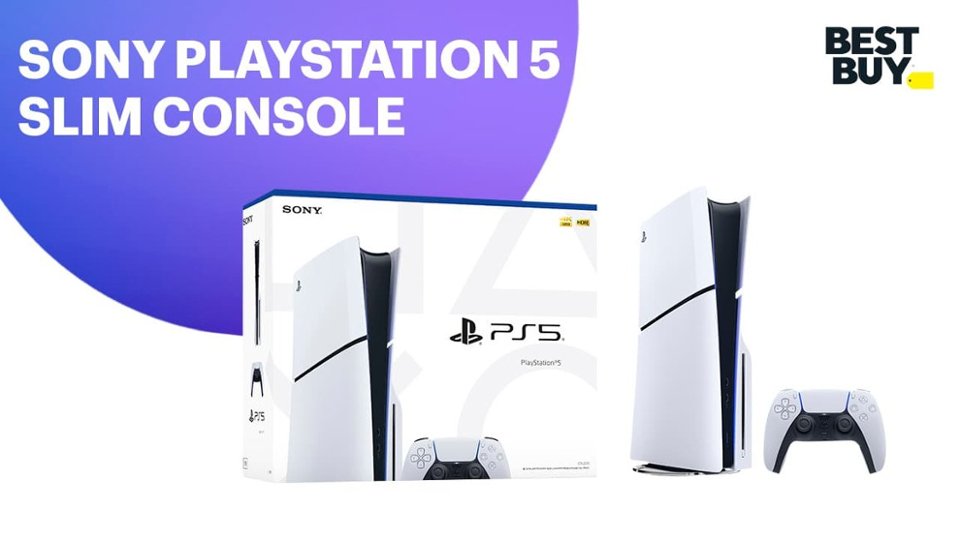
A:AnswerIf it is the ps5 and not the slim bundle it will be a bigger consol, but other than that the only other difference is you get the game with the bundle edition and you get some skins and V bucks with the bundle.
A:AnswerHey! The crashes, freezes, and weird noises could be from a few things: your PS5 might be overheating, the game could have bugs, or some data might be corrupted. Make sure your system and games are updated, try reinstalling the game, and keep the console well-ventilated. If it keeps happening, it might be a hardware issue and you should contact support.
A:AnswerYes, the PS5 Slim at this price from Best Buy is brand new if it’s listed as new. Open-box or Excellent condition units are also available at reduced prices, but those are still fully tested and include all original accessories.
A:AnswerThe PS5 Slim power supply supports 100–240V, 50/60Hz, so it works worldwide, including 220V 50Hz systems. You just need the correct plug adapter for the outlet in your location.
A:AnswerPS5 Slim consoles do not come with games preloaded. Games are purchased separately, though some special bundles, like the Astrobot edition, may include a game and themed packaging.
A:AnswerYes, you can attach speakers to the PS5. You can use speakers connected to your TV’s audio output, connect USB or Bluetooth speakers (if compatible), or plug them into the DualSense controller’s headphone jack for direct audio.
A:AnswerBest Buy’s Buy 2, Get 1 Free promotion typically applies to physical video games, accessories, and select merchandise. It does not include consoles like the PS5. This means the PS5 console itself would not be eligible for the Buy 2, Get 1 Free offer.
A:AnswerNot usually, retailers price open-box items based on condition and demand, not necessarily the current sale on new items. Just because the new one is $450 doesn’t automatically mean you can get the open-box for $395—they’ll often have a set price for open-box, like $445 in your example.
You can try asking them to match or beat the sale, but it’s up to the store—sometimes they’ll give a discount, sometimes not.
A:AnswerYep! Your Panasonic 39” 1080p 60Hz TV works with the PS5. Just plug the PS5 into the HDMI port and it’ll output video and audio fine. You’ll get 1080p at 60Hz, which is totally compatible.
The only thing is, you won’t get the PS5’s 4K, HDR, or 120Hz features, so visuals won’t be as sharp or vibrant as on a 4K HDR TV. Some games might try to output higher resolutions or frame rates, so you might have to adjust the settings to match your TV.
But overall, it’ll work perfectly—you can play all your games with no problem, just not at the PS5’s max visual settings.
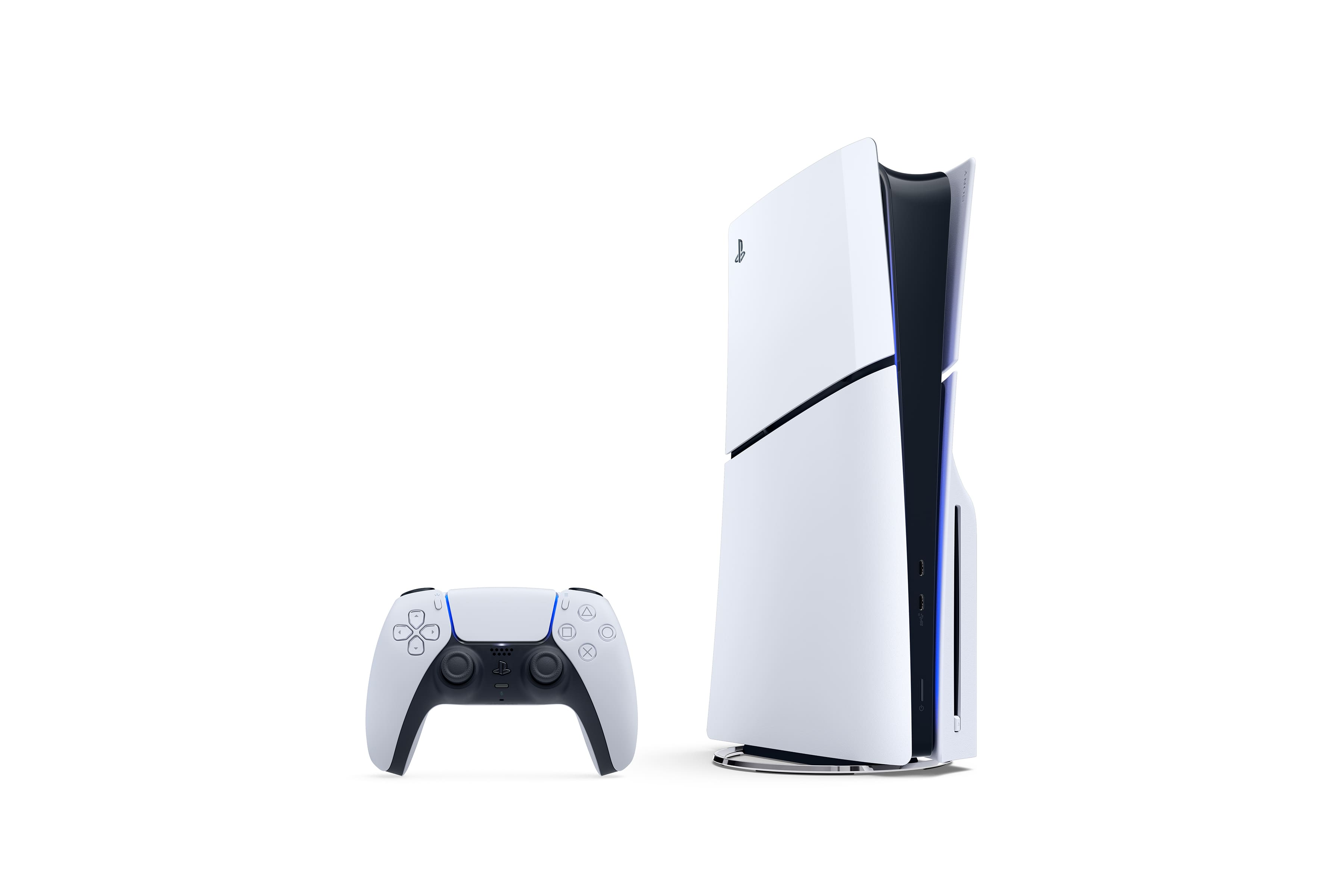
A:AnswerYep! The PS5 Slim Disc Edition comes with one DualSense controller in the box, along with all the standard cables (HDMI, power, USB-C charging cable for the controller).
If you want extra controllers, you’d need to buy them separately.
A:AnswerYep! The PS5 DualSense controller has a 1-year warranty from Sony. It covers defects or faults in materials and workmanship, but not damage from misuse, accidents, or modifications. You’ll need your receipt/order info and the serial number to get a repair or replacement through PlayStation Support.
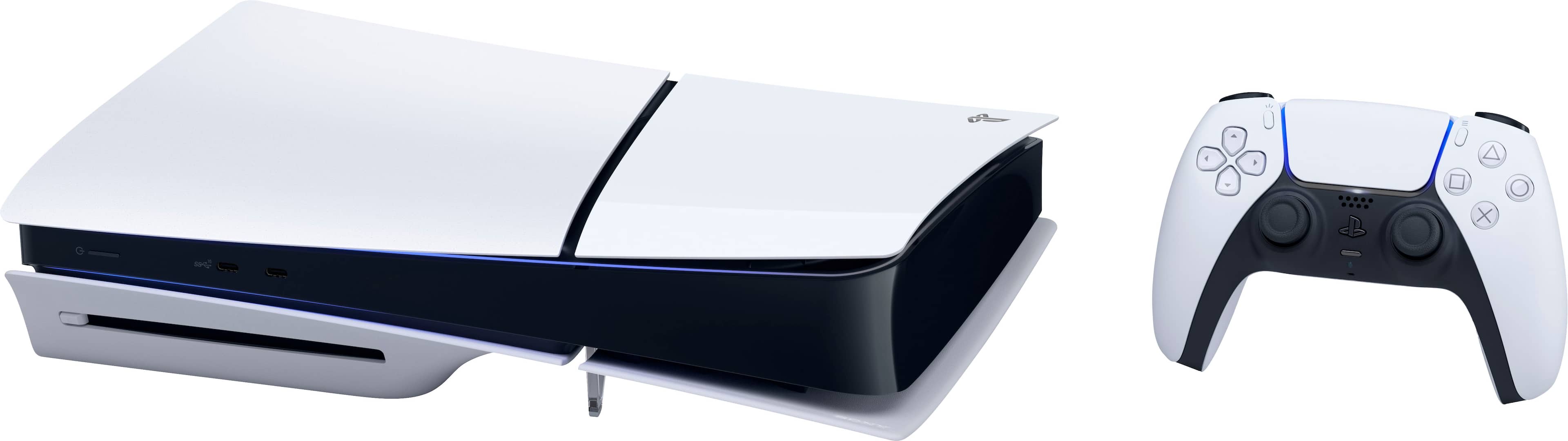
A:AnswerDisc PS5 has a Blu-ray drive so you can play physical games and movies. Digital PS5 has no disc drive, so you can only download games.
Both can download games from the store. Memory is basically the same, around 1TB, though some digital models have slightly less usable space.
Disc pros: can play, buy, or sell discs; cons: bigger and heavier.
Digital pros: sleeker, lighter; cons: digital-only games.
If you want physical games and resale options, go disc. If you want a clean setup and only download games, go digital.
A:AnswerYep! You need internet for the initial PS5 setup to sign in, download updates, and activate the console. Some offline stuff works, but basically you need it to get started.
A:AnswerYep! You can get your PS5 delivered and mounted with your Samsung TV. Services like Best Buy’s Geek Squad or Samsung’s delivery service can handle both. Just schedule delivery and installation for the same day and make sure the area is ready.