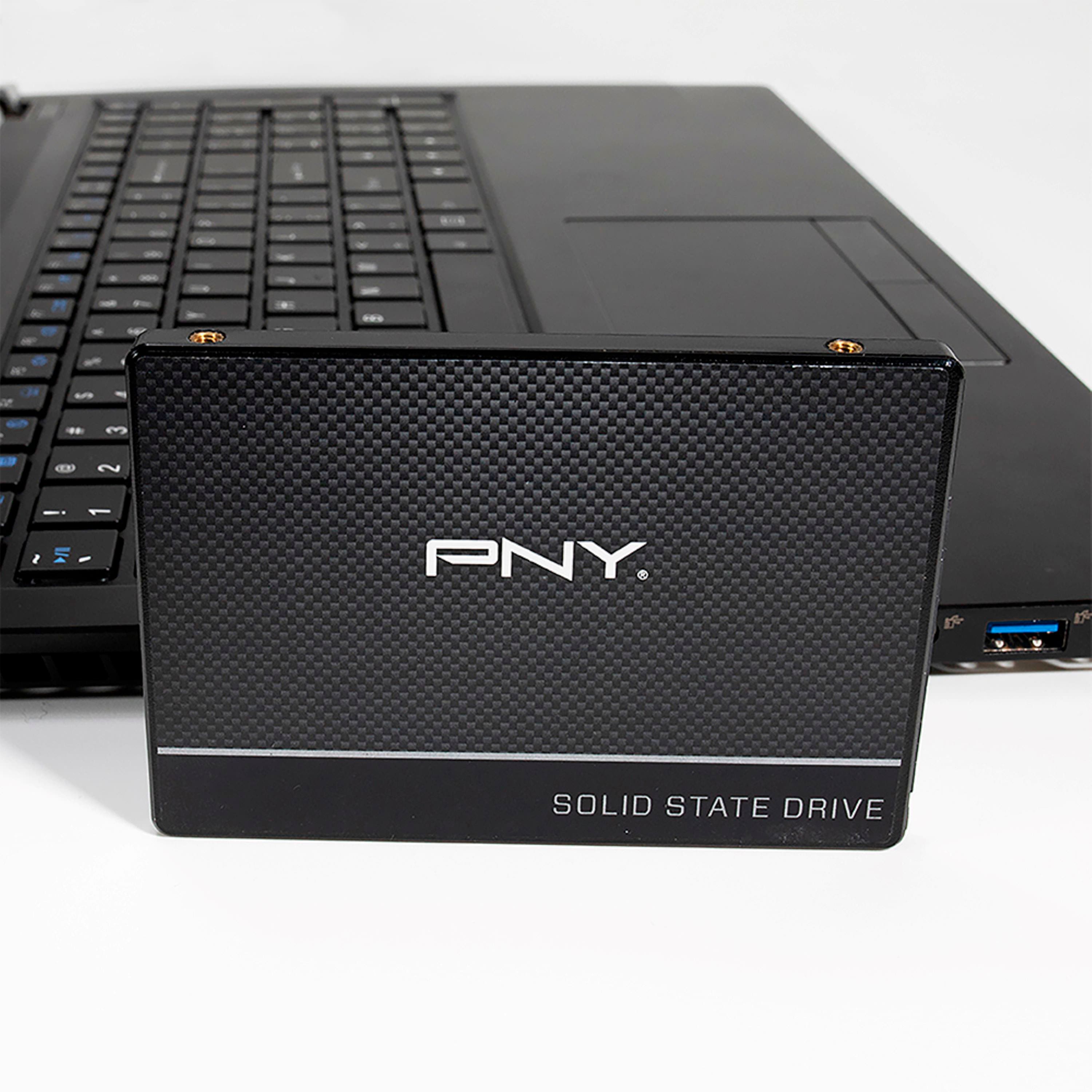
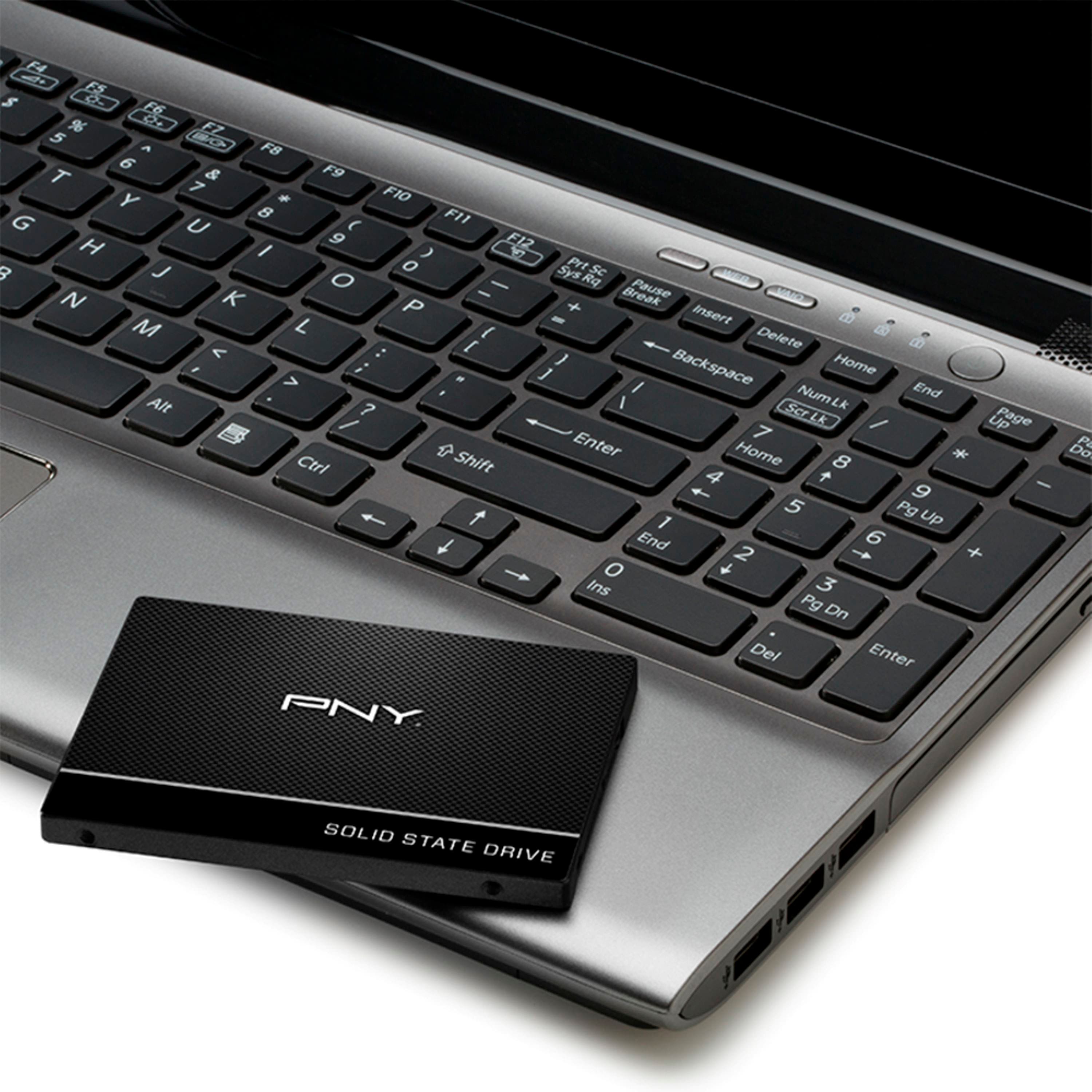
A:AnswerYou have to check the SSD slot inside your laptop to see what type of SSD it takes. The size of the slot matters. Have the Geek Squad look at it.
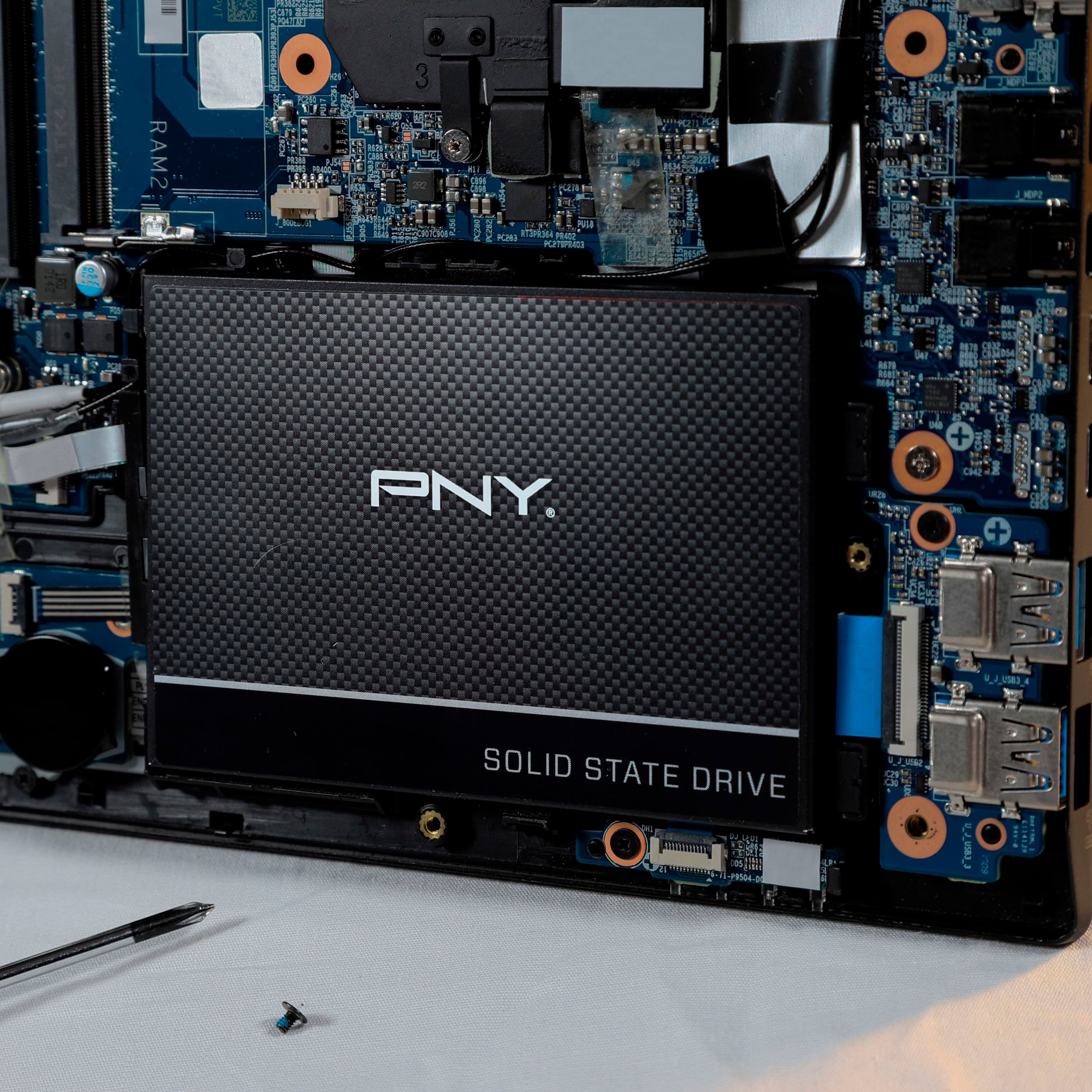
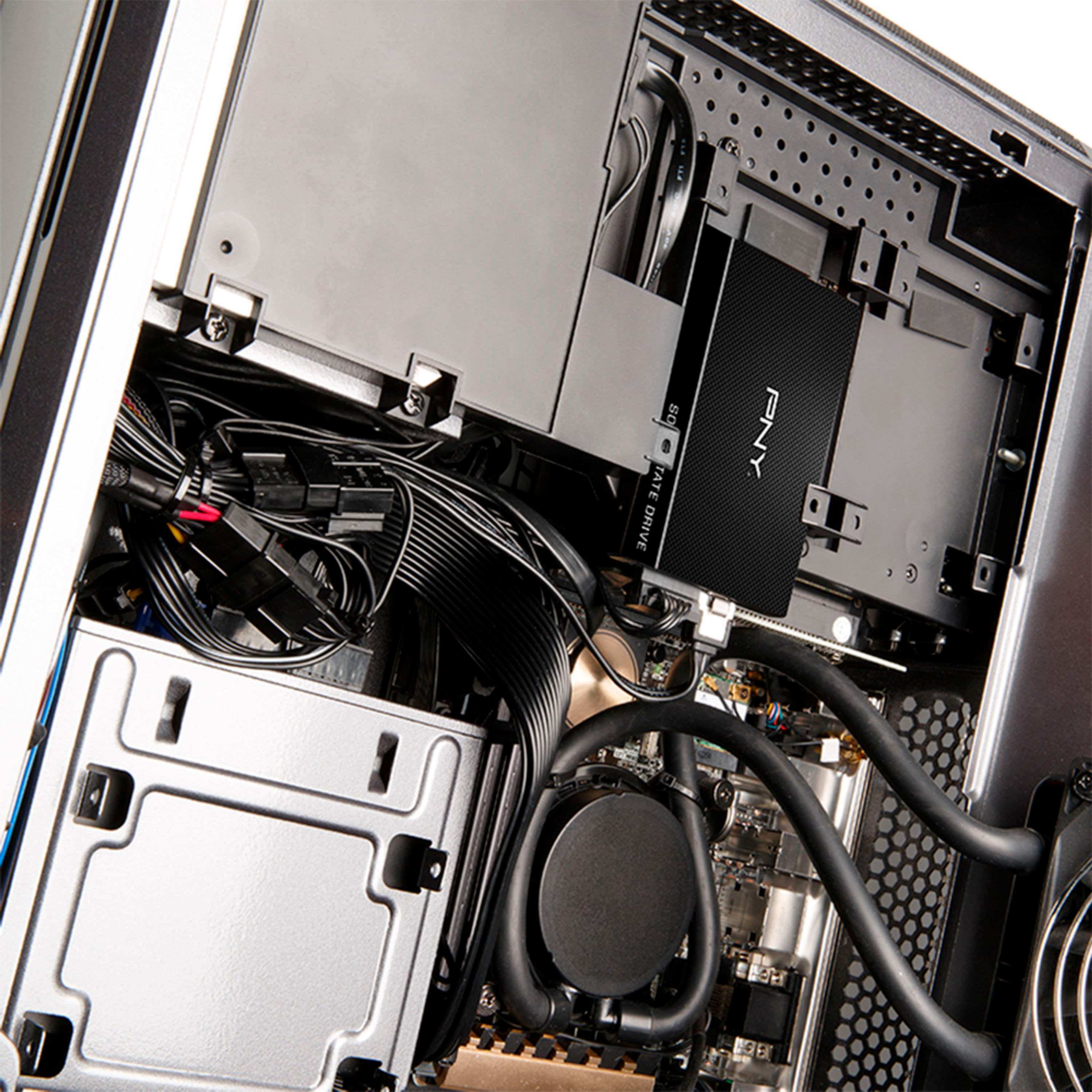
A:AnswerIt will work as long as you have an available sata port on the motherboard. Ideally you want to mount it properly- most cases have a dedicated space for ssd drives, usually between the MB tray and side panel. If there isn't a spot for it, you could always use some double sided tape.
I will point out that if the motherboard does not have an empty sata port then purchasing this ssd, or any for that matter, would be pointless...
A:AnswerOnly the drive. Further, you need more than just a sata cable when cloning. You need to provide power to the drive, there are special cables for that, or you could use an external housing. The photo shows the cable I use.
A:AnswerI installed the one I bought on a 2005 era Sony laptop and a rebuilt PC running Windows 7. It worked fine on both of them. As regards your question I can't help you because I don't know what a Sony vpcf23pfx is.
A:AnswerBecause it uses SAT3, it should work with any pc that previously used a HDD. NVMe SSD’s are what sometimes have difficulty when upgrading from an HDD, though they are superior to SAT3. SAT3 SSDs will allow you to easily upgrade from an HDD.
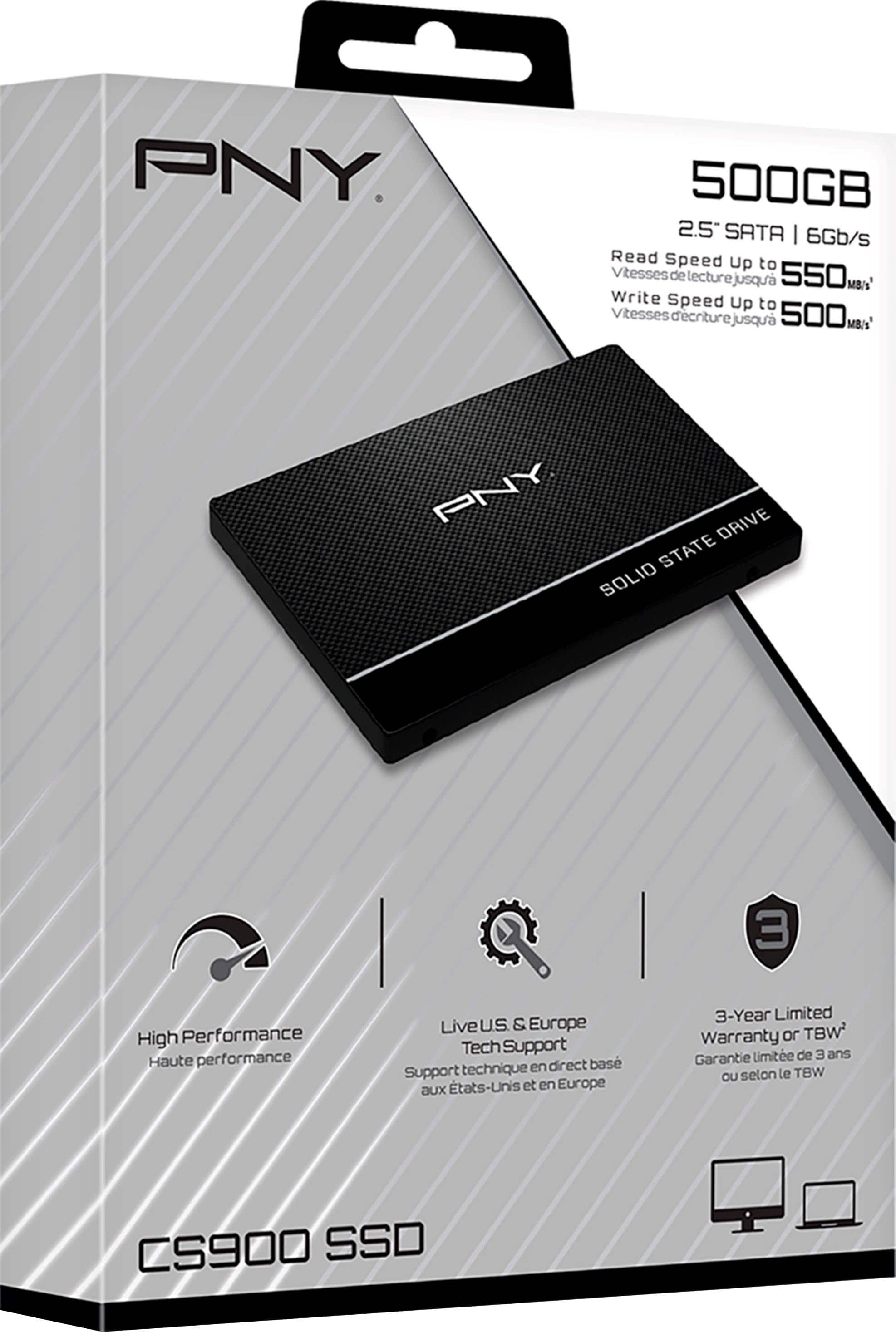
A:AnswerNo all it comes with is the SSD and a warranty manual, the mounting is just a standard 2.5” drive mount And doesn’t need rubber padding because it is not mechanical, the cables, mounts, etc should have come with your motherboard/case
A:AnswerFrom what I could find on this topic it seems the drive does NOT have DRAM cache.
The other answerers in this question don't seem to know that this person is referring to DRAM cache on an SSD which definitely does exist.