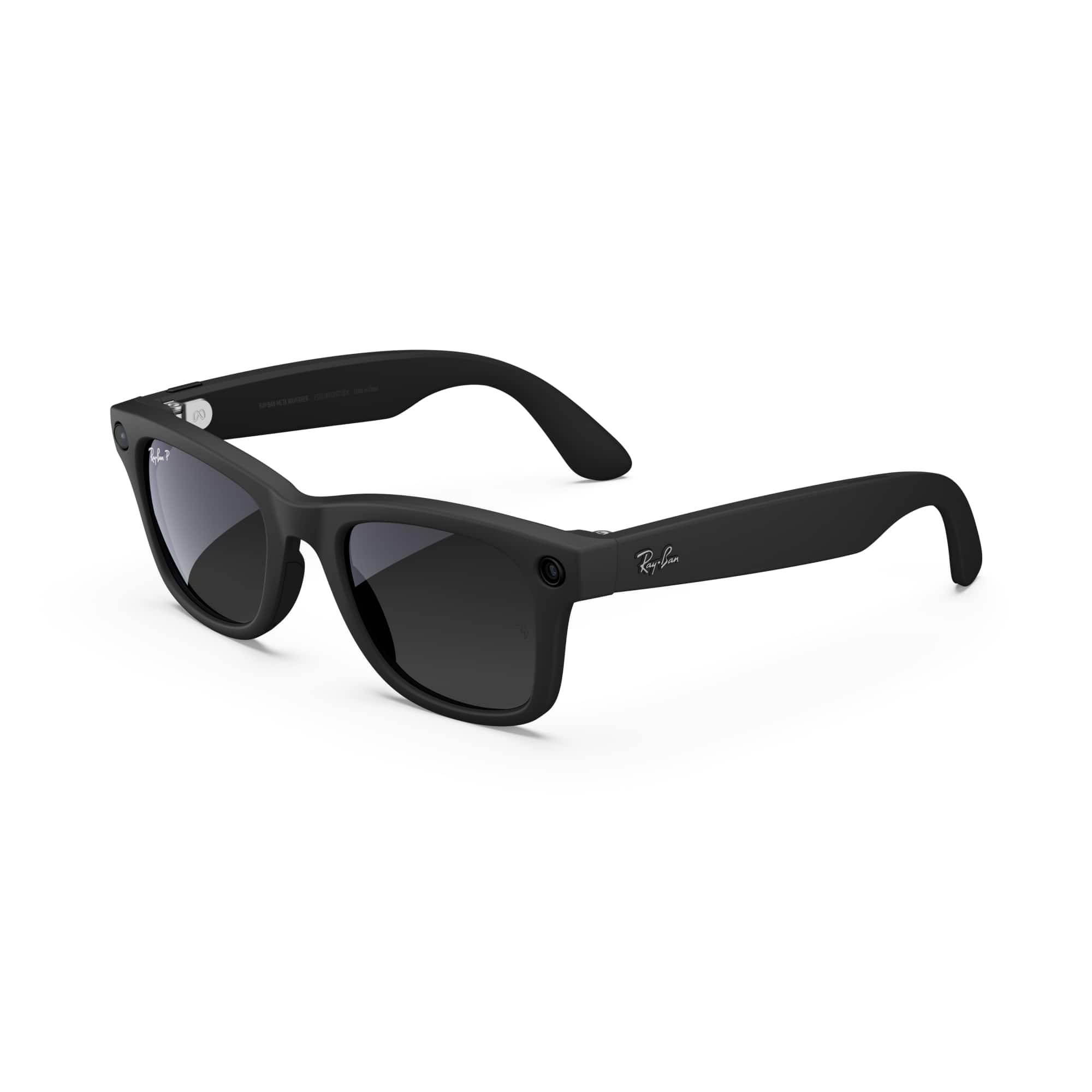
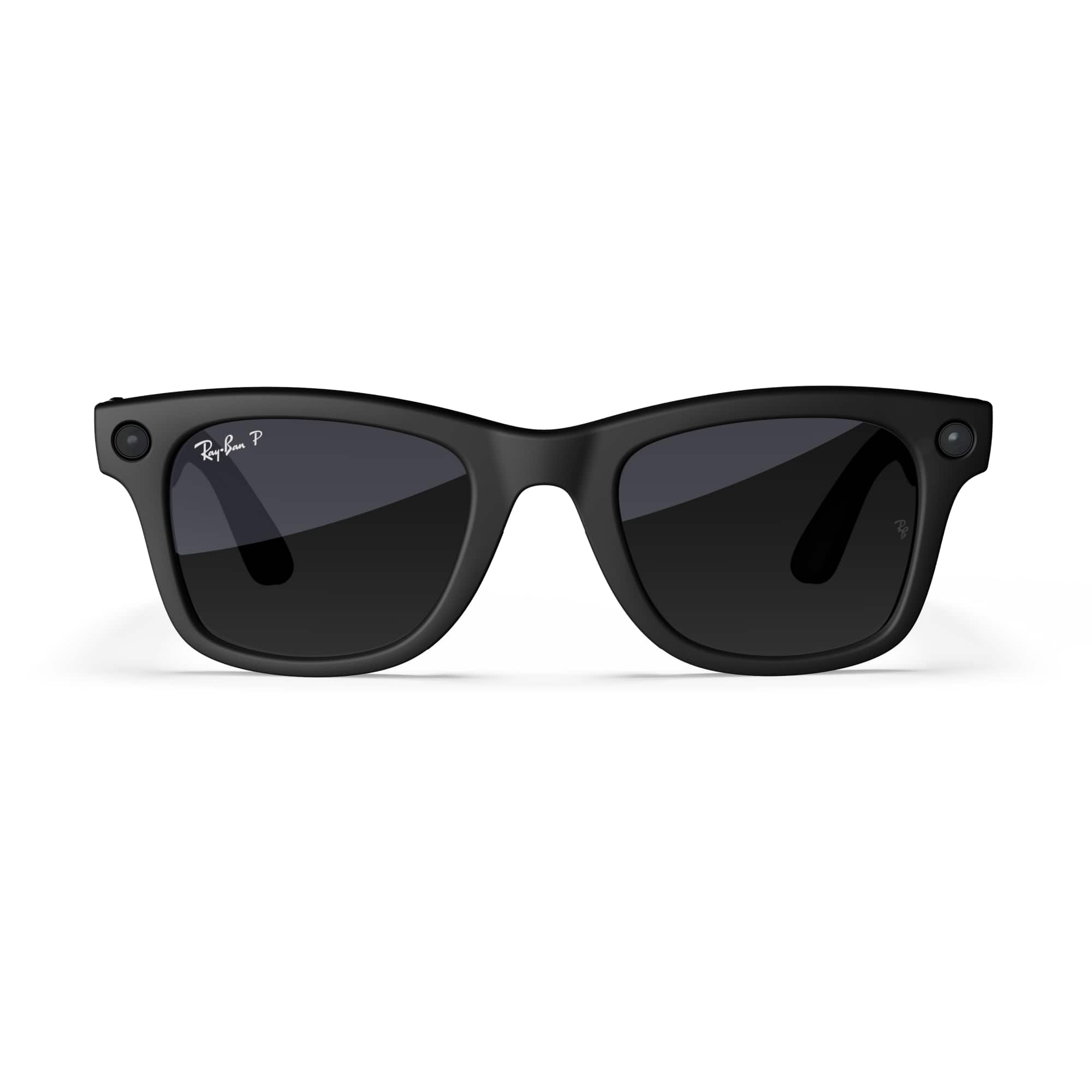
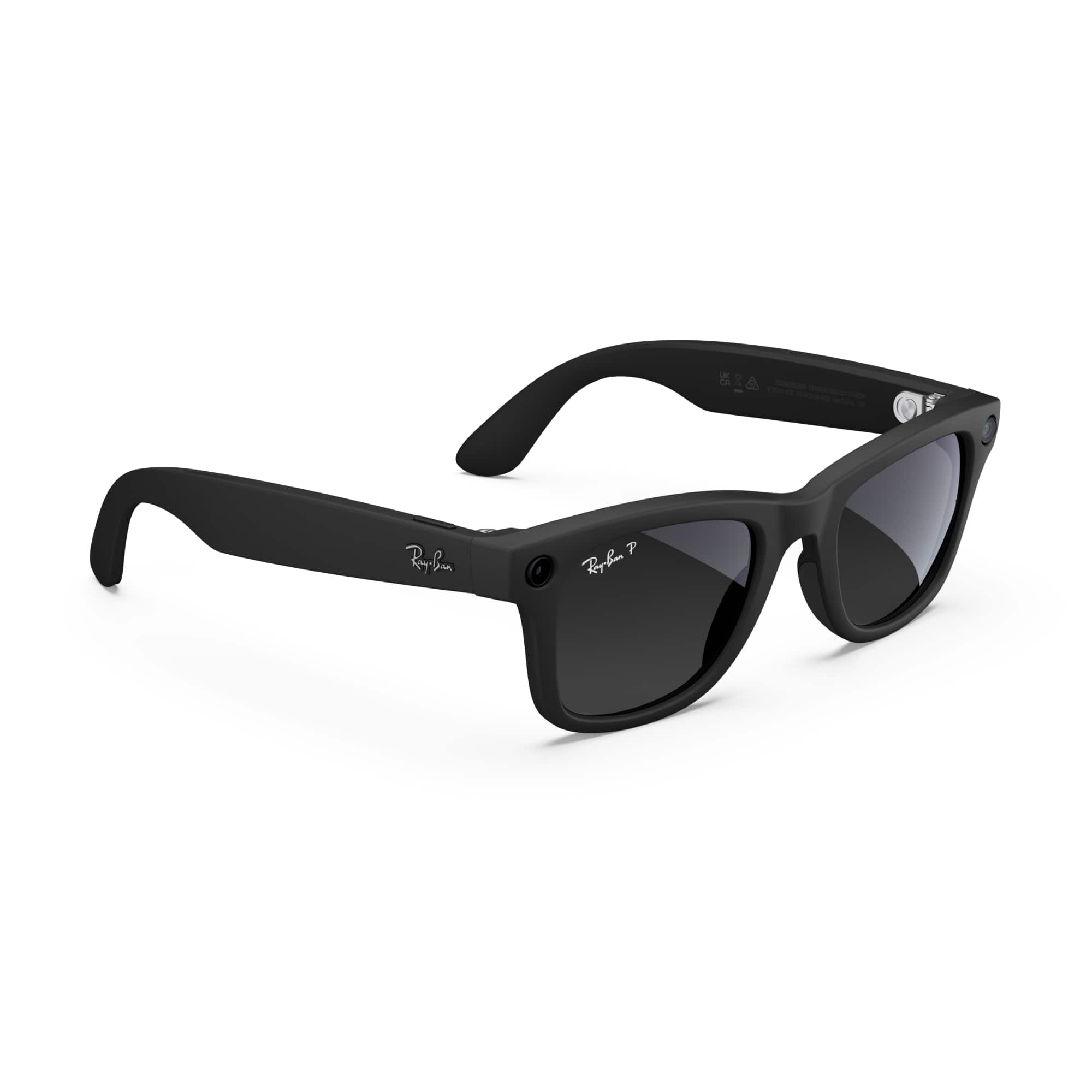
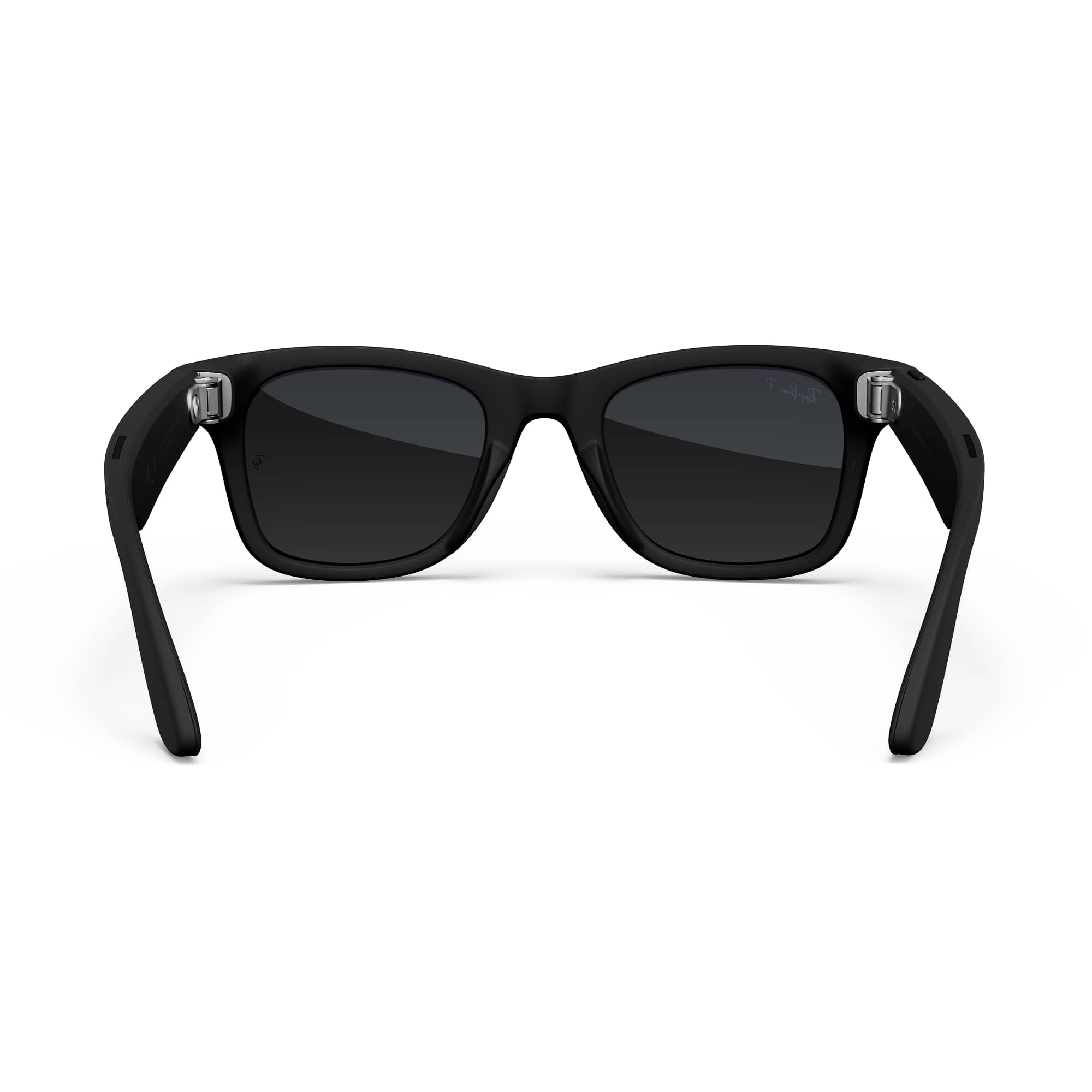
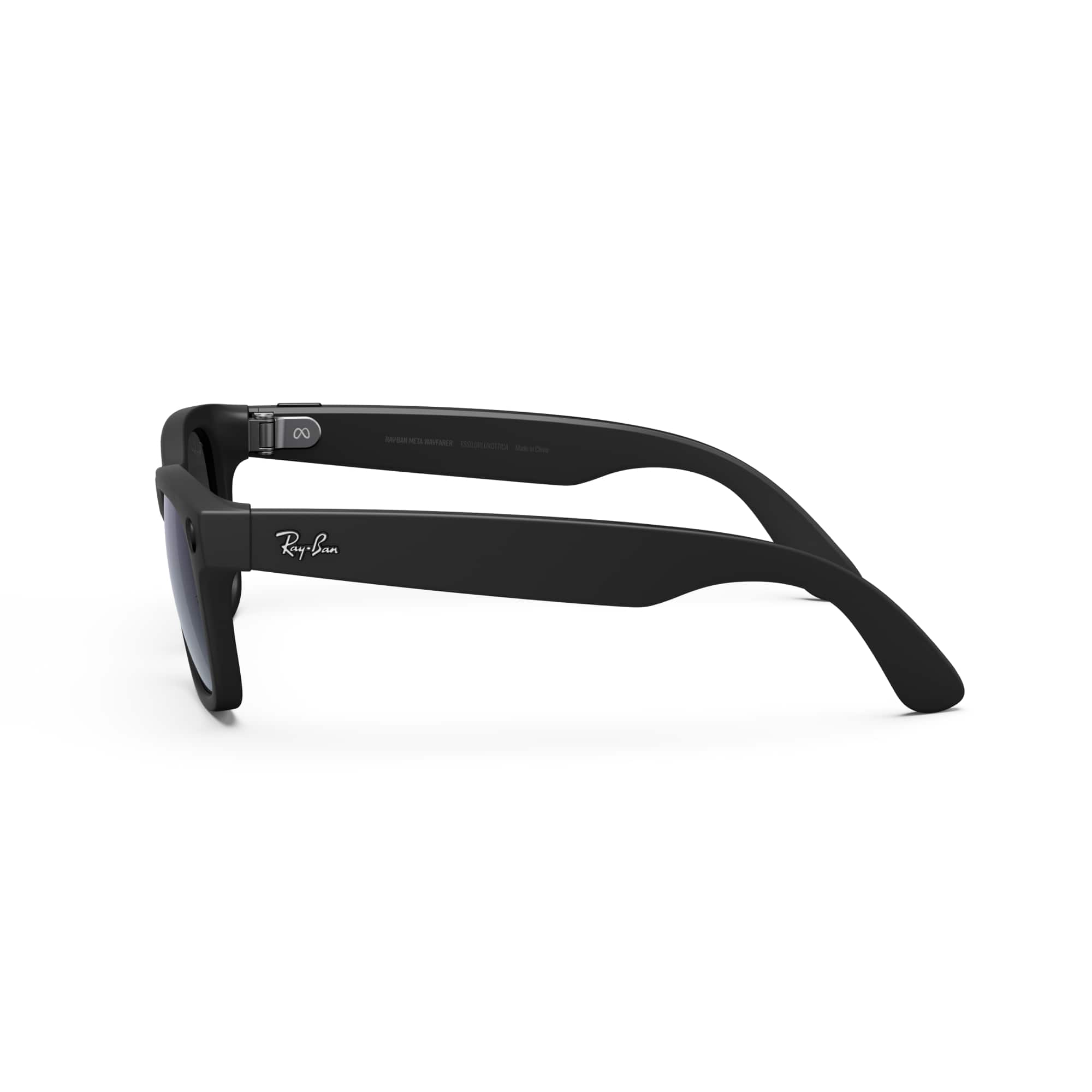
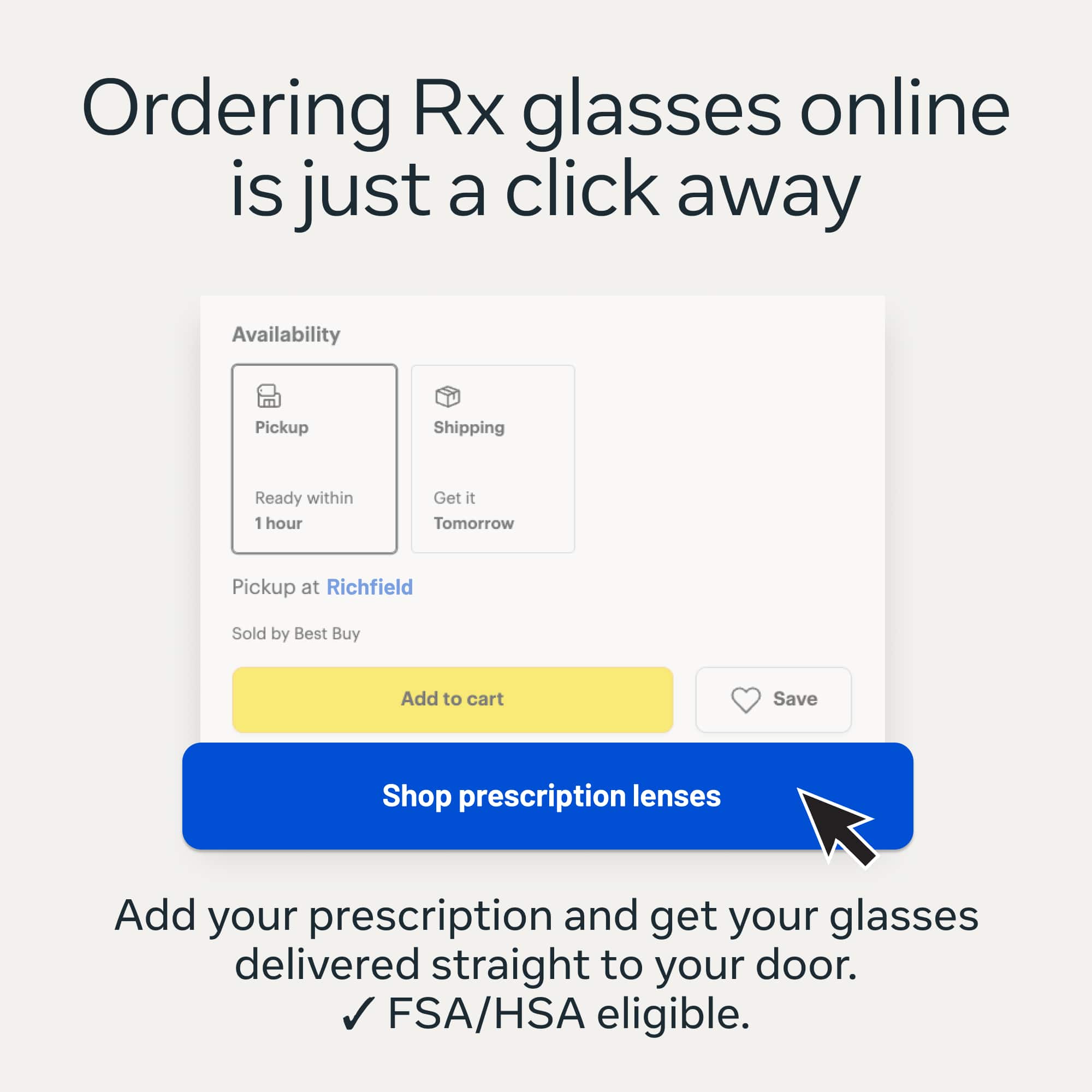
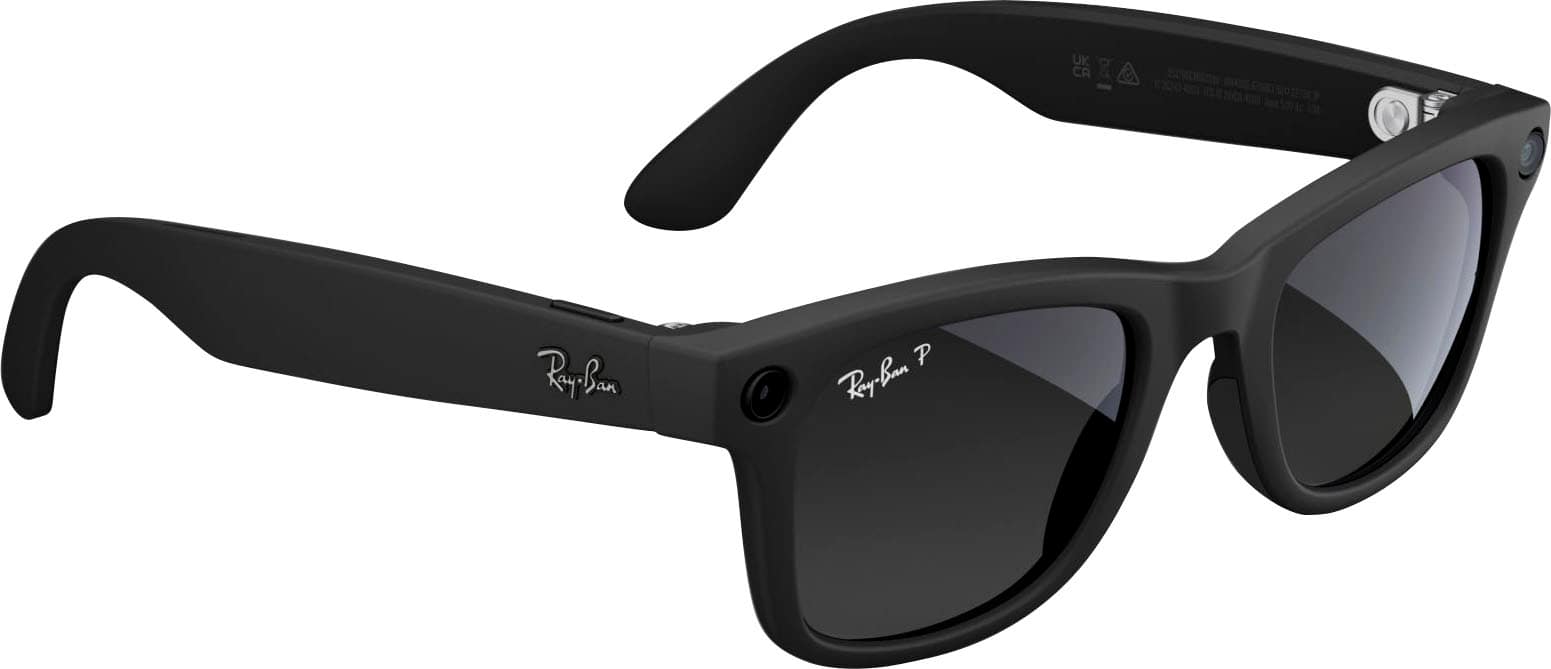
A:AnswerYes, you can get prescription versions of the Ray‑Ban Meta smart glasses and Best Buy does sell them. They currently lists Ray‑Ban Meta Wayfarer models directly on their website, including prescription-compatible frames. You can add your prescription during checkout if you have a valid Rx between –6.00 to +4.00 total power. Plus they offer various styles including the classic Wayfarer, Wayfarer Large (with Transitions lenses), Skyler, and Headliner, and these are marketed as lens-compatible for prescriptions
A:AnswerHey there, Jetrucker, Yes, the Ray-Ban Meta Wayfarer glasses do have a translation function. The latest update is awesome, as it includes real-time translation capabilities, meaning you can have conversations in different languages with translations delivered straight through the glasses' open-ear speakers. This feature supports English-Spanish, English-French and English-Italian translations, and the great news is that there are plans to expand to more languages in the future! It's a fantastic feature for those who travel or work in multilingual environments, making communication much more seamless and natural. If you have more questions, please don't hesitate to get in touch with us using the Meta Help Centre – we are always happy to help.
A:AnswerHi there, thank you for checking in! While this specific model is currently out of stock on Best Buy, the official Meta Store AI Glasses Portal shows active ongoing availability depending on your preferred lens configurations and frame size. We do not have a fixed restocking date for the specific retail inventory batch at Best Buy, but we recommend visiting the official Ray-Ban Meta Collection Platform to purchase directly or signing up for email alerts on the Best Buy product page to get instantly notified the moment they hit the shelves again!
A:AnswerNo to help see, but they can provide the ability to answer calls easily as well as translate. They may be even more benefits I haven't explored yet.
A:AnswerCould be a software glitch. The only other way to fit it would be to change the location of the app. If not in the app download some type of vpn then uninstall and reinstall the app if that doesn’t work it’s more than likely a software glitch