A:AnswerHello DaveD,
That’s a really good question.
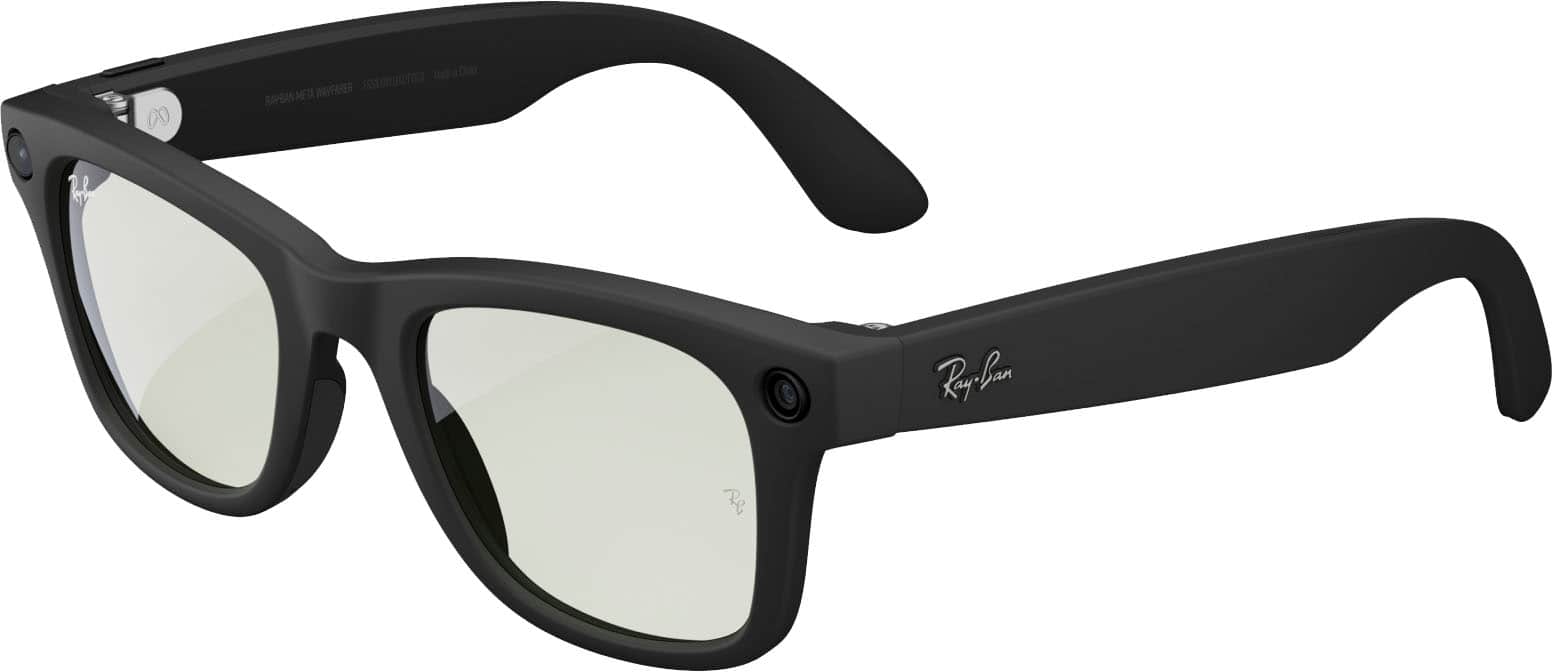
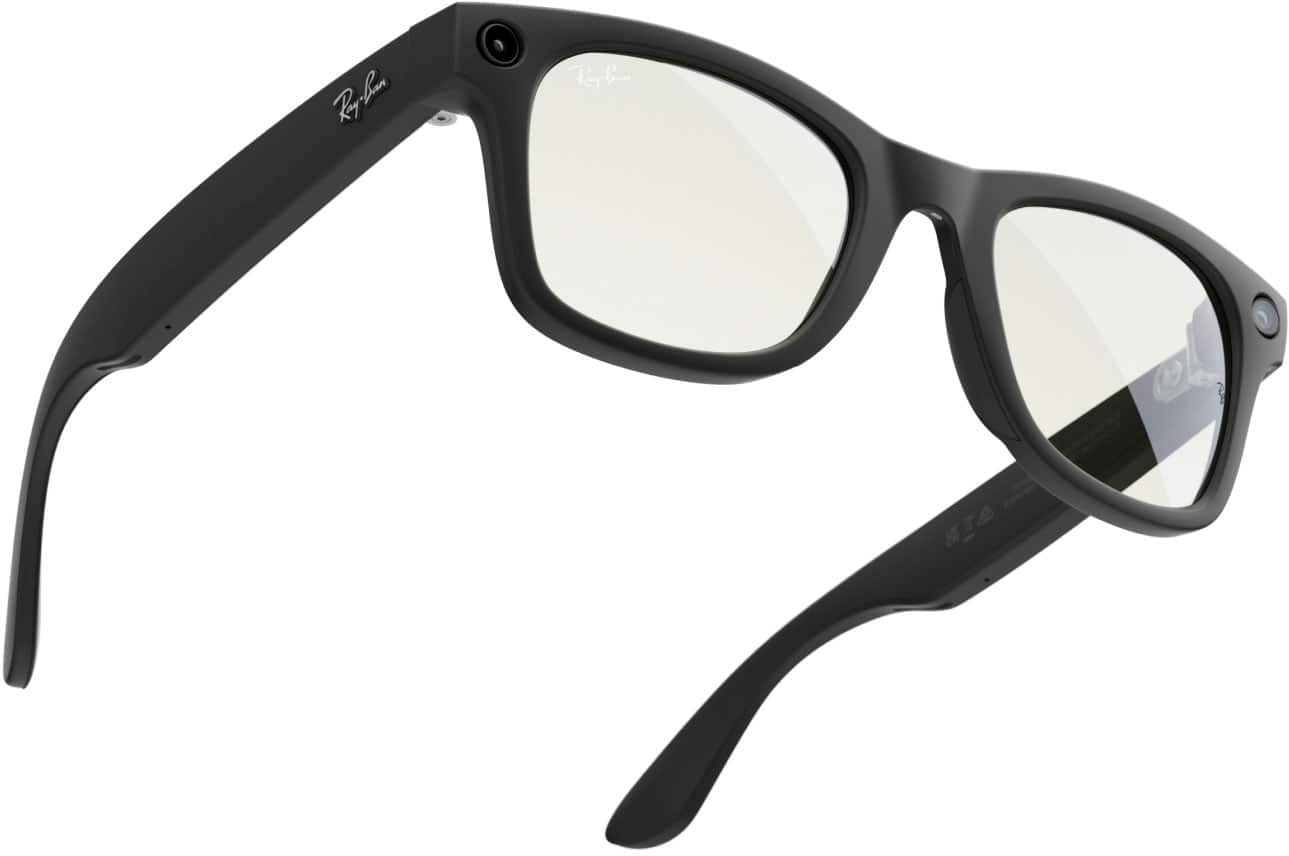
The Ray-Ban Meta smart glasses are designed to give you freedom when you’re out exploring. You don’t need to carry your phone with you to capture memories, these glasses can take photos and record videos on their own.
How it works
Independent capture: The glasses can snap pictures and record videos without being connected to your phone or the internet.
Built-in storage: Everything you capture is saved directly to the glasses until you’re ready to transfer it. There’s enough space for plenty of photos and several minutes of video.
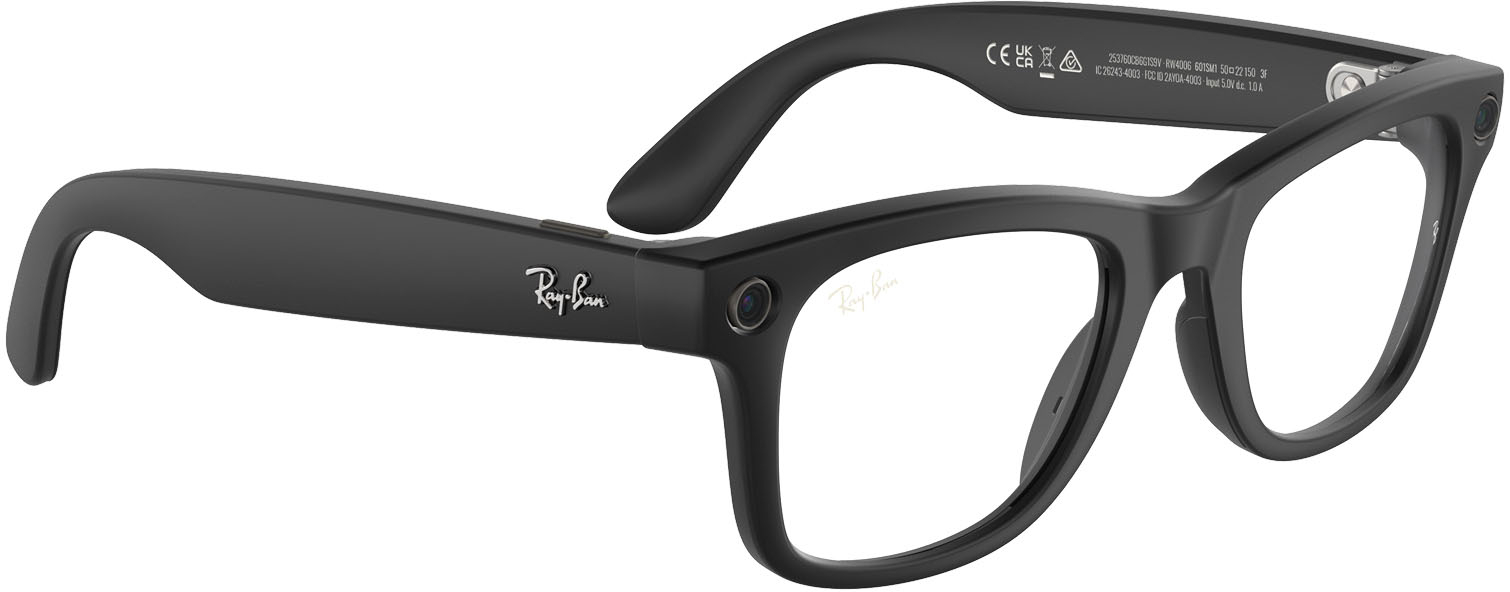
Simple controls: Just press the capture button on the frame to take a photo or start recording.
Sync later: Once you’re back from your hike and near your phone again, you can connect the glasses to the Meta app. That’s when your photos and videos will move over to your phone’s gallery, ready to view and share.
It means you can leave your phone behind, stay present in the moment, and still capture the beauty around you. Later, when you’re home or back in range, you’ll have all those memories waiting to be synced. Just remember you'll need to sync them later to access the files
So enjoy your hike knowing the glasses have you covered, you’ll come back with both the experience and the photos to remember it by.
A:AnswerI was able to pair it with my Iphone 13. I was not able to pair it with my Samsung phone. This Ray-Ban Meta -Wayfarer glasses can only be paired with an Iphone. It is in the pairing instructions.
A:AnswerYes you would have to set up an appointment with Best Buy for them to receive your prescription lenses for the glasses but if you want to buy them then get your lenses off of ray ban you can do that also