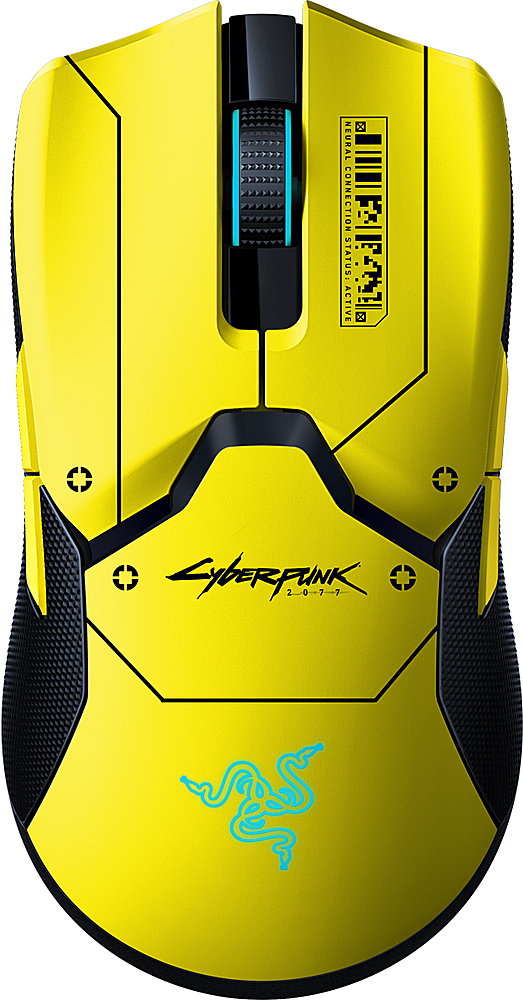
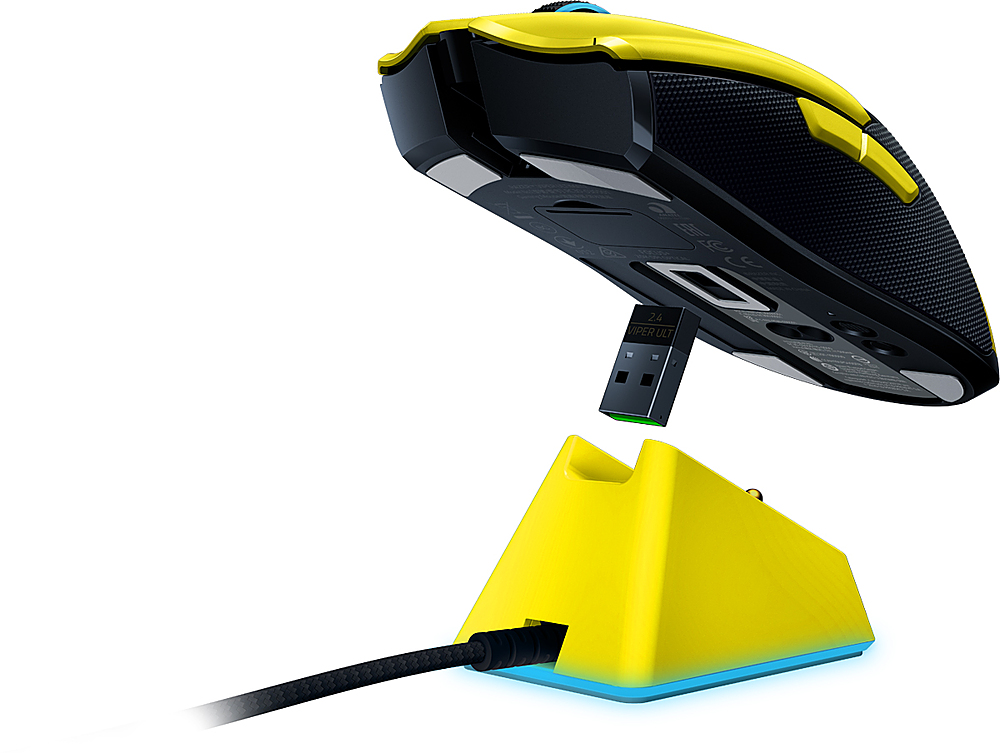
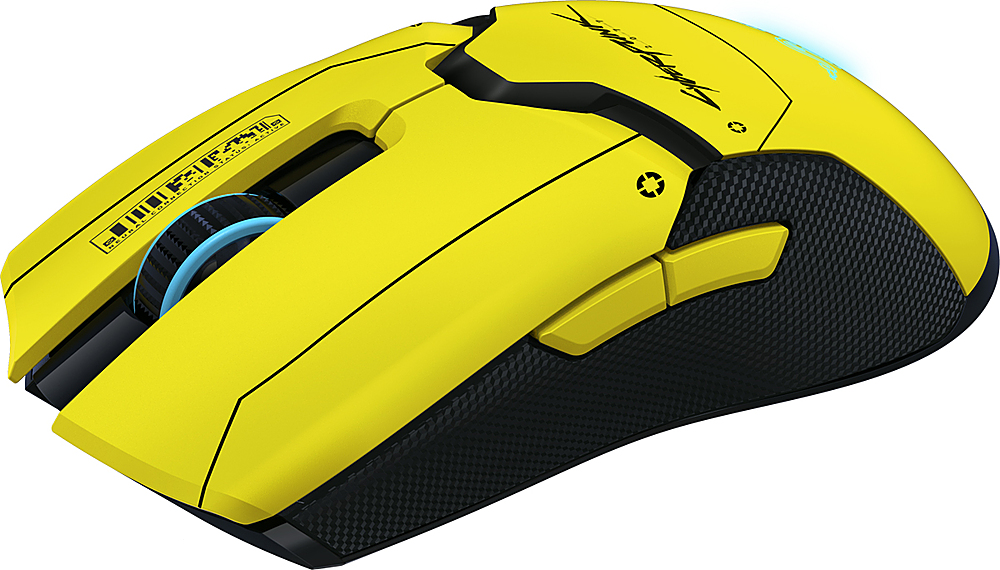
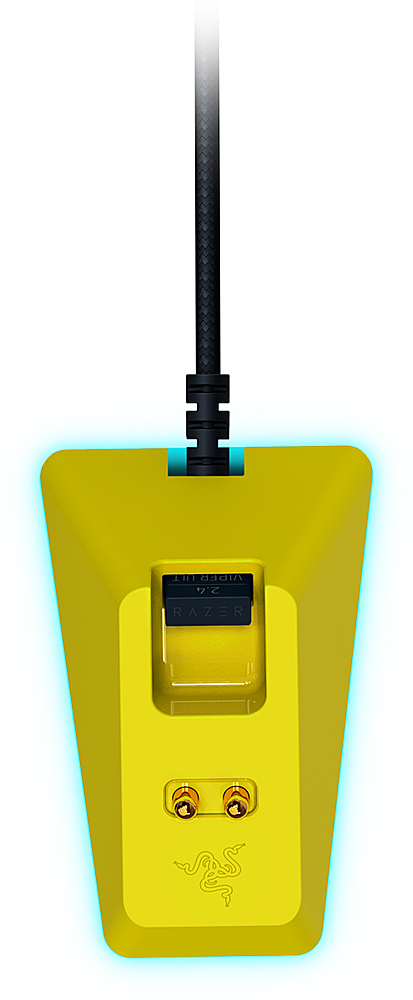
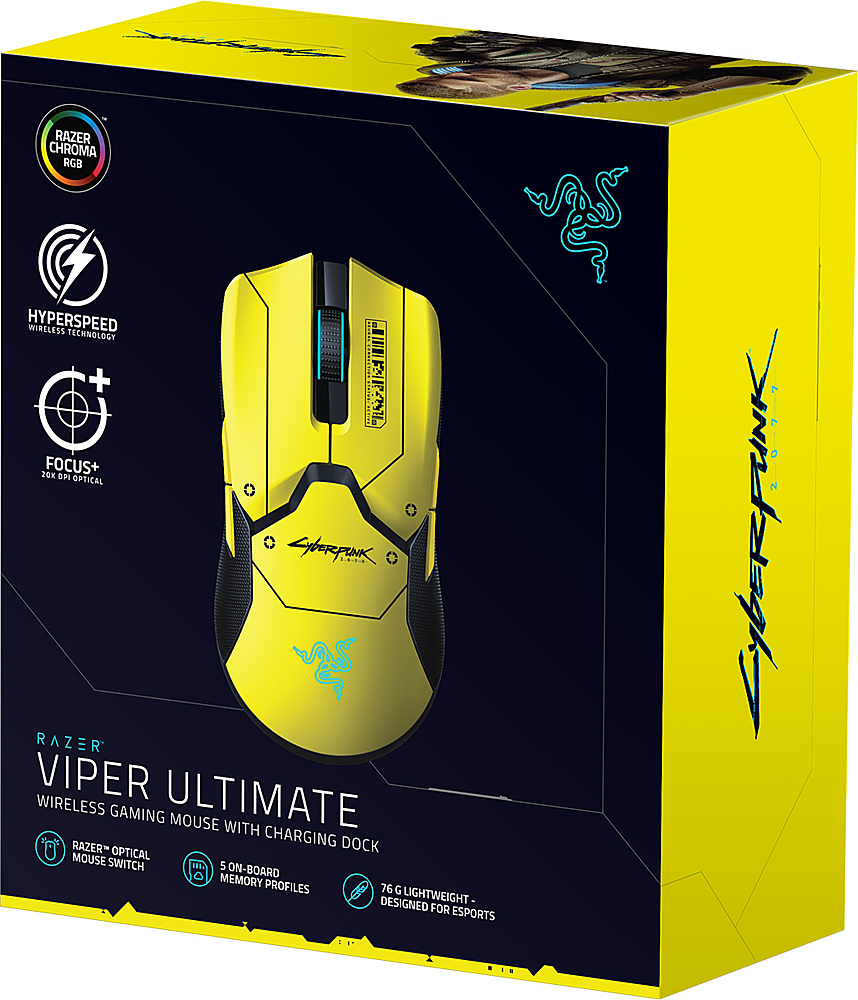
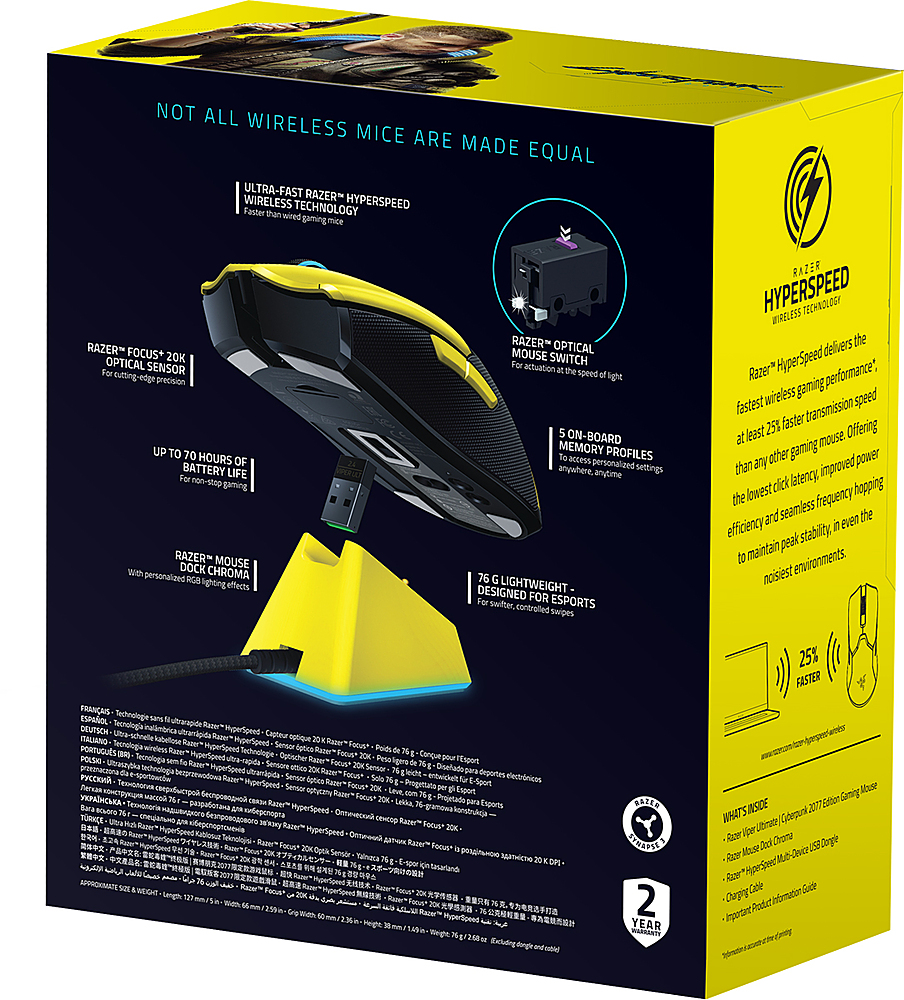
A:AnswerNo, for the mouse to be wireless you have to use the included Wireless charging stand. This allows the mouse to have a faster response time than bluetooth devices.
A:AnswerIt is 2.4 ghz range I believe. But You can run a usb extension cable for the wireless dongle to get a greater distance from the PC. The charging station has a usb input on it for the dongle and is already an extension cable.
The closer the mouse is to the dongle the better the performance
A:AnswerFor a while it was going around that you could use the SN to check the production date to determine if the mouse was produced after the update was implemented but, looks like that isnt the case anymore. Here's an explanation from a YT video: "So, it ends up that there is no way to correctly identify by SN or PM number which “batch” of mouse you have unless if you buy a colored version. As they come from different production lines in multiple locations. Therefore, it appears to be IMPOSSIBLE to know if you have a V1 or V2. Which goes back to if you develop an issue with a click then you need to contact Razer and go through the RMA Process. "