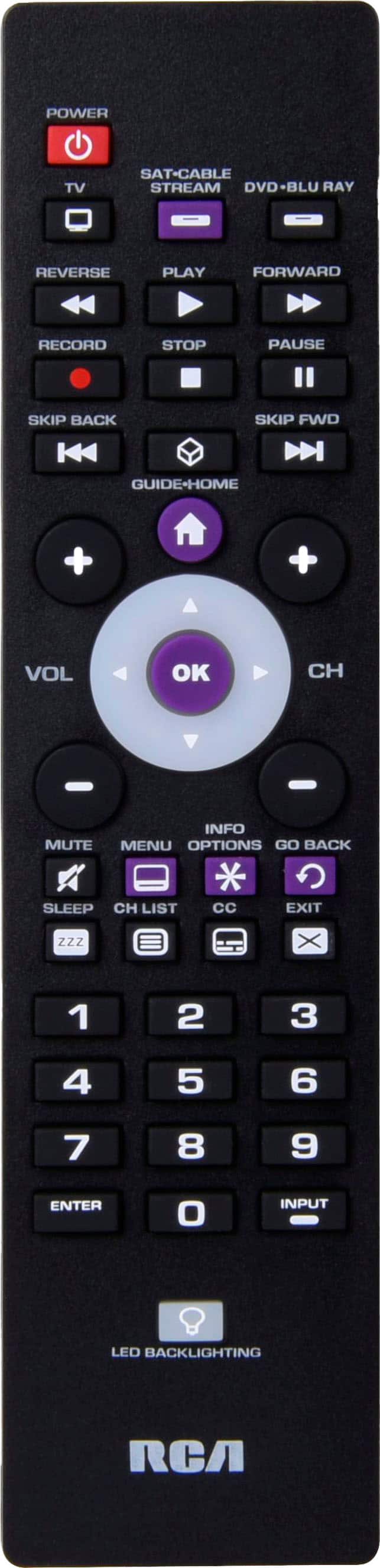
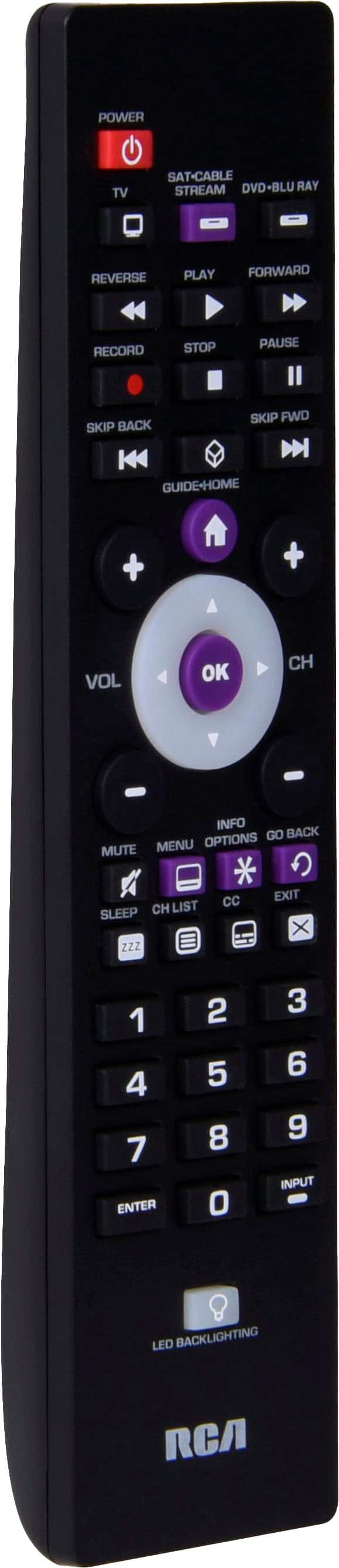
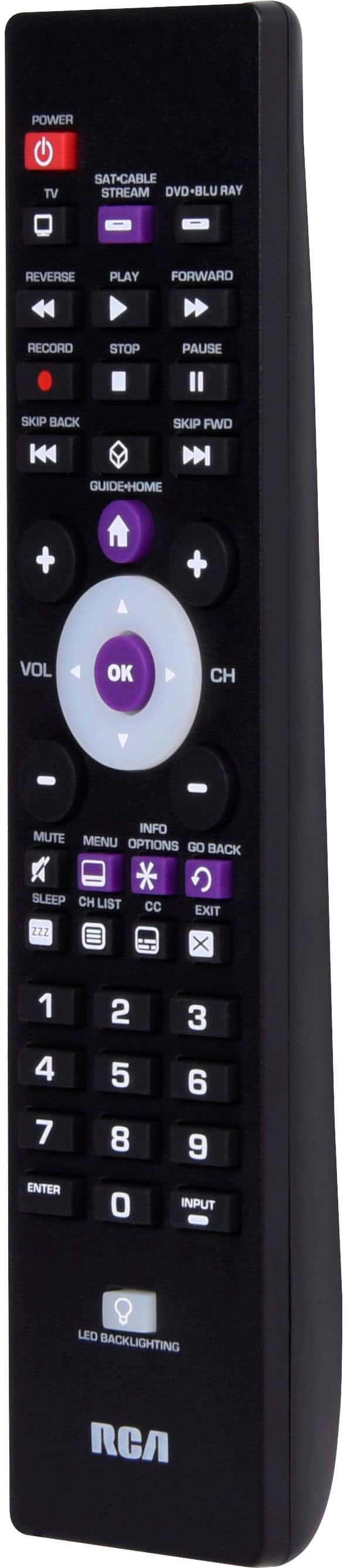
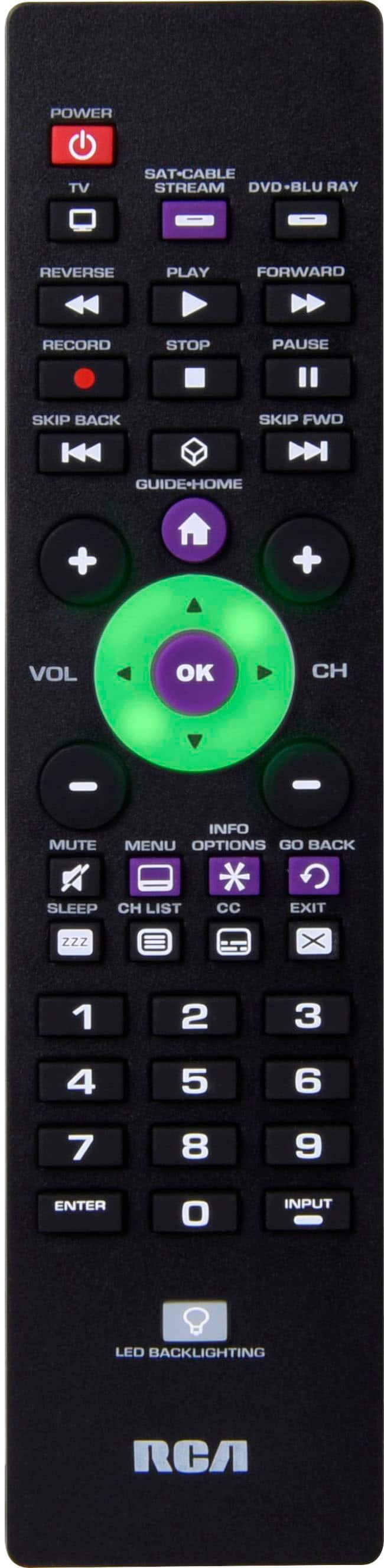
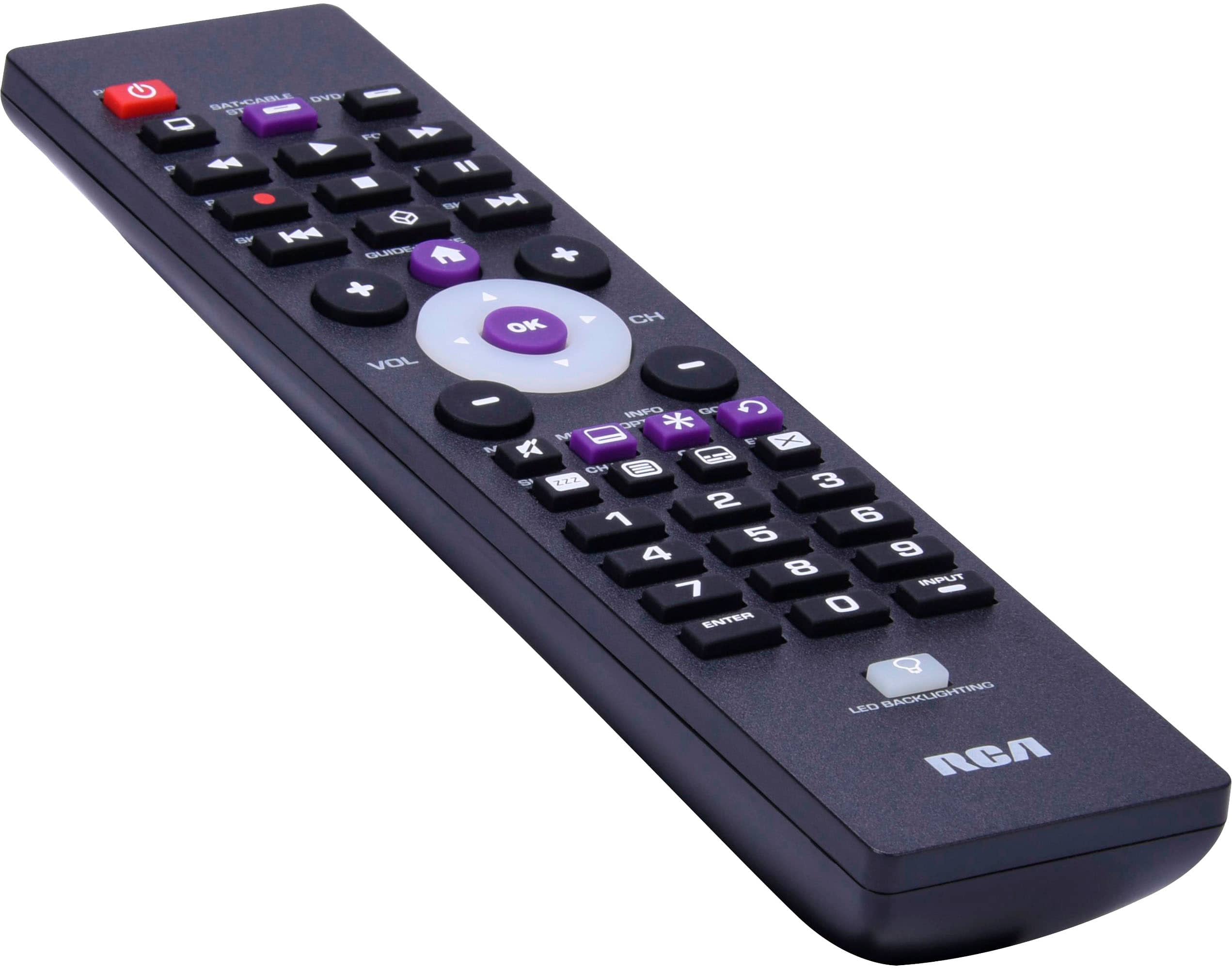
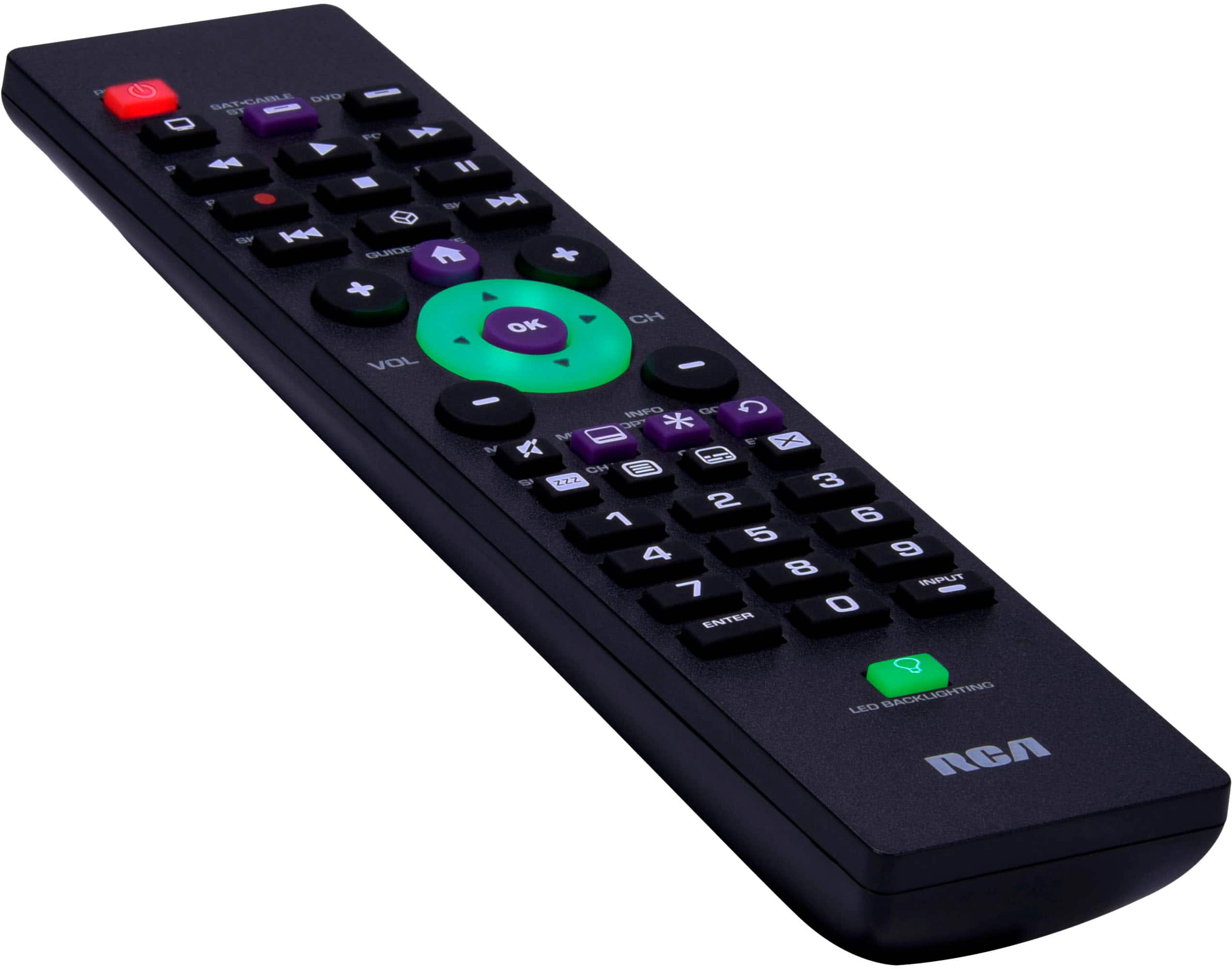
A:AnswerWe do not have codes listed for Leco brand TV's. The remote does have an auto code search function. This is a process where you can search through all the codes stored in the remote to try to find the code for your device.
A:AnswerHello Jim - There are not codes for a Definitive Technology sound bar. The remote is designed for use with most major brands of IR satellite, cable TV, DVD and streaming players and VCRs.
A:AnswerHello kohnworkshop - The remote is designed for use with most major brands of IR satellite, cable TV, DVD and streaming players and VCRs, so there are no codes for your Rotel receiver or any receivers for that matter. There are indeed multiple codes for Samsung TV's, however we cannot guarantee specific model numbers.
A:AnswerHello Bettyboo419 - The timer is typically a function of your TV. If you do not have the appropriate "input" selected on your remote, it will not allow you to select functions such as the timer. The correct input will need to be selected in order to access the source of your streaming movies as well. You can contact our Customer Service Department at 800-768-1969. They may be able to assist you a little more in-depth via a phone conversation.
A:AnswerHello NhoBdy - The remote will work with most major brands including Sanyo. If for some reason one of the listed Sanyo codes does not work, we have an Auto Code Search function that searches all the TV codes that are stored on the remote.
A:AnswerHello Lizzie- Unfortunately, it is impossible to tell if a universal remote is going to work with a specific make and model of television. Usually, if we have codes listed for your brand of TV, then it will work. We do have codes for Samsung, so it is very likely that we would be able to program the remote to your TV.
A:AnswerUnfortunately, it is impossible to tell if a universal remote is going to work with a specific make and model of "cable box"but usually when we have codes listed for Spectrum, then it is very likely that it will work.
A:AnswerThat is a vintage system that most likely doesn’t support ir technology. You would prob need a more specialized remote. To be sure you can always good the remote compatibility and it should say for you. Cx4000 is a vintage set up so it’s a toss up.
A:AnswerHello Krank - The remote can be programmed to multiple devices (cable box, DVD player) however there is only one designated function key for a TV.
A:AnswerUnfortunately, it is impossible to tell if a universal remote is going to work with a specific make and model of television. Usually, if we have codes listed for your brand of TV, then it will work. We do have codes for LG, so it is very likely that we would be able to program the remote to your TV.
A:AnswerHello Chilltf - The remote is designed for use with most major brands of IR satellite, cable TV, DVD and streaming players and VCRs. It does not have codes for Home Theater systems. You can check out the TKRTBL06BV (https://www.bestbuy.com/site/terk-6-device-remote-brushed-black/6336500.p?skuId=6336500) from our sister company Terk.
A:AnswerHello John - The remote will work with Comcast cable boxes. Once programmed, you can used the remote to access your TV menu to turn on/off closed captions.
A:AnswerHello Lg - We recommend trying another code listed for your TV brand to see if that provides functionality to the GO BACK button. You can visit our Remote Control Support page for more help by visiting this link: https://www.rcaaudiovideo.com/remotes/support/
A:AnswerHello Senjutsu - The remote is designed for use with most major brands of IR satellite receivers, cable TV receivers, DVD/VCR and streaming players. There are no codes for your Kenwood receiver.