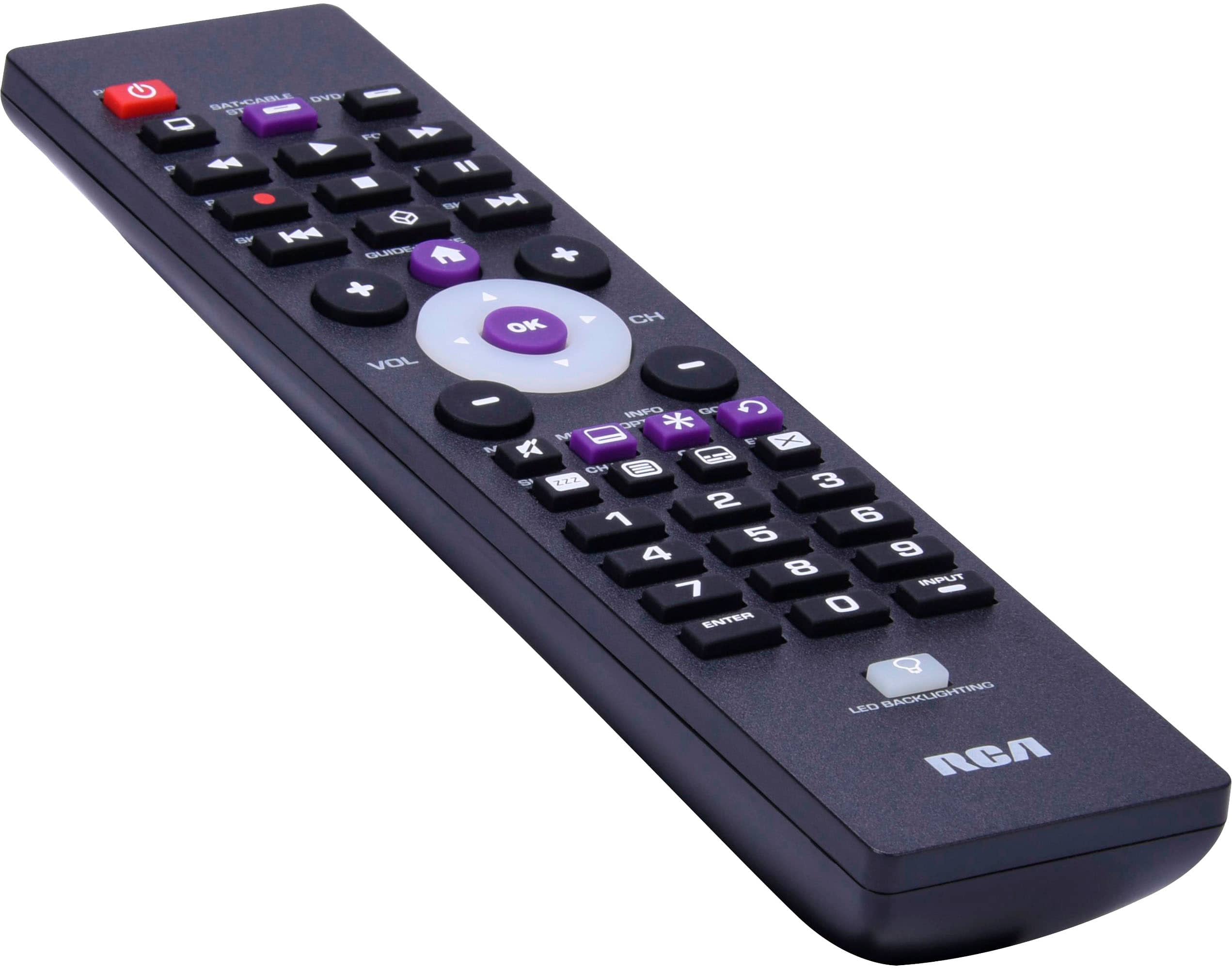
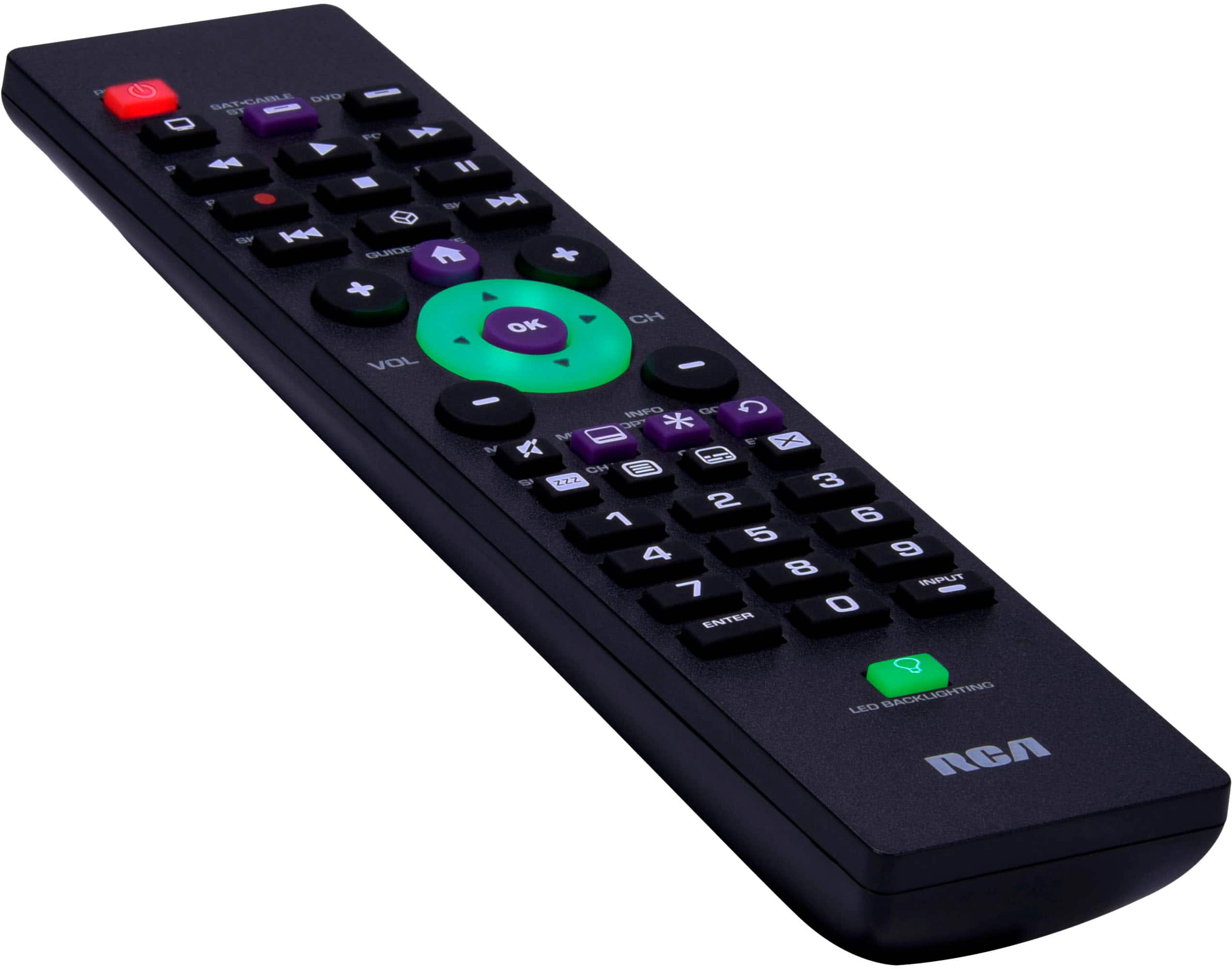
A:AnswerHello chopin - Thank you for your question. This is highly likely to work since Toshiba is one of the brands that we do have a high success rate with...
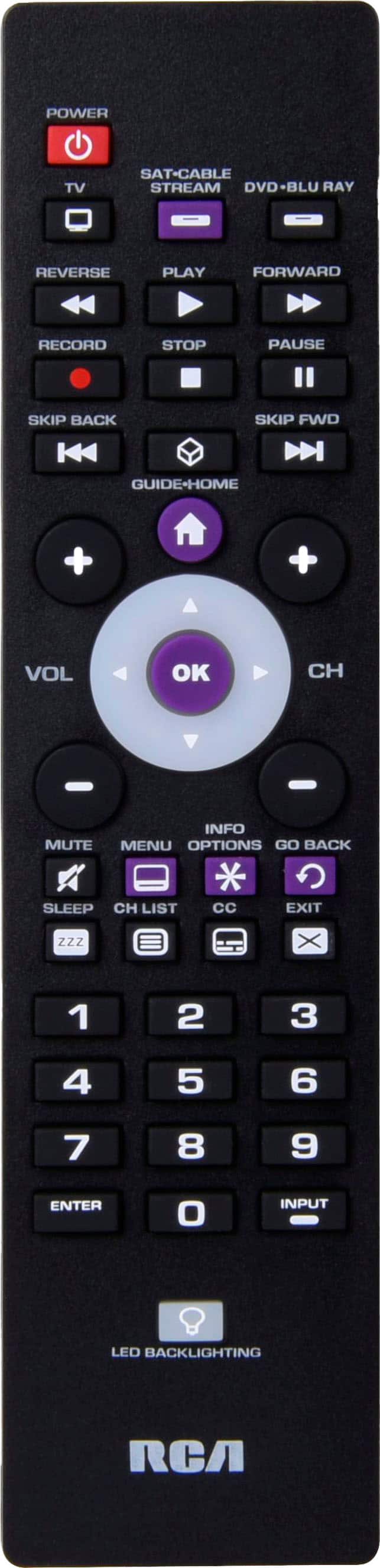
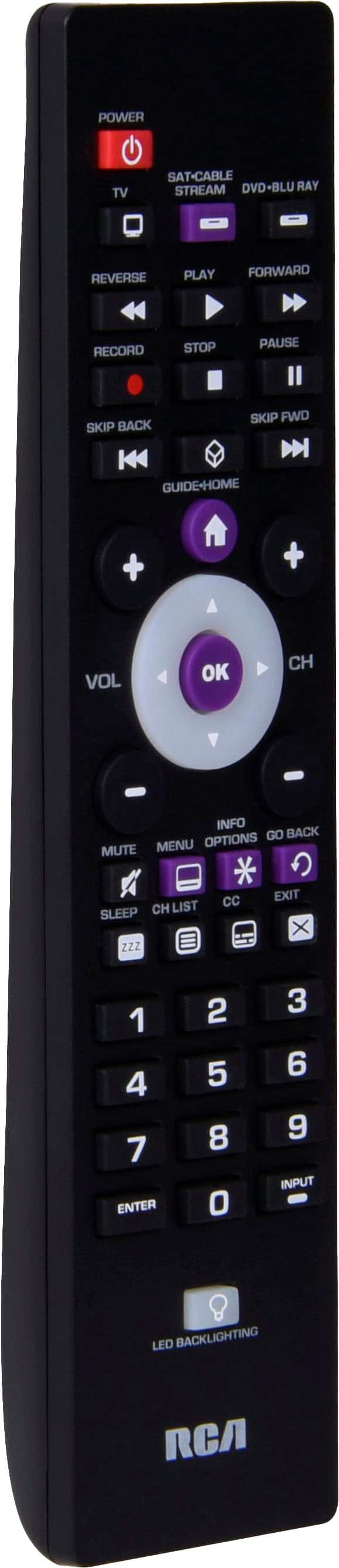
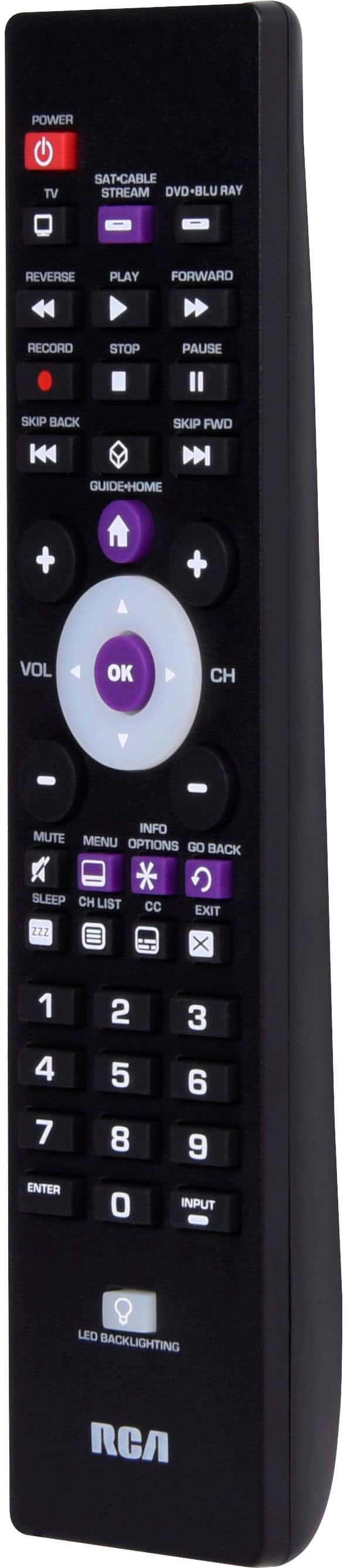
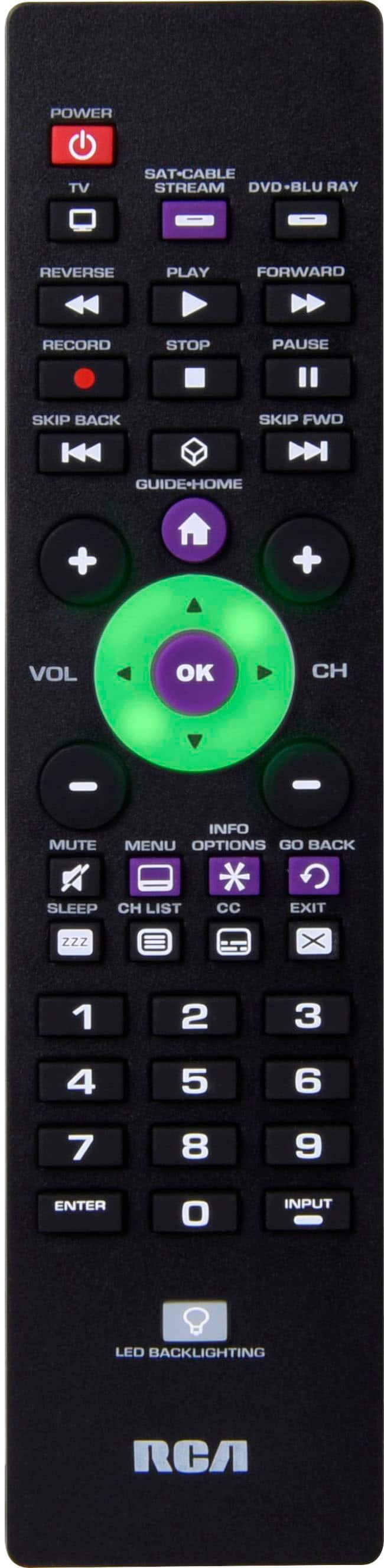
A:AnswerIt is not fully functional with Toshiba model #32L310U18. The remote will turn the TV on and off, and with the use of the arrow buttons, select channels and control volume, but does not allow you to use the input button to switch to streaming or DVD.
A:AnswerHello - We do have codes for Hisense for this remote control. You can visit our Remote Control Support Page at: https://www.rcaaudiovideo.com/remotes/support/
A:AnswerHello - The remote would likely control the primary functions but as with any universal remote replacing a factory remote, we cannot guarantee all functions.
A:AnswerHello Vito - This does have codes for TCL TVs, though we can't guarantee specific model compatibility and that all the current remote functions will operate as they did with the factory TCL remote.
A:AnswerHello Alyssa - These remotes are made to work with multiple brands and there are codes for Hisense TV's but unfortunately we cannot guarantee specific models. If the Hisense specific codes don't work the Auto Code search is a process where you can search through all the codes stored in the remote to the find the code for your device. Hope this helps.
A:AnswerHello Linda - There are many possible codes for LG TV's. We have a dedicated page to assist with finding the specific codes for your specific remote control: https://www.rcaaudiovideo.com/remotes/support/
A:AnswerHello Jae96 - Our remotes are made to work with multiple brands, including JVC. Unfortunately we cannot always guarantee a specific model. If for some reason on the JVC specific codes do not work, you can search for the correct code by using the Auto Code Search function. Auto Code Search goes automatically through all the codes for the device you’re trying to control.
A:AnswerHello tolly - Our remotes are made to work with multiple brands, including Emerson & Westinghouse. Unfortunately we cannot always guarantee a specific model. If for some reason one of the Emerson & Westinghouse specific codes do not work, you can search for the correct code by using the Auto Code Search function. Auto Code Search goes automatically through all the codes for the device you’re trying to control.
A:AnswerI will look for a remote similar to the one you originally had with your Roku. This particular remote yes is universal; it will turn on the television and navigate between streaming channels. However only some of the buttons work with the Roku device. For example, when navigating within a specific streaming network, some buttons do not work prior to exit out of a movie or show. You literally pushed to the main menu of the Rocky. It’s so frustrating. I recommend you again look for a remote Specific to the Roku.