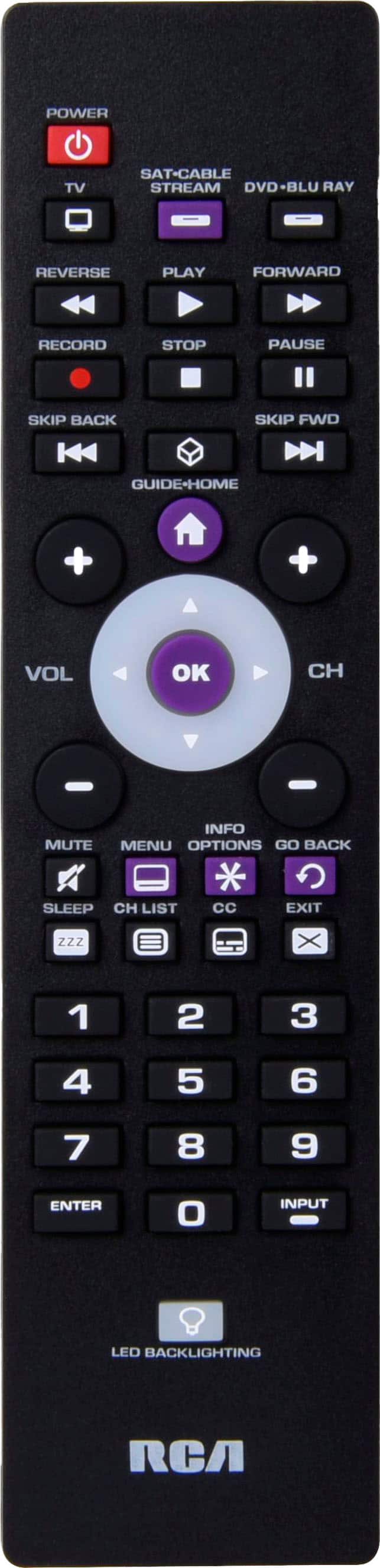
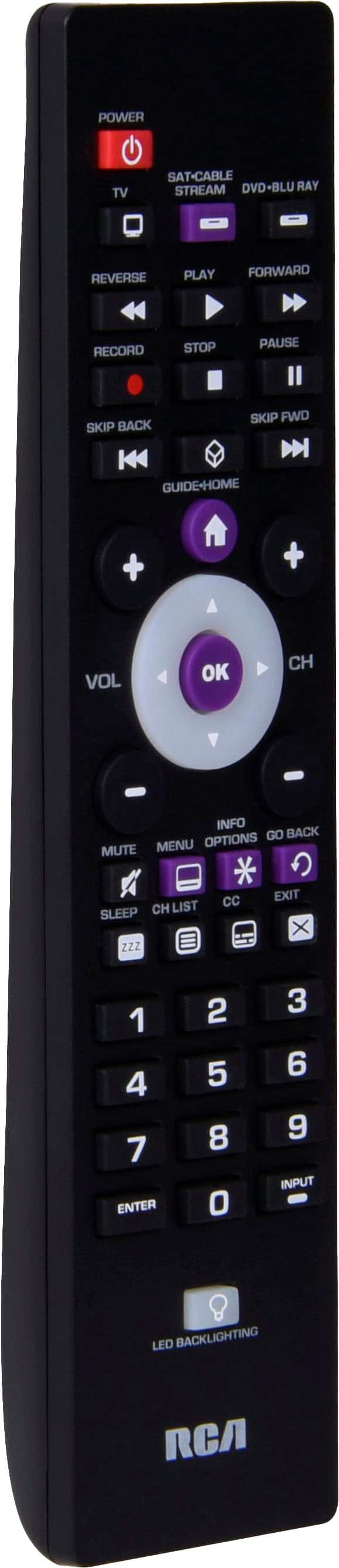
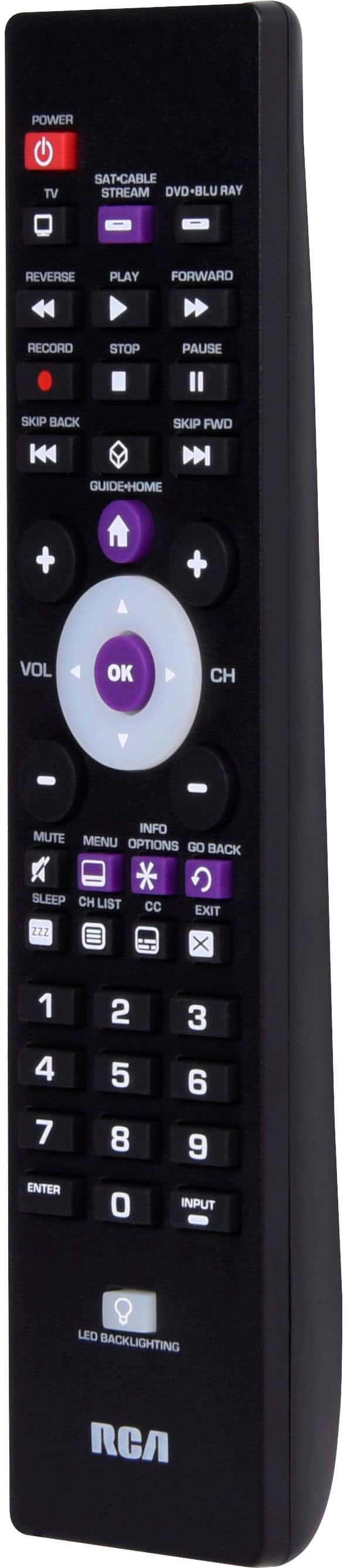
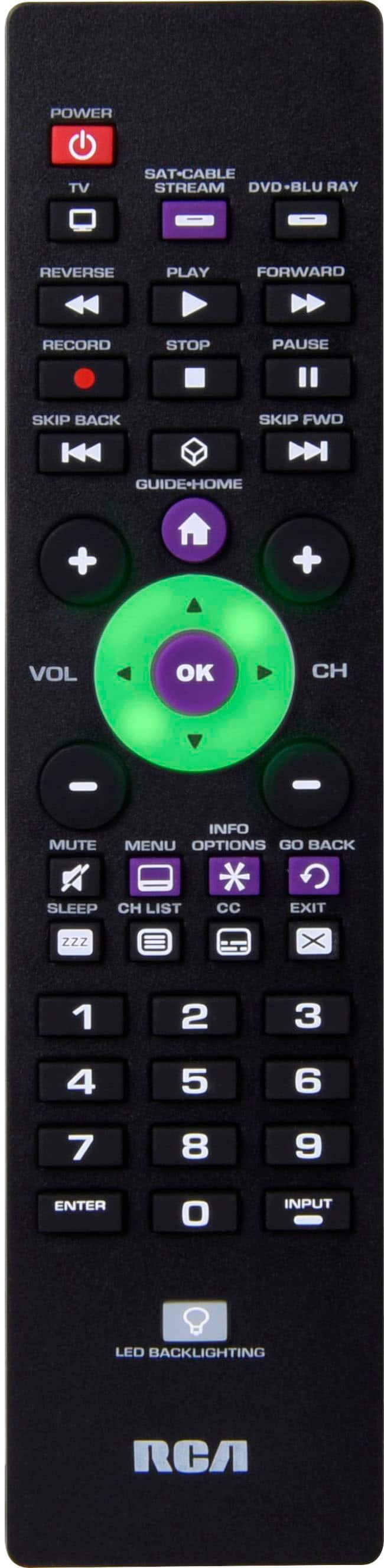
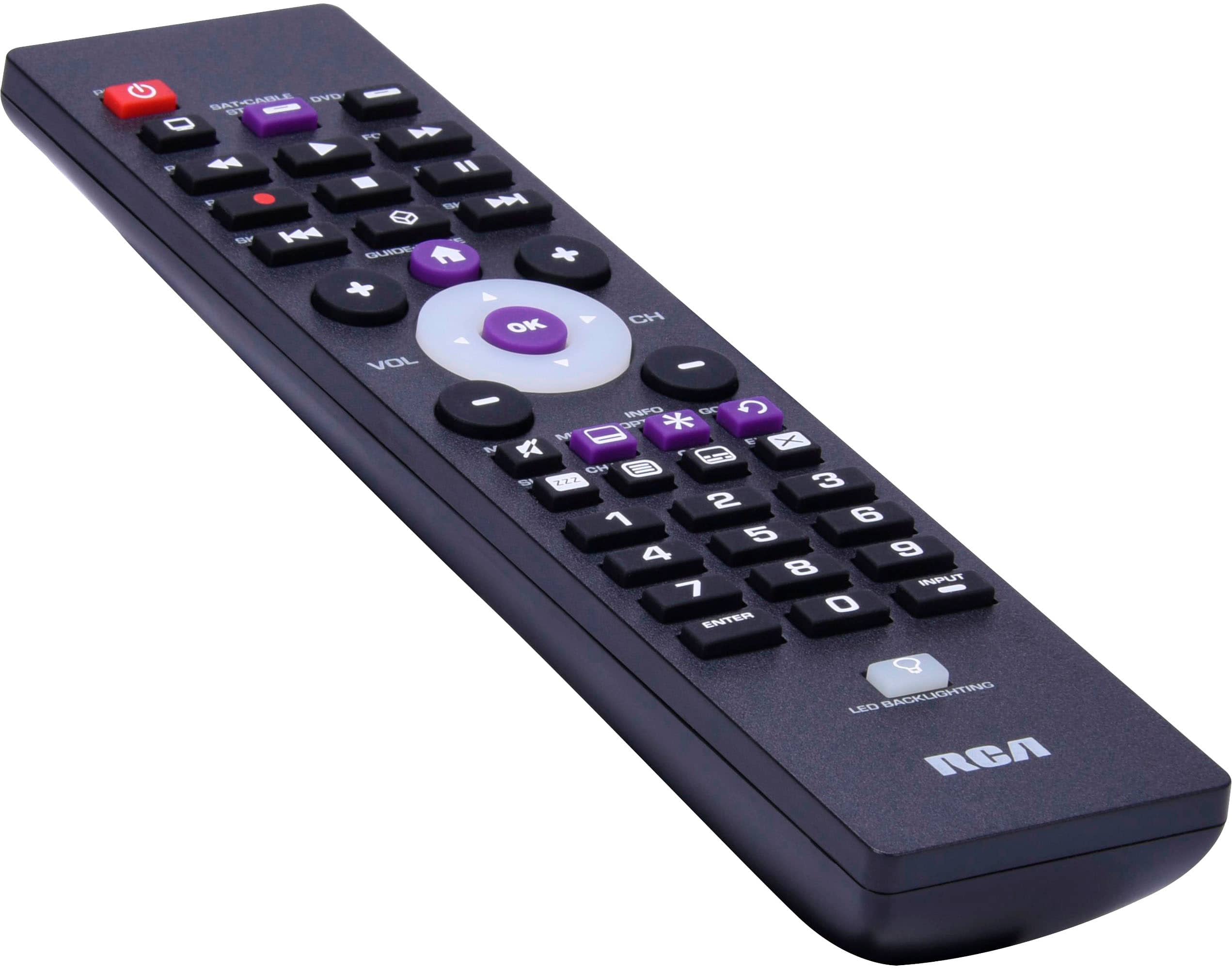
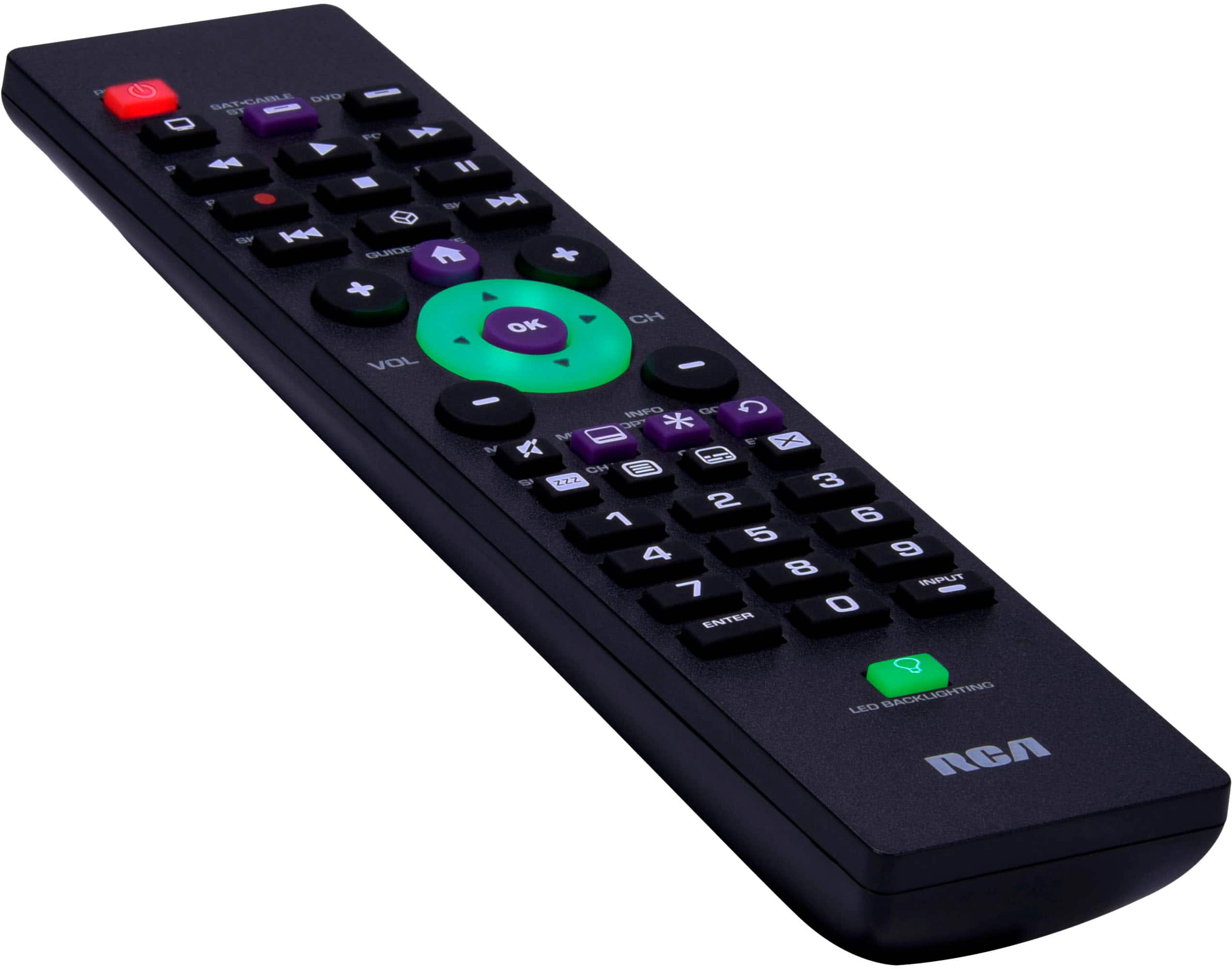
A:AnswerThe remote only works half the time .... today it stopped working again. I don’t remember I have a Samsung. I am pretty sure it says all TVs ....
A:AnswerHello Da - The remote is designed to work with multiple brands, including Sanyo. Unfortunately we cannot always guarantee a specific model. If for some reason on the Sanyo specific codes do not work, you can search for the correct code by using the Auto Code Search function. Auto Code Search goes automatically through all the codes for the device you’re trying to control.
A:AnswerManually turn on the device you want to control.code 12360,press and hold the device key you want to program (the power key illuminates)while you're holding down the device key,use your other hand enter the first five-digit code(the power key turns off after the first digit)when you've finished entering the five - digit code,keep holding down the device key and look at the power key.is the power key illuminated? YES you're done!