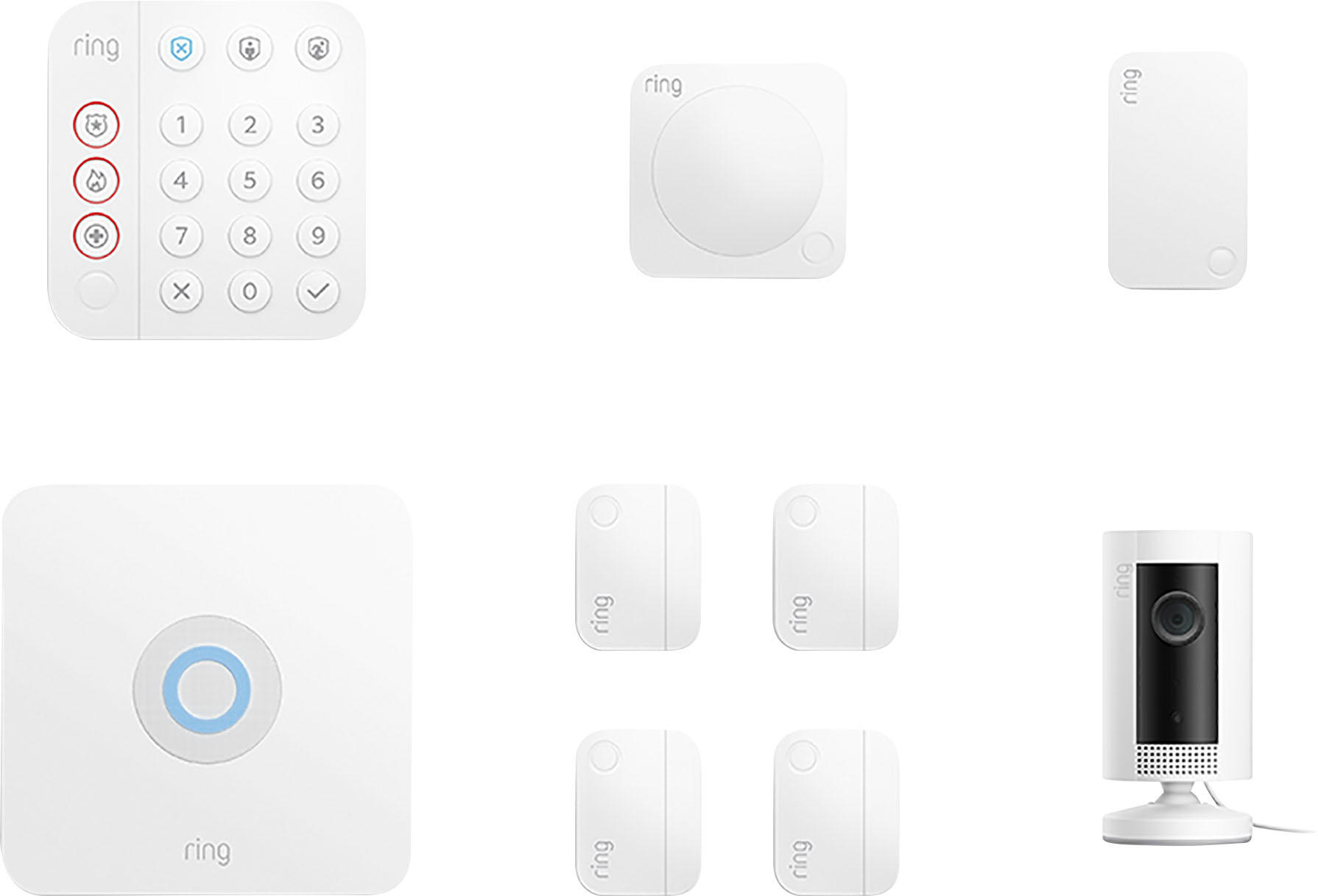
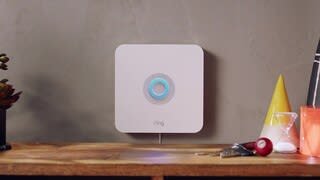
A:AnswerIt is very easy and straight forward to install. The app will guide you. You will need an outlet for the RING Hub, the extender, and the camera. The rest (keypad, motion, and door/window sensors are wireless.
A:AnswerThe app has a people mode and small dogs shouldn't affect it. You could always create the motion zone a little higher. off the floor to not pick up the dog.Not sure on the cameras
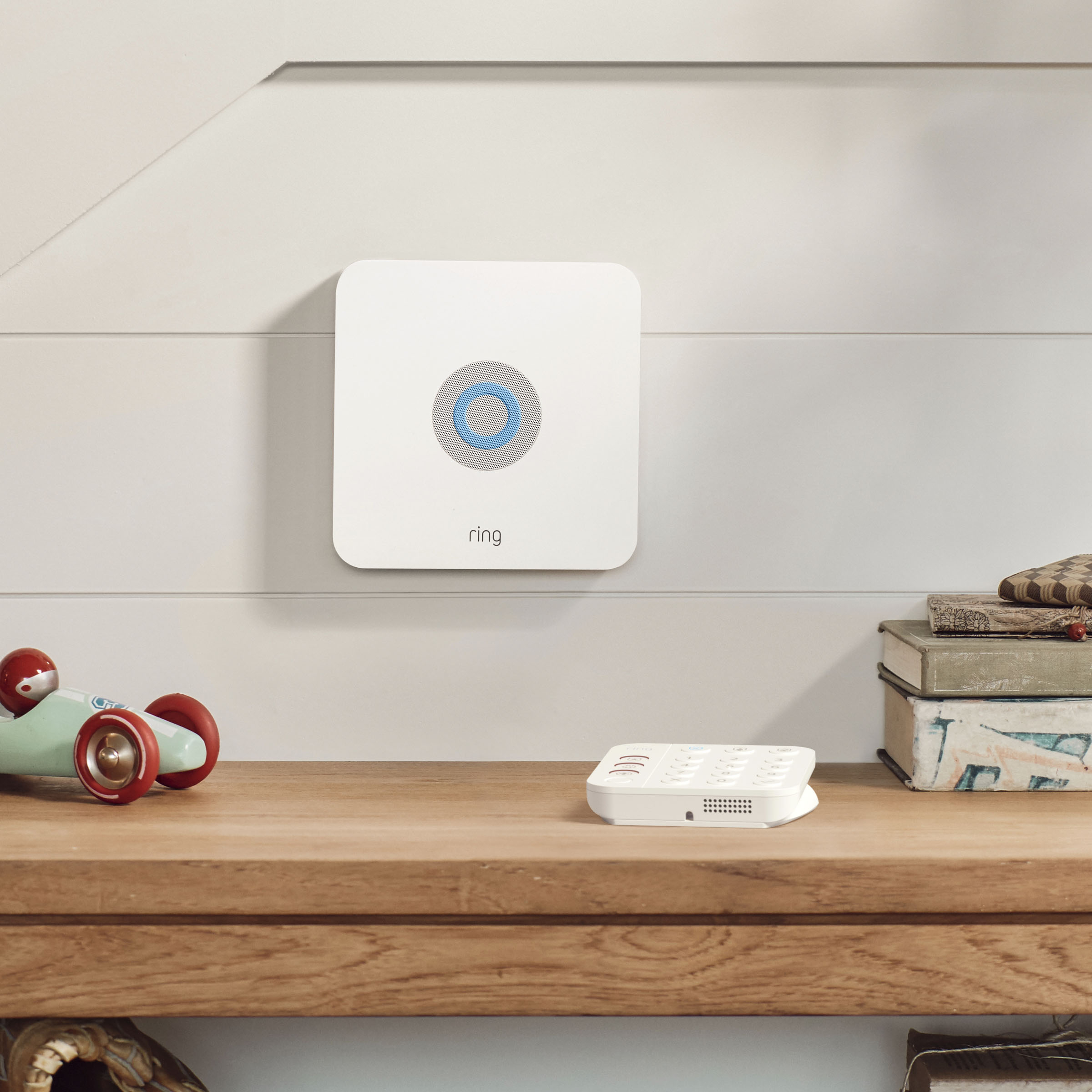
A:AnswerHello, Chenzo. Thank you for reaching out regarding your power cord question. No, you should not need to alter the device in order to have the power cord fit properly. It sounds like you may have the Base Station and Keypad power cords swapped. Here is a helpful installation guide for your review: https://support.ring.com/hc/en-us/articles/360041532351-Ring-Alarm-2nd-generation-Set-up-and-Installation-Guide. We invite you to reach out to our Community if any additional information is needed regarding your question. The Ring Community is our first peer-to-peer community forum, giving our customers the ability to help one another by sharing their feedback and experiences with each other. You can find it here: https://community.ring.com/. Thank you. Alexis, with Ring.
A:AnswerHello JM,
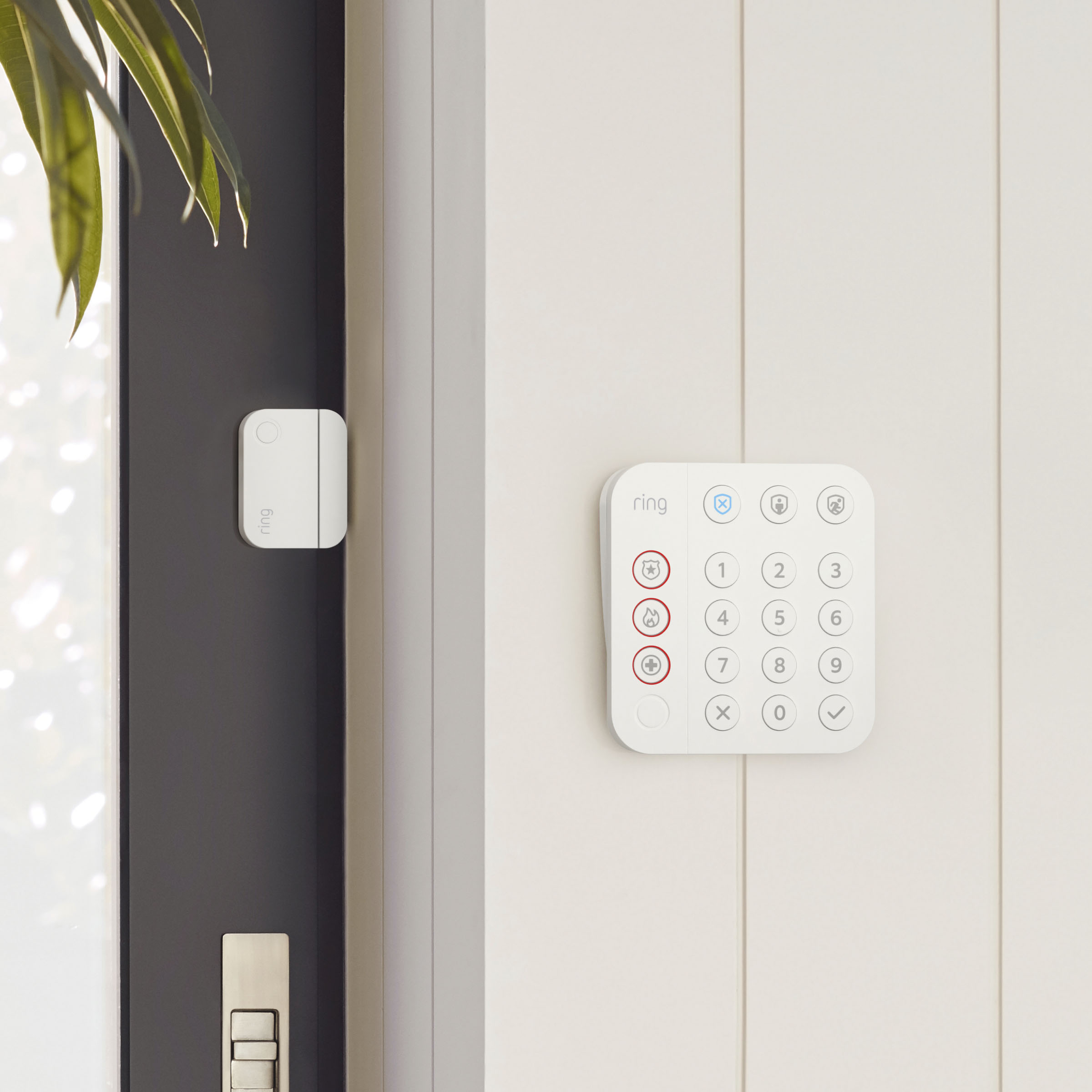
Great question! Steel doors and aluminum door frames may occasionally cause interference for the Contact Sensor. The Alarm Base Station communicates with your sensors and other devices using a technology called Z-Wave. Z-Wave networks usually have a greater range than traditional hub-and-spoke arrangements. An Alarm Base Station has a range of about 250 feet on an unobstructed path. Here are two helpful articles regarding Z-Wave signal strength and sensor placement suggestions:
https://support.ring.com/hc/en-us/articles/360001263166-Understanding-Z-Wave-and-Mesh-Networks
https://support.ring.com/hc/en-us/articles/360043818431
We invite you to visit our Community Forum for some additional tips and tricks, as well as additional support. For any additional questions or concerns, please feel free to reach out on our community forum at https://community.ring.com/.
Regards,
Alexis with Ring
A:AnswerHello Mike,
Great question, and the answer is no. Ring doorbells and camera will not trigger the Ring Alarm. The Ring Alarm will only be triggered by a Ring Alarm Motion or Ring Alarm Contact Sensor. However, you are able to set any Ring device with a camera to start recording the instant your Alarm is set off.
To set up your Ring Camera devices to begin recording When your alarm is triggered, simply follow these instructions.
Setting up linked devices to start recording at an alarm.
Open your Ring App.
Open the side menu by tapping the three-lined icon in the upper-right corner of the screen.
Tap Devices.
Tap Base Station.
Tap Base Station
Tap Linked Devices.
Tap Add Linked Devices.
On the “Add Linked Devices” page, tap the devices you wish to begin recording video when an alarm goes off or begins entry delay. Live View must be enabled in order to set a device for simultaneous recording. Turning Live View off on a device will supersede an order for the simultaneous record.
For any additional installation questions or set up concerns, please feel free to reach out on our community forum at https://community.ring.com/. You can also visit our help site, https://support.ring.com/hc/en-us, for tips & tricks, videos and help articles for all our Ring products.
Thank you,
Antonio from Ring
A:AnswerEven at its lowest setting it has been triggered and we have 2- 45lb dogs. Love the system, but would not trust it for multiple pets as evidenced by their answer which is to put them in another room when you leave...