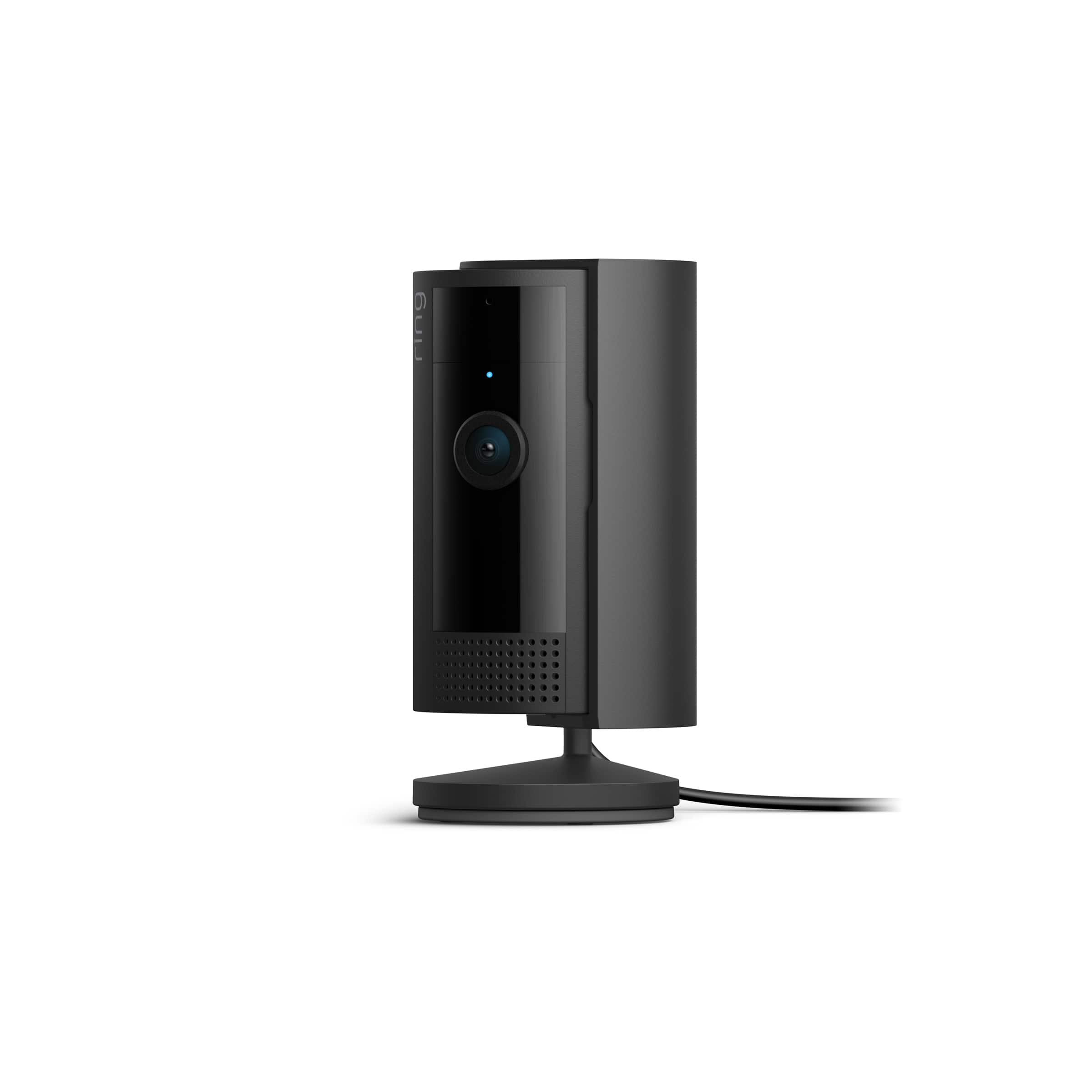
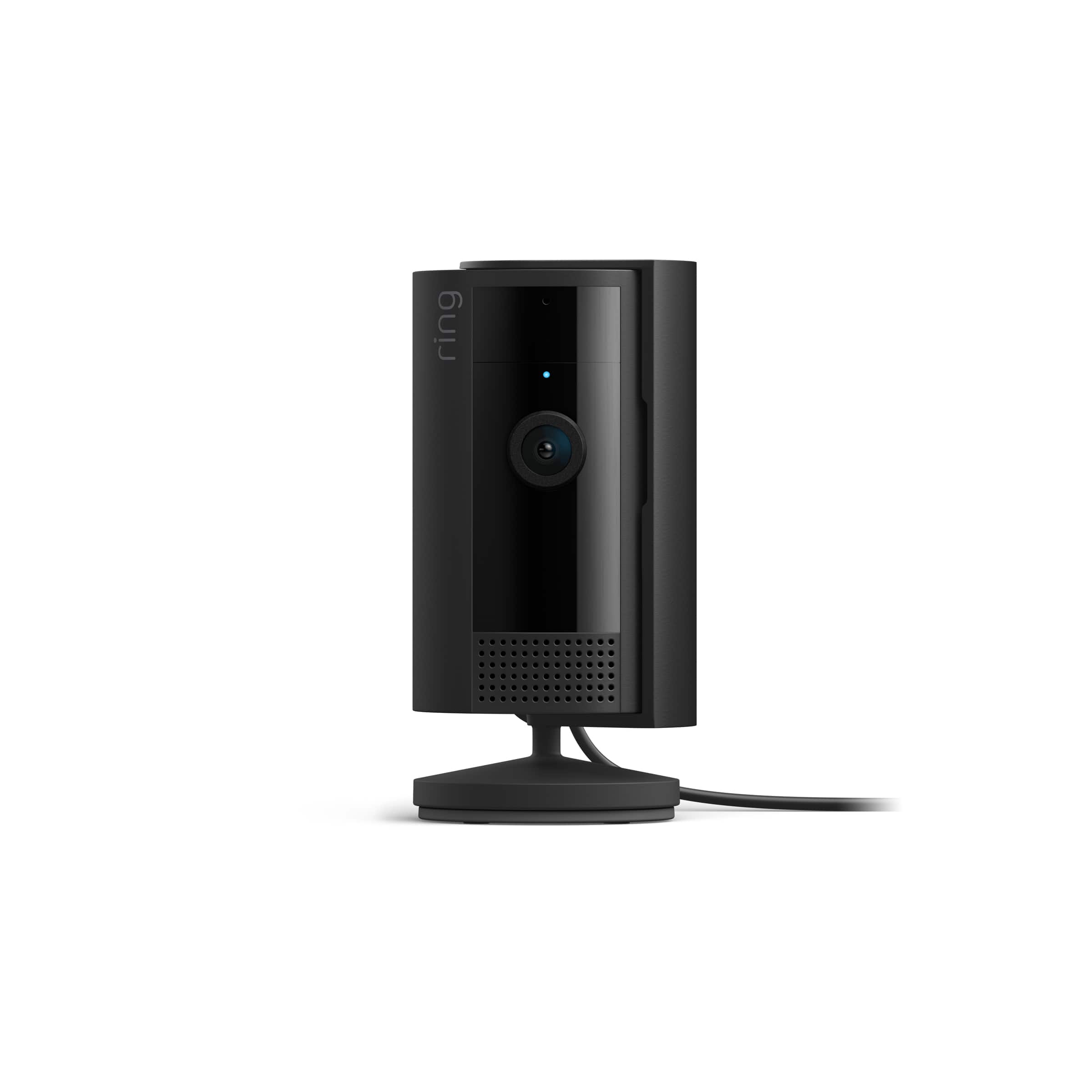
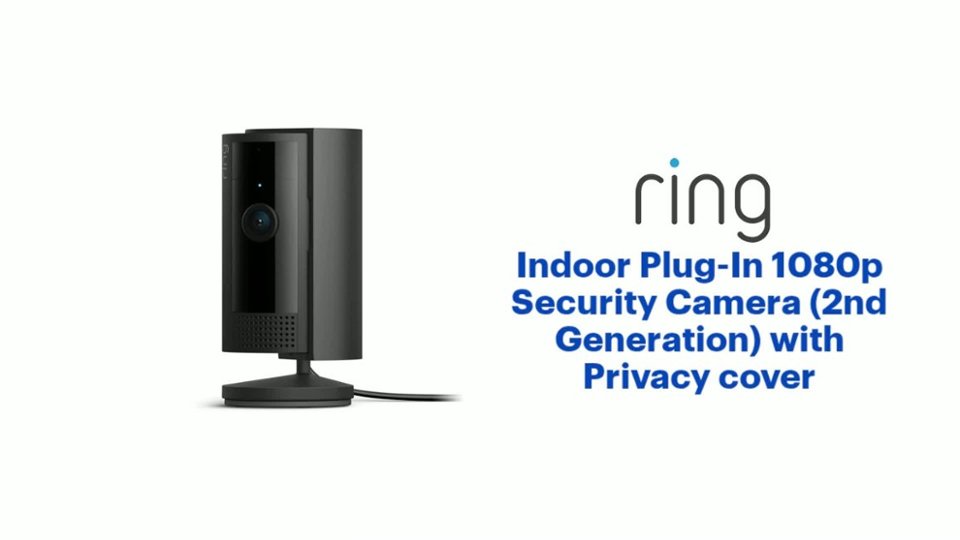
A:AnswerI understand what this says, but it would be useful in this case if there was a third light on the camera that would come on when the camera is is being viewed live. If the blue light is going to stay on all the time in 24/7 mode there’s no way to tell if a third unauthorized party is viewing your camera.
A:AnswerYes. I have had to unplug mine to move it a couple of times and it connects right back as soon it's plugged in. I haven't had to do anything to reset it.