A:AnswerThe camera uses standard WiFi networking. This will vary based on the type of router you have and standard interference issues (concrete, electrical, etc). Theoretical range on a 2.4GHz “N” network is about 820’. In real-world use, you should only expect about half of that. For most scenarios (indoor, centrally-located router and external cam), I would expect no more than 50’-100’.
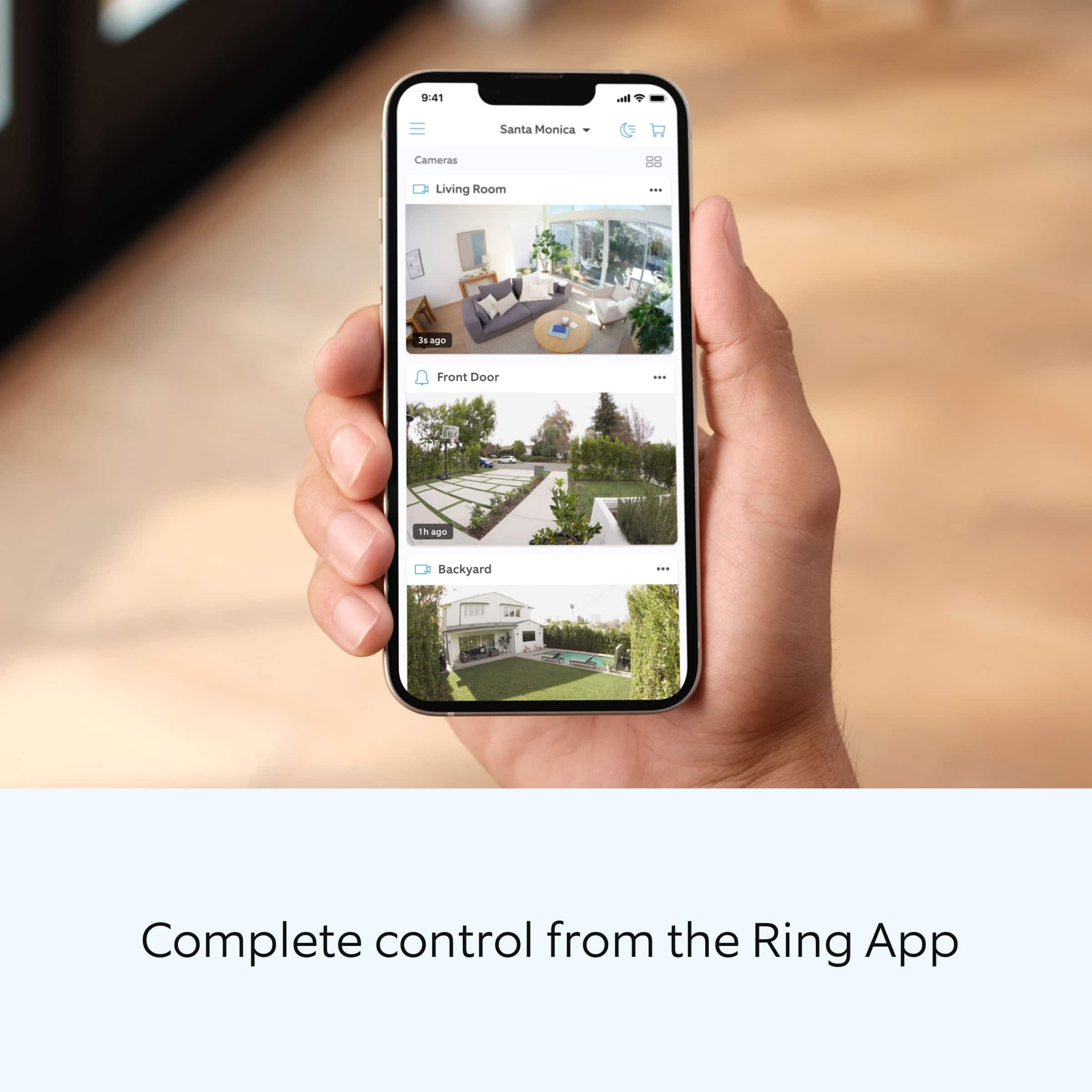
A:AnswerThe Ring Doorbell is not required. The Ring service is compatible with most web-connected devices, using the Ring app on iPhone, Android, or Windows, FireTV and most web browsers.
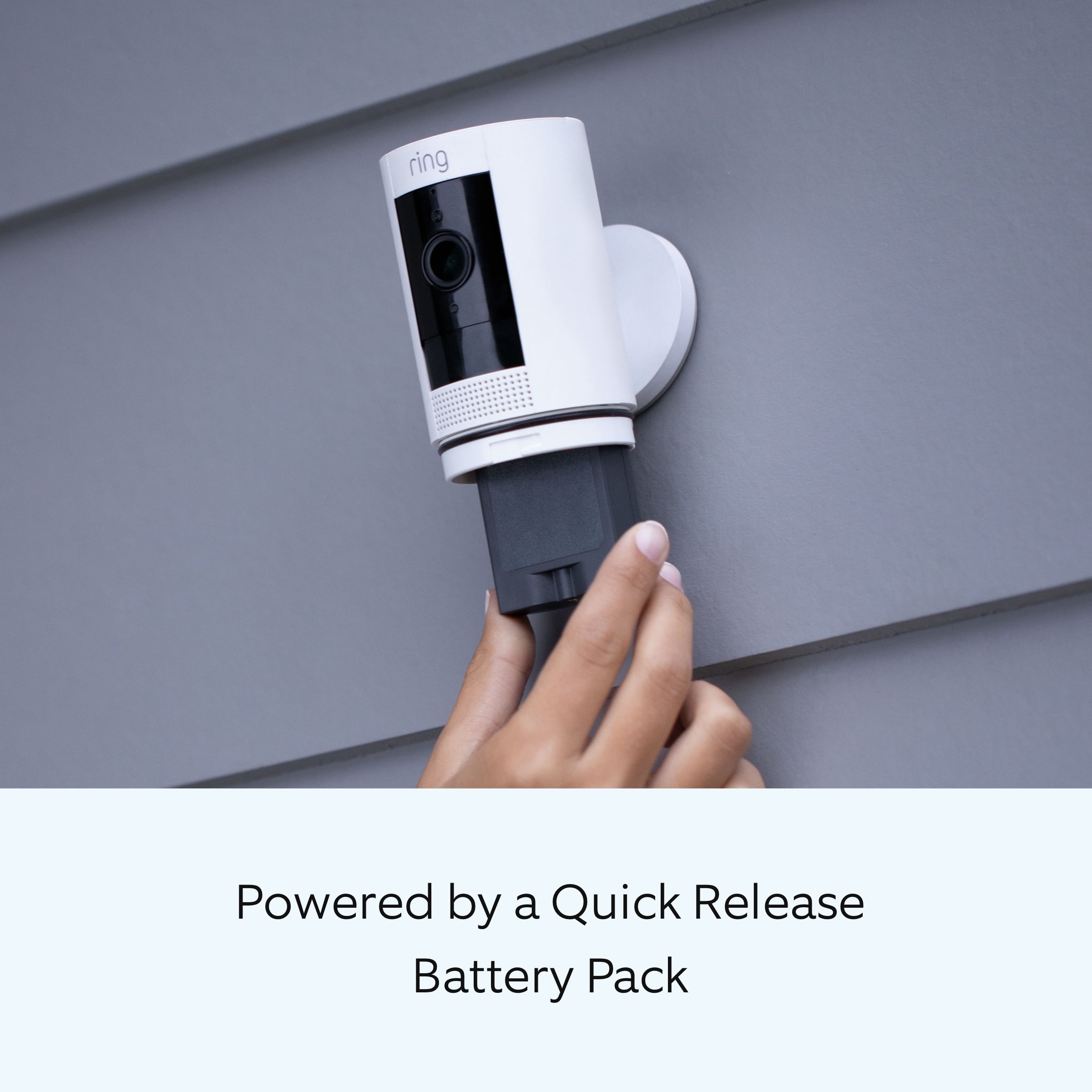
A:AnswerIf it is a hard to reach spot then you may need to get that other mount that way it would hang down. The cord looks like it has a little length on it for the solar so you should have some flexibility there. Of course, to give it a clean look you will have to try to keep the solar close or secure the cord so it is not just hanging.
A:AnswerRain is not a problem except for water blocking the camera. I get weather as hot as 110 and have had no problem. Temp as low as 25 degrees and no problems. Can't comment on the snow though
A:AnswerYOU CAN MONITOR YOUR DEVICE ANY TIME, IT DOESNT NEED ADDIONAL SECURITY. YOU WILL REQUIRE WI-FI . YOU CAN DOWNLOAD THE APP TO MULTIPLE DEVICES. WE HAVE CAMERAS AT DIFFERENT ADDRESSES AND CAN VIEW THEM FROM THE SAME APP. THERE IS A ALARM FEATURE YOU CAN PRESS IF YOU WANT TO ALERT THE "INTRUDER" . YOU CAN SET THE ALARM TONES FOR THE DIFFERENT CAMERAS. BY THE TONE YOU WILL KNOW WHICH CAMERA HAS MOTION.