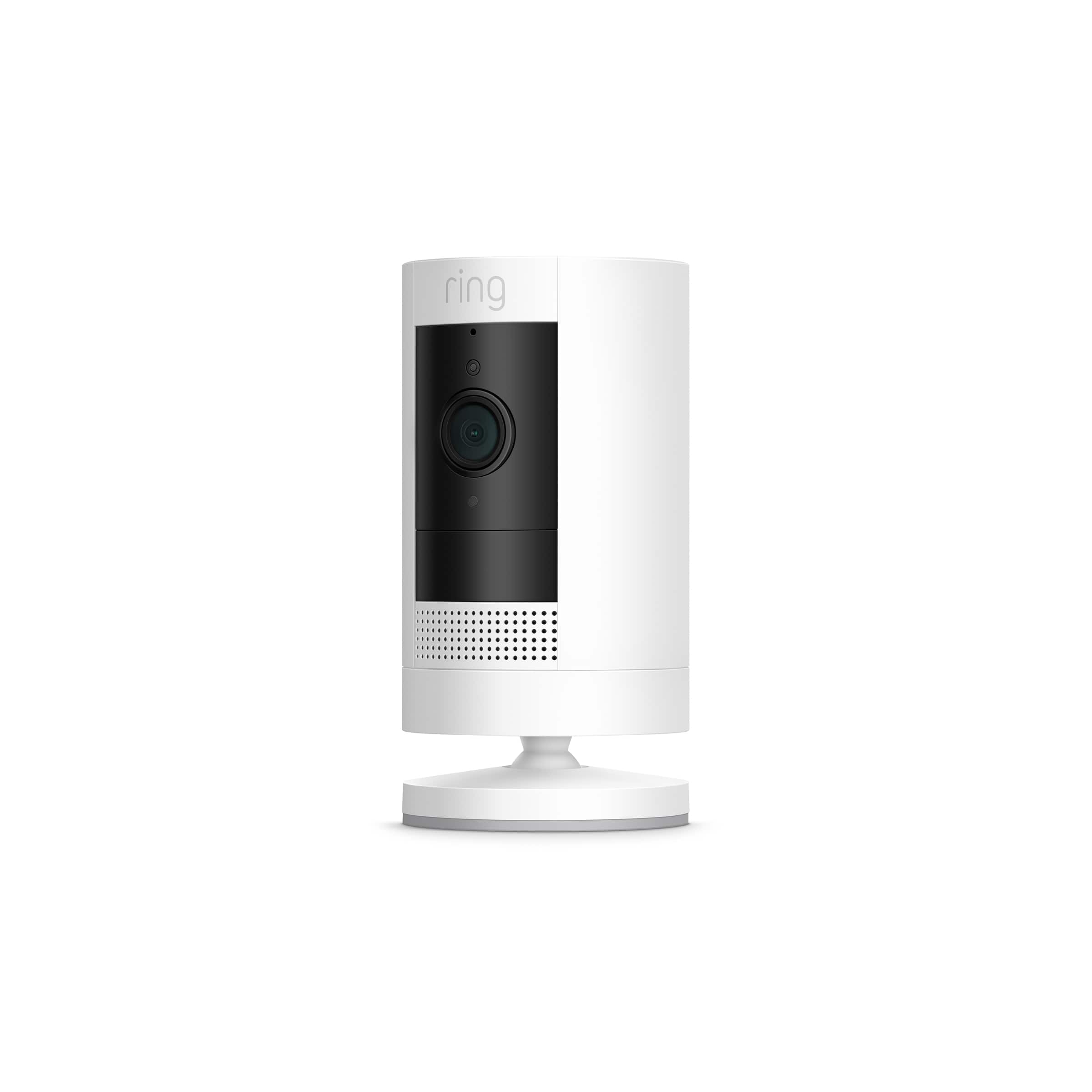
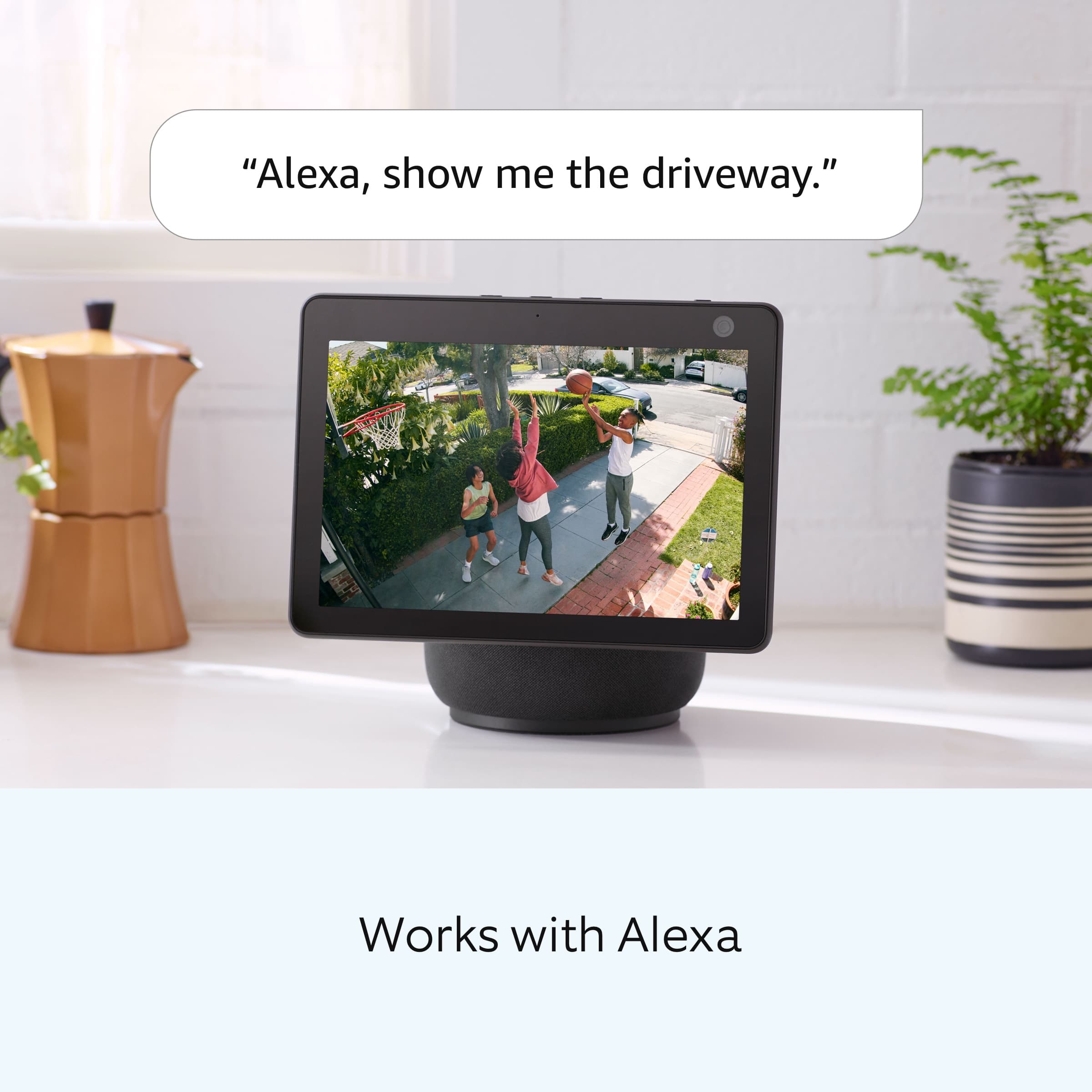
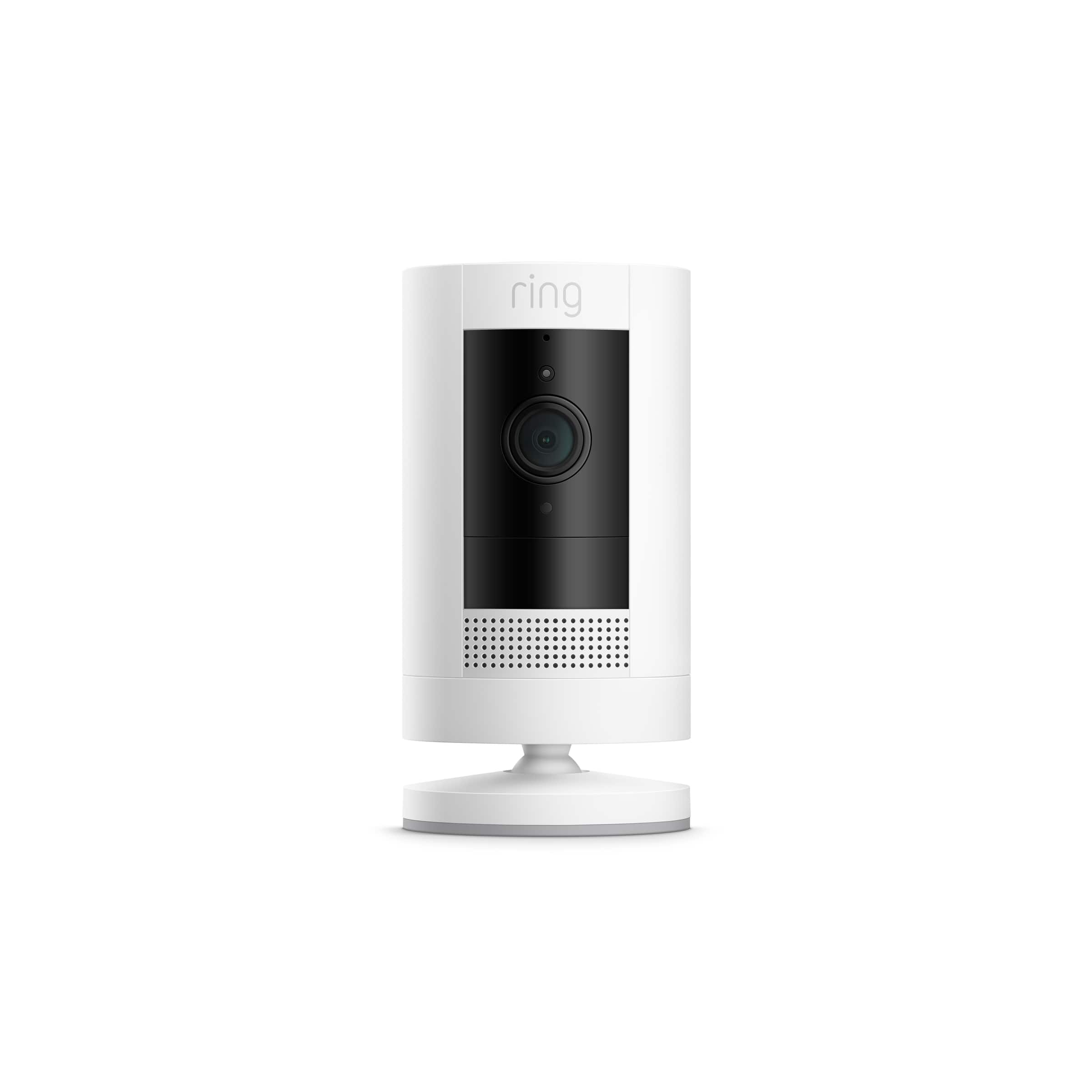
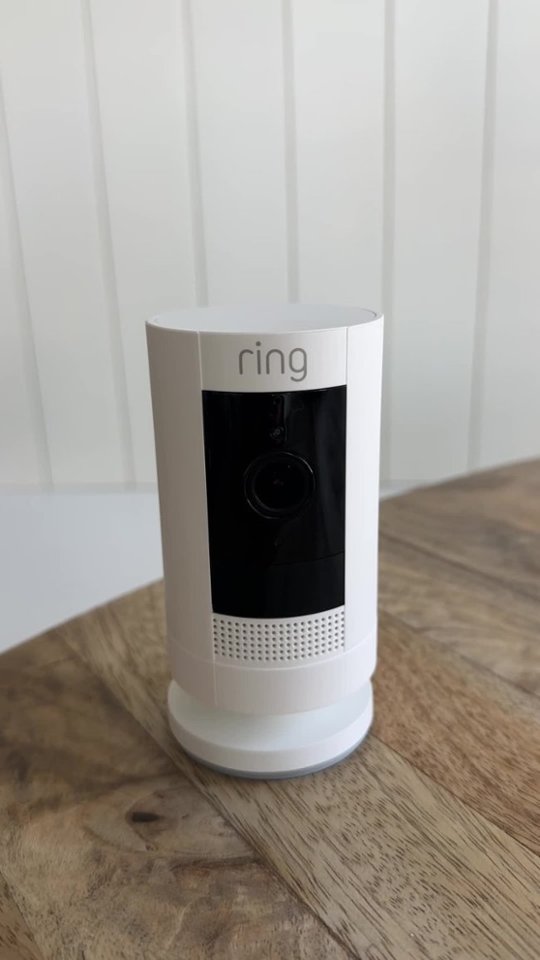
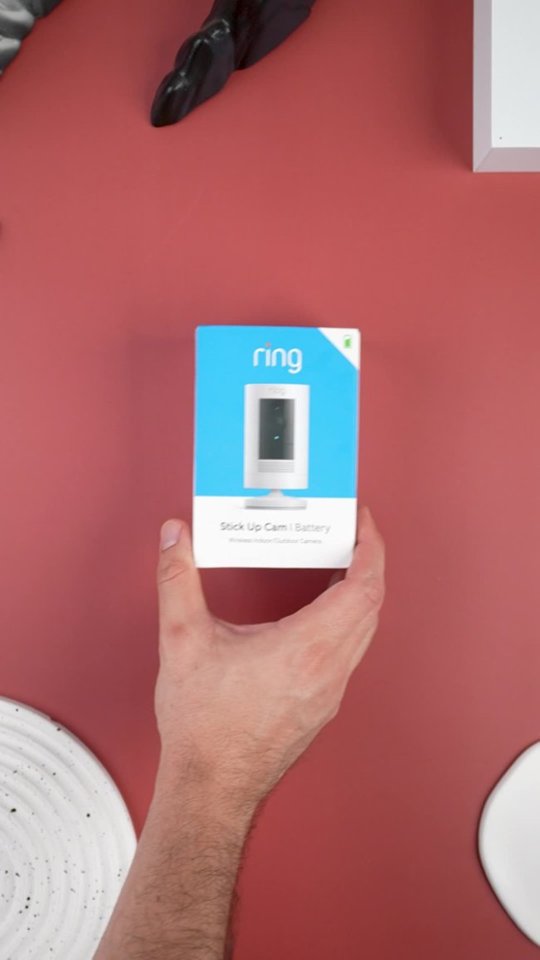
A:AnswerHello les, Great question. At this time the Ring Stickup Camera does not work with Google Home or Google Nest but it does work with Alexa. If you have any further questions, please visit our community forum at https://community.ring.com/, for some additional tips and support. We look forward to hearing from you. -All the Best, Jamila at Ring
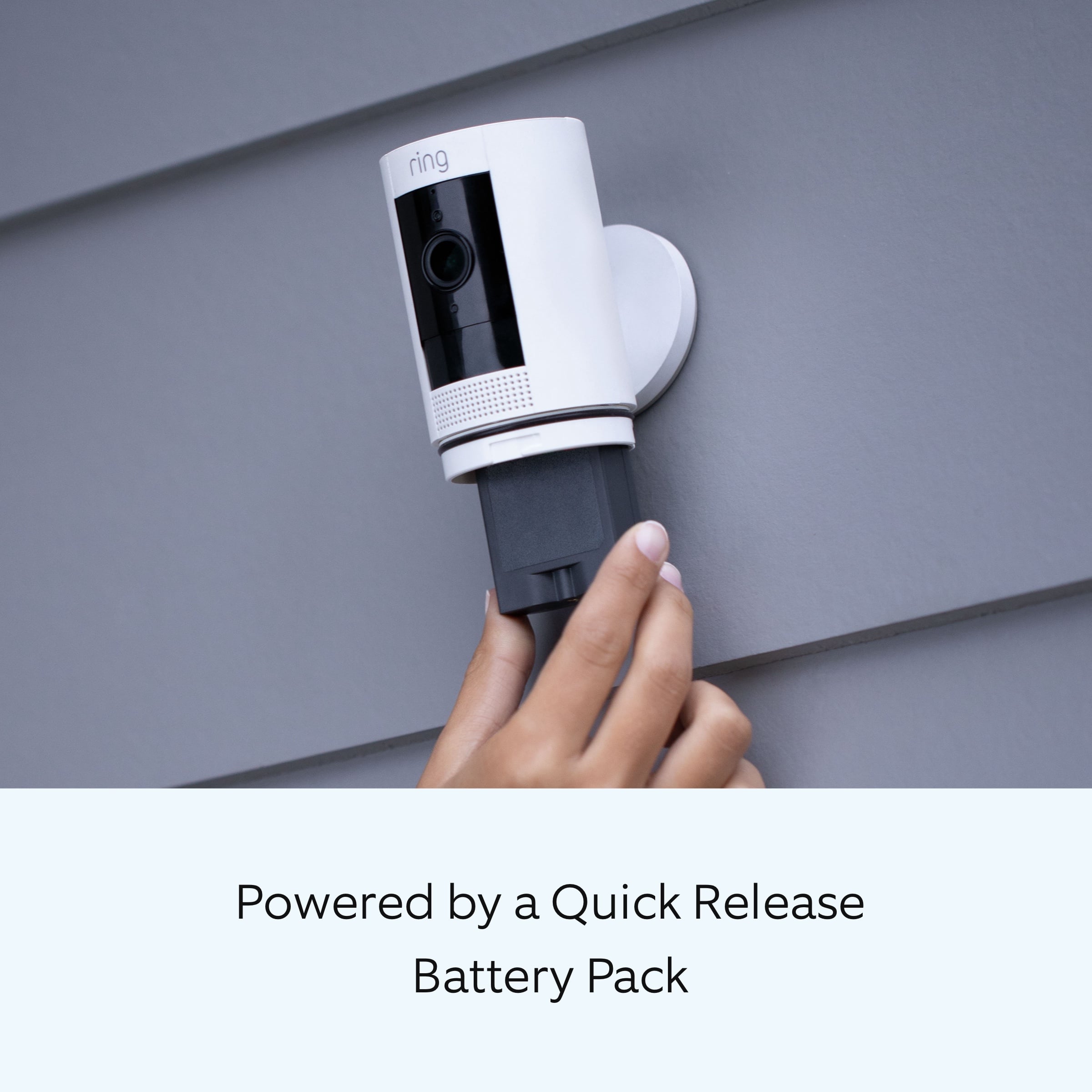
A:AnswerYes, this device uses a quick release rechargeable lithium-ion battery. The battery is charged using a common micro-USB cable (an orange one is included in your Ring box). The micro-USB cable can be plugged into any USB power source such as a computer. Your battery will take around five to 10 hours to fully charge depending on whether the USB cable is plugged into a USB port or into a wall outlet.
For any additional questions or concerns, please feel free to reach out on our community forum at https://community.ring.com/.
Thank you,
Alexis with Ring
A:AnswerHello Dish,
The indoor/outdoor security cameras are the second generation of the original Stick Up Cam. Stick Up Cam Battery offers 1080p full HD resolution and a wide viewing angle. It has a 115 degrees horizontal and 65 degrees vertical field of view.
For any additional questions or concerns, please feel free to reach out on our community forum at https://community.ring.com/.
Thanks,
Alexis with Ring
A:AnswerHello TD,
Great question! Yes, the Ring Solar Panel is compatible with the Ring Stick Up Camera. Here is a helpful article showing how to physically install the two together: https://support.ring.com/hc/en-us/articles/360020663091-How-to-Connect-the-Ring-Solar-Panel-to-your-Stick-Up-Cam-Battery
For any additional questions or concerns, please feel free to reach out on our community forum at https://community.ring.com/. We look forward to hearing from you soon!
Thank you,
Alexis with Ring
A:AnswerHello Divine,
Good question! This device does require a 802.11 b/g/n Wi-Fi connection @ 2.4GHz in order to function properly within the Ring app and send you motion notifications. Using mobile device hotspots in place of a home wifi network is not recommended and may cause your devices to repeatedly disconnect.
For any additional questions or concerns, please feel free to reach out to us on our community forum at https://community.ring.com/.
Thank you,
Alexis with Ring
A:AnswerHello Lou,
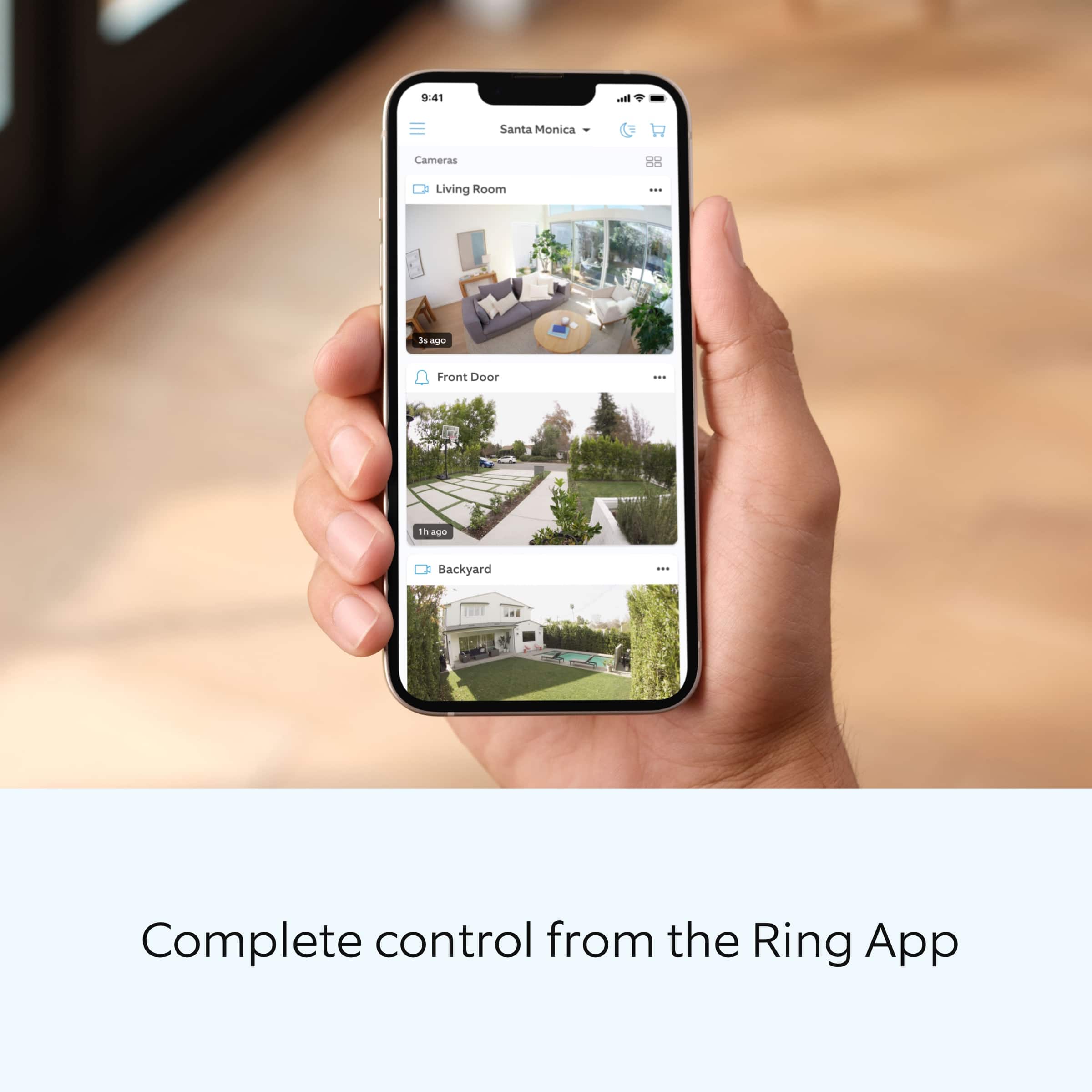
Great question! An Alexa Echo device is not required for your Ring Stick Up Camera to function and perform within the Ring app. Here is information on the Ring app that is needed for setup of the device: https://support.ring.com/hc/en-us/articles/204384784-Downloading-and-Updating-the-Ring-App.
For any additional questions or concerns, please feel free to reach out on our community forum at https://community.ring.com/. We look forward to hearing from you soon!
Thank you,
Alexis with Ring
A:AnswerHello AJ,
Good question! Ring battery products “see” the world through a network of three linked passive infrared (PIR) sensors. These are heat sensors that detect motion by monitoring heat within the detection area. Since people are hotter than the surrounding areas, as a person enters the detection area, the heat measurements change. The motion sensors register this change as movement and send out an alert.
Windows generally block heat sources. Since the Ring device uses PIR (Passive Infrared) to detect motion, the Ring device will not be able to detect the motion very well through a window. For more information about motion detection please review this helpful article: https://support.ring.com/hc/en-us/articles/360022650691-Motion-Detection-in-Ring-Battery-Devices.
For any additional questions or concerns, please feel free to reach out on our community forum at https://community.ring.com/. We look forward to hearing from you soon!
Thank you,
Alexis with Ring
A:AnswerHello gatman0,
No, the Ring app would need to be installed in order to activate a live view on your devices. The Ring app is no longer supported on the Windows 10 mobile device platform. Ring Windows and Mac and desktop apps are no longer receiving updates for new devices and features. Please note, that while certain features and products are no longer supported by the desktop apps, the apps will continue to receive critical security and bug updates. Here is a helpful article that provides download links to the apps that would work best for you: https://support.ring.com/hc/en-us/articles/204384784-Downloading-and-Updating-the-Ring-App.
For any additional questions or concerns, please feel free to reach out on our community forum at https://community.ring.com/. We look forward to hearing from you soon!
Thanks,
Alexis with Ring
A:AnswerYes you can charge the battery you take it out of the camera from the bottom it comes with its own cord no dock. And it charges with in 20 minutes with good electrical. The app works when it's time to change but you can also keep your device plugged in at all times I would suggest having multiple batteries and always keeping them charged
A:AnswerI wouldn't suggest velcro unless it's very very strong and durable otherwise you'd be wasting your time the cameras are ment to be drilled to something it's best for proper placement and minimal disturbance to the device
A:AnswerHello AI,
The Ring Stick Up Camera battery does not have the option to plug into a wall outlet. We do offer other models that can be plugged into a standard wall outlet. You can find a full list of security cameras here: https://support.ring.com/hc/en-us/articles/115004687606-Ring-Security-Camera-Product-Comparison.
For any additional questions or concerns, please feel free to reach out on our community forum at https://community.ring.com/. We look forward to hearing from you soon!
Thank you,
Alexis with Ring
A:AnswerHello Jeff,
Yes, Stick Up Cam Battery, Stick Up Cam Plug In and Stick Up Cam Solar will begin providing color night vision beginning March 2021. This feature is being rolled out slowly, so you might not see it available in your Ring app immediately. Here is a helpful article about this feature: https://support.ring.com/hc/en-us/articles/360038559351-Understanding-Color-Night-Vision-and-Troubleshooting-Night-Vision.
For any additional questions or concerns, please feel free to reach out on our community forum at https://community.ring.com/. We look forward to hearing from you soon!
Thanks,
Alexis with Ring
A:AnswerRing sells 2 different models of this camera. One has a wire that needs to be plugged into a modem & the other is wireless that operates by wifi.