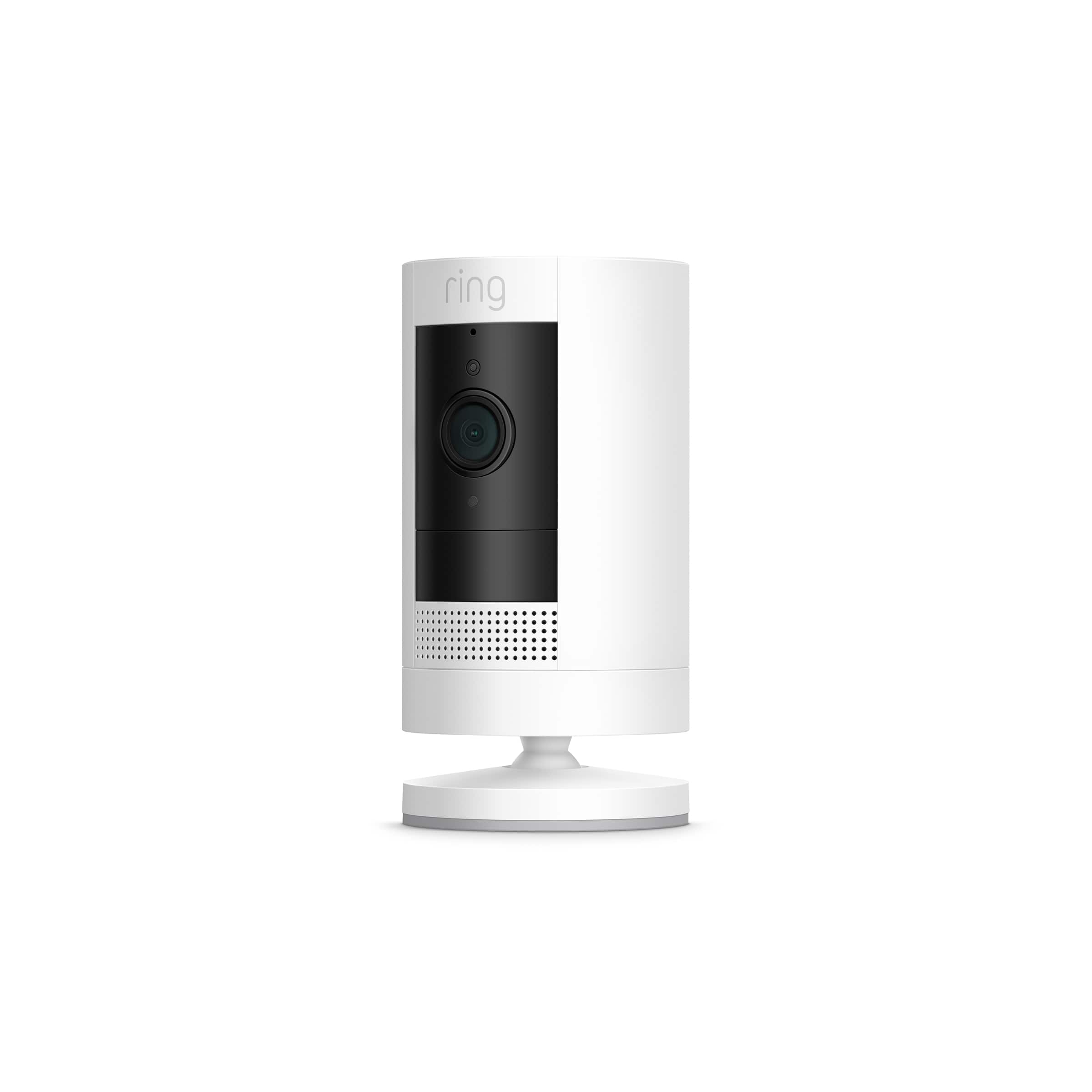
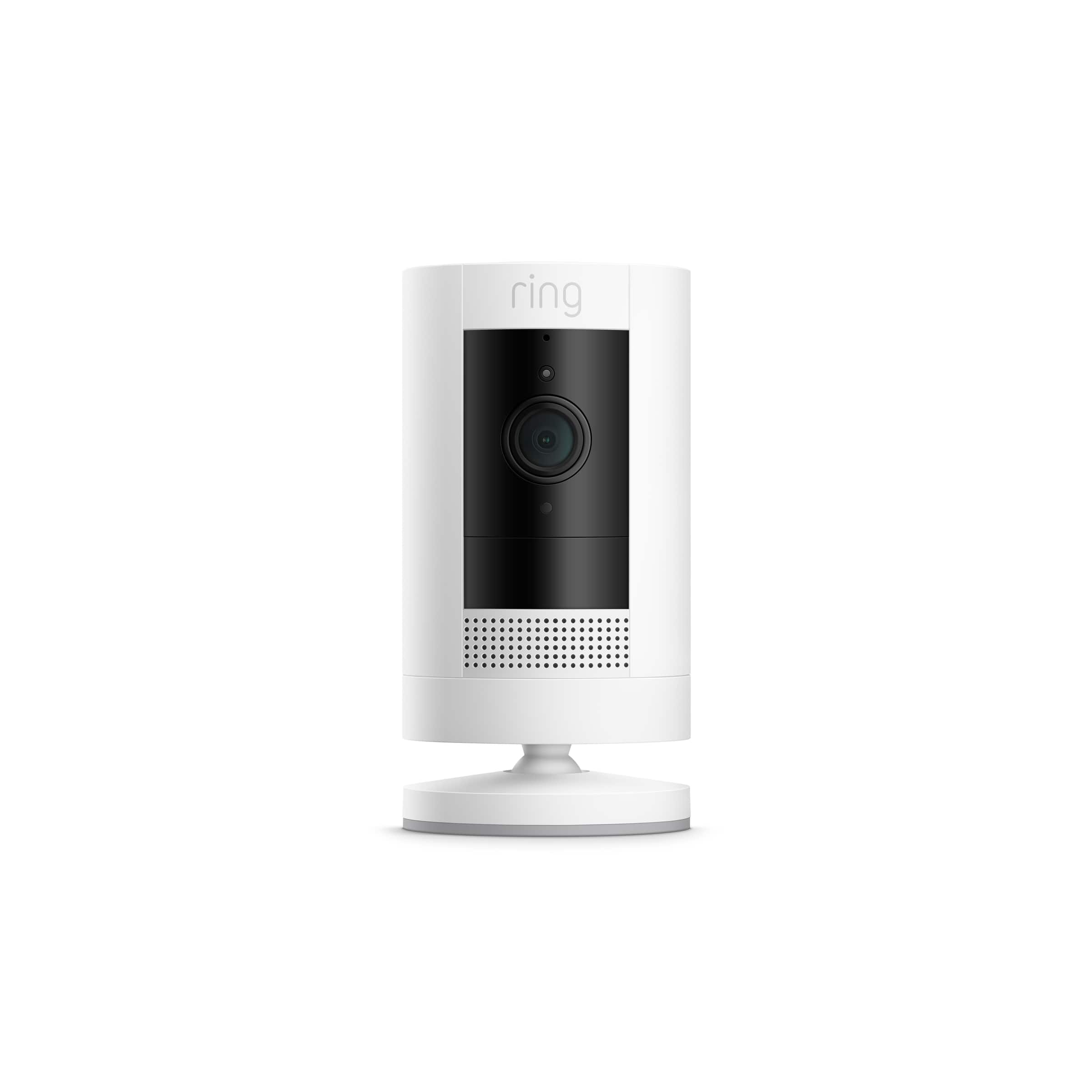
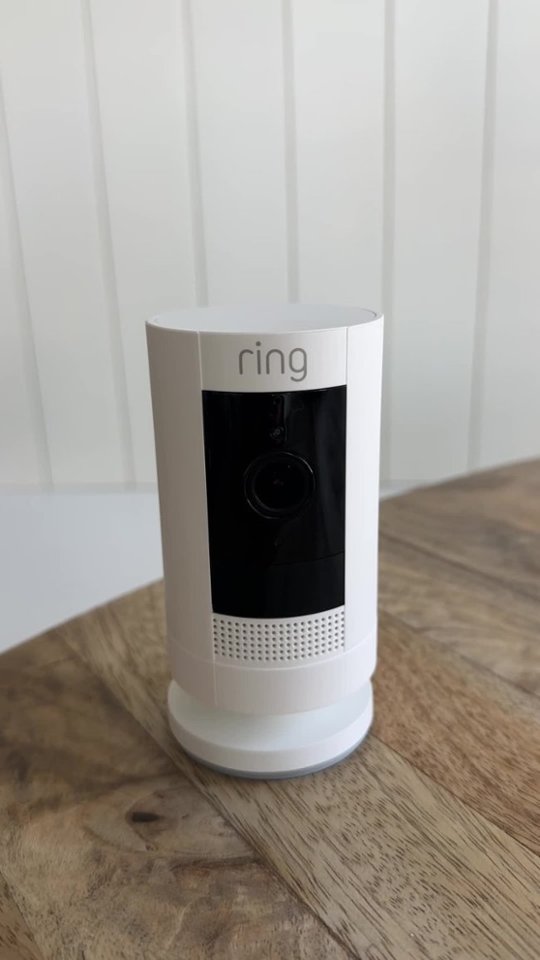
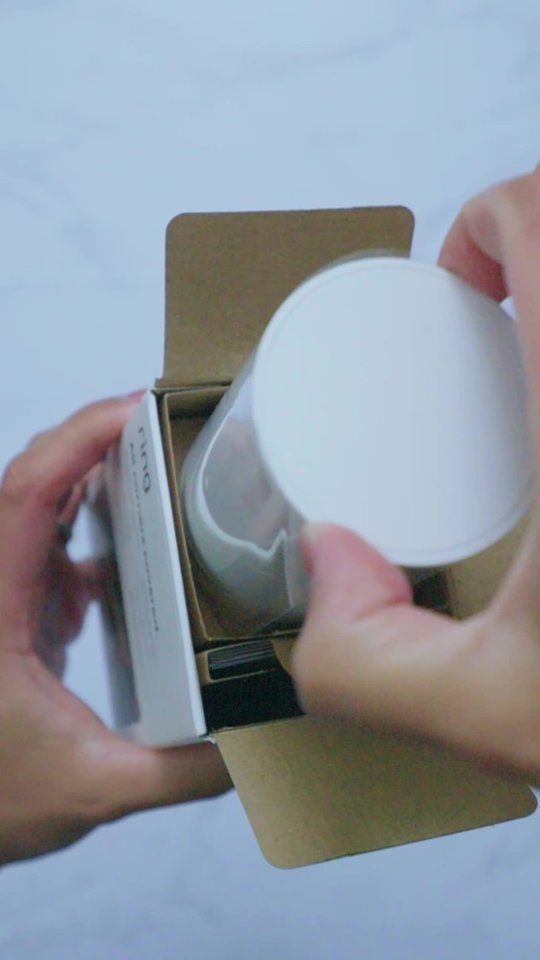
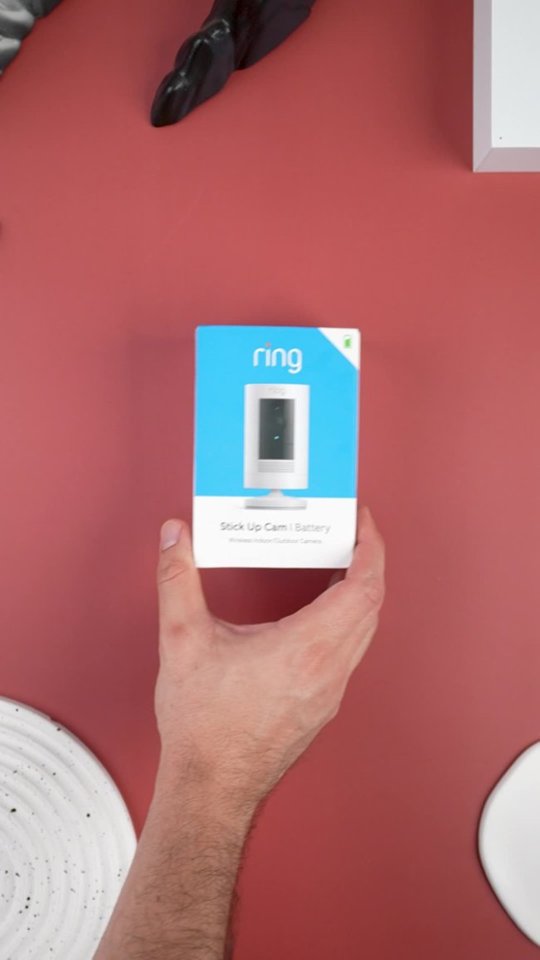
A:AnswerThe camera includes a usb cable that you can connect to the wall and charge the battery but if you want a charger you have to buy it separately
A:AnswerHi Tim,
Great question! Yes, you can manage devices at multiple places using locations in the Ring app. Locations are a function in the Ring app that allows you to group your Ring devices by their physical location. All devices, Ring Protect subscriptions, and videos are tied to a specific location and can’t be shared between locations. Visit our support center for more information on locations: https://support.ring.com/hc/en-us/articles/115005040023-Locations-Information.
Ring Community launched in March 2019 to help deliver the most current news and educational information to our customers. You can find tips and tricks from other Ring users at https://community.ring.com/. This peer-to-peer forum allows our neighbors to share their feedback and experiences to assist each other in resolving their concerns.
All the Best,
Nicole with Ring
A:AnswerYes, I have this camera on a rental property and I can talk through it to the landscaper, pest control etc from my home two hours away from the property.
A:AnswerGo into the camera control app, and check that camera's timing settings. It sounds like it's on energy saver setting, where it waits to record.
A:AnswerI would not anticipate that there would be an issue with 5g wifi network and the camera. Of course, I would just buy it and try it out. I would keep the receipt of course. If it is not functioning properly with that wifi then I would take it back and find the model that specifically works best with that. But I do not believe that it should be any issues.
A:AnswerIt must be mounted with screws. So you may need to buy screws that are made for stucco. It only comes with concrete/brick Screws as an added option.
A:AnswerHello,
The Ring Stick Up Wire Free Camera features an integrated mounting base/stand with an adjustable angle. Your Stick Up Cam will be happy just about anywhere, indoors or out. Out of the box, it can sit on its own stand or mount to a wall. For step-by-step instructions please visit the link below. https://support.ring.com/hc/en-us/articles/360032833651-Physically-Installing-Your-Stick-Up-Cam-Battery-Solar.
If you prefer to mount it from the ceiling, we offer a special Stick Up Cam Ceiling Mount (sold separately). For any additional questions, please feel free to reach out on our community forum at https://community.ring.com/. We look forward to hearing from you soon!
Sincerely,
Danielle with Ring